
مقدمة
This manual provides detailed instructions for the installation, operation, and maintenance of your Geeni Hawk 2 Outdoor Security Camera. The Hawk 2 is a 2K weatherproof Wi-Fi camera designed for outdoor surveillance, offering features such as night vision, motion detection, and two-way audio. Please read this manual thoroughly before using the product to ensure proper setup and functionality.
المنتج انتهىview
الميزات الرئيسية
- فيديو فائق الدقة 2K: Provides sharp and detailed live video and recordings.
- تصميم مانعة لتسرب الماء: IP65 certified for reliable performance in various weather conditions.
- خاصية كشف الحركة والتنبيهات الفورية: يرسل إشعارات فورية إلى هاتفك الذكي عند اكتشاف الحركة.
- رؤية ليلية محسنة: يلتقط صورًا واضحةtage in total darkness for 24/7 monitoring.
- صوت ثنائي الاتجاه: Built-in microphone and speakerphone for clear communication.
- التحكم الصوتي: متوافق مع Amazon Alexa وGoogle Assistant للتشغيل بدون استخدام اليدين.
- الوصول عن بعد: السيطرة و view live streams from anywhere using the Geeni app.
- microSD Slot: Supports local storage for recorded footage.

Image: Key features of the Geeni Hawk 2 camera, including 2K resolution, motion detection, two-way audio, and night vision.
ماذا يوجد في الصندوق
The product package typically includes the Geeni Hawk 2 Outdoor Security Camera, a power adapter, mounting screws, and a quick start guide. Please check your packaging for a complete list of contents.
يثبت
1. قم بتنزيل تطبيق Geeni
بحث عن and download the 'Geeni' app from the Apple App Store or Google Play Store. Create an account or log in if you already have one.
2. قم بتشغيل الكاميرا
Connect the camera to a power source using the provided power adapter. Wait for the camera's indicator light to flash, indicating it is ready for pairing.
3. Add Device in Geeni App
Open the Geeni app, tap '+' to add a new device, and select 'Security Camera'. Follow the on-screen instructions to connect the camera to your 2.4GHz Wi-Fi network. Ensure your Wi-Fi network is 2.4GHz, as 5GHz networks are not supported.
4. تركيب الكاميرا
Choose a suitable outdoor location for mounting the camera, ensuring it has a clear view and is within Wi-Fi range. Use the provided mounting screws to securely attach the camera to a wall or ceiling. Adjust the camera angle as needed for optimal surveillance coverage.
تعليمات التشغيل
يعيش View
Once connected, open the Geeni app and select your Hawk 2 camera to view the live feed. The app provides a 2K resolution live stream for sharp and detailed monitoring.

Image: A smartphone screen showing a 2K live stream from the camera.
كشف الحركة والتنبيهات
The camera features advanced motion detection. To enable or adjust settings, navigate to the camera settings within the Geeni app. You will receive instant notifications on your phone when motion is detected.

Image: A smartphone showing a motion detection alert from the Geeni Hawk 2 camera.
صوت ثنائي الاتجاه
Use the two-way audio feature to communicate with visitors or deter intruders. Tap the microphone icon in the live view within the Geeni app to speak, and listen through the camera's speaker.
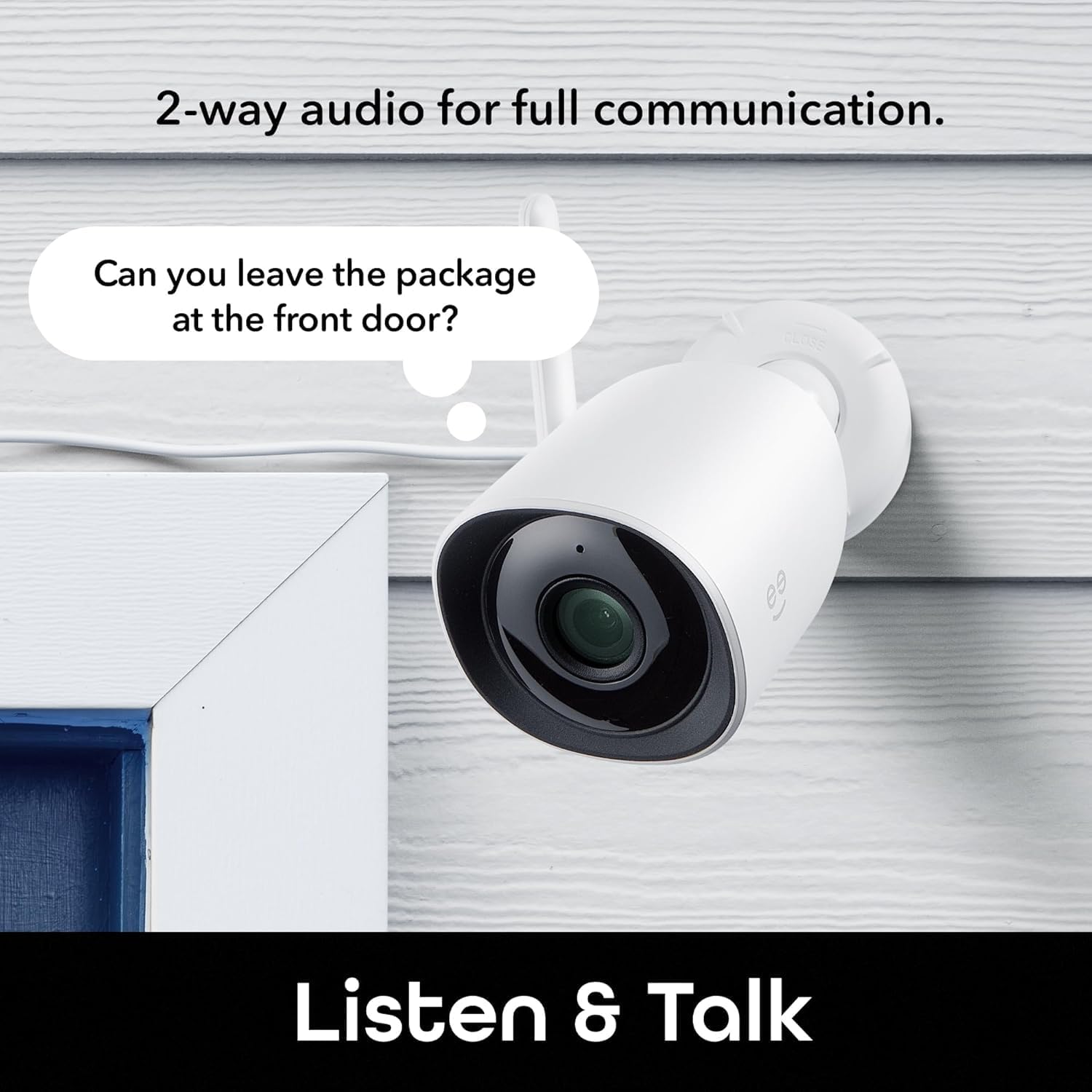
Image: The Geeni Hawk 2 camera demonstrating its two-way audio capability.
الرؤية الليلية
تتحول الكاميرا تلقائيًا إلى وضع الرؤية الليلية في ظروف الإضاءة المنخفضة، مما يوفر صورًا واضحة بالأبيض والأسودtage. No manual adjustment is typically required.

Image: The Geeni Hawk 2 camera providing crisp night vision surveillance.
التحكم الصوتي
Integrate your Geeni Hawk 2 camera with Amazon Alexa or Google Assistant for voice commands. Follow the instructions in the Geeni app to link your accounts. You can then use commands like "Alexa, show me the outdoor camera."

Image: A tablet showing the camera feed, demonstrating voice control compatibility with Alexa and Google Assistant.
الوصول عن بعد
Access your camera's live feed and settings from any smartphone, desktop, or tablet browser using the Geeni app, providing total control and peace of mind from anywhere.

Image: A laptop screen showing multiple camera views accessible through the Geeni app.
التسجيل والتخزين
The camera supports local storage via a microSD card (not included). Insert a microSD card into the designated slot to record footage. Cloud storage options may also be available through the Geeni app, requiring a subscription.
صيانة
- تنظيف: Regularly wipe the camera lens with a soft, dry cloth to ensure clear image quality. Avoid using harsh chemicals.
- تحديثات البرامج الثابتة: Keep your camera's firmware updated through the Geeni app to ensure optimal performance and access to new features.
- فحص الاتصال: Periodically check all cable connections and ensure the camera is securely mounted.
استكشاف الأخطاء وإصلاحها
| مشكلة | الحل المحتمل |
|---|---|
| الكاميرا غير متصلة بشبكة Wi-Fi | تأكد من أن شبكة الواي فاي لديك تعمل بتردد 2.4 جيجاهرتز. تحقق من قوة إشارة الواي فاي في موقع الكاميرا. أعد تشغيل جهاز التوجيه والكاميرا. |
| لا يوجد بث فيديو مباشر | Verify the camera is powered on and connected to Wi-Fi. Check your internet connection. Restart the Geeni app. |
| كشف الحركة لا يعمل | Check motion detection settings in the Geeni app. Ensure the camera's view is not obstructed. Adjust sensitivity if needed. |
| الرؤية الليلية غير واضحة | Clean the camera lens. Ensure there are no obstructions directly in front of the camera that could reflect infrared light. |
| مشاكل الصوت ثنائي الاتجاه | Check volume settings on your phone and in the app. Ensure there is no excessive background noise. |
تحديد
- رقم الموديل: GNC-CW069-199
- دقة الفيديو: 2K الترا اتش دي
- الاتصال: واي فاي (2.4 جيجاهرتز فقط)
- مقاومة الطقس: إيبسنومكس معتمد
- الرؤية الليلية: نعم
- صوتي: صوت ثنائي الاتجاه (ميكروفون وسماعة مدمجان)
- تخزين: microSD Card Slot (up to 128GB, card not included), Cloud Storage (subscription required)
- توافق المساعد الصوتي: أمازون أليكسا، مساعد جوجل
- أبعاد: 6.7 × 6 × 12.8 سم
- وزن: 200 جرام
- لون: أبيض
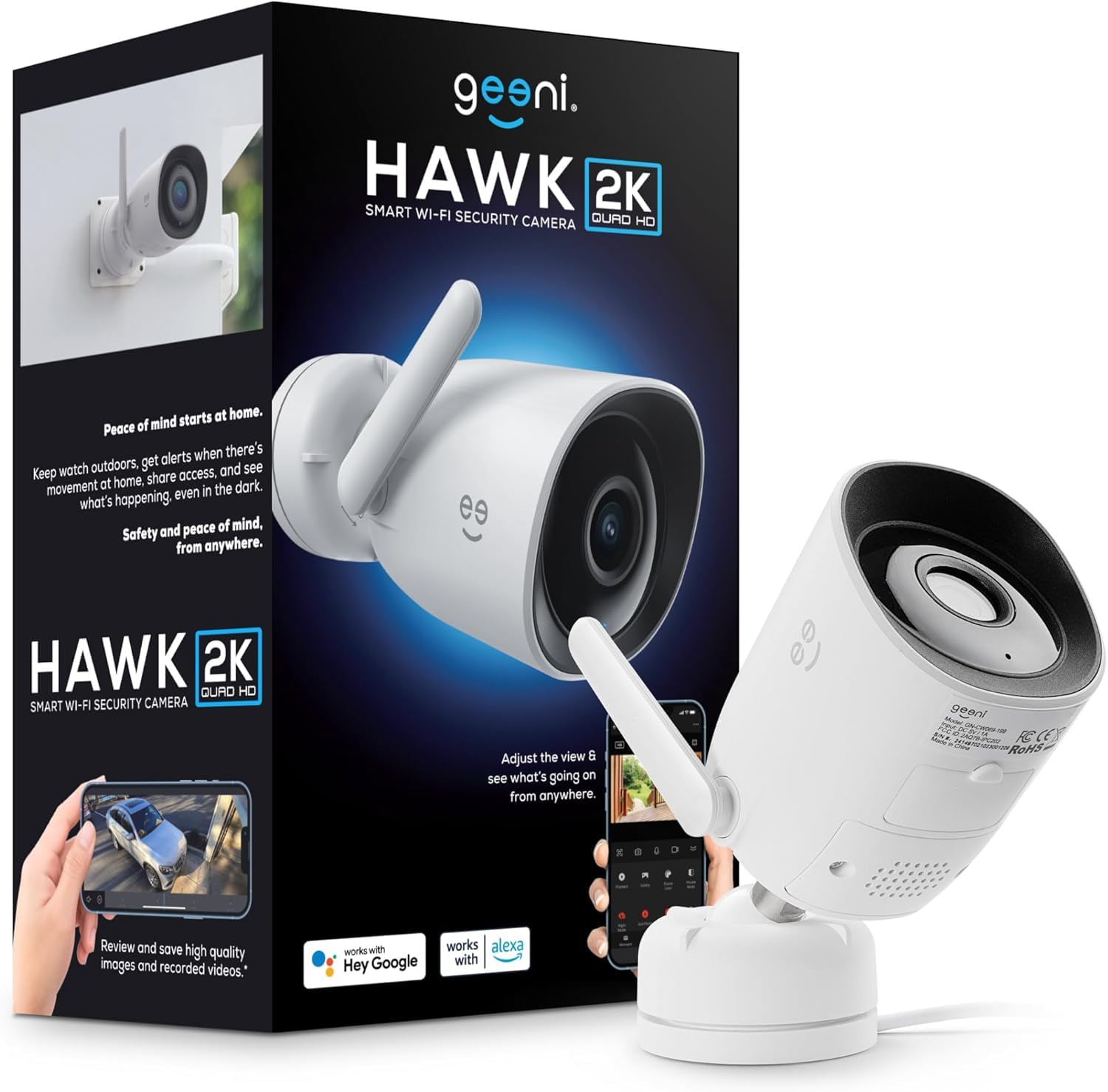
Image: The Geeni Hawk 2 Outdoor Security Camera.
الضمان والدعم
For warranty information and technical support, please refer to the documentation included with your product or visit the official Geeni website. You can also contact Geeni customer service through the Geeni app or their support channels for assistance with any issues or questions.


