
1. انتهى المنتجview
The VCHOO SL02 Keyless Entry Door Lock Set offers a secure and convenient solution for door access. This 3-in-1 smart lock supports multiple unlocking methods including App Control, up to 100 user codes, one-time codes, and traditional physical keys. Designed for front doors, it integrates features like automatic locking, anti-peeping password protection, and a low battery alert system. Its IP54 rating ensures durability against various weather conditions.

الصورة: أكثر منview of VCHOO SL02 Keyless Entry Door Lock features including Pin Password, One Touch Lock, 100 User Codes, Low Battery Alert, Auto Lock, Mechanical Key, Door Knob, IP54 Waterproof, Anti-peep Keypad, and APP Unlock.
2. الإعداد والتثبيت
Before beginning installation, ensure your door meets the compatibility requirements and measurements. The VCHOO SL02 is compatible with US left and right-hand standard doors with a thickness range of 1.31"-2.16".
2.1. Check Door Compatibility and Measurements

Image: Detailed diagram illustrating door measurements including backset (2-3/8in or 2-3/4in), bore hole diameter (2-1/8in), and door thickness range (1.38in-2.17in). Also shows compatible latch hole types (chiseled, not chiseled, single cylinder) and incompatible types (mortise, integrated, rim cylinder).
2.2. المكونات المضمنة
Verify all components are present before starting installation:
- Deadbolt Front/Rear Lock x 1
- Door Handle Front/Rear Lock x 1
- مفتاح × 2
- Lock Latch x2
- حزمة ملحقات المسمار × 2
- Hole Opening Diagram x 1
- Installation Tutorial Card x 2
- تعليمات x1
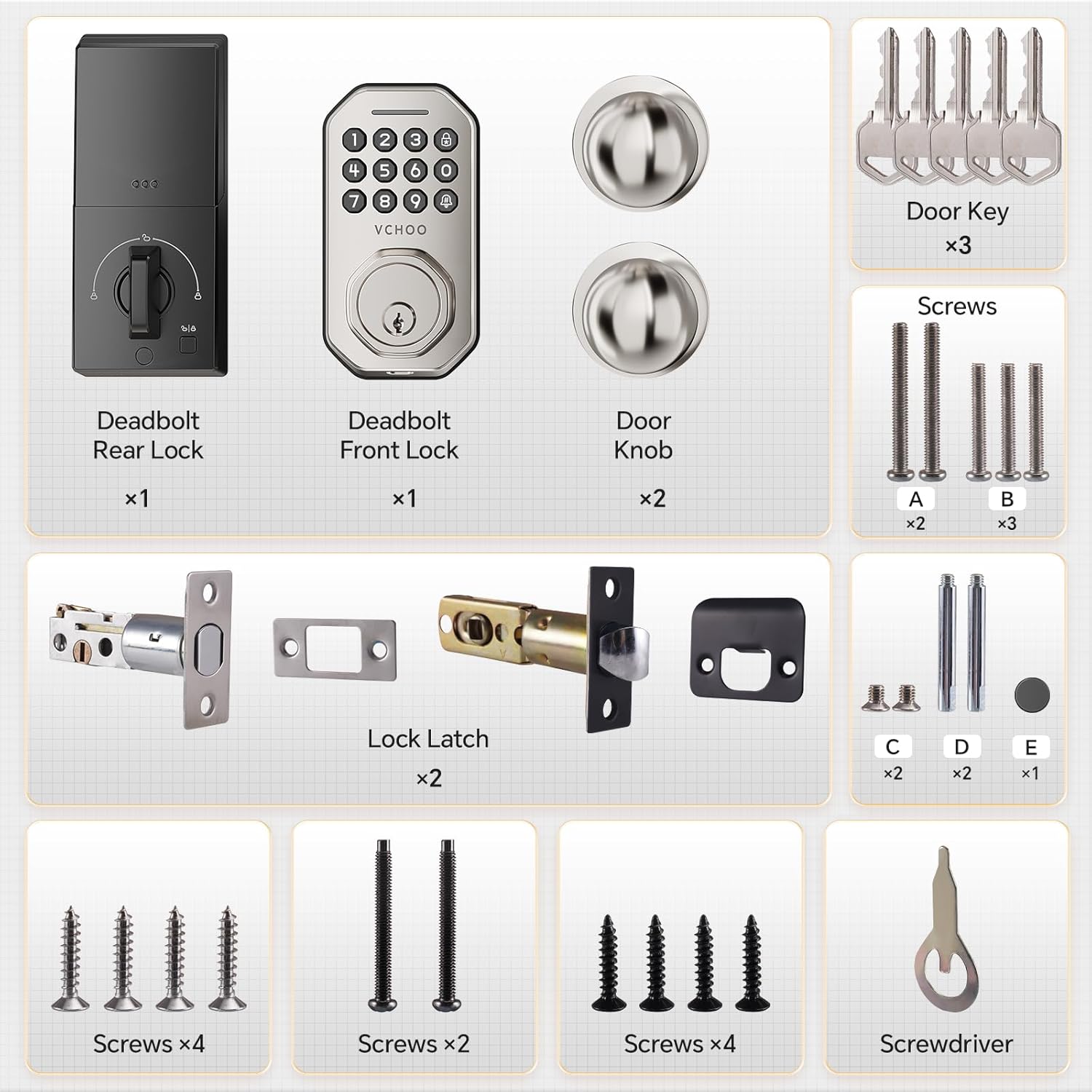
Image: Lay-out of all included components: Deadbolt Rear Lock, Deadbolt Front Lock, Door Knob (x2), Door Key (x3), various screws (A, B, C, D, E), Lock Latch (x2), and a screwdriver.
2.3. خطوات التثبيت
Installation typically takes 10-15 minutes with a screwdriver. Follow the video guide for detailed instructions.
Video: Detailed installation guide for the VCHOO SL02 Keyless Entry Door Lock Set, demonstrating each step from preparation to final assembly.
Step 1: Measure Distance
Before installation, measure the distance between the lock cylinder to ensure proper fit. The latch can be adjusted for 60mm or 70mm backset.
Video: Guide on installing the handle components of the VCHOO SL02 lock, including adjusting the latch and securing the knobs.
الخطوة الثانية: قم بتثبيت المزلاج
Install the lock core correctly according to the direction of your left or right door. Ensure the 'UP' marking on the deadbolt faces upwards.
الخطوة 3: تركيب القفل الأمامي
Before installing the front lock, rotate the tail of the lock cylinder to the horizontal position. Pass the connection wire through the cylinder button and align the protruding position of the latch with the concave position of the lock body before inserting.
Step 4: Install the Rear Lock
Connect the front and rear power communication link cables. Secure the rear lock plate with appropriate screws. Install the battery pack (4 AA batteries, not included).
Step 5: Initialization Setup
After physical installation, perform the initialization setup to ensure correct operation. This involves restoring factory settings and setting the lock direction.
Video: Steps for initializing the VCHOO SL02 Keyless Entry Door Lock, including restoring factory settings and setting the lock direction.
3. تعليمات التشغيل
3.1. طرق فتح القفل
The VCHOO SL02 offers multiple ways to unlock your door:
- رمز لوحة المفاتيح: Enter your programmed user code on the keypad.
- رمز لمرة واحدة: Generate temporary codes for guests or service providers via the app.
- المفتاح المادي: Use the provided mechanical keys as a backup.
- التحكم في التطبيق: Unlock or lock your door remotely via the Smart Life app.
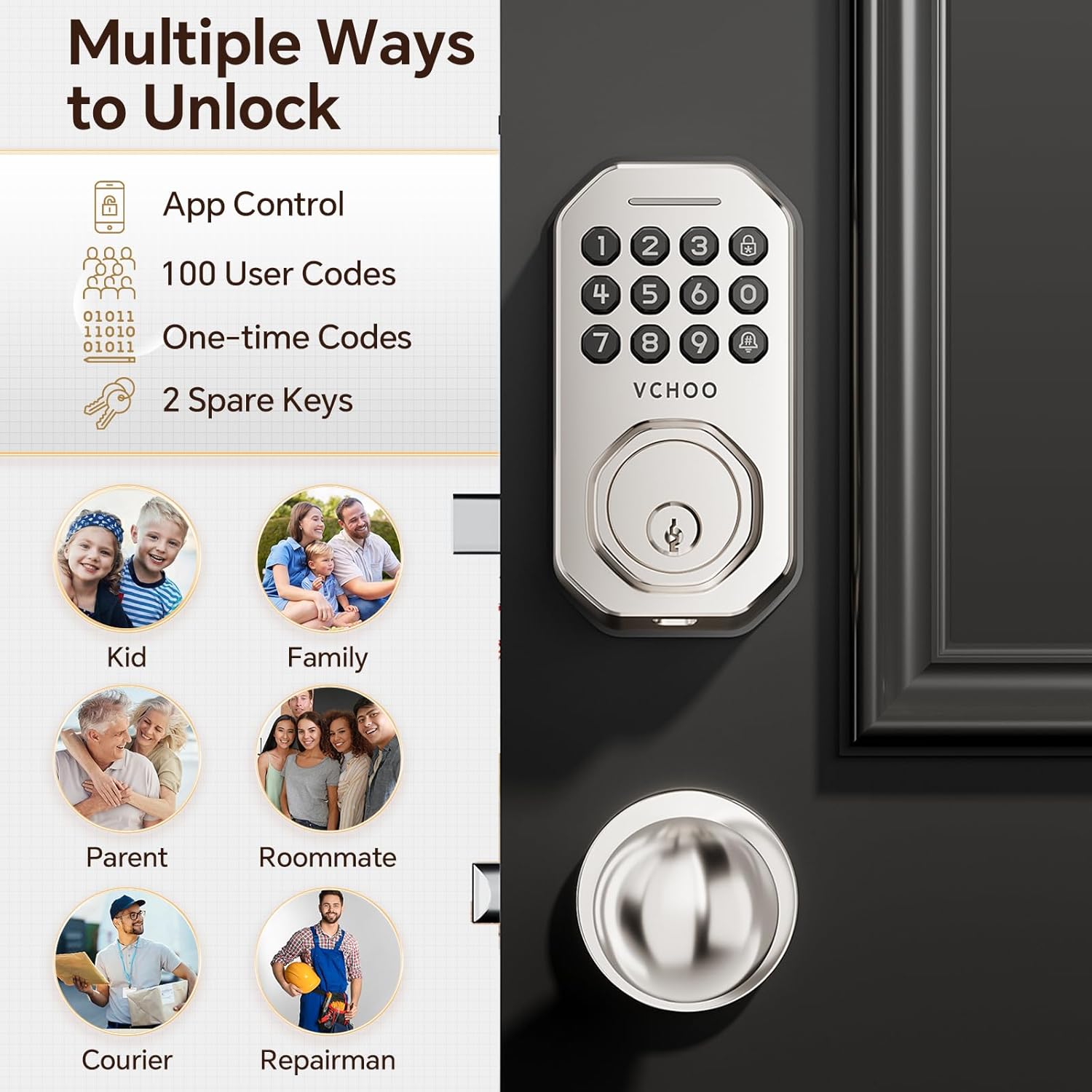
Image: Visual representation of multiple unlocking methods: App Control, 100 User Codes, One-time Codes, and 2 Spare Keys. Also shows various user types like Kid, Family, Parent, Roommate, Courier, and Repairman.
3.2. Setting and Deleting User Passwords
You can add or delete user passwords through the administrator settings.
Video: Instructions for registering and deleting user passwords on the VCHOO SL02 Smart Lock.
3.3. التحكم في التطبيق
Manage your lock via the Smart Life app. You can set secure passwords, manage access rights, and view access logs. For remote functions, a separate gateway purchase is required.

Image: Smart APP Control interface showing options for Authorized Admin, Keyless Entry, Share Access Code, Manage Locks, and View تاريخ.
Video: Demonstrates how to connect the VCHOO SL02 lock to the Smart Life app for remote control.

Image: Illustration of connecting the VCHOO SL02 lock to a gateway (sold separately) for remote functions via Wi-Fi and Bluetooth.
3.4. القفل التلقائي
The lock can be set to auto-lock after 10-30 seconds. You can also use the one-touch lock function for instant locking.
Video: Demonstrates how to set up the system, including auto-lock settings and other configurations.
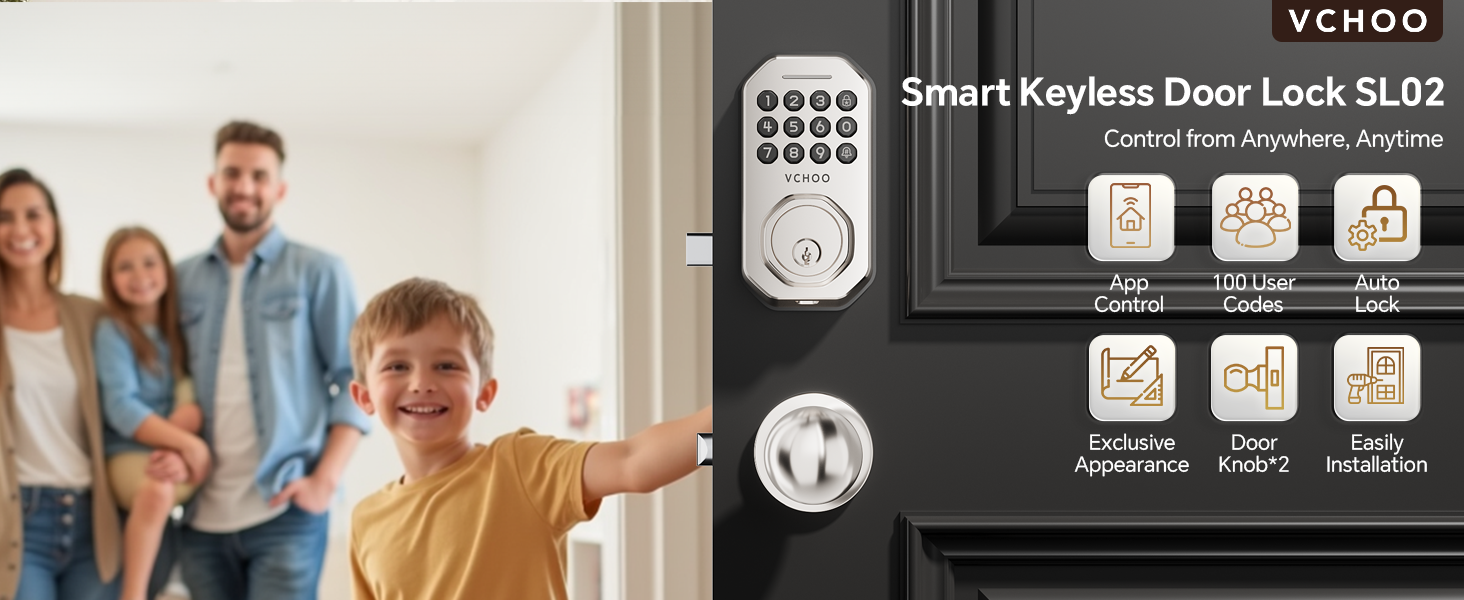
Image: 'Security is Simpler' showing Auto-lock (10-30 seconds) and One-touch Lock (2 seconds) features.
3.5. كلمة مرور مضادة للتجسس
To prevent others from guessing your code, you can enter random digits before or after your real password.

Image: 'Anti-peep Keypad' showing how to enter random digits before or after the actual password to prevent code theft.
3.6. إعدادات الصوت
Adjust the volume of the lock's voice prompts as needed.
Video: Instructions for adjusting the volume settings of the VCHOO SL02 Keyless Entry Door Lock.
4. الصيانة
4.1. Battery Replacement and Emergency Power
The lock operates on 4 AA batteries (not included). A low battery alert will indicate when replacement is needed. In emergencies, you can use the TYPE-C charging port for temporary power to unlock the door.

Image: Features including Replaceable Battery (4 AAA batteries), Low Battery Alert, and Type-C Charging Port for emergency charging.
4.2. مقاومة الطقس
The VCHOO SL02 is IP54 rated, ensuring reliable operation in various weather conditions, from -4°F to +140°F (-20°C to 60°C).

Image: 'Ready for All Weather' showing IP54 Waterproof, 140°F (60°C), and -4°F (-20°C) operating conditions.
5. استكشاف الأخطاء وإصلاحها
5.1. إعادة ضبط المصنع
If you encounter issues or forget your administrator password, you can restore the lock to factory settings. This will erase all programmed user codes and settings.
Video: Instructions for resetting the VCHOO SL02 Smart Lock to its factory settings.
6. المواصفات
| ميزة | التفاصيل |
|---|---|
| ماركة | VCHOO |
| اسم الموديل | SL02 |
| نوع القفل | لوحة المفاتيح |
| مادة | الزنك |
| لون | الساتان النيكل |
| أبعاد المنتج الطول × العرض × الارتفاع | 2.8 × 2.3 × 5.8 بوصة |
| وزن العنصر | 3.36 رطل |
| المميزات الخاصة | Auto-lock, One-touch Locking, 100 individual User Codes and One-time Codes, IP54, Low Battery Warning, Easy Installation |
| بروتوكول الاتصال | برنامج |
| مصدر الطاقة | 4 بطاريات AA (غير مدرجة) |
7. الضمان والدعم
For warranty information, technical support, or any questions regarding your VCHOO SL02 Keyless Entry Door Lock Set, please refer to the contact details provided in your product packaging or visit the official VCHOO webموقع.