
1. المقدمة
This manual provides essential information for setting up, operating, and maintaining your TCL 98Q7K 98-inch QLED 4K Google TV. This television features a stunning QLED 4K display with a 144 Hz panel for smooth motion, integrated Google TV for smart functionality, and advanced audio with Dolby Atmos. It also includes Google Assistant and Alexa compatibility for hands-free voice control, VisionHDR10+, and AiPQ™ processing for optimized picture quality.

2. الإعداد
2.1 فك الصندوق والفحص الأولي
Carefully remove the television from its packaging. Inspect the TV and all included accessories for any signs of damage. Keep the packaging materials for future transport or service needs.
2.2 تركيب الحامل
If you plan to use the TV with its included stand, follow these steps:
- ضع شاشة التلفزيون على سطح ناعم ومسطح لمنع الخدوش.
- قم بمحاذاة مكونات الحامل مع الفتحات المخصصة في الجزء السفلي من التلفزيون.
- Secure the stand using the screws provided in the accessory kit. Ensure all screws are tightened firmly.

2.3 التركيب على الحائط (اختياري)
For wall mounting, a compatible VESA wall mount (not included) is required. Due to the size and weight of the 98-inch television, professional installation is highly recommended to ensure safety and proper mounting. Refer to the wall mount manufacturer's instructions for specific installation details.
2.4 توصيل الأجهزة الطرفية
Connect your external devices such as Blu-ray players, gaming consoles, sound systems, and cable/satellite boxes to the appropriate ports on the TV. The TCL 98Q7K features 4 HDMI ports and 2 USB ports for versatile connectivity.
3. تعليمات التشغيل
3.1 تشغيل/إيقاف التشغيل
Connect the power cord to the TV and a power outlet. Press the power button on the remote control or on the TV itself to turn the television on or off.
3.2 Initial Setup with Google TV
Upon first power-on, the TV will guide you through the initial setup process for Google TV. This includes selecting your language, connecting to a Wi-Fi network, signing in with your Google account, and configuring basic settings. Follow the on-screen prompts.

3.3 وظائف التحكم عن بعد
The included remote control allows you to navigate the TV's interface, adjust volume, change channels, and access smart features. It supports voice control via Google Assistant and Alexa. Insert the provided batteries into the remote control before use.
3.4 الميزات الذكية والتحكم الصوتي
- جوجل تي في: Access a wide range of streaming apps, movies, and shows.
- مساعد جوجل وأليكسا: Use voice commands for hands-free control of your TV, search for content, get information, and control smart home devices.
- مدمج في Chromecast: قم بعرض المحتوى من أجهزتك المحمولة المتوافقة مباشرة على التلفزيون.
3.5 ميزات الألعاب
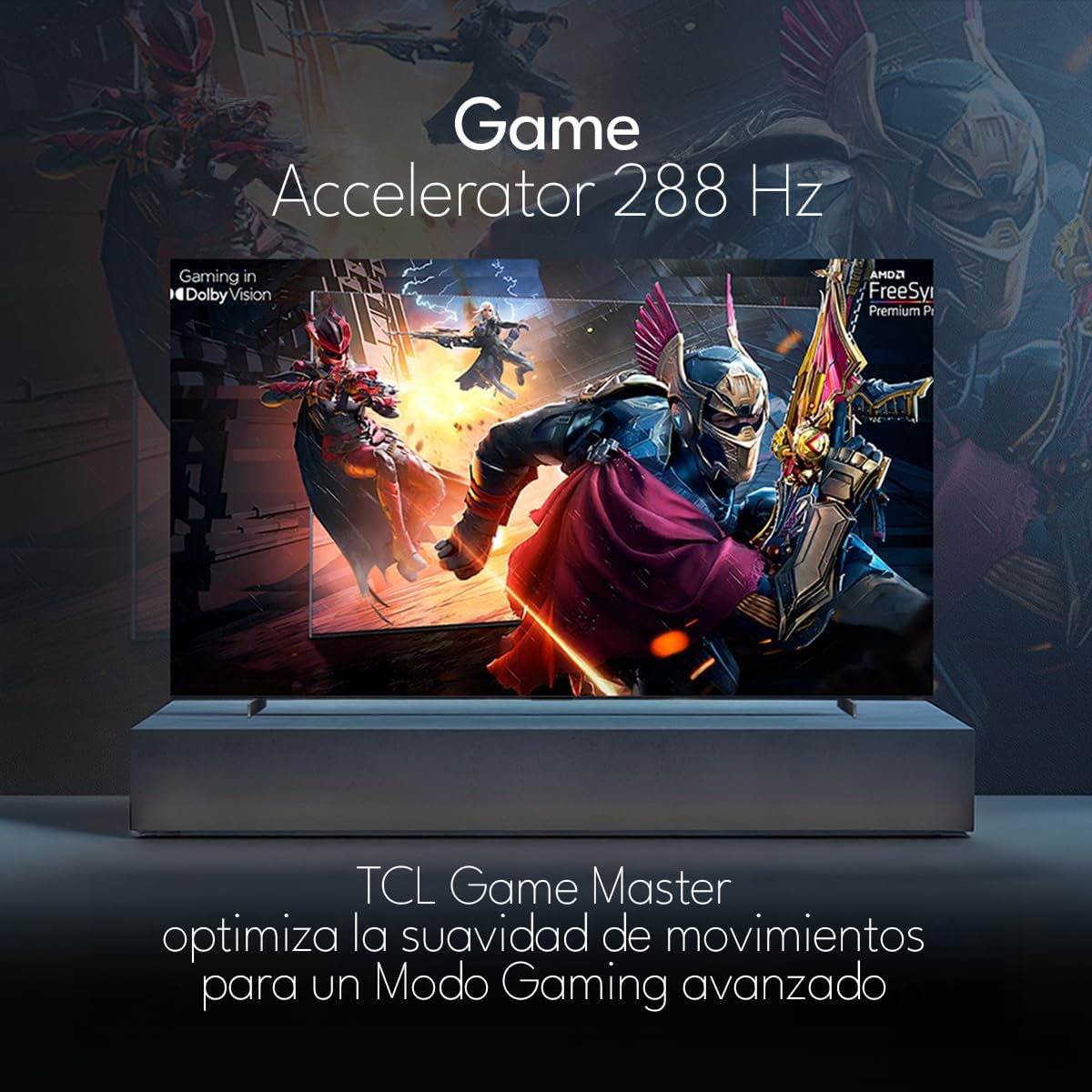
The TCL 98Q7K features a 144 Hz panel and Game Accelerator technology for an enhanced gaming experience with reduced latency and smoother motion.

3.6 ميزات الصوت
Experience immersive sound with Dolby Atmos and the integrated ONKYO Hi-Fi System 2.1 Channels, providing clear vocals and deep bass.

3.7 المنتج أكثرview فيديو
4. الصيانة
4.1 تنظيف الشاشة
لتنظيف الشاشة، امسحها برفق بقطعة قماش ناعمة وخالية من الوبر. أما بالنسبة للبقع الصعبة، فامسحها برفق بقطعة قماش ناعمة وخالية من الوبر.ampبلّل قطعة القماش بالماء أو بمنظف شاشات متخصص. تجنب استخدام المواد الكيميائية القاسية أو المواد الكاشطة أو رش السوائل مباشرة على الشاشة.
4.2 تنظيف جسم التلفزيون
Wipe the TV body with a soft, dry cloth. Do not use liquid cleaners directly on the TV body.
4.3 تحديثات البرامج
Your TCL Google TV may receive automatic software updates. To manually check for updates, navigate to the settings menu, then select System > About > System update. Ensure your TV is connected to the internet for updates.
5. استكشاف الأخطاء وإصلاحها
إذا واجهت مشكلات مع التلفزيون الخاص بك، فراجع الحلول الشائعة التالية:
- لا يوجد طاقة:
تأكد من توصيل سلك الطاقة بإحكام بكل من التلفزيون ومأخذ كهربائي يعمل. جرب توصيل جهاز آخر بنفس المأخذ للتأكد من وجود طاقة فيه. - لا يوجد صورة أو صوت:
Verify that the correct input source is selected (e.g., HDMI 1, AV). Check all cable connections between the TV and external devices. Ensure the volume is not muted or set to minimum. - جهاز التحكم عن بعد لا يعمل:
استبدل بطاريات جهاز التحكم عن بُعد. تأكد من عدم وجود أي عوائق بين جهاز التحكم عن بُعد ومستشعر الأشعة تحت الحمراء الخاص بالتلفزيون. - مشاكل الاتصال بالشبكة:
Check your Wi-Fi router and ensure it is powered on and functioning correctly. Restart the TV and your router. In the TV settings, verify the Wi-Fi connection status. - Picture Quality Issues (e.g., blurry, distorted):
Check the resolution settings of your input source. Ensure the cables are not damaged. Adjust picture settings (brightness, contrast, sharpness) in the TV menu.
For persistent issues, consult the full electronic manual available through the TV's help menu or contact TCL customer support.
6. المواصفات
| ميزة | مواصفة |
|---|---|
| حجم الشاشة | 98 بوصة |
| تكنولوجيا العرض | تلفزيون كيو إل إي دي |
| دقة | 4K (3840 × 2160) |
| معدل التحديث | 144 هرتز |
| دعم تنسيق HDR | دولبي فيجن، HDR10، HDR10+، HLG |
| ذروة السطوع | 450 شمعة |
| نظام الصوت | Dolby Atmos, Dolby Digital, ONKYO Hi-Fi System 2.1 Channels |
| نظام التشغيل | جوجل تي في |
| التحكم الصوتي | مساعد جوجل، اليكسا |
| الاتصال | واي فاي، إيثرنت، منفذي HDMI، منفذ USB واحد |
| الأبعاد (مع الحامل) | 217.8 × 128.5 × 42 سم |
| الأبعاد (بدون الحامل) | 0.06prof. x 2.18an. x 1.25alt. Meters (approx. 6 cm depth) |
| سنة الموديل | 2025 |
| المكونات المضمنة | يدوي، جهاز تحكم عن بعد، بطاريات |
7. الضمان والدعم
7.1 ضمان المنتج
The TCL 98Q7K television comes with a ضمان محدود لمدة سنة واحدة يسري هذا الضمان من تاريخ الشراء. ويغطي عيوب التصنيع والأعطال الناتجة عن الاستخدام العادي. يرجى الاحتفاظ بإثبات الشراء لتقديم مطالبات الضمان.
7.2 دعم العملاء
For technical assistance, troubleshooting beyond this manual, or warranty inquiries, please contact TCL customer support. Refer to the contact information provided in the separate warranty card or visit the official TCL webموقع لمنطقتك.