
1. المقدمة
Thank you for choosing the Intelbras PFL7560 Full HD Wi-Fi Projector. This projector is designed to deliver a high-quality visual and audio experience for various applications, from home cinema to business presentations. It features Full HD resolution, 8000 lumens brightness, and integrated 12W stereo speakers. This manual provides essential information for safe and efficient operation of your projector.
2. معلومات السلامة
يرجى قراءة جميع تعليمات السلامة بعناية قبل استخدام جهاز العرض. احتفظ بهذا الدليل للرجوع إليه مستقبلاً.
- مزود الطاقة: Use only the power adapter provided with the projector. Ensure the voltage يطابق مصدر الطاقة المحلي لديك.
- تهوية: لا تسد فتحات التهوية. تأكد من وجود مساحة كافية حول جهاز العرض لضمان تدفق الهواء بشكل صحيح ومنع ارتفاع درجة حرارته.
- الموقع: ضع جهاز العرض على سطح مستوٍ وثابت. تجنب وضعه في ضوء الشمس المباشر، أو بالقرب من مصادر الحرارة، أو في بيئات ذات رطوبة عالية أو غبار.
- حماية العين: لا تنظر مباشرة إلى عدسة جهاز العرض عندما يكون الضوءamp يتم تشغيله، لأن الضوء الساطع يمكن أن يسبب تلفًا للعين.
- تنظيف: افصل جهاز العرض عن الكهرباء قبل التنظيف. استخدم قطعة قماش ناعمة وجافة. لا تستخدم المنظفات السائلة أو البخاخات.
- الخدمة: لا تحاول إصلاح جهاز العرض بنفسك. قم بإحالة جميع أعمال الصيانة إلى فنيين مؤهلين.
3. محتويات العبوة
تأكد من وجود جميع العناصر في العبوة:
- Intelbras PFL7560 Projector Unit
- جهاز التحكم عن بعد
- كابل الطاقة
- دليل المستخدم
4. انتهى المنتجview
Familiarize yourself with the main components and ports of your Intelbras PFL7560 projector.
4.1. مكونات جهاز العرض

Image: Intelbras PFL7560 Projector with included remote control.
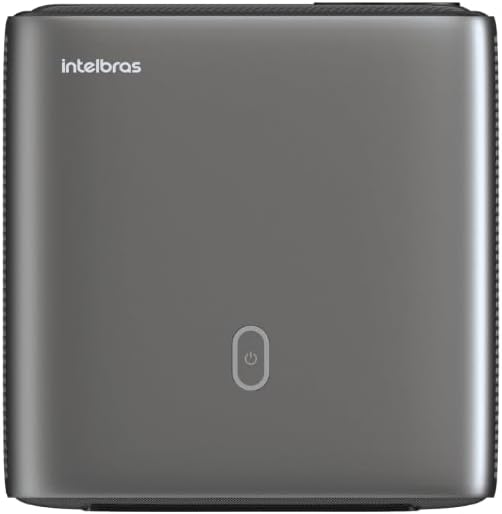
الصورة: أعلى view of the projector, highlighting the power button and sleek design.
4.2. المنافذ والاتصال
يوفر جهاز العرض خيارات اتصال متعددة:
- HDMI: For connecting high-definition devices such as laptops, gaming consoles, or Blu-ray players.
- USB: لتوصيل أجهزة تخزين USB لتشغيل الوسائط fileس مباشرة.
- Wi-Fi (802.11 ac/b/g/n): For wireless connectivity and screen mirroring from compatible Android devices.
- الصوت خارج: لتوصيل أنظمة الصوت الخارجية أو سماعات الرأس.
5. الإعداد
5.1. تحديد مستوى
Choose a suitable location for your projector. The PFL7560 can project images from 60 to 150 inches, making it versatile for various room sizes. Ensure the projector is placed on a stable surface and is not obstructed.
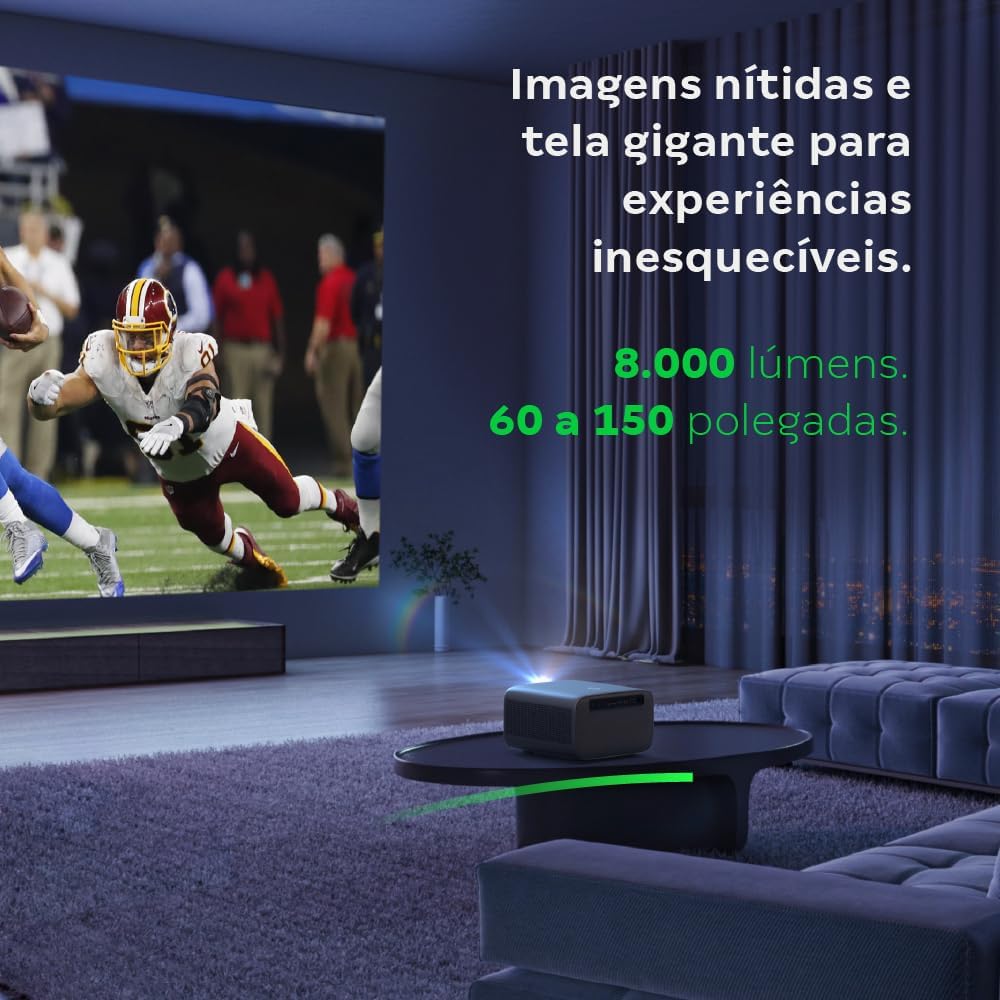
Image: The projector creating a large, clear image in a home environment, demonstrating its capability for immersive viewعمل.
5.2. توصيل الطاقة
قم بتوصيل كابل الطاقة بمدخل الطاقة الخاص بالجهاز العرض، ثم بمأخذ الطاقة.
5.3. التشغيل الأولي
اضغط على زر التشغيل في جهاز العرض أو جهاز التحكم عن بُعد لتشغيله. سيبدأ جهاز العرض عملية التشغيل.
5.4. تصحيح التركيز والانحراف
The PFL7560 features automatic focus and keystone correction for a perfectly aligned and sharp image without manual effort. If manual adjustment is needed, refer to the on-screen display (OSD) menu.
6. تعليمات التشغيل
6.1. توصيل الأجهزة
- HDMI: Connect your device using an HDMI cable to the HDMI port on the projector. Select the corresponding HDMI input from the projector's source menu.
- USB: Insert a USB drive into the USB port. The projector's media player will typically detect the drive automatically, allowing you to browse and play files.
- Wi-Fi / Screen Mirroring: For compatible Android devices, enable screen mirroring on your device and select the projector from the available devices. Ensure both devices are connected to the same Wi-Fi network.
6.2. مخرج الصوت
The projector is equipped with two integrated 12W speakers, providing clear and immersive audio. For external audio, connect speakers or headphones to the audio output port.

Image: Detail of the projector's integrated 12W speakers, designed for powerful and clear sound.
7. الصيانة
7.1. تنظيف العدسة
استخدم قطعة قماش ناعمة وخالية من الوبر مصممة خصيصًا للعدسات البصرية لمسح عدسة جهاز العرض برفق. تجنب استخدام المواد الكاشطة أو المواد الكيميائية القاسية.
7.2. تنظيف هيكل جهاز العرض
Wipe the exterior of the projector with a soft, dry cloth. Do not use liquid or spray cleaners directly on the unit.
7.3. LED Light Source Longevity
The Intelbras PFL7560 uses an LED light source with a lifespan of up to 30,000 hours, ensuring long-term use and consistent performance without significant brightness degradation.
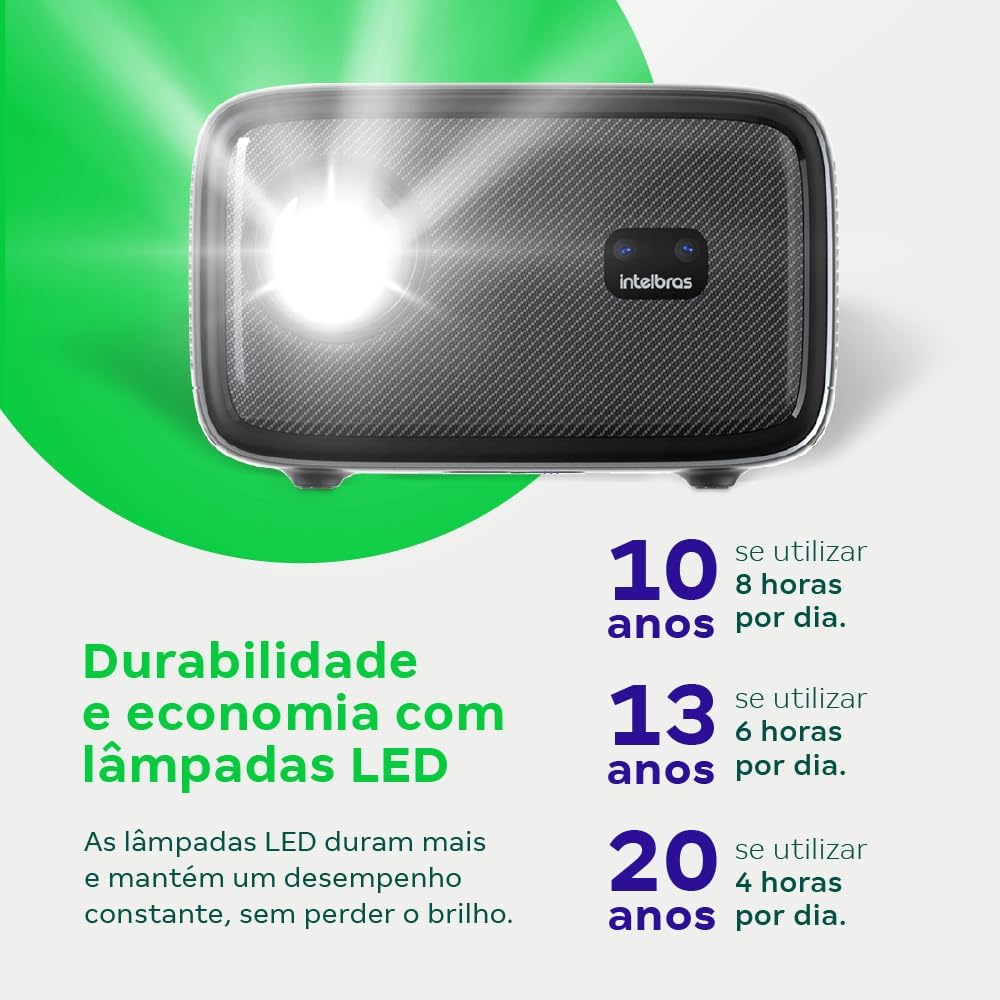
Image: An infographic illustrating the extended durability and economic benefits of the LED lamp, lasting up to 30,000 hours.
8. استكشاف الأخطاء وإصلاحها
إذا واجهت مشكلات مع جهاز العرض الخاص بك، فراجع المشكلات والحلول الشائعة التالية:
- لا توجد صورة: Ensure the power cable is securely connected and the projector is turned on. Check the input source selection to match your connected device.
- صورة ضبابية: Adjust the focus. If the image is distorted, check for automatic keystone correction or adjust it manually via the settings menu.
- لا يوجد صوت: Verify the volume level on both the projector and the connected device. Ensure external speakers are properly connected if used, or that the internal speakers are enabled.
- مشاكل الاتصال: For Wi-Fi or screen mirroring, ensure both the projector and your device are on the same network. Restart both devices if necessary.
- ارتفاع درجة الحرارة: Ensure the projector's ventilation openings are not blocked. Turn off the projector and allow it to cool down if it feels excessively hot.
9. المواصفات
| ميزة | مواصفة |
|---|---|
| ماركة | انتلبراس |
| اسم الموديل | بى اف ال 7560 |
| تكنولوجيا الاتصال | واي فاي |
| المميزات الخاصة | جاهز للواي فاي |
| دقة العرض | 1920 × 1080 (دقة عالية كاملة) |
| الدقة الأصلية | 1920 × 1080 |
| الحد الأقصى لدقة العرض | 1920 × 1080 |
| نوع العرض | شاشة الكريستال السائل |
| سطوع | 8000 لومن |
| الأجهزة المتوافقة | كمبيوتر محمول، هاتف ذكي، جهاز لوحي |
| عمر تشغيل مصدر الضوء | 30000 ساعة |
| واجهة الأجهزة | 802.11 أس / ب / ز / ن |
| ترميز الفيديو | ح.264، ح.265 |
| الاستخدامات الموصى بها | السينما المنزلية |
| صوتي | مكبران صوت مدمجان بقوة 12 واط لكل منهما |
10. الضمان والدعم
For warranty information, technical support, or service requests, please refer to the official Intelbras webالموقع أو تواصل مع خدمة العملاء مباشرةً. احتفظ بإيصال الشراء كإثبات للشراء في حال وجود أي مطالبات بالضمان.