
1. المقدمة
The Turtlebox Ranger is a rugged, waterproof, and ultra-portable Bluetooth 5.4 speaker designed for outdoor use. It delivers powerful, distortion-free sound with deep bass, capable of reaching 105dB. Built to withstand various outdoor conditions, it features shockproof construction and IP67 waterproofing. This manual provides essential information for setting up, operating, and maintaining your Turtlebox Ranger speaker.

Image: Turtlebox Ranger speaker in an outdoor environment, showcasing its robust build.
2. ماذا يوجد في الصندوق
تأكد من وجود جميع العناصر عند فتح الصندوق:
- Turtlebox Ranger Speaker
- كابل الطاقة
3. الميزات الرئيسية
- Unmatched Volume & Bass: Delivers 105dB of powerful, distortion-free sound, optimized for outdoor environments.
- IP67 Waterproof & Built Tough: Fully waterproof, dustproof, and shockproof design ensures durability in challenging conditions.
- عمر البطارية طوال اليوم: يوفر ما يصل إلى 25 ساعات من وقت اللعب بشحنة واحدة.
- Unlimited Pairing (Party Mode): Sync multiple Ranger speakers for a premium, portable surround sound experience.
- Designed for the Outdoors: Features a rugged handle, built-in tie-down anchors, and a compact, easy-to-carry design.

Image: Visual representation of the Turtlebox Ranger's main features.
4. الإعداد
4.1 شحن السماعة
Before first use, fully charge your Turtlebox Ranger. Connect the provided Power Cable to the USB-C charging port located on the back of the speaker. The battery indicator lights will show charging progress. A full charge typically takes approximately 3 hours and provides up to 25 hours of playtime.
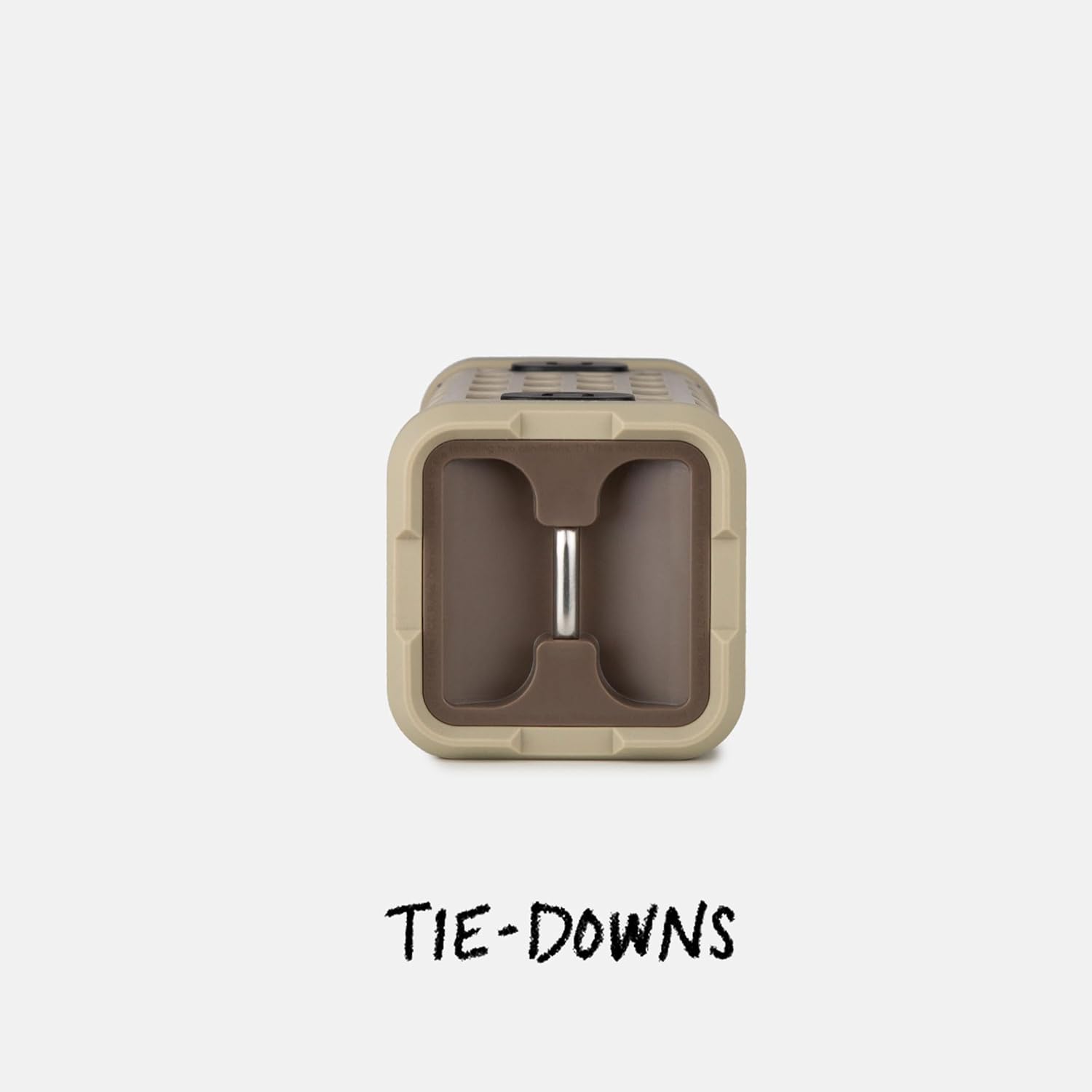
Image: The fully waterproof charging ports of the Turtlebox Ranger.
4.2 تشغيل/إيقاف التشغيل
اضغط مع الاستمرار على زر الطاقة (usually indicated by a circle with a vertical line) on the control panel until the indicator lights illuminate. To power off, press and hold the Power button again.
4.3 اقتران بلوتوث
- Ensure the speaker is powered on and the Bluetooth indicator light is blinking, indicating it's in pairing mode.
- على جهازك المحمول (الهاتف الذكي، الجهاز اللوحي، إلخ)، انتقل إلى إعدادات البلوتوث.
- Select "Turtlebox Ranger" from the list of available devices.
- Once connected, the Bluetooth indicator light on the speaker will become solid.
5. تعليمات التشغيل
5.1 الضوابط أكثرview
The control panel on the speaker allows for easy management of audio playback and settings.

Image: The control panel of the Turtlebox Ranger, showing various buttons.
- زر الطاقة: اضغط مع الاستمرار لتشغيل/إيقاف مكبر الصوت.
- رفع الصوت (+): يزيد من مستوى الصوت.
- اخفض الصوت (-): يقلل من مستوى الصوت.
- تشغيل/إيقاف مؤقت: التحكم في تشغيل الصوت.
- Track Skip (Forward/Backward): Skips to the next or previous track.
- زر البلوتوث: يبدأ وضع الاقتران عبر البلوتوث.
5.2 تشغيل الصوت
Once paired, you can control music directly from your connected device or using the speaker's control buttons.
6. Party Mode Pairing
For an enhanced audio experience, you can wirelessly connect multiple Turtlebox Ranger speakers using Party Mode.
- تأكد من تشغيل جميع مكبرات الصوت وعدم توصيلها بأي جهاز بلوتوث.
- On the primary speaker (the one you want to control from), press the Party Mode button (often indicated by a chain link or multiple speaker icon).
- On the secondary speakers, press their respective Party Mode buttons.
- The speakers will automatically connect, creating a synchronized audio system.

Image: Multiple Turtlebox Ranger speakers connected wirelessly in Party Mode.
7. الصيانة
7.1 التنظيف
Due to its IP67 rating, the Turtlebox Ranger can be easily cleaned with water. Rinse off dirt, sand, or mud. Avoid using harsh chemicals or abrasive cleaners.

Image: The Turtlebox Ranger being rinsed with water, showcasinبفضل تصميمه المقاوم للماء.
7.2 التخزين
يُحفظ مكبر الصوت في مكان بارد وجاف عند عدم استخدامه. تجنب تعريضه لفترات طويلة لدرجات حرارة قصوى.
8. استكشاف الأخطاء وإصلاحها
- لا يوجد طاقة: Ensure the speaker is fully charged. Connect to a power source and check the battery indicator lights.
- لا يوجد صوت: تحقق من مستوى الصوت في كل من السماعة والجهاز المتصل. تأكد من إقران الجهاز بشكل صحيح عبر البلوتوث.
- مشكلات الاقتران بالبلوتوث: Turn off and restart the speaker and your device's Bluetooth. Try re-pairing the devices. Ensure no other devices are actively connected to the speaker.
- ضعف جودة الصوت: Ensure the speaker is within Bluetooth range of your device. Move closer to the device or away from potential interference sources.
9. المواصفات
| اسم الموديل | Turtlebox Ranger |
| نوع السماعة | في الهواء الطلق |
| تكنولوجيا الاتصال | بلوتوث 5.4 |
| انتاج الطاقة | 105 ديسيبل |
| عمر البطارية | تصل إلى 25 ساعة |
| سعة البطارية | 25.2 Wh Lithium-ion (25200 Milliamp ساعة) |
| مستوى مقاومة الماء | IP67 (مقاوم للماء والغبار) |
| أبعاد المنتج | 3.15 بوصة عمق × 3.15 بوصة عرض × 8.05 بوصة ارتفاع |
| وزن العنصر | 2.4 رطل |
| المكونات المضمنة | كابل الطاقة |
| نوع التركيب | جبل المغناطيسي |
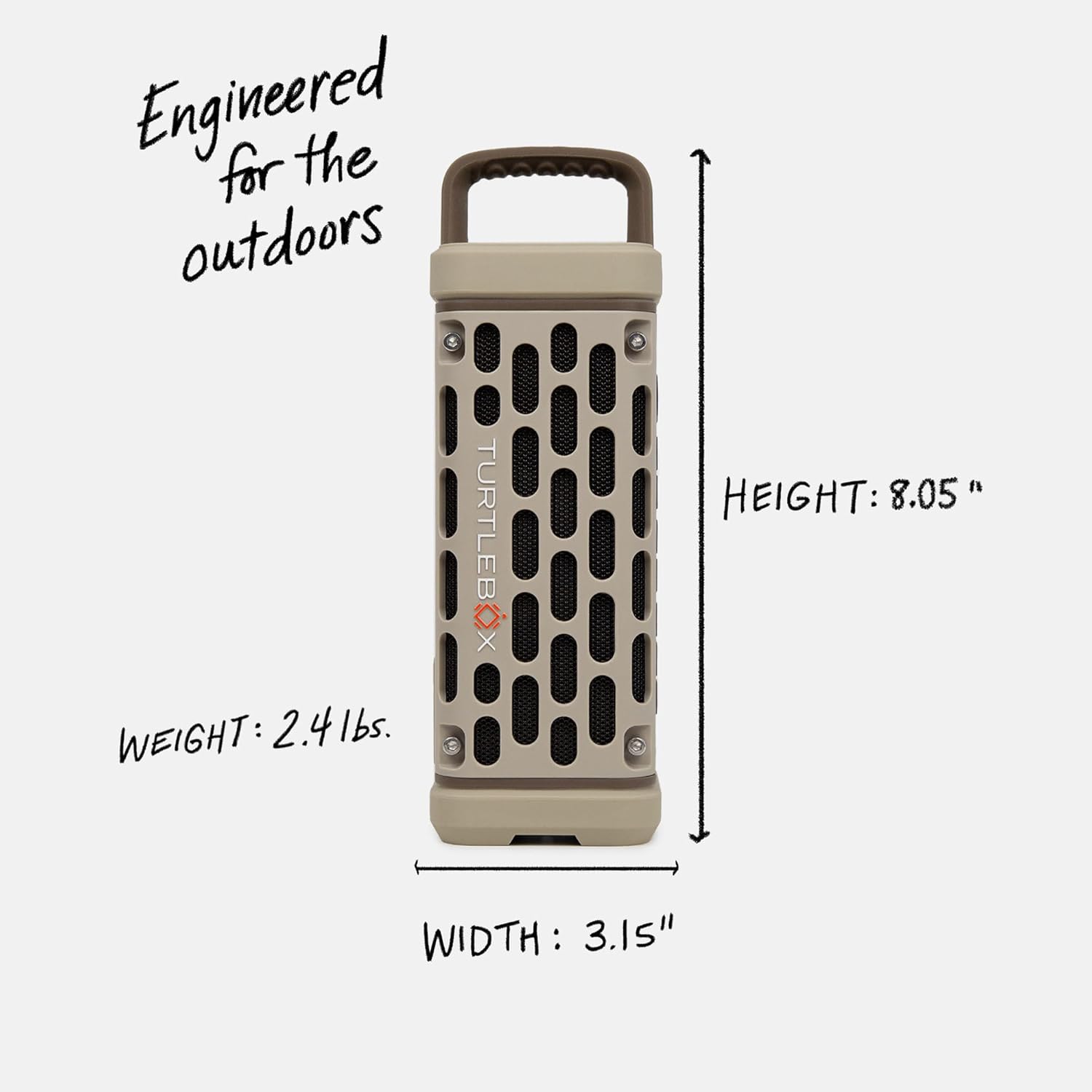
Image: Dimensions and weight of the Turtlebox Ranger speaker.
10. الضمان والدعم
10.1 الضمان المحدود
The Turtlebox Ranger comes with a limited warranty. For specific terms and conditions, please refer to the warranty card included with your product or visit the official Turtlebox webموقع.
10.2 دعم العملاء
For further assistance, technical support, or warranty claims, please contact Turtlebox customer support through their official webالموقع أو معلومات الاتصال المقدمة في عبوة المنتج الخاص بك.