
مقدمة
Thank you for choosing the TCL 65Q6C 65-inch 4K QD-Mini LED Google TV. This manual provides essential information for the safe and efficient use of your television. Please read it thoroughly before operating the device and retain it for future reference.
الميزات الرئيسية
- تقنية QD-Mini LED: Enhances color accuracy and contrast, improving overall display quality. Precise dimming reaches 512 zones, with over a billion shades of perfect vivid colors.
- High Brightness HDR: Enjoy unparalleled brightness with high HDR technology, offering deep contrast and stunning highlights for an immersive viewing experience. See every detail come to life with amazing clarity and vibrant colors.
- شاشة QLED: Features 93% DCI-P3 color gamut coverage, providing unparalleled color for stunning and vibrant visuals and enhanced color accuracy.
- معدل التحديث الأصلي 144 هرتز: Experience ultra-smooth motion with a native 144Hz refresh rate, ideal for gaming and fast-paced scenes.
- Onkyo 2.1 Hi-Fi Audio System: Delivers rich and immersive sound for a complete home entertainment experience.

الشكل 1: الجبهة view of the TCL 65Q6C 65-inch 4K QD-Mini LED Google TV.

Figure 2: Illustrates the advantages of QD-Mini LED technology over ordinary LED TVs, highlighting improvements in color, brightness, and contrast.

الشكل 3: أكثر منview of the key technologies and design elements integrated into the TCL 65Q6C TV.
يثبت
1. التفريغ والتفتيش
Carefully remove the TV from its packaging. Inspect for any damage. Ensure all accessories are present: remote control, power cable, stand components, and screws.
2. تركيب الحامل (اختياري)
If using the TV stand, place the TV face down on a soft, flat surface. Attach the stand bases to the TV using the provided screws, ensuring they are securely fastened.
3. التركيب على الحائط (اختياري)
For wall mounting, refer to the VESA mounting standard: 600 x 400 mm. Use a compatible wall mount bracket (sold separately) and follow its instructions carefully. Professional installation is recommended for safety.

الشكل 4: الجانب الإيجابيfile of the TV, illustrating its slim design and port locations.
4. توصيل الأجهزة
- قوة: قم بتوصيل كابل الطاقة بالتلفزيون ثم بمأخذ الحائط.
- أجهزة HDMI: Use HDMI cables to connect external devices like gaming consoles, Blu-ray players, or set-top boxes to the HDMI ports. This model supports HDMI connectivity.
- جهاز USB:٪ s: Connect USB drives for media playback or other compatible devices to the USB ports. This model includes USB 3.0 ports.
- Audio Systems: For external audio, connect via HDMI (ARC/eARC) or Bluetooth. The TV features an Onkyo 2.1 Hi-Fi audio system with Dolby Atmos support.

الشكل 5: خلفي view of the TV, highlighting the VESA mounting points and various input/output connections.
5. التشغيل الأولي وإعداد Google TV
After connecting power, press the power button on the remote control. Follow the on-screen instructions to complete the initial setup, including network connection, Google account login, and channel scanning.
التشغيل
1. وظائف التحكم عن بعد
The remote control allows you to navigate the Google TV interface, adjust volume, change channels, select inputs, and access smart features. Familiarize yourself with the button layout for optimal use.
2. واجهة Google TV
Your TV runs on Google TV, providing a personalized home screen with content recommendations, access to streaming apps, and Google Assistant voice control. Use the directional pad on your remote to navigate menus and select items.
3. اختيار المدخلات
To switch between connected devices (e.g., HDMI 1, USB), press the 'Input' button on your remote and select the desired source from the on-screen menu.
4. التحكم الصوتي
اضغط على زر مساعد Google في جهاز التحكم عن بعد الخاص بك وتحدث في الميكروفون للبحث عن المحتوى والتحكم في أجهزة المنزل الذكي والحصول على إجابات والمزيد.
5. ميزات الألعاب
The TCL 65Q6C is optimized for gaming with its 144Hz native refresh rate and Game Master mode. Ensure your gaming console is connected to an HDMI port that supports high refresh rates for the best experience.
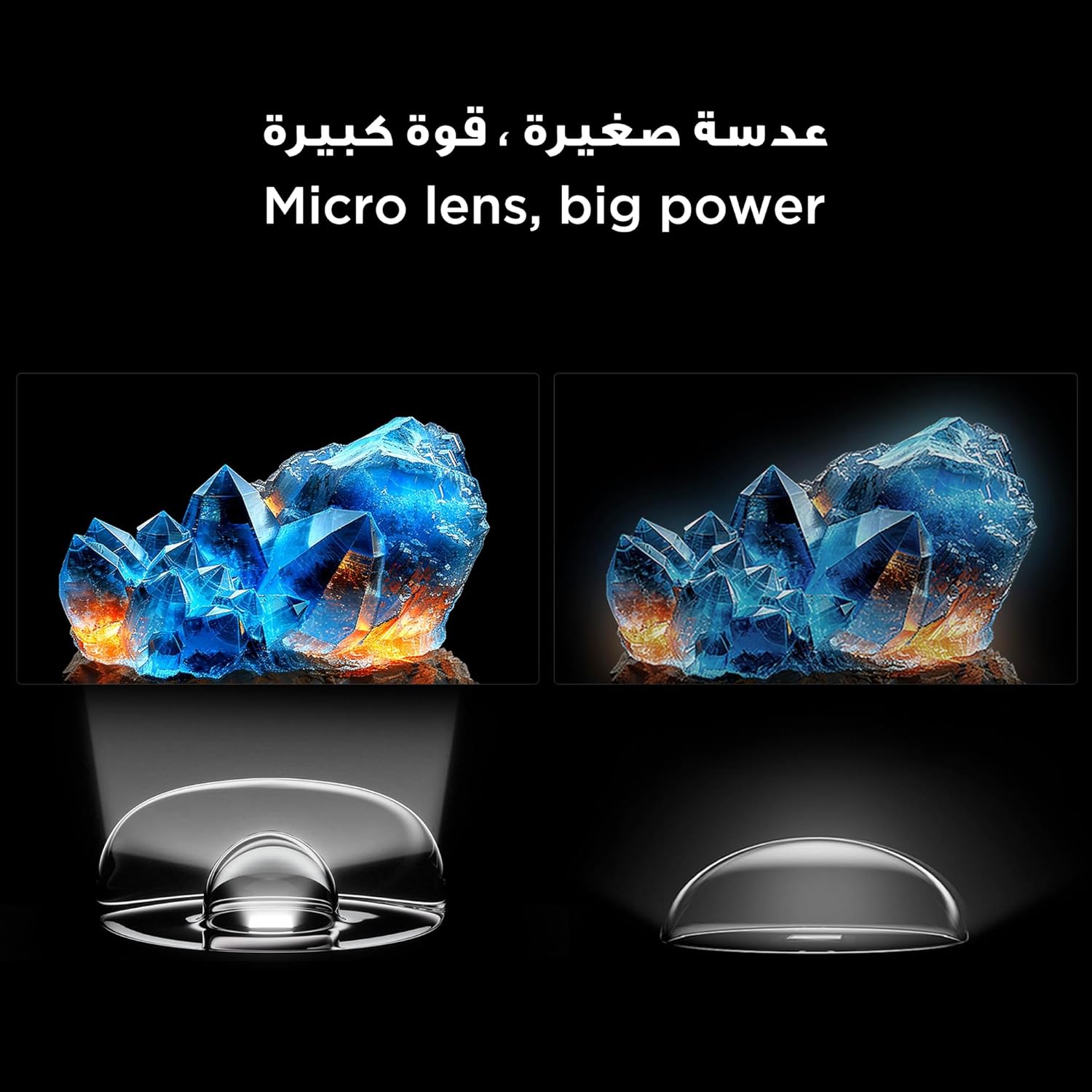
Figure 6: Demonstrates the smooth and clear motion provided by the 144Hz native refresh rate, ideal for fast-paced content and gaming.
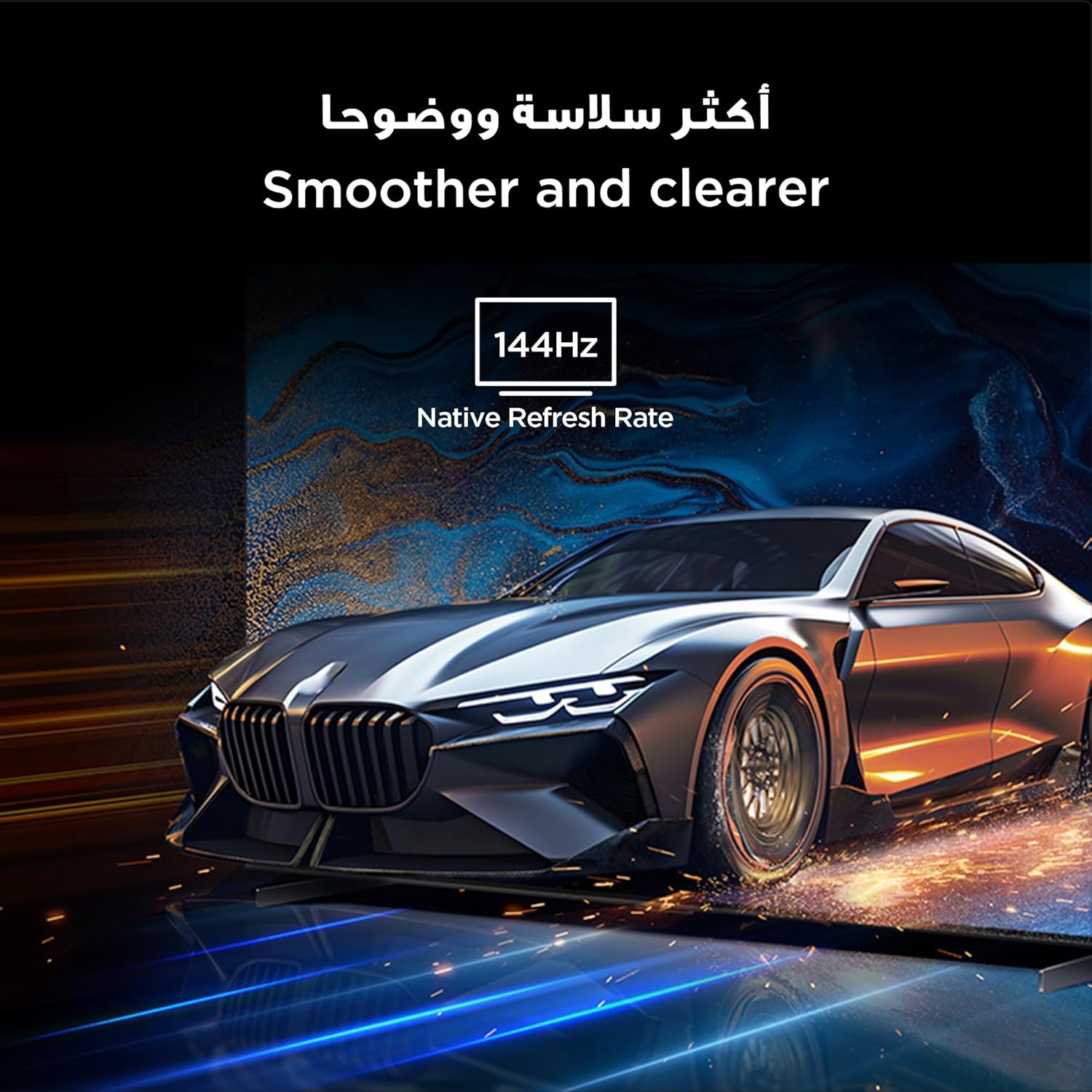
Figure 7: Highlights the immersive audio experience delivered by the integrated Onkyo 2.1 sound system, defining a new standard for home theater.
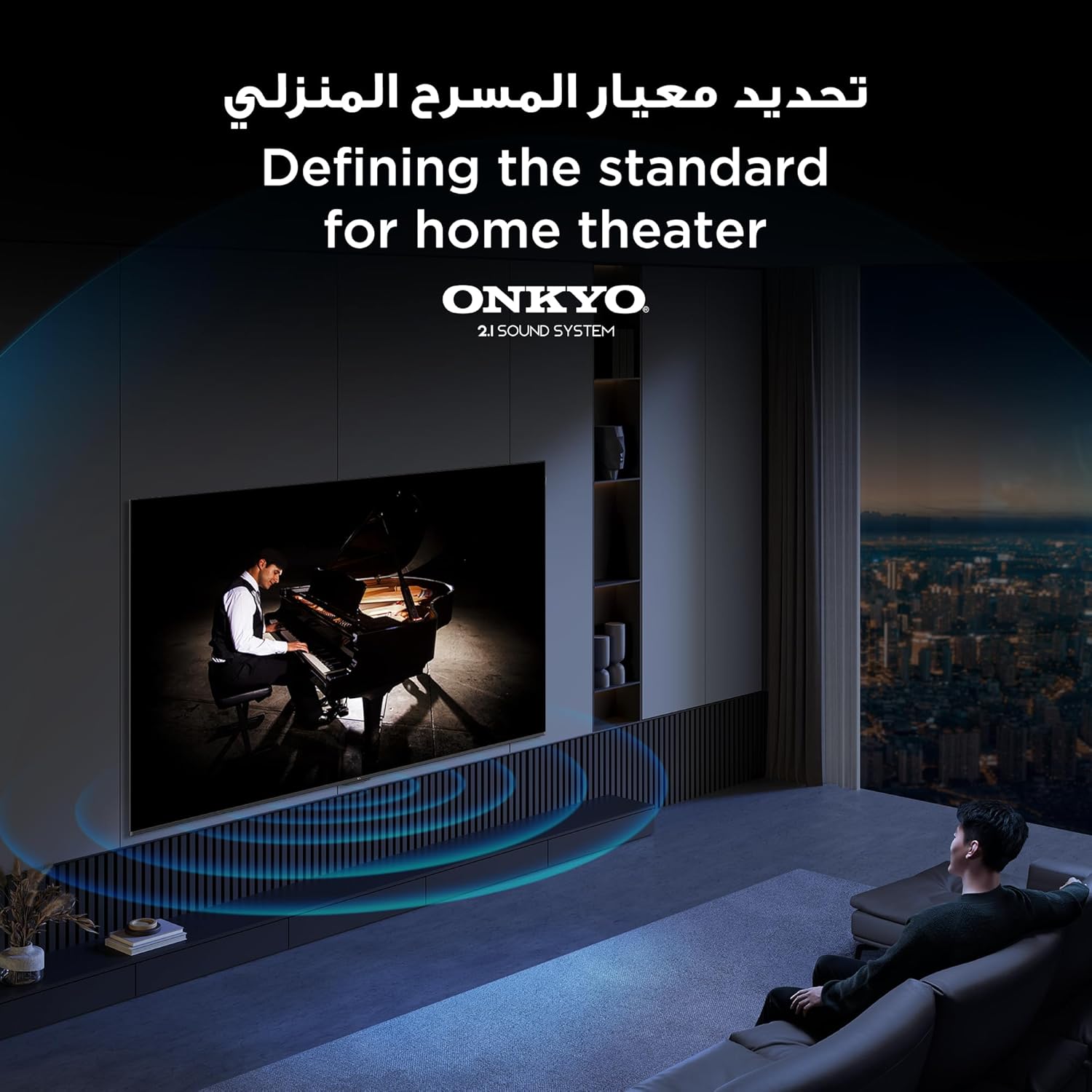
Figure 8: Visual representation of the AiPQ Pro Processor, which intelligently perceives, thinks, and produces optimized visuals and audio.

Figure 9: Illustrates the smart control capabilities of the TCL TV, allowing users to manage other TCL smart devices within their home.
صيانة
1. تنظيف الشاشة
امسح الشاشة برفق بقطعة قماش ناعمة وخالية من الوبر. لإزالة البقع الصعبة، استخدم محلول تنظيف شاشات مصمم خصيصًا لأجهزة التلفزيون، وضعه على قطعة القماش، وليس مباشرة على الشاشة.
2. تنظيف الإطار
امسح إطار التلفزيون وحامله بقطعة قماش ناعمة وجافة. تجنب استخدام المنظفات أو المذيبات الكاشطة.
3. تحديثات البرامج
Ensure your TV is connected to the internet to receive automatic software updates. These updates improve performance and add new features. You can also manually check for updates in the TV's settings menu.
4. Safe Handling
Avoid placing heavy objects on the TV. Do not block ventilation openings. Disconnect the power cable during lightning storms or when the TV will be unused for extended periods.
استكشاف الأخطاء وإصلاحها
This section addresses common issues you might encounter with your TCL 65Q6C TV.
لا يوجد طاقة
- تأكد من توصيل كابل الطاقة بشكل آمن بالتلفزيون والمقبس الكهربائي في الحائط.
- تأكد من أن منفذ الحائط يعمل عن طريق توصيل جهاز آخر.
- اضغط على زر الطاقة الموجود على التلفزيون نفسه، وليس فقط على جهاز التحكم عن بعد، لاستبعاد وجود مشكلة في جهاز التحكم عن بعد.
لا توجد صورة / صورة مشوهة
- تأكد من تحديد مصدر الإدخال الصحيح (على سبيل المثال، HDMI 1، HDMI 2).
- تحقق من جميع توصيلات الكابلات (HDMI، الهوائي) للتأكد من عدم وجود ارتخاء أو تلف.
- Try connecting a different device to the same HDMI port to see if the issue is with the source device.
- اضبط إعدادات الصورة (السطوع والتباين واللون) في قائمة التلفزيون.
لا يوجد صوت / صوت مشوه
- تأكد من عدم كتم الصوت أو ضبطه على مستوى منخفض للغاية.
- Check audio output settings in the TV menu to ensure the correct output (e.g., TV speakers, external audio system) is selected.
- If using external speakers, check their power and connections.
جهاز التحكم عن بعد لا يعمل
- استبدال البطاريات في جهاز التحكم عن بعد.
- تأكد من عدم وجود أي عوائق بين جهاز التحكم عن بعد ومستشعر الأشعة تحت الحمراء الخاص بالتلفزيون.
- If it's a Bluetooth remote, try re-pairing it with the TV (refer to the TV's settings for pairing instructions).
مشاكل اتصال الشبكة
- أعد تشغيل جهاز توجيه Wi-Fi والمودم.
- تحقق من كلمة مرور Wi-Fi إذا كنت تقوم بالاتصال لاسلكيًا.
- If possible, try connecting the TV to the internet via an Ethernet cable.
- Go to the TV's network settings to diagnose the connection.
إعادة ضبط المصنع
If problems persist, a factory reset may resolve them. Be aware that this will erase all your settings and installed apps. Navigate to Settings > System > About > Reset > Factory data reset.
تحديد
| ميزة | وصف |
|---|---|
| ماركة | تي سي إل |
| اسم الموديل | 65Q6C |
| رقم الموديل | 65Q6C |
| سلسلة الموديل | كيو6 سي |
| سنة الصنع | 2025 |
| حجم الشاشة | 65 بوصة |
| تكنولوجيا العرض | Mini LED, LED |
| دقة | 4K |
| معدل التحديث | 144 هرتز |
| نسبة تباين الصورة | عالي |
| دعم تنسيق HDR | HDR10+ |
| Motion Enhancement Technology | Native 144Hz Refresh Rate |
| Image Quality Enhancement Technology | QD-Mini LED, QLED, HDR 10+ |
| Screen Backlight Technology | مصباح LED صغير |
| نظام التشغيل | جوجل تي في |
| خدمات الإنترنت المدعومة | Google TV for Gaming |
| تكنولوجيا الاتصال | HDMI, USB, Bluetooth |
| واجهة الأجهزة | HDMI, USB, Bluetooth |
| إجمالي منافذ HDMI | 1 |
| إجمالي منافذ USB | 1 |
| Total USB 3.0 Ports | 1 |
| تكنولوجيا الاتصالات اللاسلكية | بلوتوث |
| وصف المتحدث | Onkyo 2.1 Channel Hi-Fi Speakers |
| تكوين قناة الصوت المحيطي | 2.1 |
| Built-in Surround Sound Format | دولبي أتموس |
| طريقة التحكم | بعيد |
| نوع التركيب | حامل الحائط |
| معيار التثبيت VESA | 600 × 400 ملم |
| وزن العنصر | 24.2 كيلوغرام |
ضمان
This TCL television comes with a limited warranty. The specific terms and duration of the warranty may vary by region and retailer. Please refer to the warranty card included in your product packaging or visit the official TCL webللحصول على معلومات مفصلة حول الضمان، يرجى زيارة الموقع الإلكتروني. احتفظ بإيصال الشراء كإثبات للشراء في حال تقديم أي مطالبات ضمان.
يدعم
For further assistance, technical support, or service inquiries, please utilize the following resources:
- مسؤول TCL Webموقع: يزور www.tcl.com for product information, FAQs, and support contact details specific to your region.
- خدمة العملاء: Refer to the contact information provided in your warranty documentation or on the TCL webموقع للدعم المباشر للعملاء.
- الموارد المتاحة على الإنترنت: Many common issues can be resolved by consulting the online support sections or user forums available on the TCL webموقع.