
1. المقدمة
The LOFOV X13 Hidden Camera Detector is a portable, multi-functional device designed to help users detect various hidden surveillance equipment, including wireless cameras, listening devices, and GPS trackers. Utilizing advanced technology, it offers enhanced anti-interference capabilities and a broad detection range to safeguard your privacy in diverse environments such as hotels, offices, bathrooms, and vehicles.
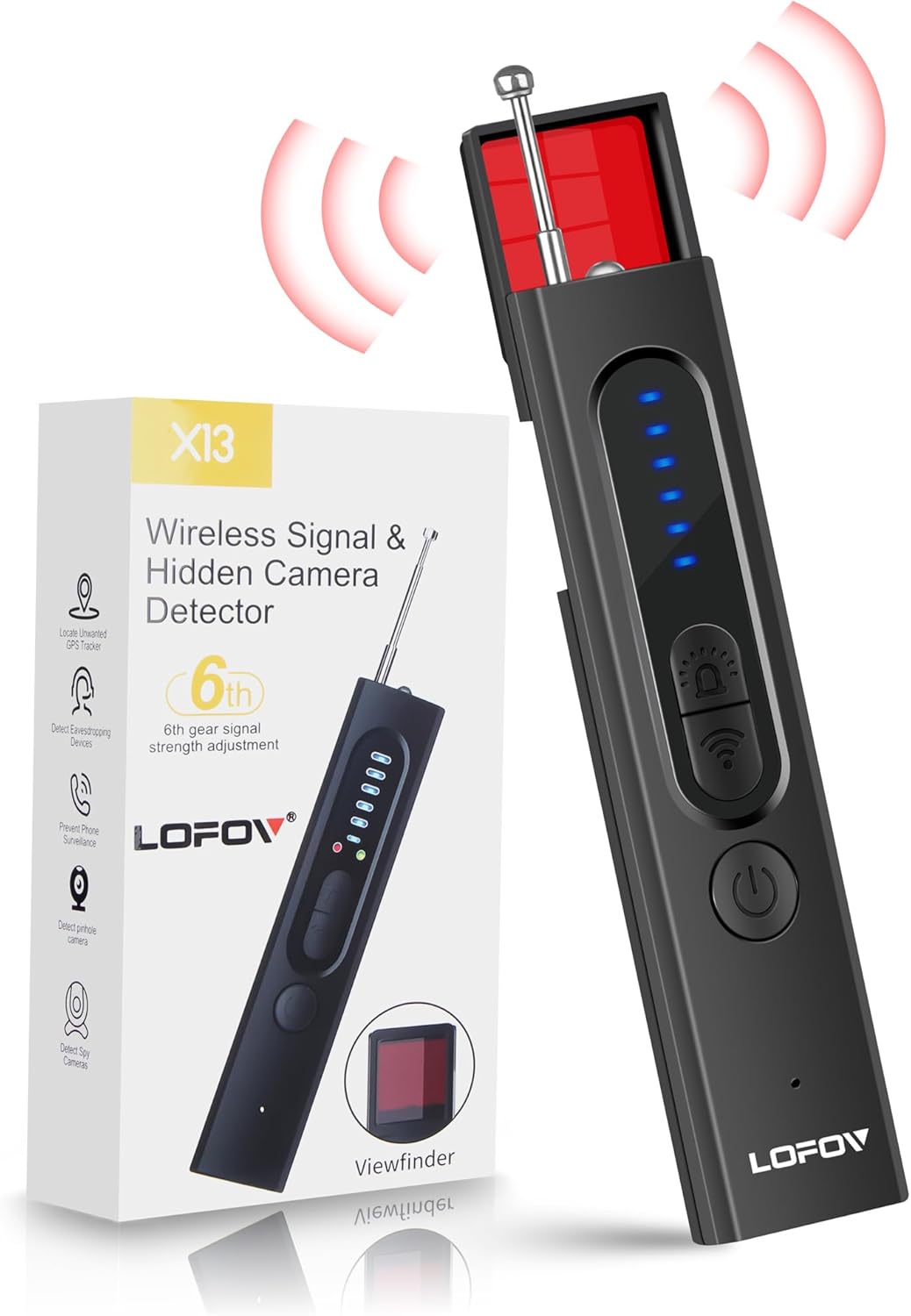
Image 1.1: LOFOV X13 Hidden Camera Detector and its retail packaging.
2. انتهى المنتجview والميزات
The LOFOV X13 detector incorporates a 3rd generation intelligent chip, extending its detection range from 1MHz to 6.5GHz. It is capable of identifying 2G/3G/4G/5G/6G/GSM signals and features multiple detection modes for comprehensive surveillance protection.
المميزات الرئيسية:
- Upgraded Anti-Spy Detector: Expands detection range to 1Mhz-6.5Ghz, enhancing anti-interference for quick detection of 2G/3G/4G/5G/6G/GSM signals.
- Professional Bug Detector with 4 Modes:
- Wireless WiFi Signal Detection
- Magnetic GPS Detection
- Red Infrared Light Detection
- مصباح يدوي
- حساسية قابلة للتعديل: Features 6 levels of adjustable sensitivity for varied detection scenarios.
- أوضاع التنبيه: Offers both beep sound and vibration alarming modes.
- محمول ومتين: Constructed from advanced PC material, compact (0.8 * 0.6 * 4.3 inch) and lightweight (21g).
- عمر بطارية طويل: Built-in rechargeable lithium battery provides up to 30 days standby time or 25 hours of continuous use after a 1-hour charge.

الصورة 2.1: انتهىview of the LOFOV X13's detection capabilities.
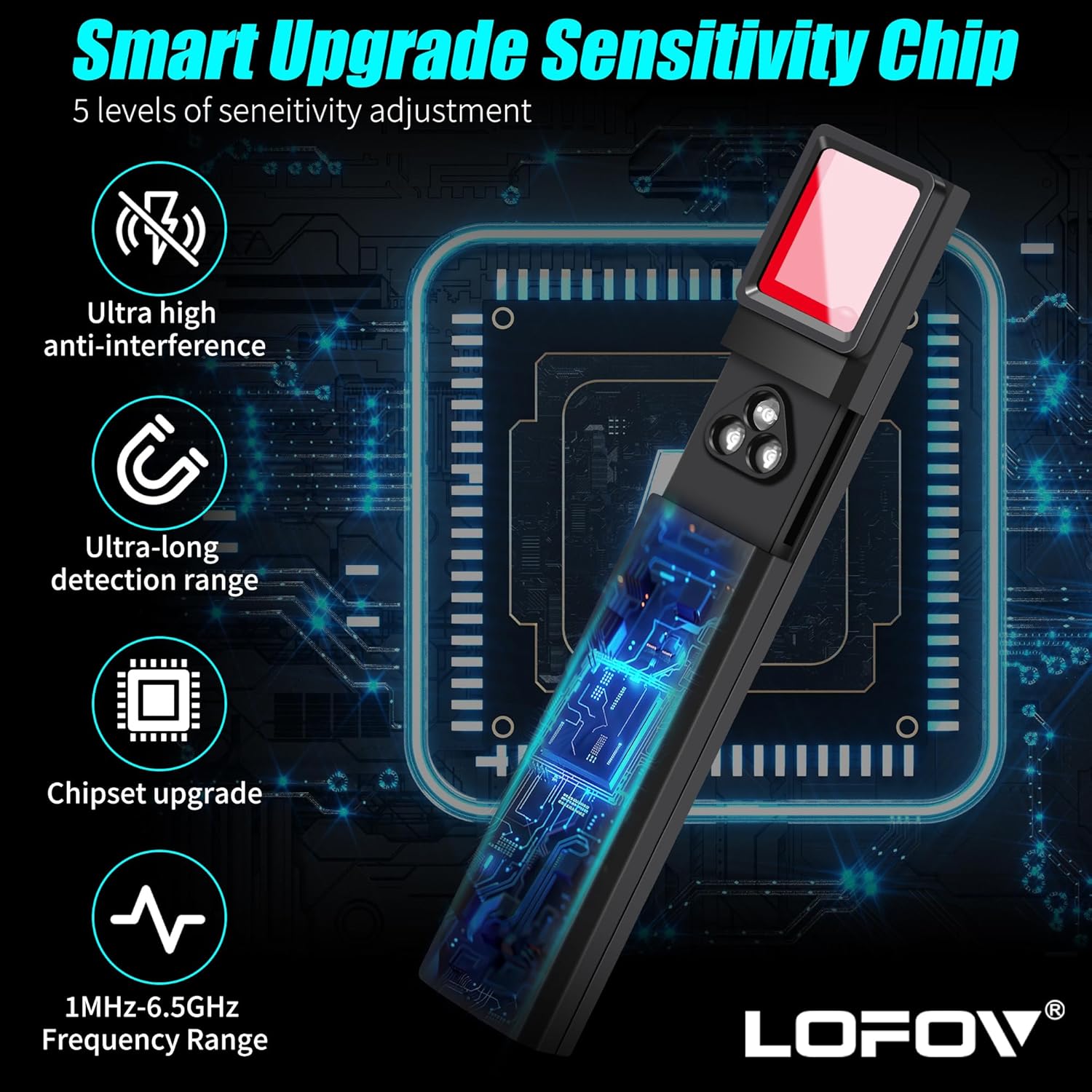
Image 2.2: Illustration of the X13's smart upgrade sensitivity chip and frequency range.
3. محتويات العبوة
يرجى التأكد من وجود جميع العناصر عند فتح العبوة:
- LOFOV X13 Hidden Camera Detector
- كابل شحن USB
- دليل المستخدم
4. مكونات الجهاز
Familiarize yourself with the various parts of your LOFOV X13 detector:

Image 4.1: Labeled diagram of the LOFOV X13 detector's components.
- الهوائي: Extends for RF signal detection.
- Lights (Indicators): Display signal strength and mode status.
- Magnetic Detection: Sensor for detecting magnetic fields (e.g., GPS trackers).
- Signal Detection Sensitivity: LED indicators showing current sensitivity level.
- ضوء الشحن: يشير إلى حالة الشحن.
- زر الوضع: يتنقل بين أوضاع الكشف.
- Signal Strength Adjustment Button: يضبط حساسية الكشف.
- ON/OFF Mode Button: Powers the device on/off and changes modes.
- منفذ الشحن: منفذ USB لإعادة شحن الجهاز.
- Viewمكتشف: Used for infrared camera detection.
- أضواء LED: Emits red light for infrared camera detection.
- Magnetic Mode Light: Indicates when magnetic detection mode is active.
5. الإعداد
5.1 شحن الجهاز
Before first use, fully charge the LOFOV X13 detector. Connect the provided USB charging cable to the device's charging port and to a standard USB power source (e.g., computer, wall adapter). The charging light will indicate the charging status. A full charge typically takes approximately 1 hour.
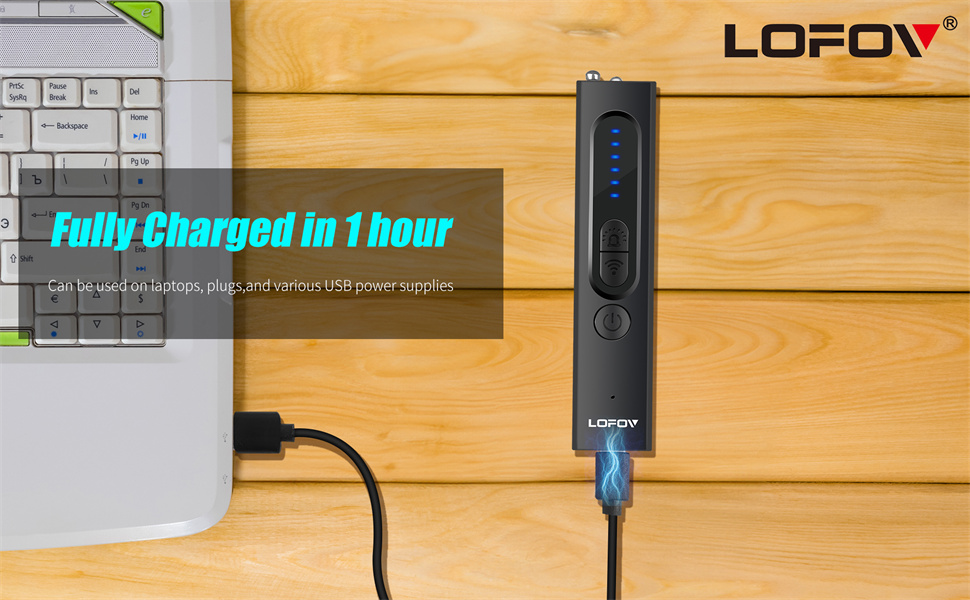
Image 5.1: Charging the LOFOV X13 detector via USB.
5.2 تشغيل/إيقاف التشغيل
لتشغيل الجهاز، اضغط مع الاستمرار على ON/OFF Mode Button until the indicator lights illuminate. To power off, press and hold the same button again until the lights turn off.
6. تعليمات التشغيل
The LOFOV X13 offers four primary detection modes. Press the زر الوضع للتنقل بين هذه الأوضاع.
6.1 Wireless Signal Detection (RF)
This mode detects radio frequency signals emitted by wireless cameras, listening devices, and other transmitting bugs. Extend the antenna for optimal performance.
- Activate RF detection mode using the Mode Button.
- Slowly scan the area. The indicator lights will illuminate, and the device may beep or vibrate, with increasing intensity as you approach a signal source.
- Adjust sensitivity using the Signal Strength Adjustment Button to narrow down the detection area. Lower sensitivity helps pinpoint the exact location.
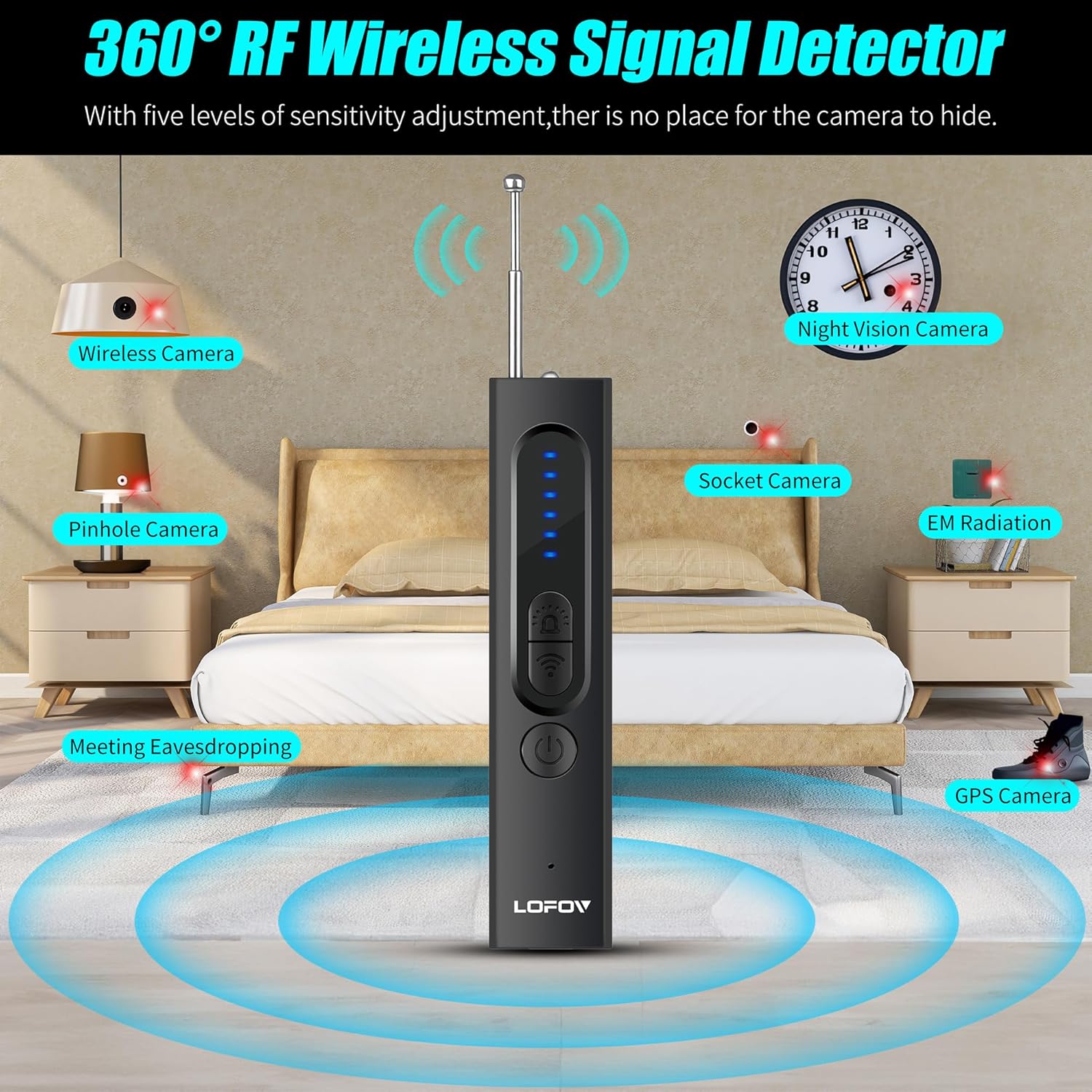
Image 6.1: RF wireless signal detection in a room.
6.2 Magnetic Field Detection (GPS)
This mode is designed to locate magnetic GPS trackers, which are often covertly attached to vehicles or other metallic surfaces.
- Switch to Magnetic Detection mode. The Magnetic Mode Light will activate.
- Scan surfaces, especially under vehicles, around dashboards, and other potential hiding spots.
- The device will alert you with sound and/or vibration when a magnetic field is detected.

Image 6.2: Magnetic field detection for GPS trackers in a car.
6.3 Infrared Camera Detection
This mode helps identify hidden cameras, including pinhole cameras, by detecting their lenses through infrared reflection.
- Select Infrared Light Detection mode. The LED Lights will emit red light.
- انظر من خلال Viewمكتشف while slowly scanning the area.
- Hidden camera lenses will appear as bright red dots when illuminated by the device's LED lights and viewإد من خلال viewمكتشف.
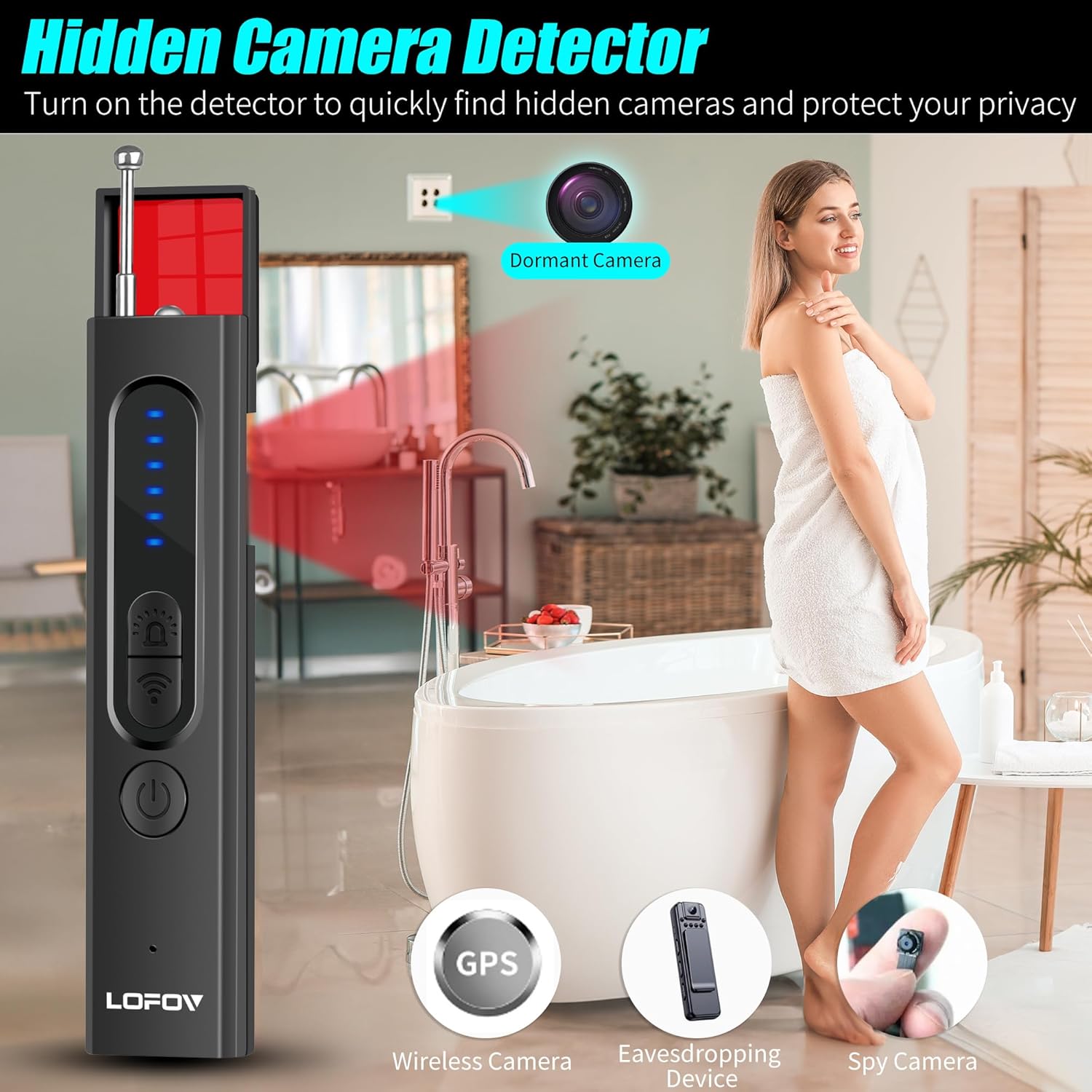
Image 6.3: Infrared camera detection in a bathroom setting.
6.4 Flashlight Mode
The device includes a flashlight function for general illumination, useful in dark environments during inspection.
- Cycle through modes until the flashlight activates.
- Use as needed for visibility.
6.5 تعديل الحساسية
ال Signal Strength Adjustment Button allows you to increase or decrease the detection sensitivity. Higher sensitivity is useful for initial wide-area scans, while lower sensitivity helps pinpoint the exact location of a detected device.
7. الصيانة
- Keep the device clean and dry. Use a soft, dry cloth to wipe the exterior.
- تجنب تعريض الجهاز لدرجات حرارة عالية، أو أشعة الشمس المباشرة، أو الرطوبة.
- قم بتخزين الجهاز في مكان بارد وجاف عندما لا يكون قيد الاستخدام.
- لا تحاول تفكيك الجهاز أو إصلاحه بنفسك، لأن هذا سيؤدي إلى إبطال الضمان.
8. استكشاف الأخطاء وإصلاحها
8.1 الجهاز لا يعمل
- Ensure the device is fully charged. Connect it to a power source and check the charging light.
- Press and hold the ON/OFF Mode Button for a few seconds to ensure it's not just a short press.
8.2 Poor Detection Performance
- كشف الترددات اللاسلكية: Ensure the antenna is fully extended. Adjust sensitivity levels; start with high sensitivity for a broad scan, then lower it to pinpoint sources.
- Magnetic Detection: Ensure the device is in Magnetic Detection mode. Scan very close to surfaces where trackers might be hidden.
- الكشف بالأشعة تحت الحمراء: Ensure the LED lights are active and you are looking through the viewfinder. Scan slowly and thoroughly.
- Environmental interference from Wi-Fi routers, cell towers, or other electronic devices can affect RF detection. Try to minimize these sources if possible.
8.3 استنزاف البطارية بسرعة
- تأكد من شحن الجهاز بالكامل قبل الاستخدام.
- Continuous use of high-power modes (e.g., flashlight) can consume battery faster.
- إذا استمرت المشكلة ، فاتصل بدعم العملاء.
9. المواصفات
| ميزة | مواصفة |
|---|---|
| اسم الموديل | إكس 13 |
| ماركة | مجال الرؤية |
| Detection Frequency Range | 1 ميجا هرتز - 6.5 جيجا هرتز |
| أوضاع الكشف | Wireless WiFi Signal, Magnetic GPS, Red Infrared Light, Flashlight |
| ضبط الحساسية | 6 مستويات |
| أوضاع الإنذار | Beep Sound, Vibration |
| نوع البطارية | قابلة للشحن ليثيوم ايون |
| وقت الشحن | حوالي ساعة واحدة |
| وقت الاستخدام المستمر | تصل إلى 25 ساعة |
| وقت الاستعداد | حتى 30 يوما |
| أبعاد | 0.8 × 0.6 × 4.3 بوصة |
| وزن | 21 جرام (0.74 أونصة) |
| مادة | Advanced PC |
10. الضمان ودعم العملاء
LOFOV provides lifetime after-sale service for all products. If you encounter any issues or have questions regarding your LOFOV X13 Hidden Camera Detector, please do not hesitate to contact our customer service team. We are available 24 hours a day and committed to providing satisfactory solutions within 24 hours.
For support, please refer to the contact information provided with your purchase or visit the official LOFOV webموقع.