
ECOPAD T30
ECOPAD T30 Android 15 Tablet User Manual
دليل شامل للإعداد والتشغيل والصيانة
1. المقدمة
Welcome to the ECOPAD T30 Android 15 Tablet user manual. This guide provides essential information to help you set up, operate, and maintain your new tablet. Please read this manual thoroughly to ensure optimal performance and longevity of your device.
2. محتويات العبوة
قبل أن تبدأ، يرجى التأكد من وجود جميع العناصر في الحزمة الخاصة بك:
- ECOPAD T30 Android 15 Tablet
- كابل USB Type-C
- محول الطاقة 18W
- دليل المستخدم (هذا المستند)

Image: Contents of the ECOPAD T30 Tablet package, showing the tablet, USB cable, 18W charger, and user manual.
3. انتهى الجهازview
Familiarize yourself with the physical components of your ECOPAD T30 tablet.

الصورة: الأمامية والخلفية view of the ECOPAD T30 Tablet, illustrating the screen, rear camera, and various ports and buttons.
المكونات الرئيسية:
- الكاميرا الأمامية: لإجراء مكالمات الفيديو والتقاط صور السيلفي.
- الكاميرا الخلفية: لالتقاط الصور والفيديوهات.
- زر الطاقة: لتشغيل/إيقاف تشغيل الجهاز اللوحي أو وضعه في وضع السكون.
- أزرار التحكم في الصوت: لضبط مستوى الصوت.
- منفذ USB من النوع C: للشحن ونقل البيانات.
- مقبس سماعة رأس مقاس 3.5 ملم: لتوصيل سماعات الرأس السلكية.
- منفذ كارت الذاكرة الصغيرة: لتوسيع مساحة التخزين.
- المتحدثون: لإخراج الصوت.
4. الإعداد
4.1 شحن الجهاز اللوحي
Before first use, fully charge your tablet. Connect the USB Type-C cable to the tablet's charging port and the 18W power adapter to a wall outlet.

Image: The ECOPAD T30 Tablet connected to its 18W fast charger, illustrating its 6000mAh battery and various usage durations.
4.2 تشغيل/إيقاف التشغيل
- لتشغيل: اضغط مع الاستمرار على زر التشغيل حتى يظهر شعار ECOPAD.
- لإيقاف التشغيل: اضغط مع الاستمرار على زر الطاقة، ثم حدد "إيقاف التشغيل" من الخيارات الموجودة على الشاشة.
- لإعادة التشغيل: اضغط مع الاستمرار على زر الطاقة، ثم حدد "إعادة التشغيل" من الخيارات.
4.3 الإعداد الأولي
عند تشغيل الجهاز اللوحي لأول مرة، سيرشدك خلال عملية الإعداد الأولية. يتضمن ذلك اختيار لغتك، والاتصال بشبكة Wi-Fi، وإعداد حساب Google الخاص بك، وتكوين إعدادات الأمان الأساسية.
4.4 اتصال واي فاي
- اذهب الى إعدادات > الشبكات والانترنت > واي فاي.
- تبديل Wi-Fi On.
- حدد شبكة Wi-Fi المطلوبة من القائمة.
- أدخل كلمة المرور إذا طُلب منك ذلك، ثم انقر فوق يتصل.
5. تشغيل الجهاز اللوحي
نظام التشغيل 5.1 Android 15
Your ECOPAD T30 runs on the latest Android 15, offering enhanced security, improved privacy controls, and a customizable user experience.

Image: A visual representation of the Android 15 operating system, highlighting its key features such as multitasking, privacy controls, customization, and performance.
5.2 إعدادات العرض
The tablet features a 10.1-inch HD IPS touchscreen with a resolution of 1280x800 pixels and a 16:9 aspect ratio.

Image: The 10.1-inch HD IPS display of the ECOPAD T30, showcasing its resolution, aspect ratio, and eye-protection capabilities.
Adjust brightness, font size, and display mode (e.g., dark theme) via إعدادات > عرض.
5.3 إدارة التخزين
The tablet comes with 128GB of internal storage, expandable up to 1TB using a Micro SD card.

Image: An illustration of the ECOPAD T30's memory and storage capabilities, featuring 12GB RAM, 128GB internal storage, and support for up to 1TB Micro SD card expansion.
لإدارة التخزين، انتقل إلى إعدادات > تخزين. هنا يمكنك view used space and free up storage.
5.4 الاتصال
Your tablet supports various connectivity options:
- Dual-Band Wi-Fi 5 (2.4GHz & 5GHz): For fast internet access.
- بلوتوث شنومكس: لتوصيل الملحقات اللاسلكية مثل سماعات الرأس ولوحات المفاتيح.
- نظام تحديد المواقع العالمي (GPS): لخدمات الملاحة والموقع.
- راديو FM: للاستماع إلى محطات الراديو المحلية.
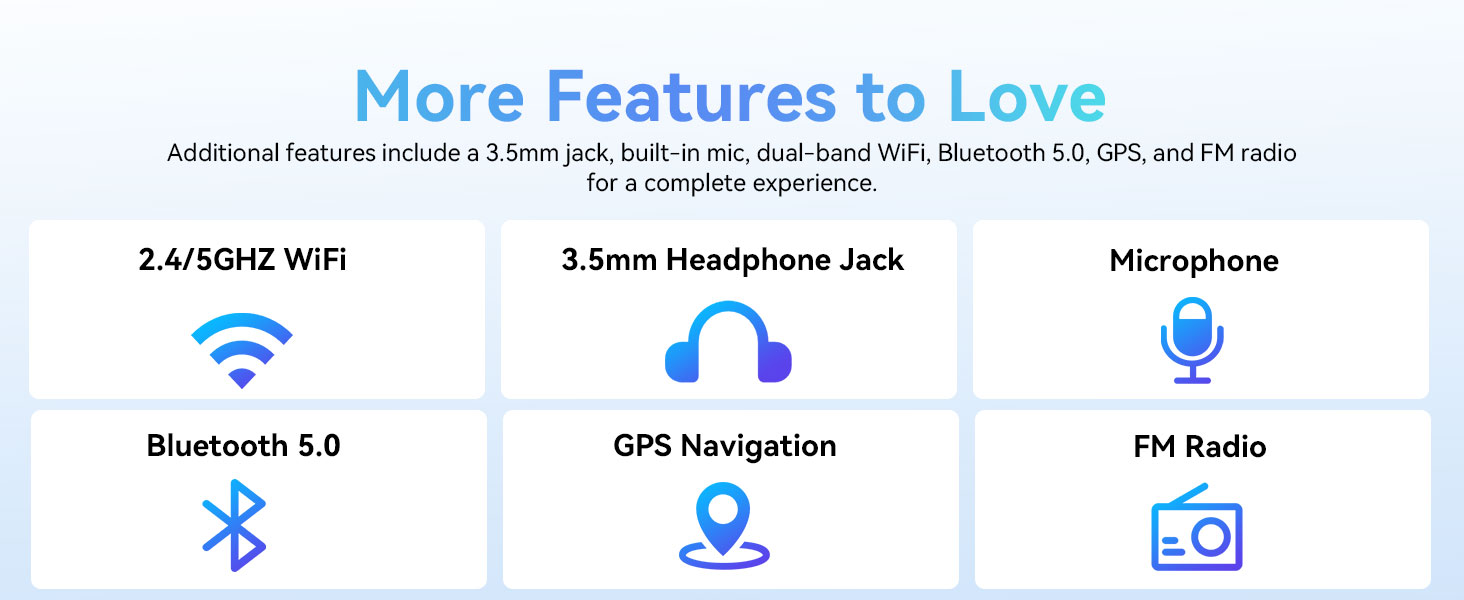
Image: A graphic displaying the ECOPAD T30's additional features, including dual-band Wi-Fi, 3.5mm headphone jack, microphone, Bluetooth 5.0, GPS, and FM Radio.
5.5 استخدام الكاميرا
الجهاز اللوحي مزود بكاميرا خلفية بدقة 8 ميجابكسل وكاميرا أمامية بدقة 2 ميجابكسل.
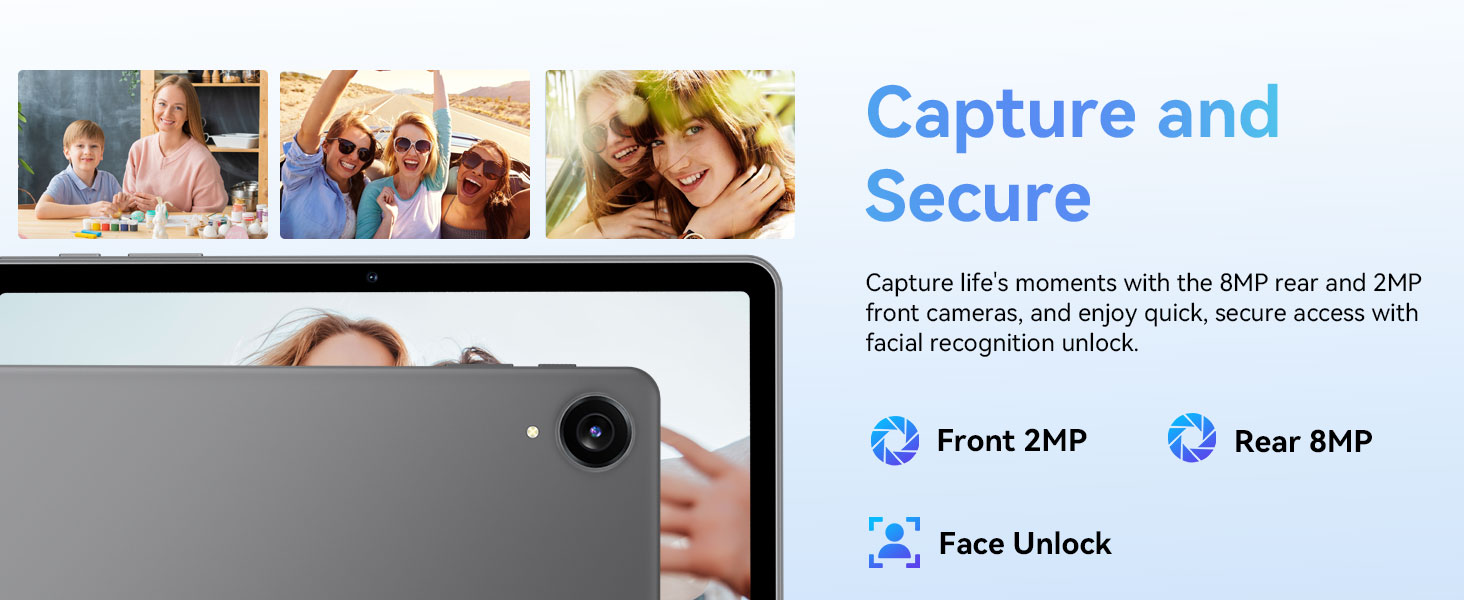
Image: The ECOPAD T30 Tablet highlighting its 2MP front camera, 8MP rear camera, and the Face Unlock security feature.
افتح آلة تصوير app to take photos or record videos. Tap the camera icon to switch between front and rear cameras.
5.6 Security (Face Unlock)
For convenient and secure access, your tablet supports Face Unlock. To set it up, go to إعدادات > الأمن والخصوصية > فتح الوجه واتبع التعليمات التي تظهر على الشاشة.
5.7 Multimedia and Streaming
The ECOPAD T30 supports Widevine L1, enabling high-definition streaming from platforms like Netflix, Hulu, YouTube, HBO Max, Prime Video, and Disney+.
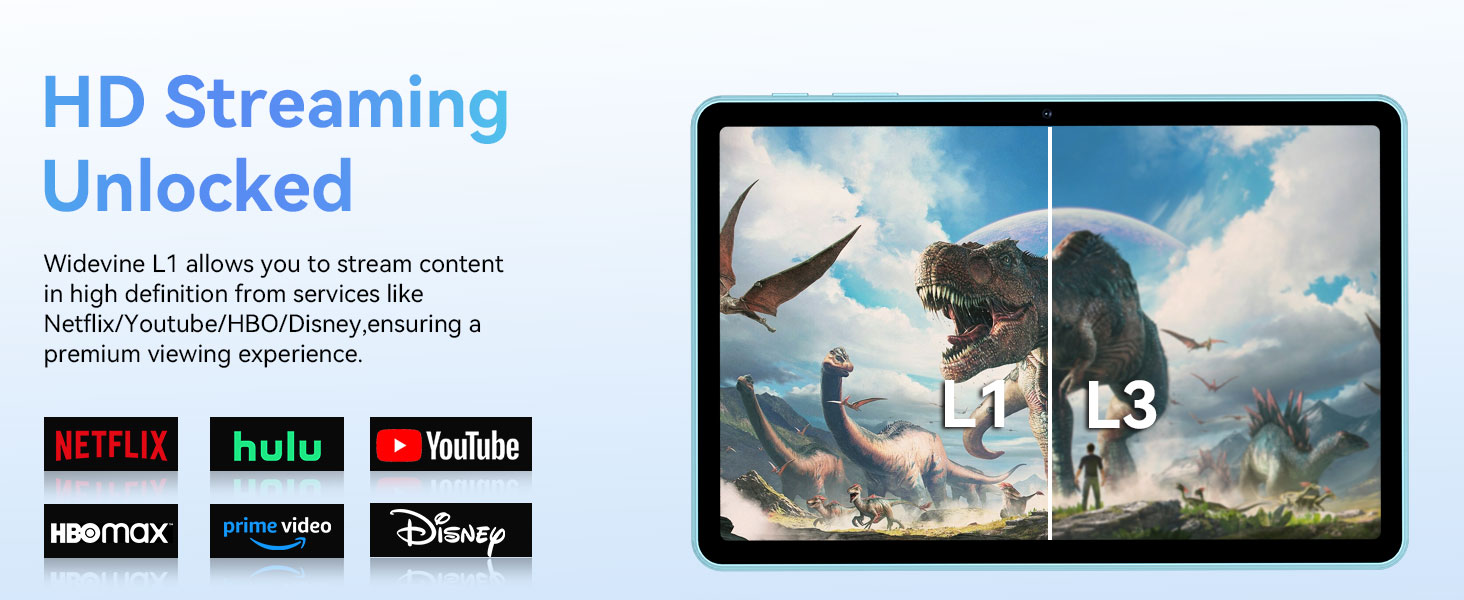
Image: The ECOPAD T30 Tablet demonstrating Widevine L1 support for high-definition streaming, with logos of compatible services like Netflix and Disney+.
6. الصيانة
6.1 العناية بالبطارية
- تجنب درجات الحرارة القصوى.
- لا تدع البطارية تنفد تماماً بشكل متكرر.
- Use the provided 18W charger for optimal charging.
6.2 التنظيف
استخدم قطعة قماش ناعمة وخالية من الوبر لتنظيف شاشة الجهاز اللوحي وجسمه. تجنب المواد الكيميائية القاسية أو المواد الكاشطة.
6.3 تحديثات البرامج
تحقق بانتظام من وجود تحديثات للبرامج وقم بتثبيتها لضمان حصول جهازك اللوحي على أحدث الميزات والتصحيحات الأمنية وتحسينات الأداء. انتقل إلى إعدادات > نظام > تحديث النظام.
7. استكشاف الأخطاء وإصلاحها
- الجهاز اللوحي لا يتم تشغيله: تأكد من شحن البطارية. وصّل الشاحن وحاول مرة أخرى.
- الشاشة متجمدة: اضغط مع الاستمرار على زر الطاقة لمدة 10-15 ثانية لفرض إعادة التشغيل.
- مشاكل الاتصال بشبكة Wi-Fi: Restart your tablet and your Wi-Fi router. Check Wi-Fi settings to ensure the correct network and password are used.
- تعطل التطبيقات: قم بمسح ذاكرة التخزين المؤقت للتطبيق الذي يسبب المشكلة (إعدادات > التطبيقات > [اسم التطبيق] > التخزين والذاكرة المؤقتة > مسح ذاكرة التخزين المؤقتإذا استمرت المشكلة، فحاول إعادة تثبيت التطبيق.
- Low audio volume: Check volume settings. Ensure no headphones are connected if you intend to use speakers. Consider connecting a Bluetooth speaker for enhanced audio.
8. المواصفات
| ميزة | مواصفة |
|---|---|
| نموذج | ECOPAD T30 |
| نظام التشغيل | أندرويد 15 |
| المعالج | Unisoc T606 Octa-core (2x Cortex-A75, 6x Cortex-A55) |
| كبش | 12 جيجابايت (4 جيجابايت + 8 جيجابايت قابلة للتوسعة) |
| التخزين الداخلي | 128 جيجا بايت |
| تخزين قابل للتوسيع | يدعم حتى 1 تيرابايت عبر بطاقة Micro SD |
| حجم العرض | 10.1 بوصة |
| نوع العرض | HD IPS Touchscreen |
| دقة | 1280 × 800 بكسل |
| نسبة العرض إلى الارتفاع | 16:9 |
| الكاميرا الخلفية | 8 ميجا بكسل |
| الكاميرا الأمامية | 2 ميجا بكسل |
| واي فاي | Dual-Band Wi-Fi 5 (802.11ax, 2.4GHz/5GHz) |
| بلوتوث | بلوتوث 5.0 |
| سعة البطارية | 6000 مللي أمبير |
| الشحن | 18W Fast Charge (USB Type-C) |
| متوسط عمر البطارية | 8 Hours (typical usage) |
| الأبعاد (الطول × العرض × الارتفاع) | 9.5 × 6.5 × 0.3 بوصة |
| وزن | 1.83 رطل |
| مميزات اخرى | GPS, FM Radio, Dual Speakers, Face Unlock, Widevine L1 |

Image: A detailed diagram illustrating the Unisoc T606 Octa-core processor, highlighting its ARM G57 GPU, core configuration (Cortex-A55 x 6, Cortex-A75 x 2), and 12nm manufacturing process.
9. الضمان والدعم
Your ECOPAD T30 Tablet comes with a ضمان لمدة 2 سنوات يسري هذا الضمان من تاريخ الشراء. ويغطي عيوب التصنيع ويضمن لك راحة البال فيما يتعلق بجودة منتجك.
For technical support, warranty claims, or any questions regarding your tablet, please contact ECOPAD customer service through the official channels provided at the time of purchase or on the ECOPAD webموقع.
Ask a question about this manual
Ask about setup, troubleshooting, compatibility, parts, safety, or missing instructions. Manuals+ will review the question and use this page’s manual context to help answer it.