
مقدمة
This manual provides detailed instructions for the setup, operation, maintenance, and troubleshooting of your BoxWave SlimKeys Bluetooth Keyboard with Trackpad. Please read this manual thoroughly before using the product to ensure optimal performance and longevity.
المنتج انتهىview
The BoxWave SlimKeys Bluetooth Keyboard with Trackpad is a portable, slim keyboard designed for seamless connectivity with various devices. It features responsive chiclet-style keys and a full-functioning trackpad, enhancing productivity on the go.

الصورة: من أعلى إلى أسفل view of the BoxWave SlimKeys Bluetooth Keyboard with Trackpad, showing the full QWERTY layout and integrated trackpad.

الصورة: بزاوية view of the BoxWave SlimKeys Bluetooth Keyboard with Trackpad, highlighting its slim profile.
يثبت
1. شحن لوحة المفاتيح
Before initial use, fully charge the keyboard. Connect the included charging cable to the keyboard's charging port and to a USB power source. The charging indicator light will illuminate during charging and turn off when fully charged.

Image: The BoxWave SlimKeys keyboard connected to a charging cable, illustrating the charging process.
2. تشغيل / إيقاف التشغيل
Locate the ON/OFF switch on the side of the keyboard. Slide the switch to the 'ON' position to power on the keyboard. Slide it to 'OFF' when not in use to conserve battery power.
3. اقتران بلوتوث
- تأكد من شحن لوحة المفاتيح وتشغيلها.
- اضغط على يتصل button on the keyboard. The Bluetooth indicator light will begin to flash, indicating it is in pairing mode.
- On your device (e.g., HP Spectre X360, Android tablet, iOS device), go to the Bluetooth settings.
- بحث عن available devices. You should see "BoxWave SlimKeys Keyboard" or a similar name appear in the list.
- Select the keyboard from the list to initiate pairing. Follow any on-screen prompts, such as entering a pairing code, if required.
- Once successfully paired, the Bluetooth indicator light on the keyboard will stop flashing and remain solid or turn off, depending on the model.

Image: A hand using the integrated trackpad on the SlimKeys keyboard, demonstrating navigation capabilities.
4. التوافق مع منصات متعددة
The SlimKeys keyboard is compatible with Android, Windows, and iOS devices. It automatically adapts to the operating system for optimal functionality.
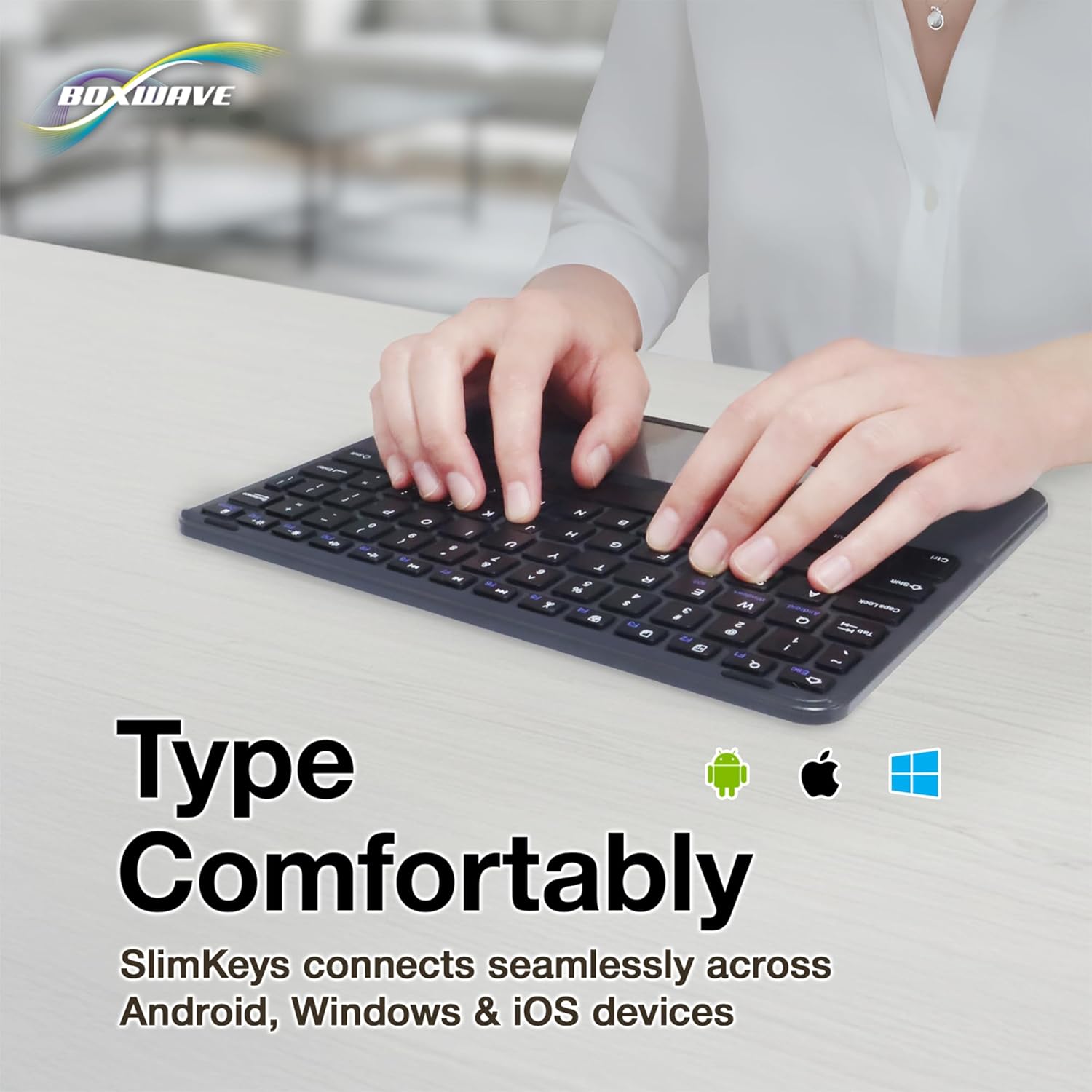
Image: Hands typing on the SlimKeys keyboard, with icons representing Android, Apple (iOS), and Windows operating systems, indicating multi-platform compatibility.
تعليمات التشغيل
1. Basic Keyboard Usage
The keyboard functions like a standard QWERTY keyboard. Simply type as you would on any other keyboard. The chiclet-style keys provide a comfortable and responsive typing experience.
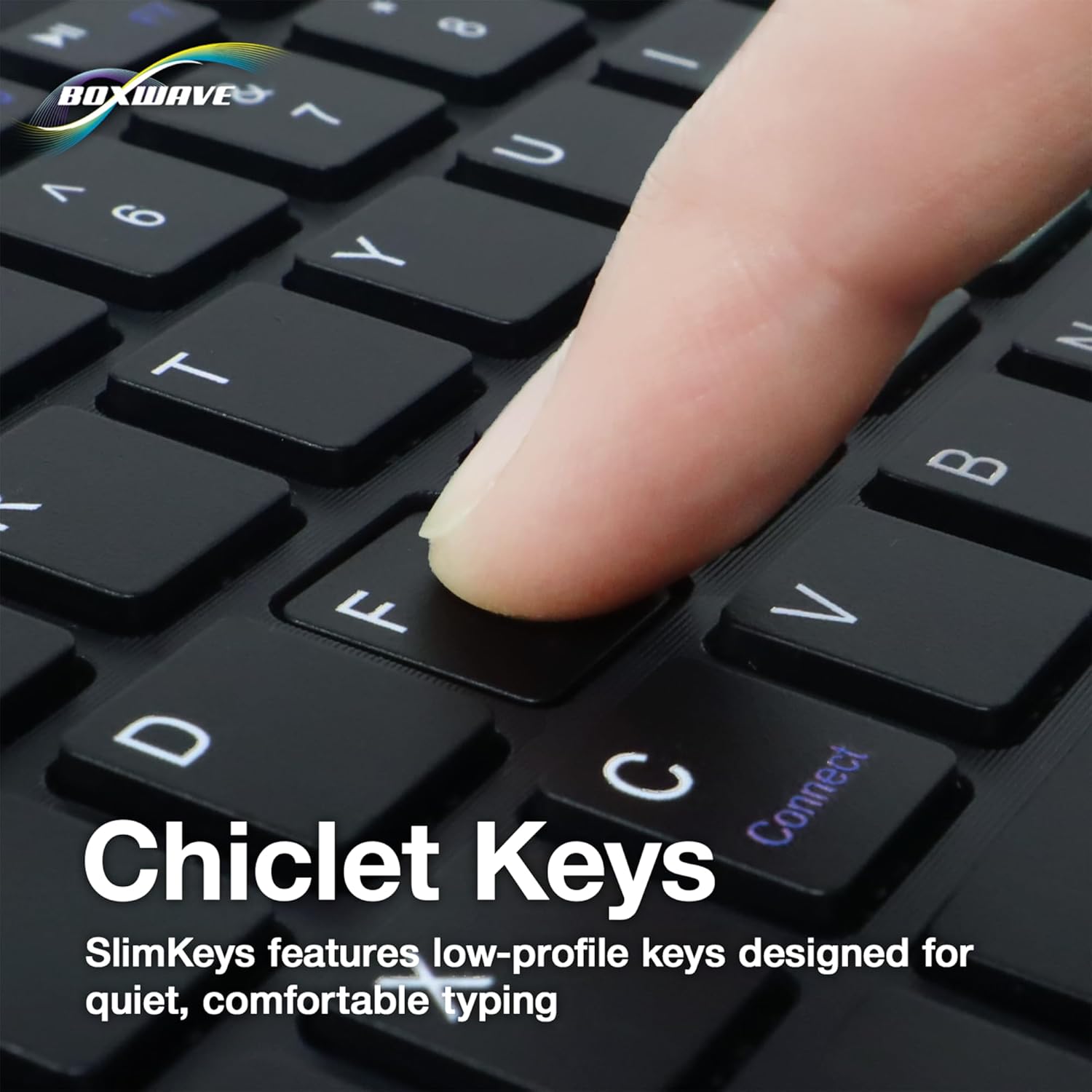
الصورة: لقطة مقربة view of a finger pressing a key on the SlimKeys keyboard, highlighting the chiclet key design.
2. Trackpad Functionality
The integrated trackpad allows for precise cursor control, similar to a laptop trackpad. Use single-finger gestures for basic navigation and clicking. Multi-touch gestures may be supported depending on your device's operating system.
3. Specialized Function Keys
The keyboard includes a row of specialized function keys (F1-F12) that provide quick access to common commands. These functions may vary slightly depending on the connected device's operating system.
- Esc / Home: Returns to the home screen or acts as Escape.
- F1 / Search: Opens search function.
- F2 / Select All: Selects all content.
- F3 / Copy: Copies selected content.
- F4 / Paste: Pastes copied content.
- F5 / Cut: Cuts selected content.
- F6 / Skip Back: Skips to the previous track/media.
- F7 / Play/Pause: تشغيل الوسائط أو إيقافها مؤقتًا.
- F8 / Skip Forward: Skips to the next track/media.
- F9 / Volume Down: يقلل من حجم الصوت.
- F10 / Volume Up: يزيد من حجم الصوت.
- F11 / Brightness Down: تقليل سطوع الشاشة.
- F12 / Brightness Up: يزيد سطوع الشاشة.
- Delete / Lock: Deletes characters or locks the device.

Image: A detailed diagram illustrating the specialized function keys and their corresponding actions on the SlimKeys keyboard.
صيانة
1. التنظيف
لتنظيف لوحة المفاتيح، امسح السطح برفق بقطعة قماش ناعمة.amp cloth. Avoid using harsh chemicals or abrasive materials, as these can damage the finish. Ensure no liquid enters the keyboard's internal components.
2. العناية بالبطارية
The keyboard features a long-lasting battery. To maximize battery life:
- Turn off the keyboard using the ON/OFF switch when not in use.
- أعد شحن البطارية عندما يظهر مؤشر انخفاض مستوى البطارية.
- تجنب تعريض لوحة المفاتيح لدرجات حرارة شديدة.
The keyboard offers up to 30 days of active use and up to 6 months of standby time when powered off.
استكشاف الأخطاء وإصلاحها
- لوحة المفاتيح غير متصلة:
- تأكد من تشغيل لوحة المفاتيح وشحنها بالكامل.
- تأكد من تمكين البلوتوث على جهازك.
- Try re-pairing the keyboard by following the Bluetooth Pairing steps in the Setup section.
- Ensure the keyboard is within the effective Bluetooth range (typically 10 meters or 33 feet).
- المفاتيح لا تستجيب:
- تأكد من أن لوحة المفاتيح متصلة عبر البلوتوث.
- أعد تشغيل كل من لوحة المفاتيح والجهاز.
- تأكد من أن بطارية لوحة المفاتيح ليست منخفضة بشكل كبير.
- لوحة اللمس لا تعمل:
- تأكد من توصيل لوحة المفاتيح بشكل صحيح.
- Check your device's settings for any trackpad or mouse-related configurations.
- نظف سطح لوحة اللمس لإزالة أي شوائب.
- اتصال متقطع:
- اقترب من جهازك لتقليل التداخل.
- Ensure no other strong wireless signals are interfering with the Bluetooth connection.
- افصل اتصال Bluetooth وأعد توصيله.
تحديد
| ميزة | التفاصيل |
|---|---|
| ماركة | بوكس ويف |
| نموذج | SlimKeys Bluetooth Keyboard with Trackpad |
| لون | أسود كالفحم |
| مادة | بولي كربونات |
| وزن العنصر | 10.9 أونصات |
| نسخة البلوتوث | 3.0 |
| الأبعاد (العرض × العمق × الارتفاع) | 9.5 بوصة × 7.0 بوصة × 0.2 بوصة (23.2 سم × 17.8 سم × 0.5 سم) |
| عمر البطارية (في حالة الاستخدام النشط) | حتى 30 يوما |
| عمر البطارية (الاستعداد) | حتى 6 أشهر |
| ASIN | B0DZ7MNDRF |
| تاريخ أول توفر | 3 ديسمبر 2021 |

Image: A diagram illustrating the width, depth, and height of the SlimKeys keyboard.
الضمان والدعم
Specific warranty information and detailed support contacts are not provided within this manual. For warranty details, technical support, or further assistance, please refer to the official BoxWave webالموقع أو اتصل بخدمة العملاء الخاصة بهم مباشرة.