
مقدمة
This manual provides essential information for the setup, operation, and maintenance of your PowerA Enhanced Wireless Controller, featuring the unique Pikachu vs. Gengar design. This officially licensed controller is designed to enhance your gaming experience on Nintendo Switch, Nintendo Switch Lite, and Nintendo Switch (OLED Model) consoles.
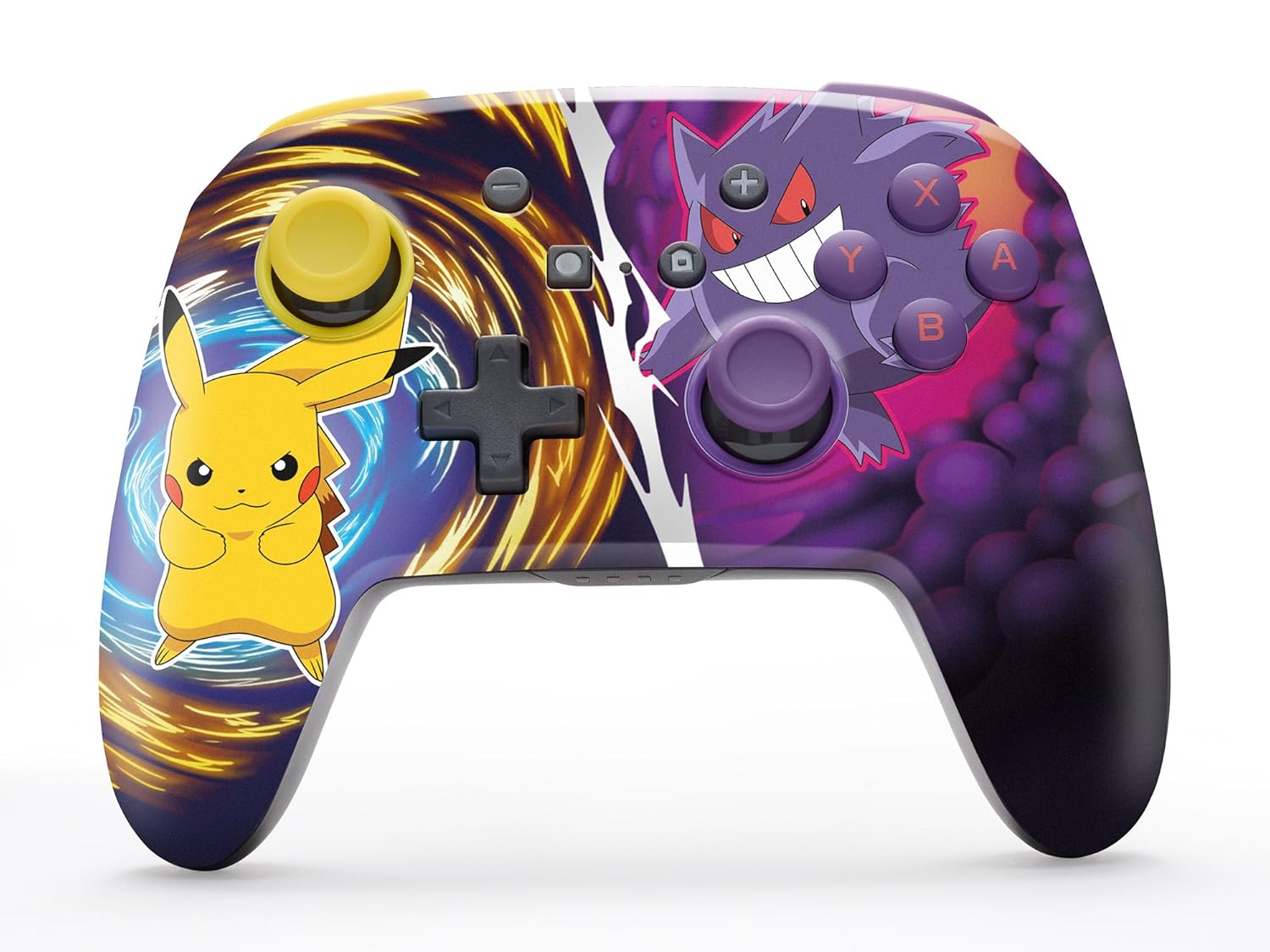
The PowerA Enhanced Wireless Controller with Pikachu vs. Gengar artwork.
الميزات الرئيسية
- الربط اللاسلكي: Utilizes Bluetooth 5.0 technology for a stable connection.
- بطارية قابلة لإعادة الشحن: Integrated lithium-ion battery provides up to 30 hours of gameplay per charge.
- أزرار الألعاب المتقدمة القابلة للتخصيص: Two programmable buttons on the back for custom control.
- تصميم مريح: تصميم مريح للغاية لجلسات لعب مريحة ومطولة.
- Smooth Thumbstick Control: Embedded anti-friction rings ensure precise and fluid movement.
- عناصر التحكم في الحركة: Supports intuitive motion controls for compatible games.

تصميم مريح للعب مريح.
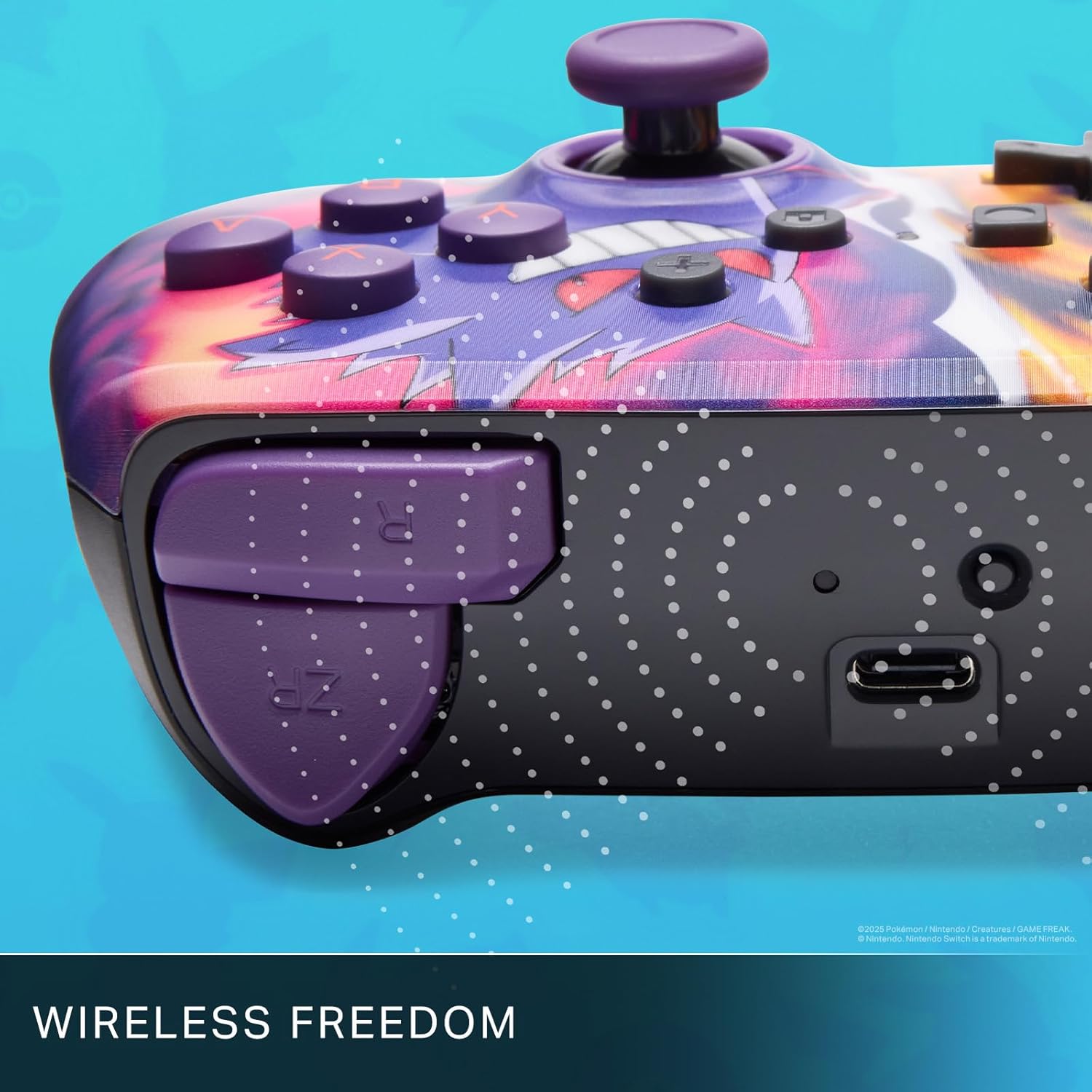
Enjoy wireless freedom with Bluetooth 5.0 technology.
الإعداد والاقتران
- تأكد من تشغيل جهاز Nintendo Switch الخاص بك وتحديثه إلى أحدث إصدار من برامج النظام.
- من قائمة HOME ، حدد وحدات التحكم، ثم تغيير القبضة/الترتيب.
- اضغط مع الاستمرار على زر المزامنة on the top edge of your PowerA Enhanced Wireless Controller for at least one second. The Player LED(s) will flash.
- Once paired, the Player LED(s) corresponding to the controller number will remain lit.
- اضغط على الزر to confirm and exit the menu. Your controller is now ready for use.
شحن وحدة التحكم
The controller features an internal 900mAh lithium-ion rechargeable battery, providing up to 30 hours of gameplay on a single charge. To charge your controller:
- Connect the included 10ft (3m) USB-C charge cable to the USB-C port on the top of the controller.
- Connect the other end of the USB-C cable to a USB power source (e.g., Nintendo Switch dock, USB wall adapter, or computer USB port).
- The LED indicator on the controller will show charging status. It will typically turn off or change color when fully charged.

Connect the USB-C cable to charge your controller.
أزرار ألعاب متطورة
Your PowerA Enhanced Wireless Controller includes two mappable Advanced Gaming Buttons (AGBs) on the back, allowing you to assign specific button functions for quick access during gameplay.
Programming AGBs:
- اضغط على زر البرنامج on the back of the controller. The Program LED will flash, indicating programming mode.
- Press the button you wish to map (A/B/X/Y/L/R/ZL/ZR/Left Stick Click/Right Stick Click/D-Pad). The Program LED will flash rapidly.
- Press the Advanced Gaming Button (AGB L or AGB R) you want to assign the function to. The Program LED will stop flashing, indicating the AGB is now programmed.
Resetting AGBs:
To reset all Advanced Gaming Buttons to their default (no function) state, press and hold the زر البرنامج for five seconds. The Program LED will flash slowly, then turn off, confirming the reset.
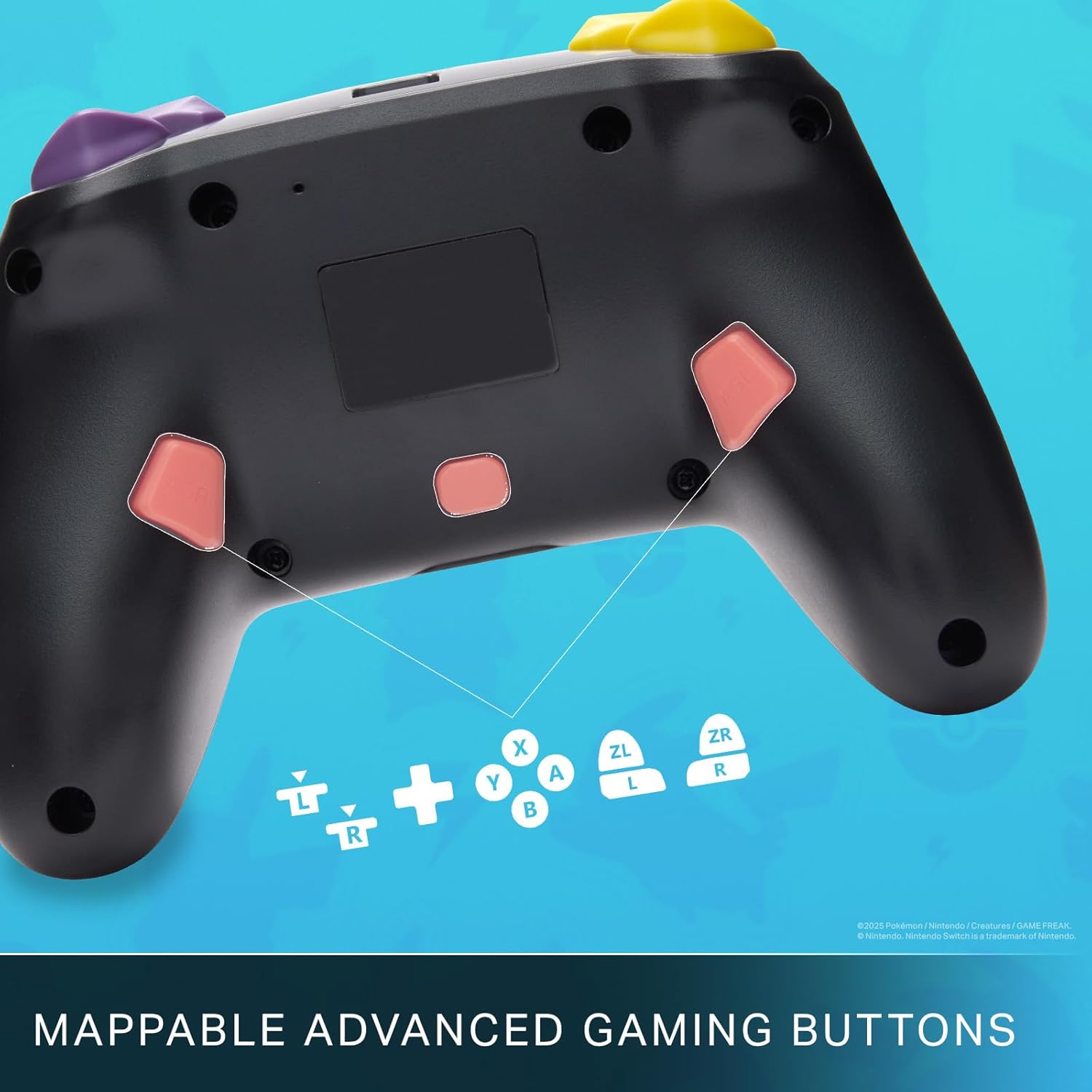
Mappable Advanced Gaming Buttons for personalized control.
التوافق
This PowerA Enhanced Wireless Controller is compatible with the following Nintendo consoles:
- نينتندو سويتش
- نينتندو سويتش لايت
- Nintendo Switch (OLED Model)
- Nintendo Switch 2 (Note: C button not available)

The controller is compatible with Nintendo Switch 2, though the C button functionality is not available.
تحديد
| ميزة | التفاصيل |
|---|---|
| الأجهزة المتوافقة | نينتندو سويتش |
| نوع وحدة التحكم | لوحة الألعاب |
| تكنولوجيا الاتصال | بلوتوث، يو اس بي |
| مميزات اضافية | مريح، لاسلكي |
| كمية الأزرار | 12 |
| منصة الأجهزة | وحدة تحكم الألعاب |
| مصدر الطاقة | تعمل بالبطارية (بطارية ليثيوم أيون قابلة لإعادة الشحن) |
| طرازات أجهزة ألعاب الفيديو المتوافقة | نينتندو سويتش ، نينتندو سويتش لايت |
| وزن العنصر | 0.68 رطل |
| أبعاد العنصر | 6.02 × 4.41 × 2.48 بوصة |
| لون | Pikachu vs Gengar |
| اسم الموديل | Pikachu vs. Gengar |
| رقم الموديل | NSGP0420-01R |
العناية والصيانة
- Keep the controller dry. Avoid exposure to moisture or extreme temperatures.
- نظّف وحدة التحكم بقطعة قماش ناعمة وجافة. لا تستخدم مواد كيميائية قاسية أو مواد كاشطة.
- قم بتخزين وحدة التحكم في مكان آمن عند عدم استخدامها لمنع تلفها.
استكشاف الأخطاء وإصلاحها
وحدة التحكم غير متصلة:
- تأكد من أن وحدة التحكم مشحونة بالكامل.
- Verify the controller is within the Bluetooth range of your Nintendo Switch console.
- Attempt to re-pair the controller following the "Setup and Pairing" instructions.
أزرار/عصي تحكم لا تستجيب:
- تحقق من وجود أي عوائق مادية أو حطام حول الأزرار أو عصا التحكم.
- Perform a hard reset by holding the SYNC button for 10 seconds, then attempt to re-pair.
- Ensure the controller's firmware is up to date (check PowerA's official webالموقع للحصول على التحديثات).
الضمان والدعم
This PowerA Enhanced Wireless Controller comes with a ضمان محدود لمدة عامين. For detailed warranty information, product support, and troubleshooting assistance, please visit the official PowerA support webموقع: