1. المقدمة
شكرا لك على الشراءasing the Portable Mini Projector. This device is designed to provide a versatile and immersive viewing experience, supporting high-definition decoding and various connectivity options for both indoor and outdoor use. Please read this manual thoroughly before operating the projector to ensure proper use and to maximize its performance and lifespan.
2. معلومات السلامة
To prevent fire, electric shock, or damage to the projector, please observe the following safety precautions:
- لا تسد فتحات التهوية. تأكد من وجود تدفق هواء كافٍ حول جهاز العرض.
- لا تعرض جهاز العرض للمطر أو الرطوبة. أبقه بعيداً عن مصادر المياه.
- استخدم فقط محول الطاقة المرفق مع جهاز العرض.
- تجنب النظر مباشرة إلى عدسة جهاز العرض عندما يكون lamp يتم تشغيله، لأن الضوء الساطع يمكن أن يسبب إجهادًا أو تلفًا للعين.
- لا تحاول تفكيك جهاز العرض أو تعديله. قم بإحالة جميع أعمال الصيانة إلى فنيين مؤهلين.
- ضع جهاز العرض على سطح مستوٍ وثابت لمنعه من السقوط.
- Keep the projector away from direct sunlight, heat sources, and extreme temperatures.
3. محتويات العبوة
يرجى التحقق من محتويات العبوة عند فتح الصندوق:
- جهاز عرض صغير محمول
- محول الطاقة
- جهاز التحكم عن بعد (البطاريات غير متضمنة)
- كابل HDMI
- دليل المستخدم
4. ميزات المنتج ومكوناته
Familiarize yourself with the projector's key features and components:
- عدسة الإسقاط: يعرض الصورة على الشاشة أو السطح.
- حلقة التركيز: يضبط وضوح الصورة المعروضة.
- منافذ الإدخال: HDMI, USB, AV, Memory Card slot for various device connections.
- مكبر صوت مدمج: يوفر إخراج الصوت.
- شبكات التهوية: لتبديد الحرارة.
- زر الطاقة: يقوم بتشغيل/إيقاف تشغيل جهاز العرض.
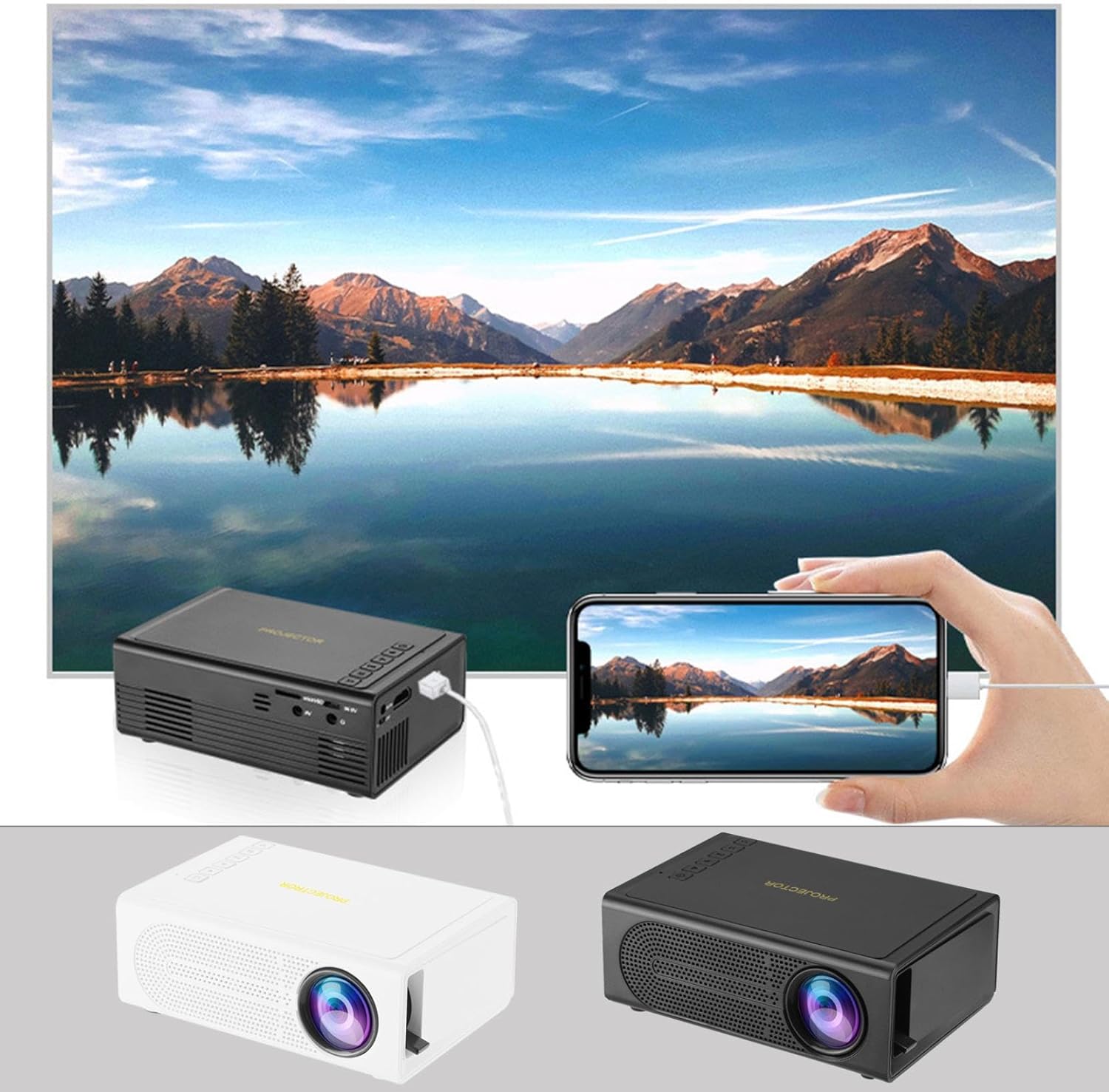
Image: The Portable Mini Projector in use, demonstrating its ability to mirror a smartphone screen onto a large display. Both black and white color options of the projector are shown.

Image: Physical dimensions of the projector, indicating its compact size.
5. الإعداد
- توصيل الطاقة: قم بتوصيل محول الطاقة المرفق بمنفذ إدخال الطاقة الخاص بجهاز العرض، ثم قم بتوصيله بمأخذ كهربائي.
- الموقع: ضع جهاز العرض على سطح ثابت ومستوٍ. للحصول على أفضل أداء viewقم بوضع جهاز العرض بشكل عمودي على سطح العرض (الجدار أو الشاشة).
- تشغيل الطاقة: اضغط على زر الطاقة الموجود على جهاز العرض أو جهاز التحكم عن بعد لتشغيل الجهاز.
- ضبط التركيز: Once powered on, rotate the focus ring on the projector until the projected image appears clear and sharp.
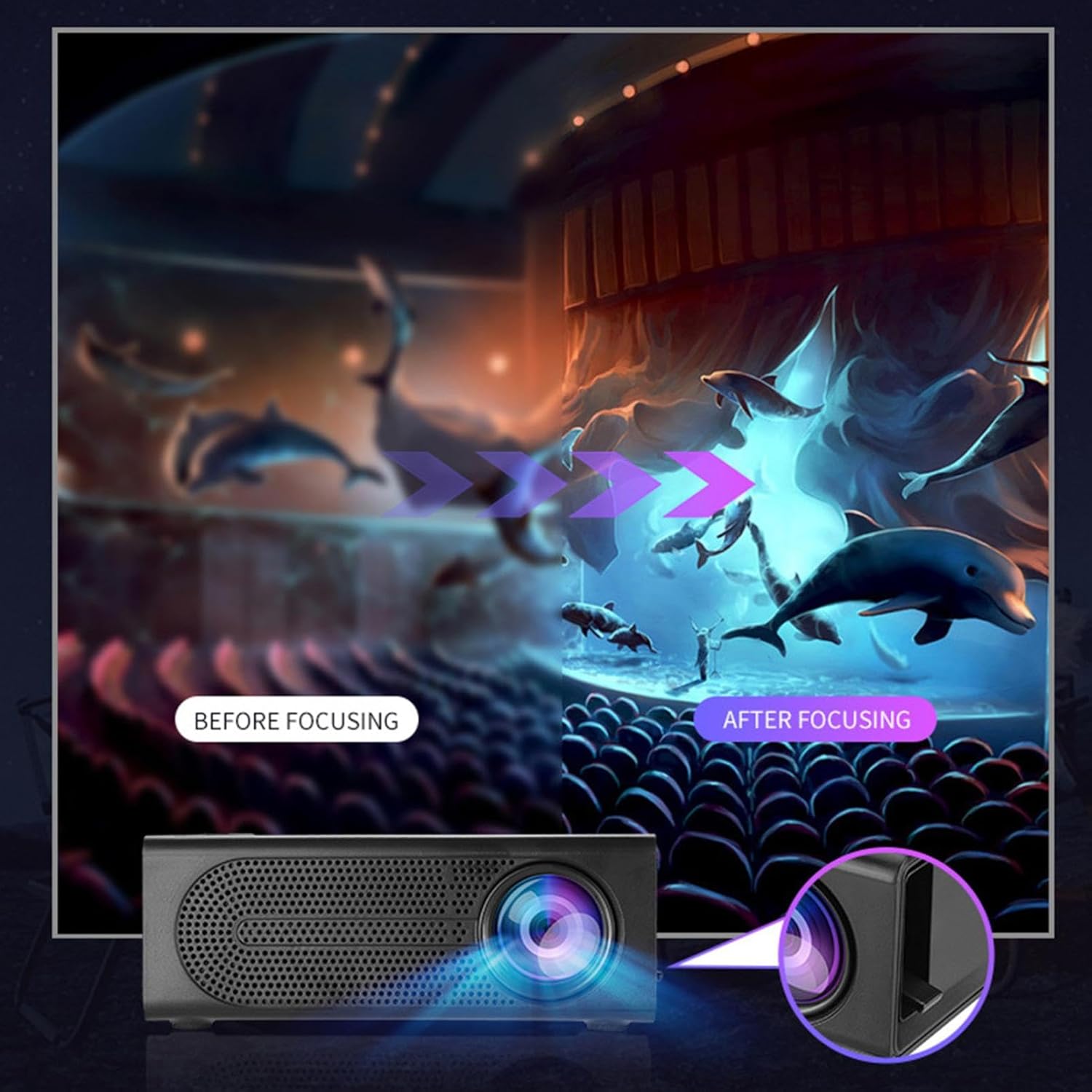
Image: Visual demonstration of focus adjustment, showing the difference between a blurry and a sharp image.
6. تعليمات التشغيل
6.1 توصيل الأجهزة
The projector supports various input sources. Select the appropriate input mode from the projector's menu after connecting your device.
- HDMI: Connect laptops, gaming consoles, DVD players, or other HDMI-enabled devices using an HDMI cable.
- USB: أدخل ذاكرة فلاش USB لتشغيل الوسائط fileس مباشرة.
- من: Use an AV cable to connect older devices like VCRs or some set-top boxes.
- بطاقة الذاكرة: Insert a compatible memory card to view الصور أو مقاطع الفيديو.
- الهاتف الذكي / الجهاز اللوحي: For wired phone same screen playback, connect your smartphone or tablet via a compatible cable (e.g., USB to Lightning/USB-C for screen mirroring, if supported by your device and the projector).

Image: Connectivity diagram illustrating the wide range of devices compatible with the projector.
6.2 Adjusting Projection Size
The projector can project images ranging from 32 to 100 inches. The projection size is determined by the distance between the projector and the projection surface. Move the projector closer to the surface for a smaller image, and further away for a larger image.
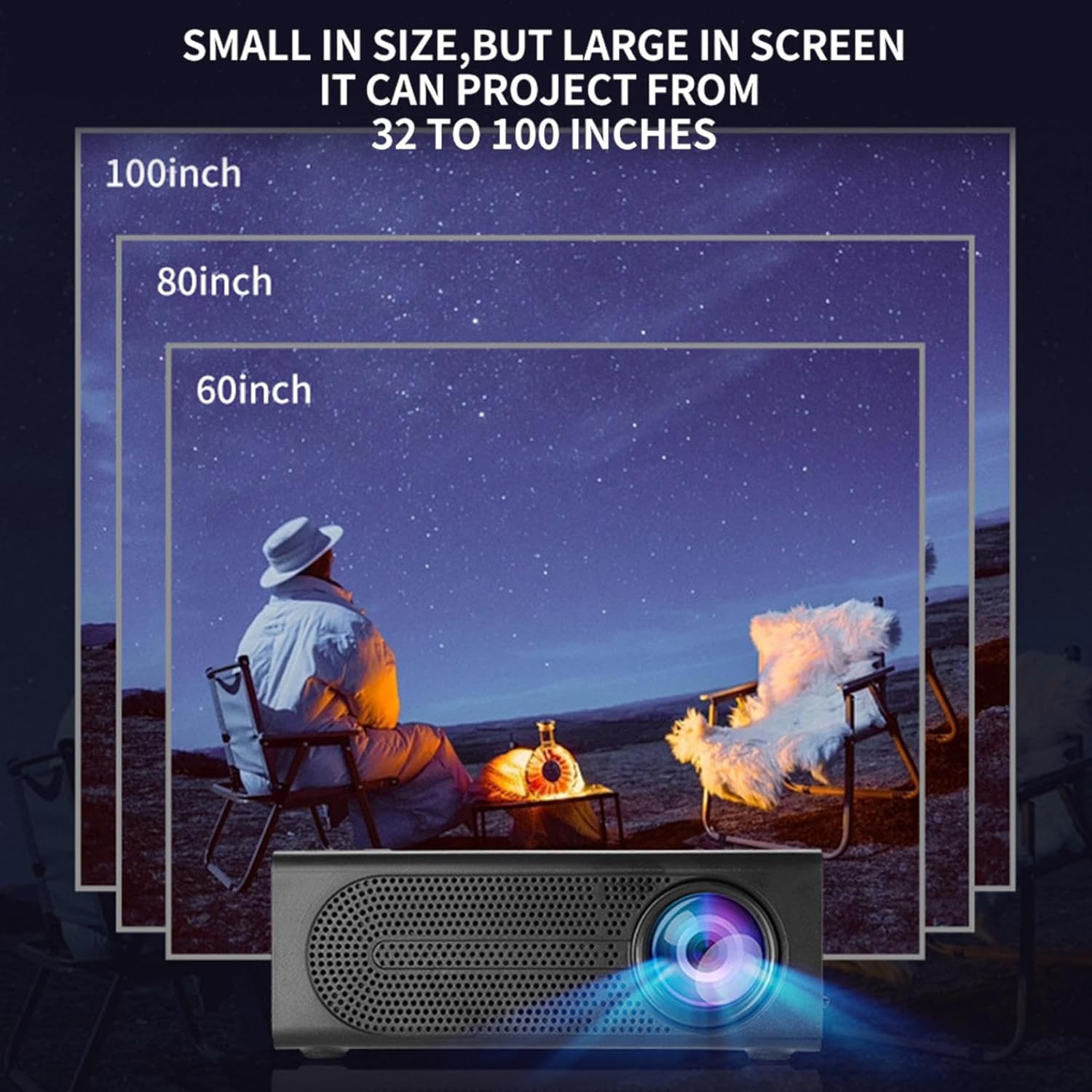
Image: Illustration of various projection sizes achievable with the projector, from 32 to 100 inches.
6.3 سيناريوهات الاستخدام
This projector is suitable for a variety of environments and uses:
- Parent-child interaction: Enjoy movies or educational content with family.
- Outdoor cinema: Set up a movie night in your backyard.
- Bedroom projection: Watch content comfortably from your bed.
- Living room cinema: Transform your living space into a home theater.

الصورة: السابقamples of diverse usage scenarios for the projector, from indoor home theater to outdoor entertainment.

Image: Depiction of family entertainment using the projector, alongside a technical diagram explaining the benefit of diffuse reflection for eye comfort compared to direct-ray light from a TV.
7. الصيانة
تضمن الصيانة المناسبة طول عمر جهاز العرض الخاص بك وأداءه الأمثل:
- تنظيف العدسات: استخدم قطعة قماش ناعمة وخالية من الوبر، مُصممة خصيصًا للعدسات البصرية، لمسح عدسة جهاز العرض برفق. لا تستخدم منظفات كاشطة أو قوة مفرطة.
- إزالة الغبار: Regularly clean the ventilation grilles with a soft brush or compressed air to prevent dust buildup, which can affect cooling and performance.
- تخزين: عند عدم استخدام جهاز العرض لفترات طويلة، قم بتخزينه في مكان بارد وجاف، بعيدًا عن أشعة الشمس المباشرة ودرجات الحرارة القصوى.
- إيقاف التشغيل بشكل صحيح: Always turn off the projector using the power button and allow it to cool down before unplugging or moving it.
8. استكشاف الأخطاء وإصلاحها
إذا واجهت مشكلات مع جهاز العرض الخاص بك، فراجع المشكلات والحلول الشائعة التالية:
| مشكلة | السبب المحتمل | حل |
|---|---|---|
| لم يتم عرض أي صورة | Power not connected; Input source not selected; Lens cap on. | Ensure power is connected and unit is on; Select correct input source; Remove lens cap. |
| الصورة ضبابية | لم يتم ضبط التركيز؛ جهاز العرض قريب جدًا/بعيد جدًا عن الشاشة. | اضبط حلقة التركيز؛ اضبط مسافة الإسقاط. |
| لا يوجد صوت | Volume too low; Audio cable not connected; Muted. | Increase volume; Check audio connections; Unmute projector/source device. |
| جهاز التحكم عن بعد لا يعمل | البطاريات فارغة/تم إدخالها بشكل غير صحيح؛ وجود عائق بين جهاز التحكم عن بعد وجهاز العرض. | استبدل البطاريات؛ تأكد من وجود خط رؤية واضح لجهاز استقبال الأشعة تحت الحمراء. |
إذا استمرت المشكلة بعد تجربة هذه الحلول، فيرجى الاتصال بدعم العملاء.
9. المواصفات
- نوع المنتج: جهاز عرض صغير محمول
- ماركة: نوعي
- الأجهزة المتوافقة: Laptop, Gaming Console, Tablet, Camera, Smartphone
- نسبة تباين الصورة: عالي
- حجم العرض: من 32 إلى 100 بوصة
- فك تشفير الفيديو: ح.264، ح.265
- الاتصال: HDMI, USB, AV, Memory Card
- أبعاد: Approximately 5in (L) x 3.2in (W) x 1.9in (H) / 12.7cm (L) x 8.15cm (W) x 4.85cm (H)
10. الضمان والدعم
This product comes with a standard manufacturer's warranty. Please refer to the warranty card included in your package for specific terms and conditions. For technical support, troubleshooting assistance, or warranty claims, please contact the retailer or manufacturer's customer service department.
جهة اتصال دعم العملاء: Please refer to retailer or manufacturer webموقع للحصول على تفاصيل الاتصال.