
1. المقدمة
This manual provides comprehensive instructions for the setup and operation of your Techkey Bluetooth Adapter 5.3 USB Mini EDR Dongle. This device enables Bluetooth connectivity for your desktop or laptop computer, allowing you to connect various Bluetooth-enabled peripherals.
The adapter features Bluetooth 5.3 + EDR technology, offering enhanced anti-interference capabilities, improved stability, and reduced transmission efficiency loss in the 2.4 GHz frequency band. It supports a transmission rate of up to 3Mbps and a range of up to 30 meters in open areas. Its ultra-small, compact design ensures it can be easily carried and used without obstructing adjacent USB ports.
توافق النظام: This adapter is designed for Plug & Play functionality and supports Windows 11, Windows 10, and Windows 8.1 operating systems. It is backward compatible with Bluetooth 5.2/4.2/4.0/3.0/2.1. يرجى الملاحظة: This adapter does not support Mac, Linux, Unraid, TV, car stereo systems, PS4, or Xbox consoles.
2. الإعداد والتثبيت
2.1. Disabling Built-in Bluetooth (If Applicable)
If your computer has a built-in Bluetooth module, it is recommended to disable it before installing the Techkey Bluetooth Adapter to prevent conflicts and ensure optimal performance. Follow these steps:
- Right-click on the "This PC" or "My Computer" icon on your desktop and select "Manage".
- In the "Computer Management" window, click on "Device Manager" in the left pane.
- Expand the "Bluetooth" category. You will see a list of Bluetooth devices.
- Locate your computer's built-in Bluetooth adapter (e.g., "Intel Wireless Bluetooth"). Right-click on it and select "Disable device". مهم: تأكد من ذلك إبطال it, not uninstall it. A computer cannot use two Bluetooth adapters simultaneously.
- Confirm the action if prompted.
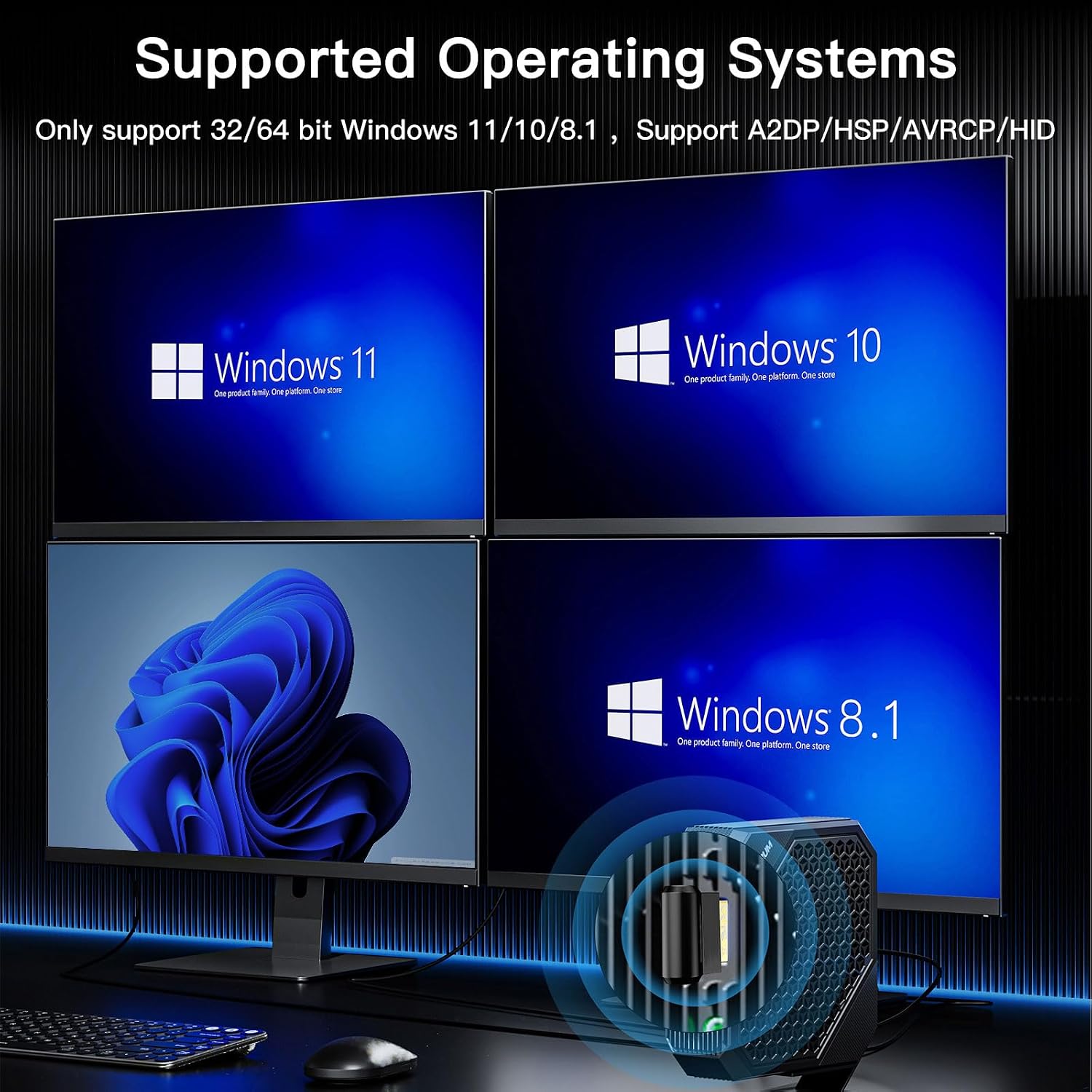
صورة: Supported Operating Systems. This image illustrates the Windows operating systems compatible with the Bluetooth adapter: Windows 11, Windows 10, and Windows 8.1.
2.2. Plug & Play Installation
The Techkey Bluetooth Adapter is designed for easy installation:
- Insert the Techkey Bluetooth Adapter into an available USB port on your desktop or laptop computer.
- Allow 3 to 5 minutes for your system to automatically detect, download, and install the necessary drivers. A notification will typically appear once the device is ready.

صورة: Plug & Play Installation. This image demonstrates the simple plug-and-play nature of the adapter, requiring no manual driver installation.

صورة: Techkey Bluetooth 5.3 USB Adapter. A detailed view of the compact Bluetooth 5.3 USB dongle.
3. تعليمات التشغيل
3.1. Pairing Your Devices
Once the driver is installed, the Bluetooth icon should appear in your system tray (bottom-right corner of your screen). If you cannot find it, refer to section 3.2.
- Right-click on the Bluetooth icon in the system tray.
- Select "Add a Bluetooth Device" from the context menu.
- In the "Add a device" window, choose "Bluetooth" (for mice, keyboards, pens, audio, and other Bluetooth devices).
- Ensure your Bluetooth device is in pairing mode and discoverable.
- اختر جهازك من القائمة للاتصال.
The adapter supports connecting multiple devices simultaneously, such as Bluetooth speakers, keyboards, headsets, and mice, allowing for wireless file transfer and audio streaming.

صورة: Multi-Device Connectivity. This image illustrates the ability to connect up to 5 different Bluetooth devices simultaneously, including a mouse, headphones, keyboard, and game controller.

صورة: Fast Data Transmission. This image highlights the adapter's capability for fast data transmission, enabling seamless music streaming, video playback, and file عمليات النقل بين الأجهزة.
3.2. Locating the Bluetooth Icon
If you are having trouble finding the Bluetooth icon in the system tray, follow these steps:
- Click the "Start" icon in the lower-left corner of your screen.
- Click on "Settings".
- Select "Devices".
- In the left pane, click on "Bluetooth & other devices".
- On the right side, find and click "More Bluetooth options".
- In the "Bluetooth Settings" window, check the box next to "Show Bluetooth icon in the notification area". Click "OK" or "Apply".
4. الصيانة
To ensure the longevity and optimal performance of your Techkey Bluetooth Adapter, please observe the following:
- حافظ على نظافة المحول وخلوه من الغبار. استخدم قطعة قماش ناعمة وجافة للتنظيف.
- تجنب تعريض المحول لدرجات الحرارة العالية أو الرطوبة أو أشعة الشمس المباشرة.
- قم بتخزين المحول في مكان آمن عند عدم استخدامه لمنع حدوث تلف مادي.

صورة: Mini Compact Design. This image highlights the small and unobtrusive design of the adapter, making it easy to use and transport.
5. استكشاف الأخطاء وإصلاحها
- Adapter Not Recognized / Not Working:
- Ensure your computer's built-in Bluetooth is disabled (refer to Section 2.1).
- Try inserting the adapter into a different USB port.
- Restart your computer after inserting the adapter.
- Verify that your operating system is Windows 11, 10, or 8.1. Other operating systems are not supported.
- Check Windows Update to ensure your system has the latest updates, which may include necessary drivers.
- لا يمكن إقران الأجهزة:
- Ensure your device is in pairing mode and discoverable.
- Make sure the Bluetooth function is enabled on your computer (refer to Section 3.2 for locating the icon).
- Move the device closer to the adapter to ensure it's within the 30-meter range.
- قم بإزالة أي نسخ مقترنة مسبقًا من الجهاز من إعدادات البلوتوث في جهاز الكمبيوتر الخاص بك وحاول الاقتران مرة أخرى.
- Intermittent Connection / Poor Audio Quality:
- قم بتقليص المسافة بين المحول والجهاز المتصل.
- Minimize physical obstructions (walls, large metal objects) between the adapter and the device.
- Avoid interference from other 2.4 GHz wireless devices (Wi-Fi routers, cordless phones).
6. المواصفات
| ميزة | التفاصيل |
|---|---|
| نموذج | Bluetooth Adapter 5.3 USB Mini EDR Dongle |
| نسخة البلوتوث | 5.3 + EDR (معدل بيانات معزز) |
| التوافق مع الإصدارات السابقة | Bluetooth 5.2 / 4.2 / 4.0 / 3.0 / 2.1 |
| واجهة الأجهزة | USB |
| معدل نقل البيانات | تصل السرعة إلى 3 ميجابت في الثانية (Mbps) |
| مسافة الإرسال | Up to 30 meters (in open areas) |
| دعم نظام التشغيل | Windows 11 / 10 / 8.1 (32/64 bit) |
| الأنظمة غير المتوافقة | Mac, Linux, Unraid, TV, car stereo, PS4, Xbox |
| الأجهزة المتوافقة | Headphones, Keyboards, Laptops, Mice, Speakers, Game Controllers, Printers, Smartphones/Tablets |
| أبعاد المنتج | 1.18 × 0.59 × 0.2 بوصة (3 × 1.5 × 0.5 سم) |
| وزن العنصر | 1.13 أونصة (0.03 كجم) |
| لون | أسود |

صورة: Upgraded Bluetooth 5.3 + BLE. This image represents the advanced Bluetooth 5.3 chip with Low Energy (BLE) for high-speed and stable signal transmission.
7. الضمان والدعم
For warranty information or technical support, please contact the manufacturer, Techkey, or your retailer. Please retain your proof of purchase for any warranty claims.