
1. المقدمة
This manual provides detailed instructions for the safe and proper installation, operation, and maintenance of your FORGING MOUNT Rotating TV Wall Mount HY9107-B. Please read all instructions carefully before beginning installation to ensure correct setup and to prevent damage or injury.
2. معلومات السلامة
تحذير: قد يؤدي عدم قراءة هذه التعليمات واتباعها إلى إصابة شخصية خطيرة أو تلف في الممتلكات أو إبطال الضمان الخاص بك.
- تأكد من أن سطح التثبيت يمكنه تحمل الوزن الإجمالي للحامل وجهاز التلفزيون بشكل آمن.
- لا تتجاوز الحد الأقصى للوزن وهو 55 رطلاً (25 كجم).
- This mount is designed for installation on wood studs, solid concrete walls, or brick walls. لا تقم بتثبيته في الحوائط الجافة وحدها.
- استخدم دائمًا أداة تحديد المسامير الخشبية لتحديد موقع المسامير الخشبية بدقة.
- If you are unsure about the installation process, consult a qualified professional installer.
- احتفظ بالأطفال والحيوانات الأليفة بعيدًا أثناء التثبيت.
3. محتويات العبوة
Verify that all components are present and undamaged before installation. If any parts are missing or defective, contact FORGING MOUNT customer service.

الصورة: أكثر منview of all included components for the TV wall mount.
مكونات التركيب:
- تجميع لوحة الحائط
- أذرع حامل التلفزيون (قطعتان)
طقم الأجهزة:
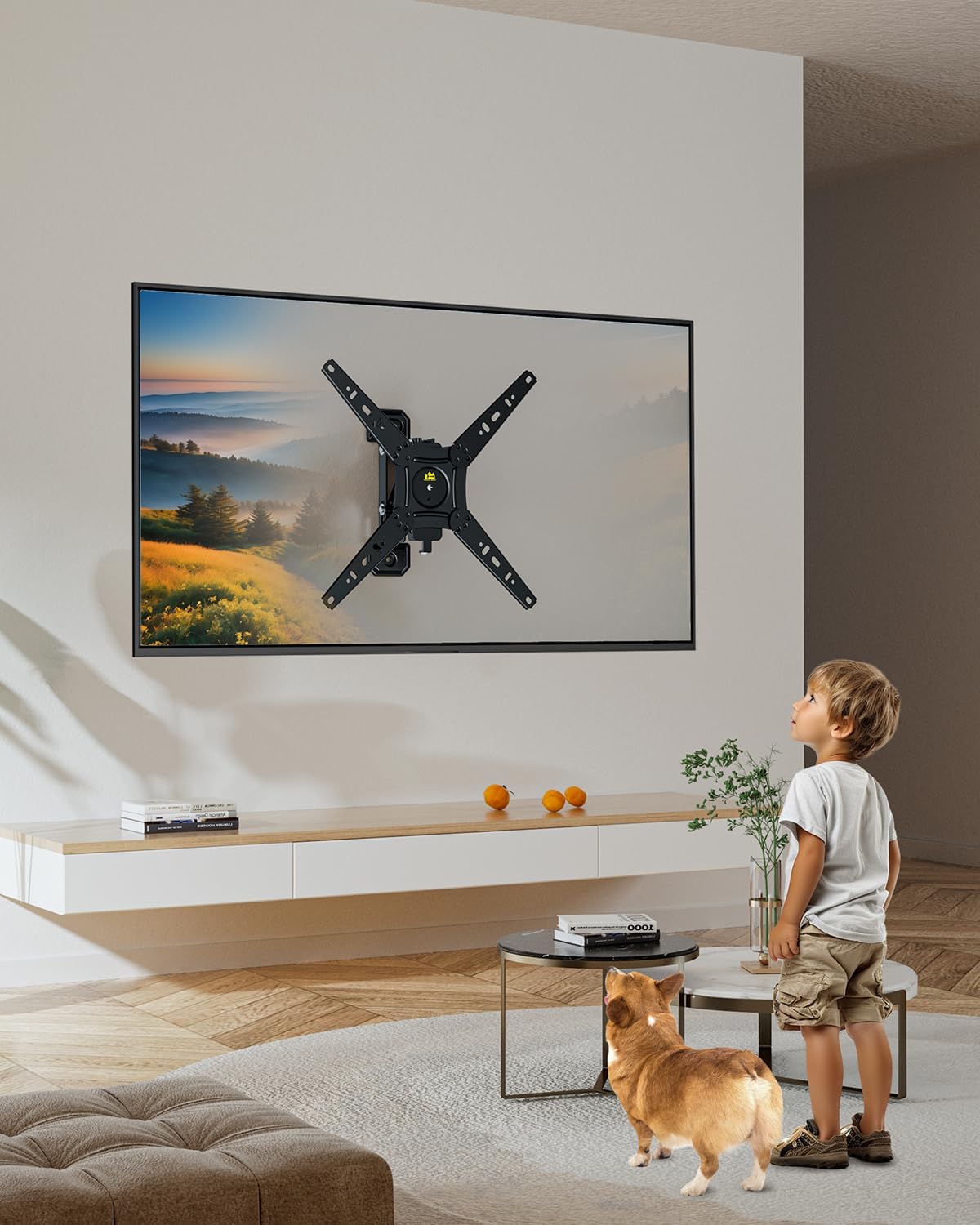
Image: Various screws, washers, and spacers provided for different TV models and wall types.
- براغي تلفزيون متنوعة (M4، M6، M8)
- الغسالات والفواصل
- Lag Bolts (for wall mounting)
- Concrete Anchors (for concrete/brick walls)
4. الأدوات المطلوبة (غير متضمنة)
- فيليبس مفك البراغي
- مثقاب كهربائي
- مستوى الفقاعة
- قلم رصاص
- Stud Finder (essential for wood stud installation)
5. المواصفات
| ميزة | مواصفة |
|---|---|
| توافق حجم التلفزيون | 13-49 بوصة |
| سعة الوزن | حتى 55 أرطال (25 كجم) |
| التوافق مع VESA | 75x75mm to 300x300mm (e.g., 75x75, 100x100, 100x200, 200x200, 200x300, 300x300) |
| نوع الحركة | Rotate (Landscape to Portrait), Swivel, Tilt, Extend/Retract |
| مسافة الجدار (في وضع الانكماش) | 2.36 بوصة |
| مسافة الجدار (ممتدة) | حتى 5.3 بوصة |
| مادة | سبائك الفولاذ |

Image: Common VESA patterns supported by the mount, showing horizontal and vertical measurements.
6. الإعداد والتثبيت
Follow these steps for a secure installation. It is recommended to have two people for TV mounting.
الخطوة 1: تحضير الجدار
- تحديد موضع التثبيت: Determine the desired height and center of your TV. Use a stud finder to locate the center of a wood stud for wood stud installation. For concrete or brick walls, ensure the chosen location is solid.
- حدد نقاط الحفر: Hold the wall plate assembly against the wall at the desired height and use a pencil to mark the drilling points. Use a bubble level to ensure the marks are perfectly horizontal.
- حفر ثقوب تجريبية:
- For Wood Studs: Drill pilot holes using a 3/16" (4.5mm) drill bit to a depth of 2.2" (55mm).
- For Concrete/Brick Walls: Drill pilot holes using a 3/8" (10mm) drill bit to a depth of 2.4" (60mm). Insert concrete anchors into the drilled holes.

Image: Illustration of compatible wall types for installation: solid concrete, single wood stud, and brick wall. Note: Do not install in drywall alone.
Step 2: Install the Wall Plate Assembly
- Align the wall plate assembly with the drilled holes. Attach it to the wall using the appropriate lag bolts and washers for your wall type. Tighten securely with a wrench.
Video: This video demonstrates the installation process of a full motion TV wall mount, including wall preparation, attaching the wall plate, and securing the TV. It highlights the mount's ability to rotate between portrait and landscape orientations.
الخطوة 3: قم بتوصيل دعامات التلفزيون بالتلفزيون
- ضع جهاز التلفزيون الخاص بك ووجهه لأسفل على سطح ناعم ونظيف لمنع الخدوش.
- Attach the TV bracket arms to the back of your TV using the appropriate screws, washers, and spacers from the hardware kit. Ensure they are securely fastened.
Step 4: Hang TV on Mount
- Carefully lift the TV and hook the attached TV brackets onto the wall plate assembly. Ensure the TV is securely seated on the mount.
- قم بربط أي براغي أمان أو آليات قفل على حوامل التلفزيون لمنع انفصالها عن طريق الخطأ.

Image: The FORGING MOUNT TV Wall Mount with a television securely attached, demonstrating its full motion capabilities.
7. تعليمات التشغيل
Rotation (Landscape to Portrait)
This mount allows for easy 90-degree rotation to switch your TV between landscape and portrait orientations. Gently rotate the TV to your desired orientation.

Image: A user demonstrating the 90-degree rotation feature of the TV mount, switching the display from horizontal to vertical.
التمديد والانكماش
The mount can extend up to 5.3 inches from the wall and retract to a minimum of 2.36 inches. Gently pull or push the TV to adjust the distance from the wall.
Image: An illustration detailing the mount's ability to retract to 2.36 inches and extend up to 5.3 inches from the wall, optimizing space and viewزوايا متعددة.
Swivel and Tilt
The mount offers swivel and tilt capabilities for optimal viewing angles. Adjust the TV horizontally (swivel) or vertically (tilt) as needed. The mount allows for easy cable access even when retracted.

Image: A visual comparison highlighting the FORGING MOUNT's design for easy cable access behind the TV, contrasting with other mounts that make cable management difficult.
8. الصيانة
- افحص جميع البراغي والصواميل دوريًا للتأكد من إحكام ربطها. أعد ربطها إذا لزم الأمر.
- نظّف الحامل بقطعة قماش ناعمة وجافة. تجنّب استخدام المنظفات أو المذيبات الكاشطة.
- Ensure smooth movement of the articulating arms. If movement becomes stiff, apply a small amount of silicone-based lubricant to the joints.
9. استكشاف الأخطاء وإصلاحها
Issue: TV does not stop at desired position during rotation.
حل: Adjust the two side screws on the rotation mechanism alternately using the provided tools until the desired tension is achieved. Refer to the detailed graphical installation guide for visual assistance.
10. الضمان والدعم
For warranty information or technical support, please refer to the product packaging or contact FORGING MOUNT customer service directly. Keep your purchase receipt for warranty claims.