
1. المقدمة
This manual provides detailed instructions for the setup, operation, and maintenance of your TMY Native 1080P Mini Projector. Please read this manual thoroughly before using the projector to ensure proper function and longevity.
2. ماذا يوجد في الصندوق
- TMY Native 1080P Mini Projector
- جهاز التحكم عن بعد
- سلك الطاقة
- كابل HDMI
- دليل المستخدم
- مجموعة التنظيف
3. انتهى المنتجview
The TMY Native 1080P Mini Projector is designed for versatile home entertainment, offering native 1080P resolution and various connectivity options in a compact form factor.

3.1 منافذ الاتصال
The projector features multiple ports for connecting various devices:

- منفذ HDMI: For connecting devices such as TV sticks, PCs, gaming consoles, and DVD players.
- منفذ USB: لتوصيل محركات أقراص USB لتشغيل الوسائط files.
- مقبس صوت 3.5 ملم: لتوصيل مكبرات الصوت السلكية الخارجية أو سماعات الرأس.
- مدخلات الطاقة: لتوصيل سلك الطاقة.
4. الإعداد
4.1 التنسيب
Position the projector on a stable, flat surface. The projection distance can range from 1.5 meters to 5 meters, producing a screen size from 40 inches to 200 inches. Ensure there are no obstructions between the projector and the projection surface.
4.2 توصيل الطاقة
- قم بتوصيل سلك الطاقة بمنفذ إدخال الطاقة الخاص بجهاز العرض.
- قم بتوصيل الطرف الآخر من سلك الطاقة بمأخذ الطاقة.
4.3 التشغيل المبدئي
اضغط على زر التشغيل في جهاز العرض أو جهاز التحكم عن بُعد لتشغيل الجهاز. سيضيء مؤشر الضوء.
4.4 التركيز وتصحيح الانحراف
To achieve a clear and rectangular image, adjust the focus ring and keystone correction dial located on the projector. The projector supports ±15° vertical keystone correction.

5. تعليمات التشغيل
5.1 توصيل الأجهزة
يوفر جهاز العرض طرقًا متعددة لتوصيل أجهزتك:

5.1.1 اتصال HDMI
Connect your device (e.g., TV Stick, PC, gaming console) to the projector's HDMI port using an HDMI cable. Select the corresponding HDMI input source from the projector's menu.
5.1.2 اتصال USB
Insert a USB drive into the USB port. Navigate to the media player function in the projector's menu to browse and play files.
5.1.3 اتصال واي فاي (انعكاس الشاشة)
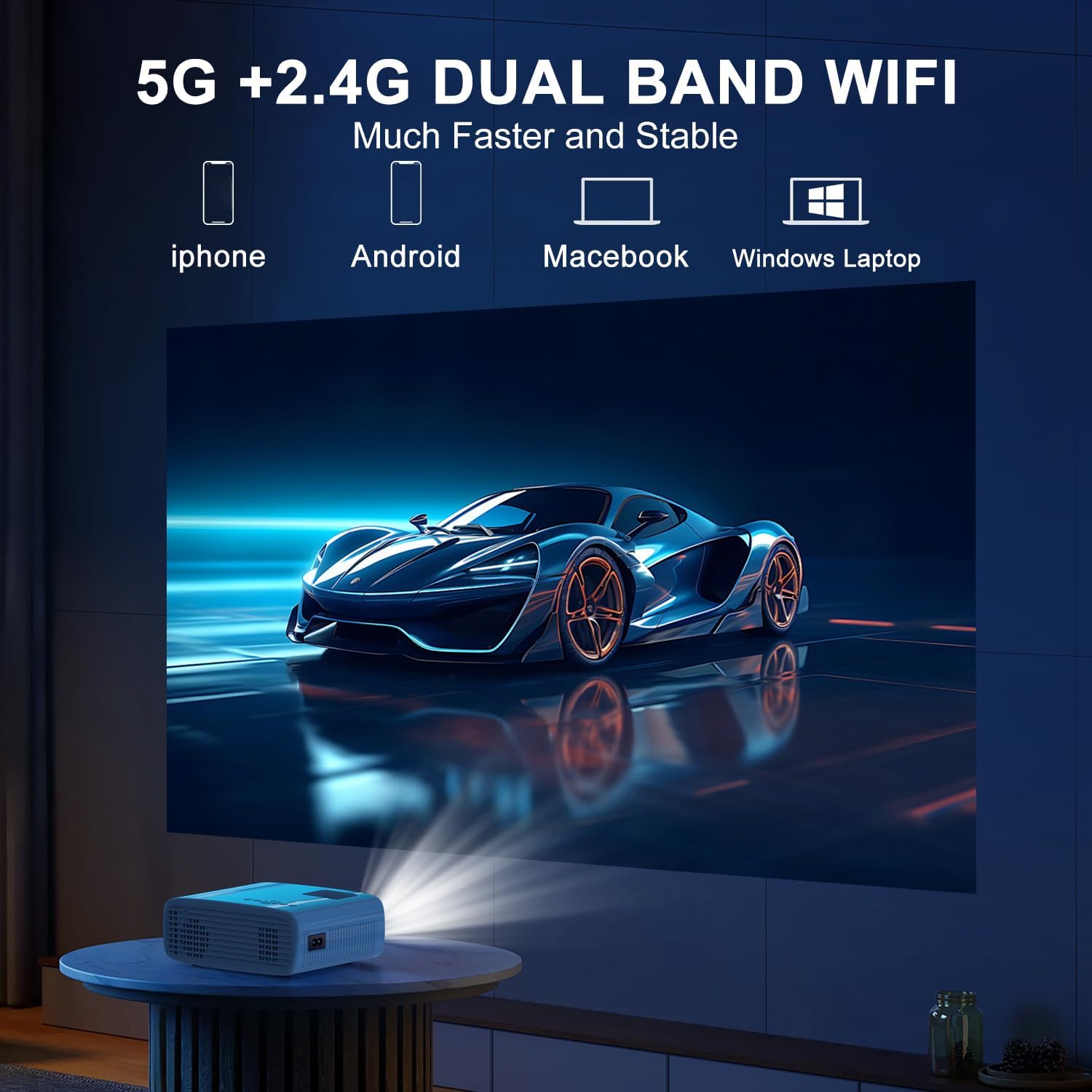
The projector supports 5G/2.4G dual-band WiFi for wireless screen mirroring from compatible smartphones, tablets, and laptops. Access the WiFi settings in the projector's menu to connect to your home network and initiate screen mirroring.

5.1.4 اتصال البلوتوث
The projector features two-way Bluetooth 5.2 technology. It can connect to external Bluetooth speakers or headphones for audio output. Additionally, it can function as a Bluetooth speaker itself, allowing you to connect your smartphone or tablet to play audio through the projector's built-in speakers.
ملحوظة:
- Bluetooth does not support screen mirroring with your phone.
- When connecting to external Bluetooth speakers, ensure the speaker is in pairing mode.
5.2 وظيفة التكبير
The projector includes a 100% to 50% zoom function, allowing you to adjust the screen size digitally without physically moving the projector. This feature is accessible through the projector's menu settings.
5.3 تصفح القائمة
Use the remote control to navigate through the projector's on-screen menu. The menu allows you to select input sources, adjust picture settings (brightness, contrast, color), sound settings, and other system configurations.
6. الصيانة
6.1 التنظيف
- عدسة: Use the provided cleaning cloth or a soft, lint-free cloth to gently wipe the projector lens. Avoid abrasive materials.
- الخارج: Wipe the projector's exterior with a soft, dry cloth. Do not use liquid cleaners or solvents.
- فتحات التهوية: Periodically check and clean the air vents to ensure proper airflow and prevent overheating.
6.2 التخزين
When not in use, store the projector in a cool, dry place, away from direct sunlight and extreme temperatures. Use the original packaging or a protective case to prevent dust accumulation and damage.
7. استكشاف الأخطاء وإصلاحها
- لا يوجد طاقة: تأكد من توصيل سلك الطاقة بإحكام بكل من جهاز العرض ومأخذ الطاقة. تحقق من أن مأخذ الطاقة يعمل بشكل صحيح.
- لا توجد صورة: Verify that the correct input source is selected in the projector's menu. Check all cable connections (HDMI, USB).
- صورة ضبابية: Adjust the focus ring on the projector until the image is clear. Ensure the projection distance is within the recommended range.
- الصورة ليست مستطيلة: Use the keystone correction dial to adjust the image until it appears rectangular.
- لا يوجد صوت: Check the volume settings on both the projector and the connected device. If using external speakers, ensure they are properly connected and powered on.
- Sound/Video Lag: For screen mirroring, ensure a stable WiFi connection. For wired connections, try a different cable or port. Note that Bluetooth does not support screen mirroring and may introduce slight audio delay with external speakers.
- ارتفاع درجة الحرارة: Ensure the projector's air vents are not blocked. Operate the projector in a well-ventilated area.
8. المواصفات
| ميزة | مواصفة |
|---|---|
| ماركة | تيمى |
| نموذج | B0DMW2G124 |
| دقة العرض | الدقة الأصلية 1920 × 1080 (1080 بكسل) |
| تكنولوجيا الاتصال | 3.5mm Jack, Bluetooth 5.2, HDMI, USB, Wi-Fi (5G/2.4G) |
| المميزات الخاصة | 50%-100% Zoom, Built-In Cooling System, Two-way Bluetooth, Wi-Fi Ready |
| الاستخدامات الموصى بها | ألعاب الفيديو، السينما المنزلية |
| وزن العنصر | 2.51 رطل |
| أبعاد الحزمة | 9.09 × 8.7 × 4.17 بوصة |
| لون | الأبيض + الأسود |
9. الضمان والدعم
For warranty information or technical support, please refer to the warranty card included in your product packaging or contact TMY customer service directly. Contact details can typically be found on the official TMY webالموقع أو من خلال منصة الشراء الخاصة بك.