
1. المقدمة
This manual provides essential information for setting up, operating, and maintaining your NUU N20 Basic Cell Phone. Please read through these instructions carefully to ensure optimal performance and longevity of your device.
2. انتهى الجهازview
The NUU N20 is an unlocked Android 15 smartphone featuring a 6.6-inch 90Hz HD+ display, an Octa-Core UNISOC T606 1.6GHz processor, 12GB RAM (6GB physical + 6GB virtual), and 128GB internal storage expandable via microSD. It includes a 16MP main camera, an 8MP wide-angle camera, and a 5MP front camera.

الشكل 1: الجبهة view of the NUU N20 Basic Cell Phone, showcasinتتميز بشاشتها مقاس 6.6 بوصة.

الشكل 2: الجانب view of the NUU N20 Basic Cell Phone, highlighting its slim profile ووضع الأزرار.

الشكل 3: خلفي view of the NUU N20 Basic Cell Phone, showing the dual camera setup and NUU branding.
3. الإعداد
3.1. إدخال بطاقة SIM وبطاقة MicroSD
The NUU N20 supports Dual SIM (Nano SIM card) and a microSD card for expandable storage. Use the provided SIM ejector tool to open the SIM card tray located on the left side of the device. Carefully place your Nano SIM card(s) and/or microSD card into the tray as indicated, then reinsert the tray into the phone.

Figure 4: A collage of NUU N20 features, including a close-up of the SIM card slot and dual speakers.
3.2. التشغيل والإعداد الأولي
Press and hold the power button on the right side of the device until the NUU logo appears. Follow the on-screen prompts to complete the initial setup, including language selection, Wi-Fi connection, and Google account login.
3.3. شحن الجهاز
Connect the provided USB-C cable to the phone's charging port at the bottom and the other end to the power adapter. Plug the power adapter into a wall outlet. The device features a 5000mAh battery for extended use.

Figure 5: Contents of the NUU N20 box, including the phone, power adapter, USB-C cable, SIM tool, and TPU case.
4. تعليمات التشغيل
4.1. التنقل الأساسي
The NUU N20 runs on stock Android 15, offering a clean and intuitive interface. Navigate by swiping across the screen, tapping icons, and using gestures for home, back, and recent apps.
Video 1: Demonstrates the NUU N20's display and Android 15 interface. This video highlights the phone's smooth operation and visual clarity.
4.2. استخدام الكاميرا
The NUU N20 features a versatile camera system. The rear setup includes a 16MP main camera and an 8MP wide-angle camera with LED flash. The front-facing camera is 5MP. Access various modes like Portrait, Pro, Video, Ultra-wide, Night, Slow Motion, Time-Lapse, and QR Code scanning through the camera application.

الشكل 6: مفصل view of the NUU N20 camera specifications, including 16MP main, 8MP wide-angle, and 5MP front cameras.
Video 2: Showcases the NUU N20 camera features and capabilities. This video demonstrates the camera's performance in various settings.
4.3. Extended RAM
Enhance multitasking performance by enabling Extended RAM. Navigate to Settings > System > Extended RAM to adjust the memory expansion capacity up to 4GB, utilizing internal storage for virtual RAM.
4.4. الرقابة الأبوية
The NUU N20 supports major parental control applications such as Google Family Link, Bark, Qustodio, and Norton Family. These tools allow parents to monitor and manage device usage, screen time, app permissions, and location tracking.
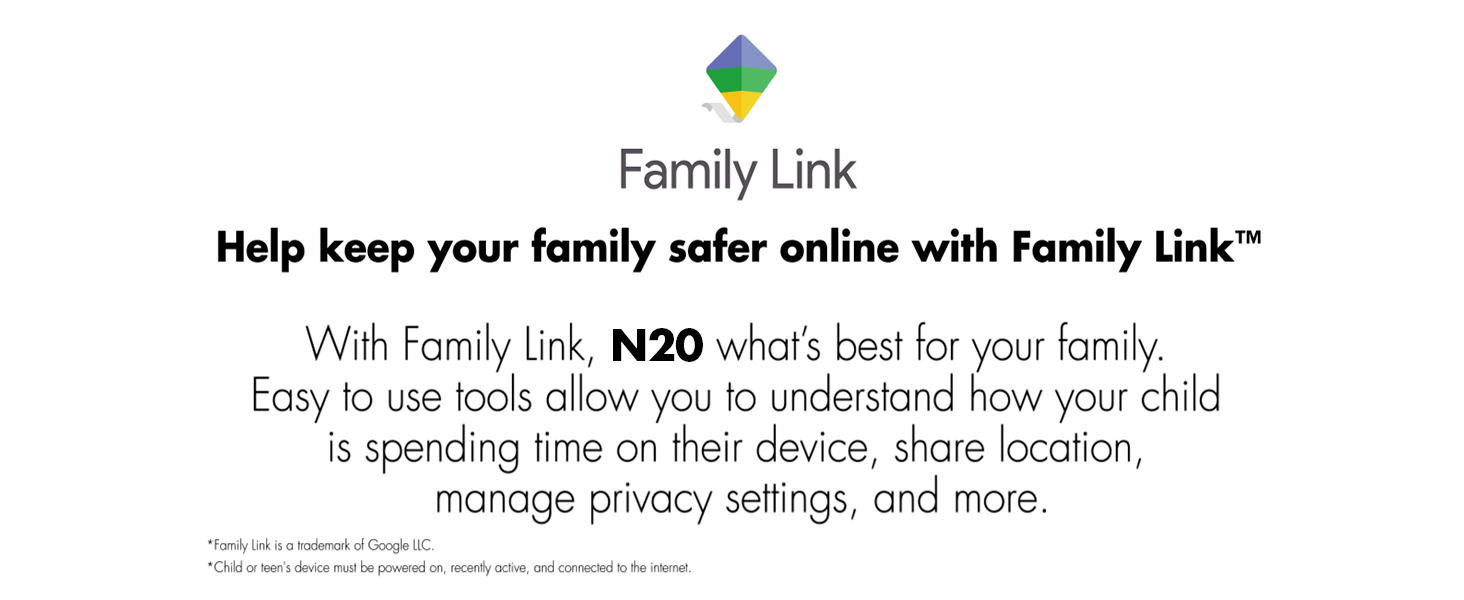
Figure 7: Illustration of Google Family Link features on the NUU N20, demonstrating parental control capabilities.
5. الاتصال
5.1. توافق الناقل
The NUU N20 is an unlocked 4G device compatible with a wide range of carriers, including T-Mobile, Mint Mobile, Metro by T-Mobile, Q Link Wireless, ULTRA Mobile, Google Fi, Hello Mobile, Tello Mobile, Lycamobile, Patriot Mobile, Republic Wireless, Simple Mobile, StandUp Wireless, SpeedTalk, and Telcel America. It supports 4G bands: B2, B4, B5, B12, B17, B25, B26, B41, B66, and B71. Note that some operators may require APN configuration.
This device is NOT compatible with Verizon, AT&T, Cricket, Boost Mobile, Tracfone, Pulse Cellular, Union Wireless, Spectrum, or any CDMA carriers worldwide.

Figure 8: A visual chart indicating compatible and incompatible U.S. carriers for the NUU N20 Basic Cell Phone.
6. الصيانة
6.1. تحديثات البرامج
Your NUU N20 runs on Android 15. Ensure your device is connected to Wi-Fi and has sufficient battery life before performing any software updates. Regular updates provide security enhancements and new features.

Figure 9: The NUU N20 displaying the Android 15 operating system interface.
6.2. الرعاية الجسدية
The NUU N20 is built with a durable zinc alloy metal frame. To protect your device, use the included TPU case and screen protector. Avoid exposing the phone to extreme temperatures, liquids, or direct impact.
7. استكشاف الأخطاء وإصلاحها
If you encounter any issues with your NUU N20, try restarting the device. For persistent problems, refer to the online support resources or contact customer service. Ensure your device's software is up to date.
8. المواصفات
| ميزة | مواصفة |
|---|---|
| اسم الموديل | ن20 |
| نظام التشغيل | أندرويد 15 |
| حجم العرض | 6.6 بوصة |
| دقة العرض | 720 × 1612 |
| معدل التحديث | 90 هرتز |
| المعالج | Octa-Core UNISOC T606 1.6GHz |
| كبش | 12 جيجابايت (6 جيجابايت + 6 جيجابايت ذاكرة وصول عشوائي افتراضية) |
| التخزين الداخلي | 128GB (Expandable by 128GB via microSD) |
| الكاميرا الخلفية | 16MP Main + 8MP Wide-Angle with LED Flash |
| الكاميرا الأمامية | 5 ميجا بكسل |
| سعة البطارية | 5000 مليamp ساعات |
| الاتصال | 4G, Dual SIM (Nano SIM) |
| أبعاد | 0.35 × 2.97 × 6.48 بوصة |
| وزن العنصر | 7.7 أونصات |
9. الضمان والدعم
The NUU N20 comes with a One-Year U.S. Manufacturer Warranty. For any questions or assistance, please reach out to our customer service team with your order ID. We are here to help and support you.