
1. المقدمة
This manual provides instructions for the installation, operation, and maintenance of your ADATA Legend 860 PCIe Gen4 x4 M.2 2280 Solid State Drive (SSD). The Legend 860 is designed to offer high-speed storage performance for compatible desktop computers, laptops, and Sony PlayStation 5 consoles.

الصورة 1.1: الجبهة view of the ADATA Legend 860 M.2 SSD, showing the ADATA logo and model name on the heat spreader.
2. محتويات العبوة
تأكد من أن الحزمة الخاصة بك تحتوي على العناصر التالية:
- ADATA Legend 860 PCIe Gen4 x4 M.2 2280 SSD (Solid State Drive NVMe)
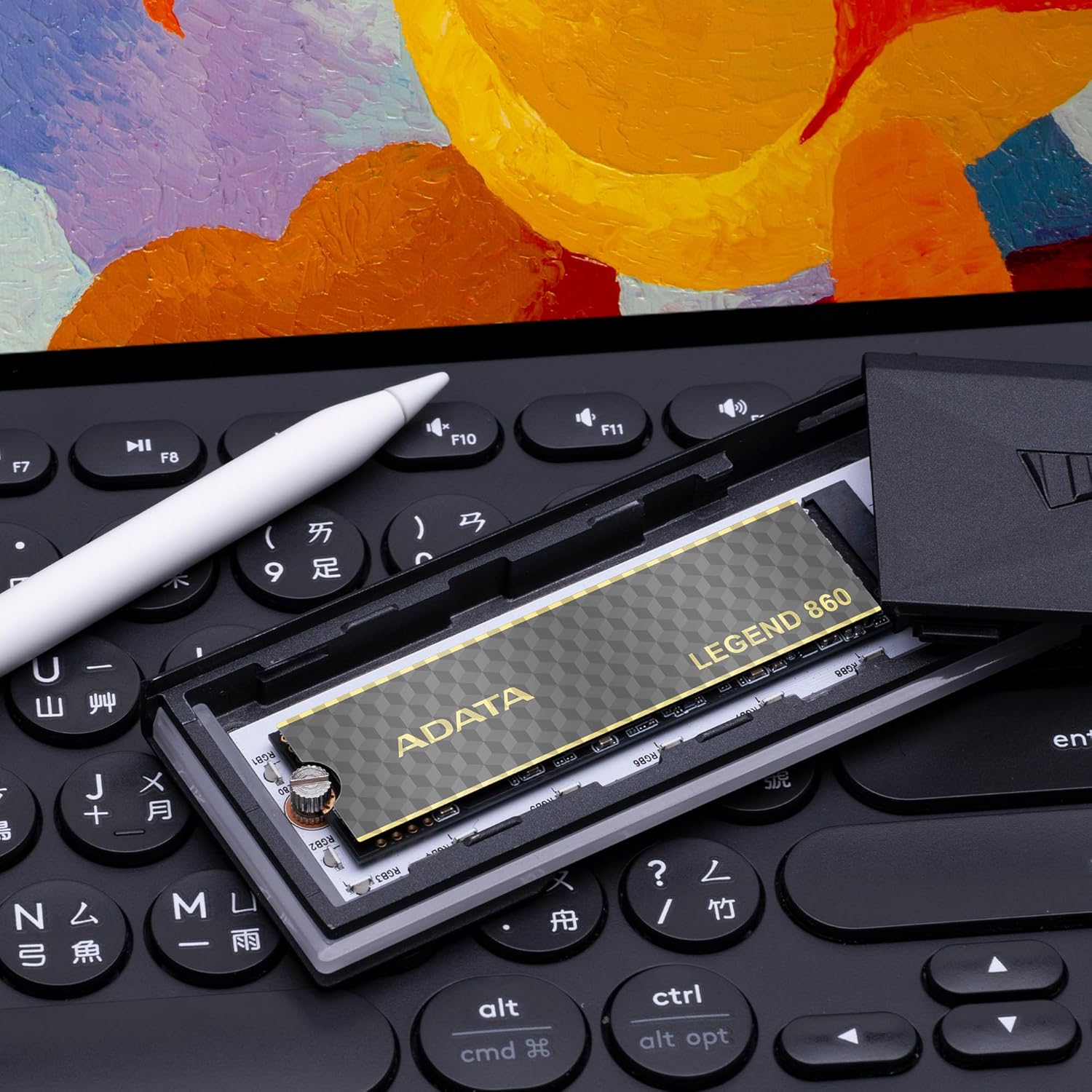
Image 2.1: Retail packaging for the ADATA Legend 860 SSD, displaying the product and its capacity.
3. الإعداد والتثبيت
Before installation, ensure your system is powered off and disconnected from the power source. It is recommended to wear an anti-static wrist strap to prevent electrostatic discharge (ESD) damage.
3.1. Desktop/Laptop Installation
- حدد موقع فتحة M.2: Identify an available M.2 slot on your motherboard. The Legend 860 is a 2280 form factor SSD, requiring a compatible M.2 2280 slot.
- أدخل SSD: Gently insert the ADATA Legend 860 SSD into the M.2 slot at a 30-degree angle. Ensure the gold contacts are fully seated.
- SSD آمن: Press the SSD down until it is parallel with the motherboard. Secure it with the M.2 screw provided with your motherboard or system.
- نظام الإغلاق: Reassemble your computer and reconnect the power.

Image 3.1: The ADATA Legend 860 SSD correctly installed in an M.2 slot on a computer motherboard.
3.2. تثبيت جهاز بلاي ستيشن 5 (PS5)
The ADATA Legend 860 is compatible with the PlayStation 5 console for storage expansion. Refer to the official PlayStation 5 user guide for detailed instructions on how to open the console and access the M.2 expansion slot. Ensure the SSD meets all PS5 requirements, including physical dimensions and performance specifications.
- Prepare PS5: Power off your PS5 console and disconnect all cables. Allow it to cool down.
- إزالة الغطاء: Carefully remove the PS5 console cover to expose the expansion slot.
- الوصول إلى فتحة M.2: Unscrew and remove the expansion slot cover.
- أدخل SSD: Insert the ADATA Legend 860 SSD into the expansion slot. Align the notch on the SSD with the ridge on the expansion slot.
- SSD آمن: Secure the SSD with the screw and spacer provided with your PS5 console.
- إعادة التجميع: Replace the expansion slot cover and the PS5 console cover. Reconnect all cables and power on the console.
- تهيئة محرك الأقراص ذي الحالة الصلبة (SSD): Follow the on-screen prompts on your PS5 to format the newly installed SSD.
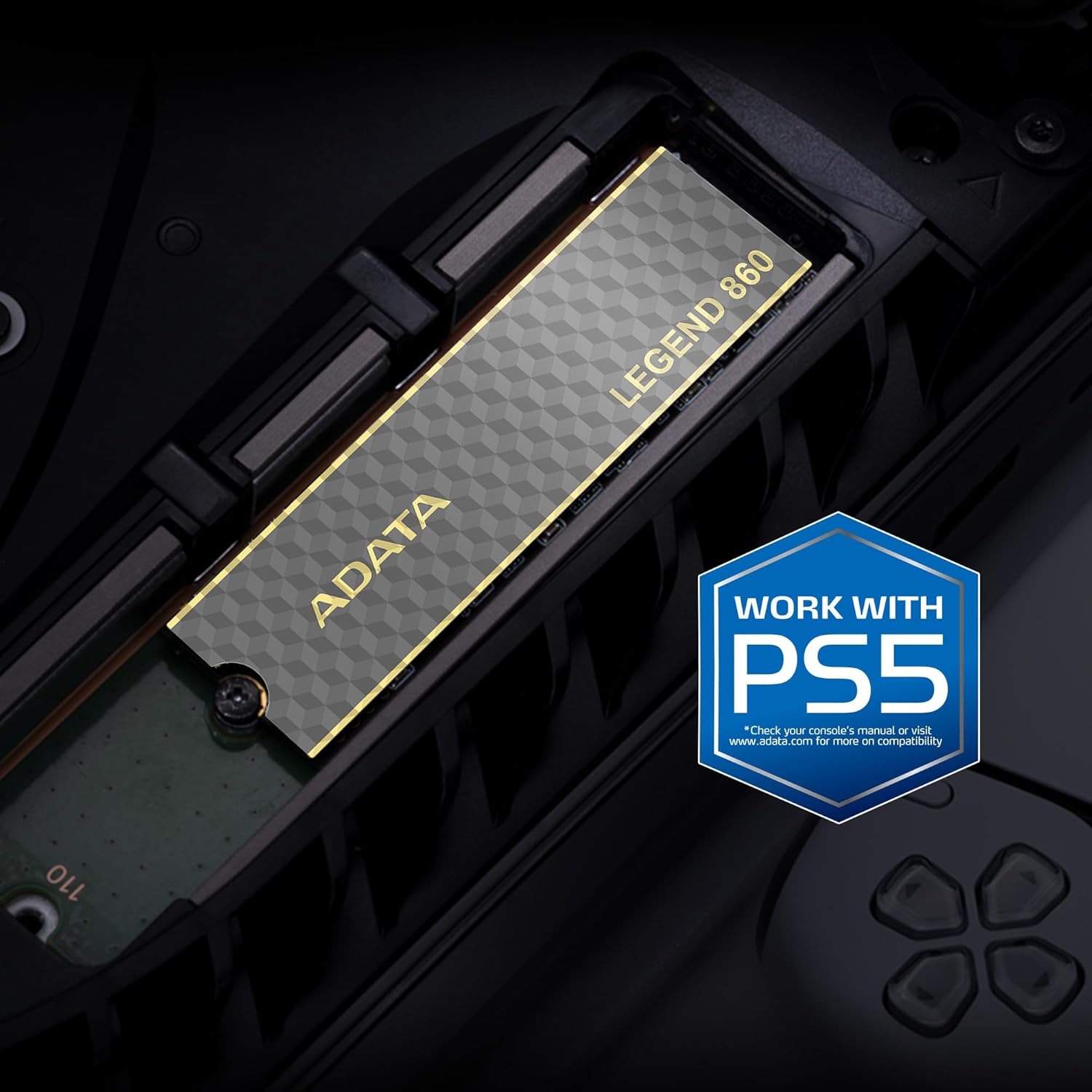
Image 3.2: The ADATA Legend 860 SSD installed within the M.2 expansion slot of a PlayStation 5 console.
4. تشغيل SSD
After successful installation, your operating system (Windows, macOS, Linux) or PlayStation 5 console should detect the new storage device. You may need to initialize and format the SSD before it can be used for data storage.
4.1. Initializing and Formatting (Windows)
- إدارة الأقراص المفتوحة: انقر بزر الماوس الأيمن على زر ابدأ وحدد "إدارة الأقراص".
- تهيئة القرص: Locate your new SSD (it may appear as "Disk 1" or similar and be marked as "Unallocated"). Right-click on the disk number and select "Initialize Disk." Choose GPT (GUID Partition Table) for modern systems.
- إنشاء وحدة تخزين بسيطة جديدة: Right-click on the "Unallocated" space on your new SSD and select "New Simple Volume." Follow the wizard to assign a drive letter and format the drive (NTFS is recommended for Windows).
4.2. اعتبارات الأداء
The ADATA Legend 860 utilizes PCIe Gen4 x4 interface for high-speed data transfer. Actual performance may vary depending on your system's hardware, software, and usage patterns. Ensure your motherboard supports PCIe Gen4 for optimal speeds. The SSD also features SLC caching and Host Memory Buffer (HMB) for improved responsiveness.
5. الصيانة
To ensure the longevity and optimal performance of your ADATA Legend 860 SSD, consider the following maintenance practices:
- تحديثات البرامج الثابتة: Periodically check the official ADATA webموقع لتحديثات البرامج الثابتة لقرص SSD. تُحسّن هذه التحديثات الأداء والاستقرار والتوافق.
- أمر TRIM: Ensure your operating system has TRIM enabled. TRIM helps maintain the performance of SSDs over time by allowing the operating system to inform the SSD which data blocks are no longer in use and can be wiped.
- تجنب القدرة الكاملة: While SSDs perform well even when nearly full, maintaining some free space (e.g., 10-15%) can help sustain optimal performance and extend lifespan.
- النسخ الاحتياطي للبيانات: Regularly back up important data to another storage device. While SSDs are reliable, no storage device is immune to failure.
- LDPC Data Protection: The Legend 860 incorporates Low Density Parity Check (LDPC) error correction, which enhances data integrity and transmission accuracy.
6. استكشاف الأخطاء وإصلاحها
If you encounter issues with your ADATA Legend 860 SSD, refer to the following common troubleshooting steps:
- لم يتم اكتشاف SSD:
- تأكد من تثبيت محرك الأقراص ذي الحالة الصلبة (SSD) بشكل صحيح في فتحة M.2.
- تحقق من إعدادات BIOS/UEFI الخاصة باللوحة الأم للتأكد من تمكين فتحة M.2 وتكوينها بشكل صحيح (على سبيل المثال، وضع PCIe).
- Verify that your motherboard supports M.2 NVMe SSDs.
- For PS5, ensure the console cover is properly reattached and the SSD is secured.
- الأداء البطيء:
- Confirm your system's M.2 slot supports PCIe Gen4 speeds. If it's a Gen3 slot, the SSD will operate at Gen3 speeds.
- Ensure your operating system is up-to-date and TRIM is enabled.
- Check for background processes that might be consuming disk I/O.
- تأكد من أن SSD ليس ممتلئًا بشكل مفرط.
- تلف البيانات/الأخطاء:
- Run a disk check utility (e.g., CHKDSK on Windows).
- تحديث البرامج الثابتة SSD.
- Ensure proper system cooling to prevent overheating, which can affect SSD stability.
7. المواصفات
| ميزة | مواصفة |
|---|---|
| اسم الموديل | الأسطورة 860 |
| رقم الموديل | SLEG-860-2000GCS |
| سعة التخزين الرقمية | 2000 جيجابايت (2 تيرابايت) |
| واجهة القرص الصلب | منفذ PCIe الجيل الثالث x4 |
| عامل الشكل | م.2 2280 |
| سرعة القراءة (الحد الأقصى) | تصل إلى 6000 ميجابايت/ثانية |
| سرعة الكتابة (الحد الأقصى) | تصل إلى 5000 ميجابايت/ثانية |
| فلاش NAND | ذاكرة NAND ثلاثية الأبعاد |
| تصحيح الخطأ | LDPC (Low Density Parity Check) |
| سمات | SLC Caching, Host Memory Buffer (HMB), Shock Resistant |
| الأجهزة المتوافقة | Desktop PCs, Laptops, Sony PlayStation 5 |
| الأبعاد (الطول × العرض × الارتفاع) | 5.51 بوصة × 1.57 بوصة × 0.31 بوصة (140 مم × 40 مم × 7.9 مم تقريبًا) |
| وزن العنصر | 11 جرام |
8. الضمان والدعم
ADATA Technology Co., Ltd. provides a limited warranty for its products. For specific warranty terms, conditions, and duration applicable to your ADATA Legend 860 SSD, please refer to the warranty information included with your product packaging or visit the official ADATA webموقع.
For technical support, driver downloads, firmware updates, or further assistance, please visit the official ADATA support webموقع:
ADATA Official Support Webموقع
When contacting support, please have your product model number (SLEG-860-2000GCS) and proof of purchase readily available.