
مقدمة
Welcome to the user manual for your new GGSTOPWATER Open Ear Headphones. These wireless earbuds are designed for comfort and performance, featuring Bluetooth 5.4 connectivity, an open-ear design for situational awareness, and IPX5 water resistance, making them ideal for various activities including sports, running, and daily use. This manual provides detailed instructions on setup, operation, maintenance, and troubleshooting to ensure you get the most out of your headphones.
ماذا يوجد في الصندوق
عند فتح الحزمة الخاصة بك، يرجى التأكد من تضمين جميع العناصر التالية:
- True Wireless Bluetooth Headphones (2 units)
- Headset Charging Compartment (1 unit)
- كابل شحن من النوع C (وحدة واحدة)
- دليل المستخدم (1 وحدة)
- Silicone Lanyard (1 unit)
المنتج انتهىview
عناصر

The image displays the two open-ear headphones and their compact charging case. The headphones feature an earhook design and touch control areas. The charging case has a digital display showing battery percentage.

This image shows the open-ear headphones and their charging case, highlighting the upgraded hook design. Insets show a close-up of the high-quality electroplating on the earhook and the memory wire used in its construction, emphasizing comfort and durability.

The image illustrates the long battery life of the headphones. It shows the charging case with a digital display indicating 100% charge, and the two earbuds. Text indicates 30 hours of standby time when not connected and 120 days when turned off.
عناصر التحكم باللمس

This diagram illustrates the smart touch controls available on the GGSTOPWATER Open Ear Headphones. Icons represent functions such as Play/Pause, Voice Assistant, Answer, Reject, Previous track, Next track, Hang up, Volume +/-, and Game/Music Mode.
The headphones feature intuitive touch controls on each earbud for easy management of audio playback, calls, and other functions. Refer to the diagram above for a visual representation of each control point.
يثبت
الشحن الأولي
Before first use, fully charge your headphones and charging case. Connect the provided Type-C charging cable to the charging case and a compatible USB power source. The digital battery indicator on the case will show the charging status in real-time. A full charge provides up to 64 hours of total listening time with the case, and 8 hours of playback per single earbud charge.
الاقتران بجهازك
- تأكد من تشغيل البلوتوث على جهازك.
- افتح علبة الشحن. ستدخل سماعات الرأس تلقائيًا في وضع الاقتران.
- On your device, search for Bluetooth devices and select "XG99" (or similar name) from the list.
- Once connected, the headphones will automatically pair with this device in the future when the case is opened.
المنتج انتهىview فيديو
This video provides a visual guide to the GGSTOPWATER Open Ear Wireless Headphones, showcasing their design, key features like Bluetooth 5.4, low-latency listening, touch controls, IPX5 water resistance, and battery life. It also demonstrates the pairing process and various usage scenarios.
تعليمات التشغيل
ارتداء سماعات الرأس
The GGSTOPWATER Open Ear Headphones are designed with flexible and soft ear hooks to ensure a secure and comfortable fit without entering the ear canal. This open-ear design allows you to remain aware of your surroundings while enjoying your audio.
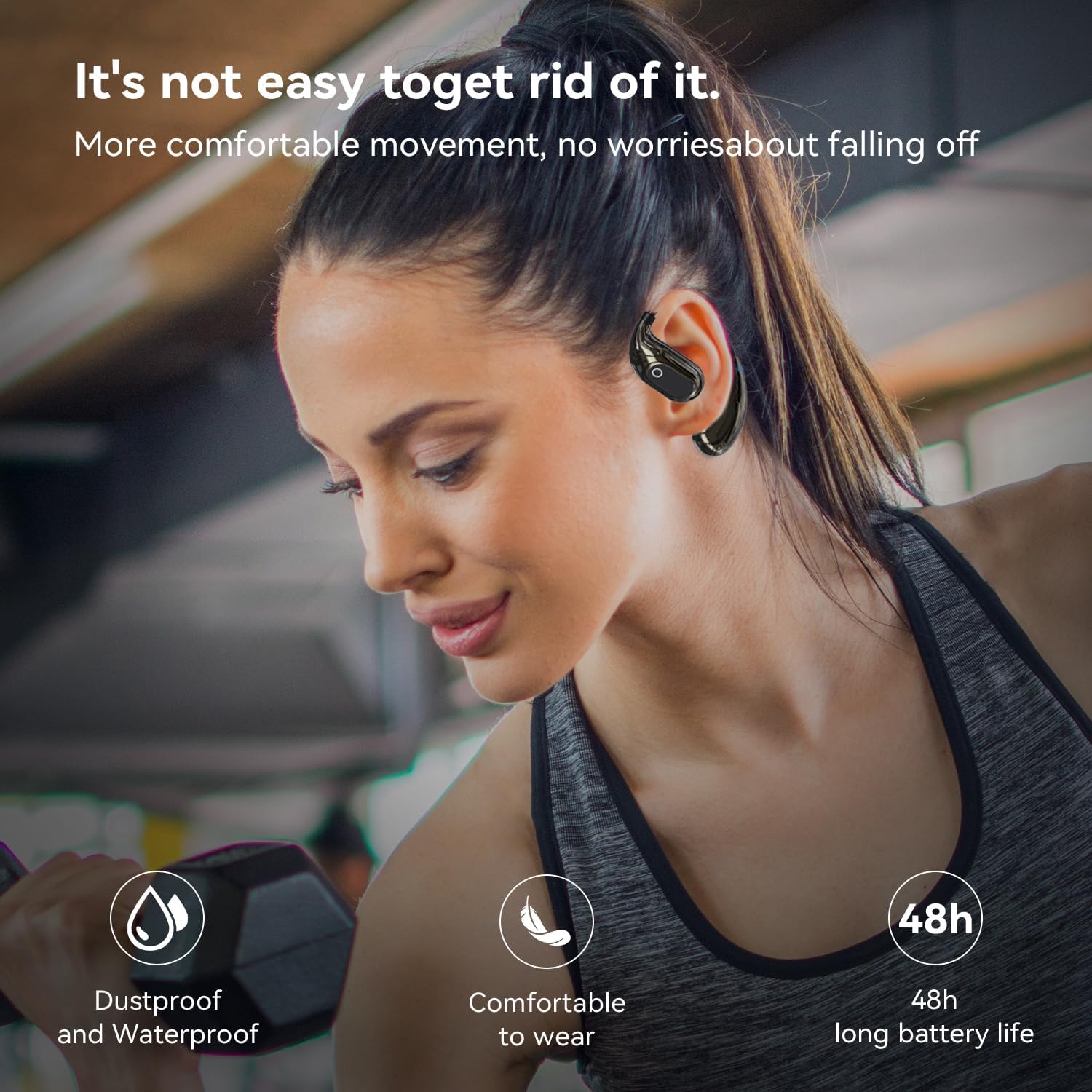
A woman is shown wearing the open-ear headphones while working out with dumbbells, illustrating their secure fit and suitability for sports. Icons indicate 'Dustproof and Waterproof', 'Comfortable to wear', and '48h long battery life'.
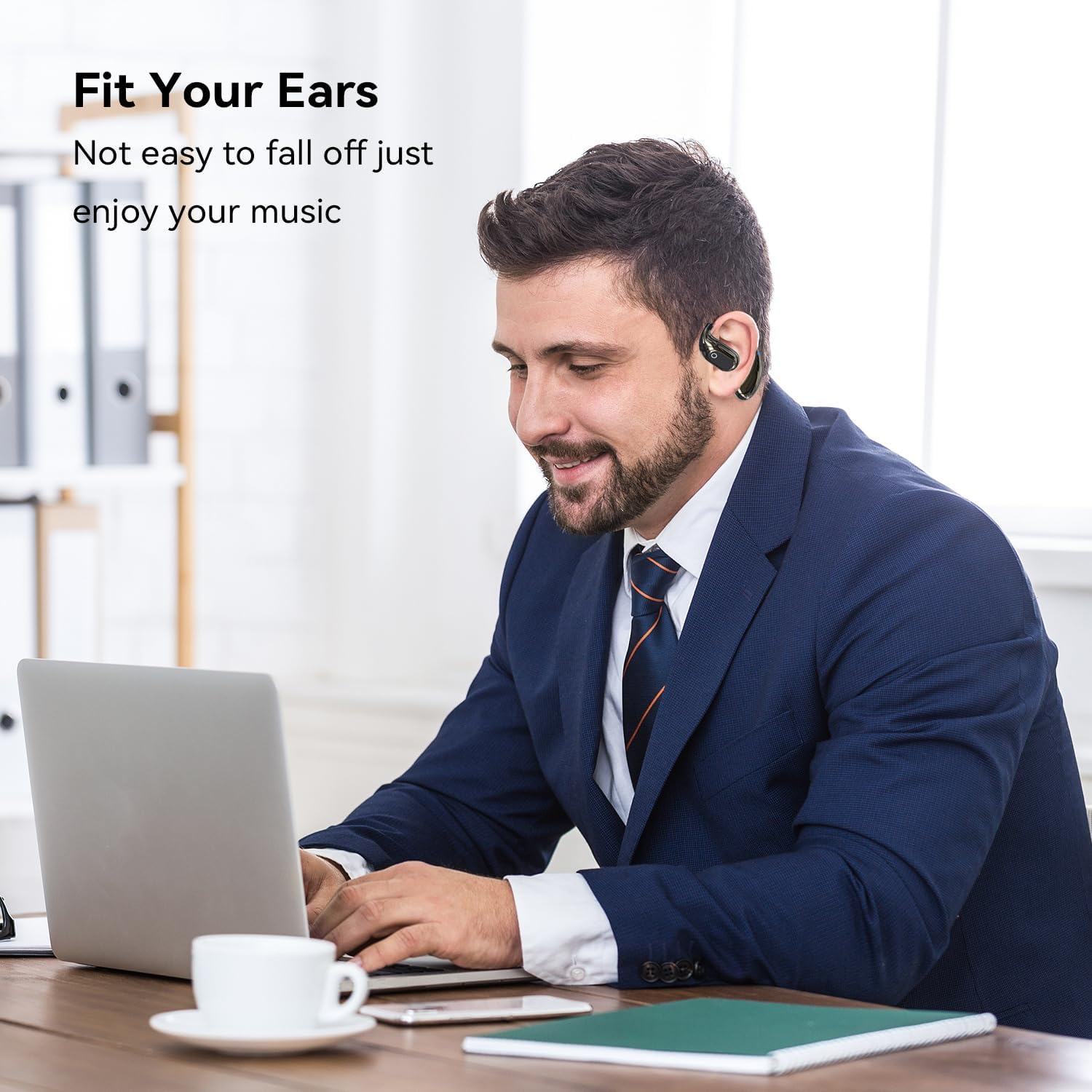
A man is depicted wearing the open-ear headphones while working on a laptop, demonstrating their comfortable and secure fit for extended use, allowing users to enjoy music without them falling off.
عناصر التحكم الأساسية
- تشغيل/إيقاف مؤقت: انقر مرة واحدة على أي من سماعتي الأذن.
- الأغنية التالية: Tap twice on the right earbud.
- الأغنية السابقة: Tap twice on the left earbud.
- رفع الصوت: Tap three times on the right earbud.
- اخفض الصوت: Tap three times on the left earbud.
- الرد/إنهاء المكالمة: انقر مرة واحدة على أي من سماعتي الأذن أثناء المكالمة الواردة.
- رفض المكالمة: اضغط مع الاستمرار على أي سماعة أذن لمدة ثانيتين أثناء المكالمة الواردة.
- تنشيط مساعد الصوت: اضغط مع الاستمرار على أي من سماعات الأذن لمدة ثانيتين.
وضع اللعبة/الموسيقى
The headphones support a Game/Music mode. To switch between modes, refer to the touch control diagram in the Product Overview section. Typically, this involves a specific tap or press-and-hold gesture. If you experience latency in video playback, switching to Game Mode may reduce it. Please note that specific activation methods can vary; if the standard method (e.g., pressing for five seconds) does not work, consult the manufacturer's official support channels for the most accurate instructions for your specific firmware version.
صيانة
Proper maintenance ensures the longevity and optimal performance of your GGSTOPWATER Open Ear Headphones.
- تنظيف: Use a soft, dry, lint-free cloth to wipe the earbuds and charging case. For stubborn dirt, a slightly damp cloth can be used, but ensure no moisture enters any openings. Given the IPX5 rating, the earbuds are resistant to water splashes and sweat, but they are not designed for submersion.
- تخزين: When not in use, store the headphones in their charging case to protect them from dust and damage. Keep the case and headphones in a cool, dry place, away from extreme temperatures and direct sunlight.
- العناية بالبطارية: To preserve battery health, avoid fully discharging the headphones or charging case frequently. Charge them regularly, even if not used for extended periods.
استكشاف الأخطاء وإصلاحها
If you encounter any issues with your headphones, please refer to the table below for common problems and their solutions.
| مشكلة | السبب المحتمل | حل |
|---|---|---|
| سماعات الرأس غير مقترنة | Bluetooth is off on device; headphones not in pairing mode; previously paired with another device. | Ensure Bluetooth is on. Open case to activate pairing. Forget previous connections on your device. Recharge headphones. |
| مستوى صوت منخفض أو جودة صوت رديئة | Device volume too low; earbud placement; low battery. | Increase device volume. Adjust earbud position for optimal sound. Ensure headphones are charged. |
| عمر البطارية أقصر من المتوقع | High volume usage; frequent charging/discharging; aging battery. | Reduce volume. Ensure full charges. Battery performance may degrade over time. |
| Latency during video playback (audio delay) | Not in Game Mode; environmental interference. | Attempt to activate Game Mode via touch controls (refer to Product Overview). Move closer to the device or away from other wireless signals. |
| سماعات الرأس لا تشحن | Cable issue; dirty charging contacts; faulty power source. | Try a different Type-C cable and power adapter. Clean charging contacts on earbuds and case with a dry cotton swab. |
إذا استمرت المشكلة بعد تجربة هذه الحلول، فيرجى الاتصال بدعم العملاء.
تحديد
| ميزة | التفاصيل |
|---|---|
| ماركة | جي جي ستوب ووتر |
| اسم الموديل | XG99 |
| تكنولوجيا الاتصال | لاسلكي (بلوتوث) |
| نسخة البلوتوث | 5.4 |
| مدى البلوتوث | 30 أقدام |
| عمر البطارية (سماعات الأذن) | Up to 8 Hours per charge |
| إجمالي وقت الاستماع (مع الحالة) | حتى ساعتين |
| مستوى مقاومة الماء | IPX5 (Sweat-Resistant) |
| شكل سماعة الأذن | أذن مفتوحة |
| طريقة التحكم | يلمس |
| وزن العنصر | 2.89 أونصات |
| الأجهزة المتوافقة | Smartphones, TVs, Computers, Laptops |
الضمان والدعم
GGSTOPWATER products are manufactured with high standards of quality. For information regarding warranty coverage, please refer to the warranty card included in your product packaging or visit the official GGSTOPWATER store on Amazon.
For technical support, troubleshooting assistance beyond what is provided in this manual, or to inquire about product returns and exchanges, please contact GGSTOPWATER customer service through the Amazon platform or visit the official brand store: