
مقدمة
This user manual provides essential information for the safe and effective use of your CJP-Geek UL 12V Power Adapter, model PSCJQ918WPR-248. This adapter is designed to provide a stable 12V power supply for compatible mini PCs and desk computers, including AWOW AK-41, AK34-J, NYi3, and Beelink T4 models. Please read this manual thoroughly before use and retain it for future reference.
معلومات السلامة
لضمان التشغيل الآمن ومنع التلف، يرجى مراعاة احتياطات السلامة التالية:
- حجم الإدخالtage: تأكد من جهد مأخذ الطاقةtage is within the specified range of 100-240V AC.
- ميزات الحماية: The adapter includes built-in Over Voltage Protection, Over Current Protection, Short Circuit Protection, and Input Protection to safeguard your devices.
- الظروف البيئية: Use the adapter in a dry environment. Avoid exposure to water, moisture, or high humidity.
- تهوية: Do not cover the adapter during use, as this may lead to overheating.
- الأضرار المادية: Do not drop, disassemble, or attempt to repair the adapter. If damaged, discontinue use immediately.
- العناية بالكابلات: Do not place heavy objects on the power cord or subject it to excessive bending or pulling.
- أطفال: احتفظ بالمحول بعيدًا عن متناول الأطفال.
محتويات الحزمة
تأكد من وجود جميع العناصر عند فتح العبوة:
- CJP-Geek UL 12V Power Adapter (Model: PSCJQ918WPR-248)
المنتج انتهىview
Familiarize yourself with the components and features of your power adapter.

الشكل 1: رئيسي view of the CJP-Geek 12V Power Adapter, showing the adapter block with a 2-prong plug and the attached DC output cable with a round tip connector.
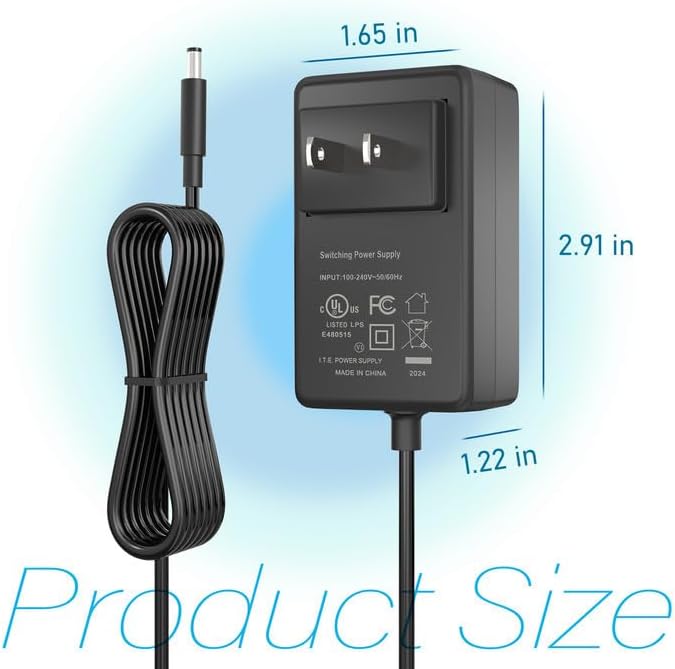
الشكل 2: Product dimensions of the CJP-Geek 12V Power Adapter. The adapter block measures approximately 1.65 inches in width, 2.91 inches in height, and 1.22 inches in depth.

الشكل 3: Diagram illustrating the multi-certification security features of the CJP-Geek 12V Power Adapter, including Over Temperature Protection, Overcharge Protection, Short Circuit Protection, Overvoltage Protection, Overcurrent Protection, and Overpower Protection.
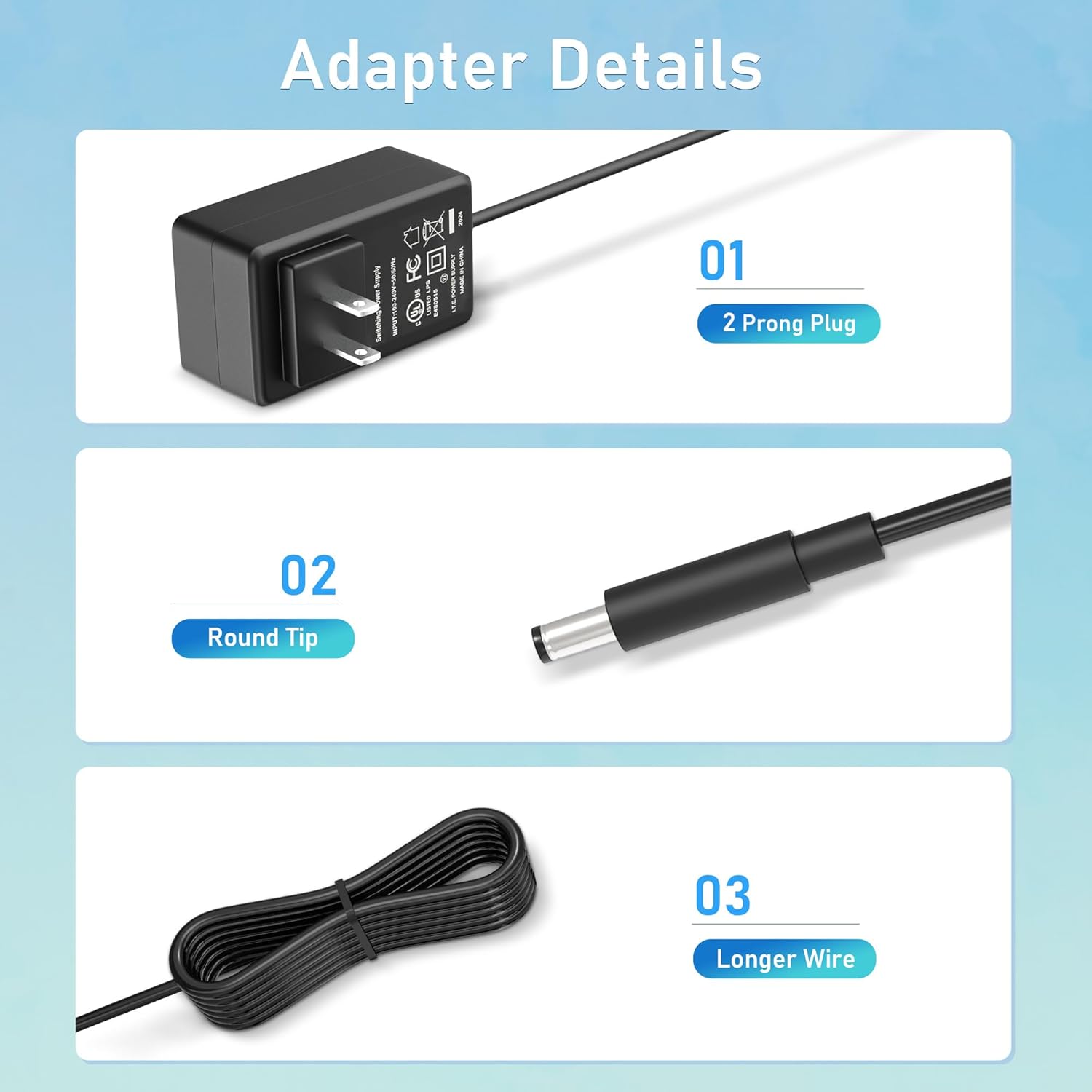
الشكل 4: مفصل view of the adapter's key components: (01) a standard 2-prong plug for wall outlets, (02) a round tip DC connector for device input, and (03) a longer wire for extended reach.
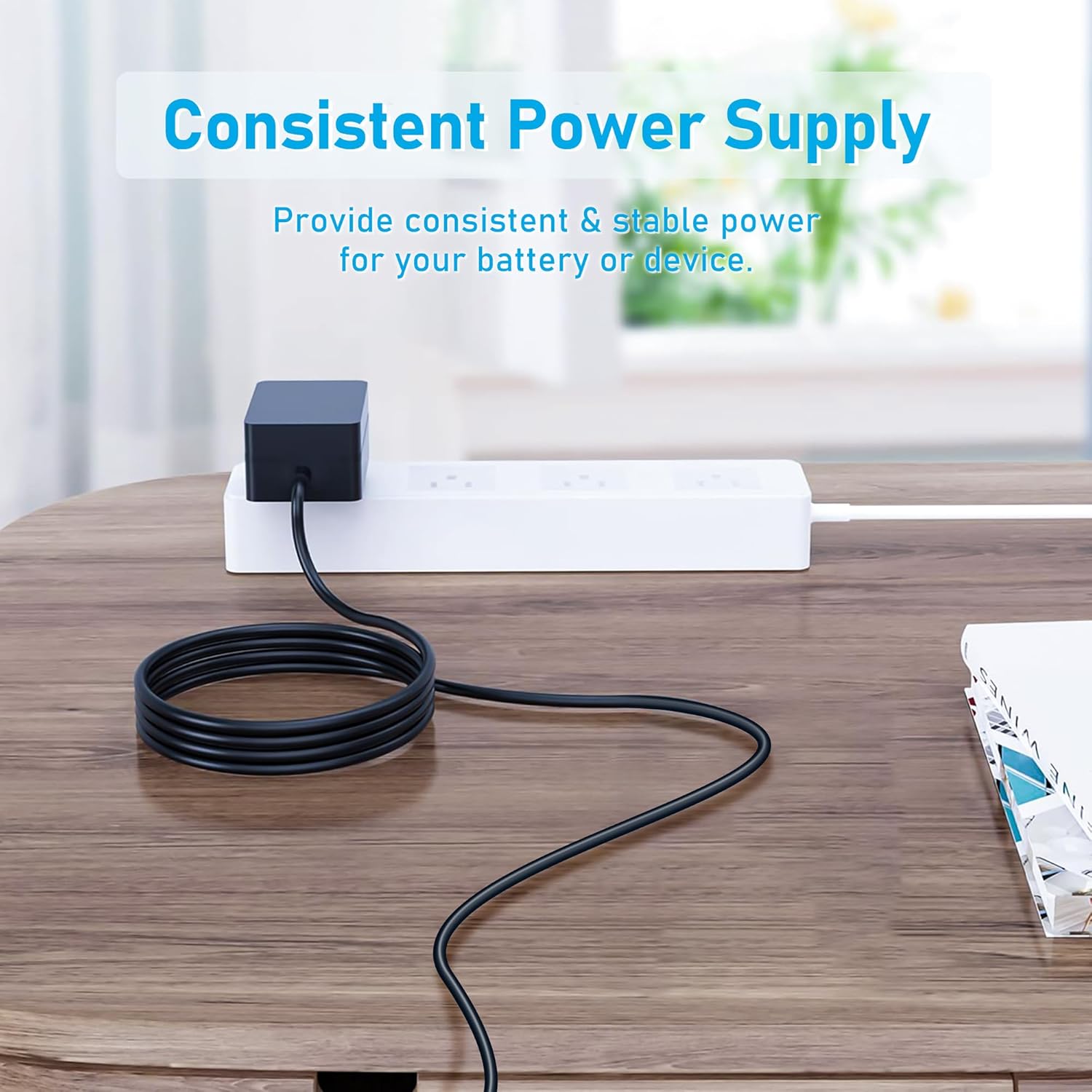
الشكل 5: The CJP-Geek 12V Power Adapter connected to a power strip, demonstrating its ability to provide consistent and stable power to a device (not shown) on a desk.
تعليمات الإعداد
- التحقق من التوافق: Ensure your device requires a 12V DC input and has a compatible round tip power port. Refer to your device's manual for power specifications.
- الاتصال بالجهاز: Insert the round tip DC connector of the CJP-Geek power adapter firmly into the power input port of your mini PC or compatible device.
- الاتصال بمنفذ الطاقة: Plug the 2-prong AC plug of the power adapter into a standard 100-240V AC wall outlet or power strip.
- تشغيل الطاقة: Once connected, your device should receive power. Follow your device's instructions to power it on.
تعليمات التشغيل
The CJP-Geek 12V Power Adapter operates automatically once connected to a power source and a compatible device. It provides a continuous and stable power supply. No user intervention is required for its basic operation.
- تأكد من وضع المحول في منطقة جيدة التهوية لمنع ارتفاع درجة الحرارة.
- افصل المحول عن مأخذ الطاقة عند عدم استخدامه لفترات طويلة.
صيانة
Proper maintenance ensures the longevity and reliable performance of your power adapter:
- تنظيف: Disconnect the adapter from all power sources before cleaning. Use a soft, dry cloth to wipe the exterior. Do not use liquid cleaners or abrasive materials.
- تخزين: قم بتخزين المحول في مكان بارد وجاف بعيدًا عن أشعة الشمس المباشرة ودرجات الحرارة القصوى عند عدم استخدامه.
- فحص الكابلات: Periodically inspect the power cord and connectors for any signs of damage, fraying, or loose connections. If damage is found, discontinue use.
استكشاف الأخطاء وإصلاحها
If you encounter issues with your power adapter, refer to the following common solutions:
- لا يوجد طاقة للجهاز:
- تأكد من توصيل المحول بشكل آمن بمأخذ حائط يعمل.
- Verify that the DC connector is fully inserted into your device's power port.
- اختبر منفذ الحائط بجهاز آخر للتأكد من أنه يعمل.
- Check for any visible damage to the adapter or cable.
- ارتفاع درجة حرارة المحول:
- تأكد من وضع المحول في منطقة جيدة التهوية وغير مغطاة.
- Confirm that your device's power requirements do not exceed the adapter's specifications.
- Device Not Charging/Powering On:
- Confirm that the adapter's output voltage (12V) and connector type are compatible with your device.
- If the issue persists, consult your device's manual or contact customer support.
تحديد
| ميزة | مواصفة |
|---|---|
| رقم الموديل | PSCJQ918WPR-248 |
| حجم الإدخالtage | 100-240V AC |
| تردد الإدخال | 50/60 هرتز |
| حجم الإخراجtage | 12 فولت تيار مستمر |
| نوع الموصل | نصيحة مستديرة |
| نوع القابس | 2-Prong US Standard |
| لون | أسود |
| وزن العنصر | 3 أونصة (حوالي 85 جرامًا) |
| ميزات السلامة | أكثر من المجلدtage Protection, Over Current Protection, Short Circuit Protection, Input Protection, Over Temperature Protection, Overcharge Protection, Overpower Protection |
| الأجهزة المتوافقة | AWOW AK-41, AK34-J, NYi3, Beelink T4 Mini PC Desk Computer, and other devices requiring 12V DC with a compatible round tip connector. |
الضمان والدعم
For warranty information or technical support, please refer to the product packaging or contact CJP-Geek customer service through their official channels. Keep your purchase receipt as proof of purchase.