
1. المقدمة
The BoxWave SlimKeys Bluetooth Keyboard is designed for portable use, offering a comfortable typing experience with its chiclet-style keys. This manual provides instructions for setting up, operating, maintaining, and troubleshooting your keyboard.
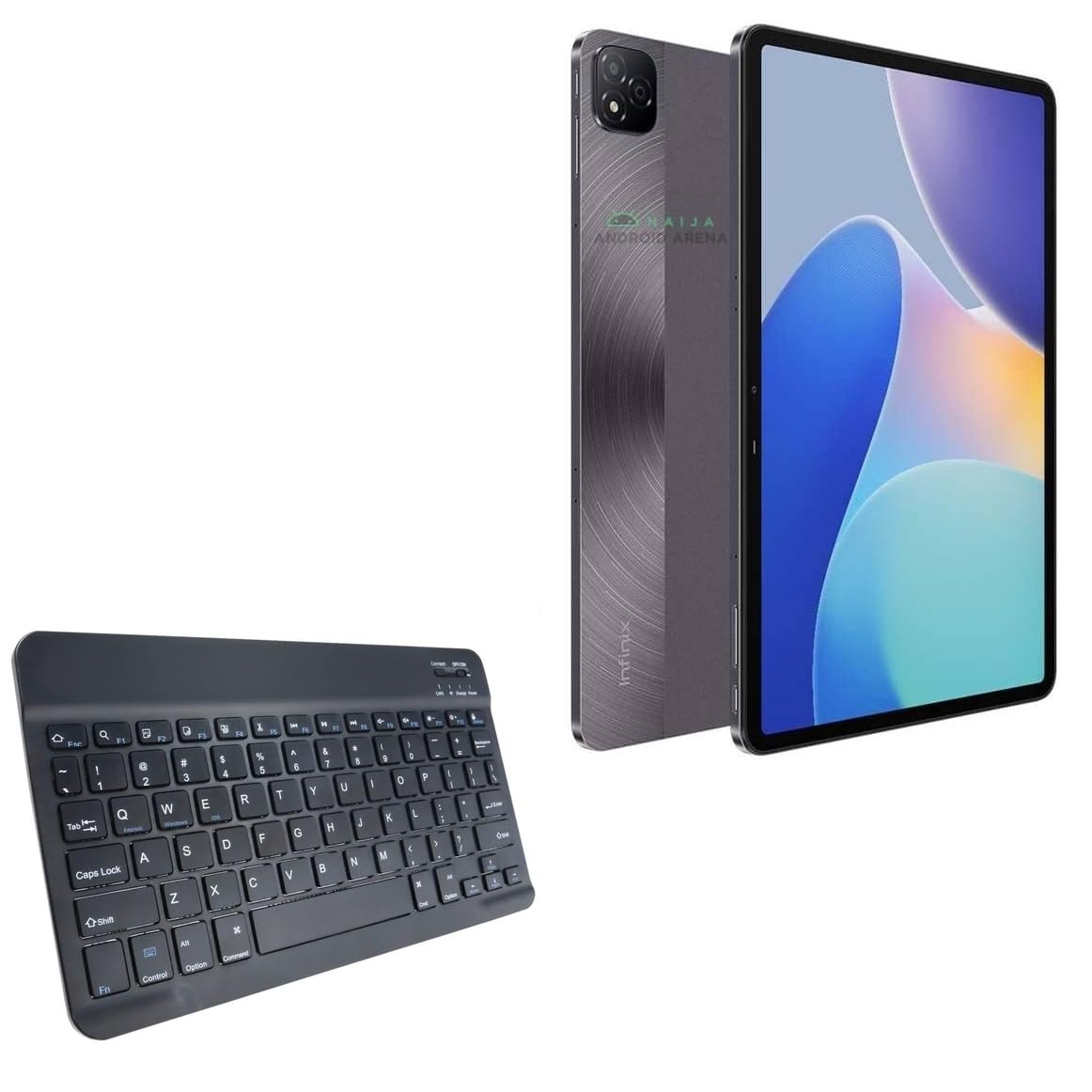
الصورة 1.1: من أعلى إلى أسفل view of the BoxWave SlimKeys Bluetooth Keyboard.
2. محتويات العبوة
يرجى التحقق من الحزمة للعناصر التالية:
- BoxWave SlimKeys Bluetooth Keyboard
- كابل الشحن (USB)
- دليل المستخدم (هذا المستند)
3. الإعداد
3.1 شحن لوحة المفاتيح
Before initial use, fully charge the keyboard. Connect the provided USB charging cable to the keyboard's charging port and to a USB power source. The charging indicator light will illuminate during charging and turn off when fully charged.

Image 3.1: The keyboard connected to its charging cable.
To conserve battery life, use the built-in ON/OFF switch when the keyboard is not in use. The keyboard features an energy-efficient Bluetooth 3.0 design to reduce power drain.
3.2 الاقتران بجهازك
- Ensure the keyboard is charged and powered on using the ON/OFF switch located on the top right.
- اضغط على يتصل button on the keyboard. The Bluetooth indicator light will begin to flash, indicating it is in pairing mode.
- On your device (e.g., Infinix Xpad, tablet, smartphone, computer), navigate to the Bluetooth settings.
- قم بتمكين البلوتوث على جهازك وابحث عن الأجهزة المتاحة.
- يختار "SlimKeys Keyboard"أو اسم مشابه من قائمة الأجهزة التي تم العثور عليها."
- Follow any on-screen prompts to complete the pairing process. A successful connection will be indicated by the Bluetooth light on the keyboard turning solid or off, depending on the model.
The SlimKeys keyboard utilizes Bluetooth 3.0 for quick and reliable pairing across various operating systems, including Android, Windows, and iOS.
4. التشغيل
4.1 الاستخدام العام
The SlimKeys Bluetooth Keyboard provides a full QWERTY layout with chiclet-style keys for comfortable and efficient typing. Its compact and lightweight design makes it suitable for travel and on-the-go productivity.

Image 4.1: User typing on the SlimKeys Bluetooth Keyboard.
4.2 Specialized Function Keys
The keyboard includes specialized function keys (F1-F12) that provide quick access to common commands. These functions may vary slightly depending on your device's operating system.

الصورة 4.2: انتهىview of specialized function keys.
- Esc (Home): Returns to home screen.
- F1 (Search): Opens search function.
- F2 (Select All): Selects all content.
- F3 (Copy): Copies selected content.
- F4 (Paste): Pastes copied content.
- F5 (Cut): Cuts selected content.
- F6 (Skip Back): Skips to previous track.
- F7 (Play/Pause): Plays or pauses media.
- F8 (Skip Forward): Skips to next track.
- F9 (Volume Down): يقلل من مستوى الصوت.
- F10 (Volume Up): يزيد من الحجم.
- F11 (Brightness Down): Decreases screen brightness.
- F12 (Brightness Up)يزيد من سطوع الشاشة.
- Delete (Lock): Locks the device.
To activate these functions, press the corresponding F-key. Some functions may require pressing the Fn key simultaneously, depending on your device's operating system and settings.
5. الصيانة
- تنظيف: Use a soft, dry, lint-free cloth to clean the keyboard. For stubborn dirt, slightly dampen the cloth with water or a mild electronics cleaner. Avoid excessive moisture.
- تخزين: When not in use for extended periods, store the keyboard in a cool, dry place. Ensure the keyboard is powered off to preserve battery life.
- العناية بالبطارية: تجنب تفريغ البطارية بالكامل بشكل متكرر. اشحن لوحة المفاتيح بانتظام، حتى لو لم تكن قيد الاستخدام المستمر، للحفاظ على صحة البطارية.
- تجنب السوائل: أبقِ لوحة المفاتيح بعيدة عن السوائل لمنع تلف المكونات الداخلية.
- تجنب درجات الحرارة القصوى: Do not expose the keyboard to extreme heat or cold, as this can affect battery performance and overall functionality.
6. استكشاف الأخطاء وإصلاحها
6.1 لوحة المفاتيح لا تتصل/تقترن
- التحقق من الطاقة: تأكد من تشغيل لوحة المفاتيح ووجود شحنة كافية في البطارية.
- Re-enable Bluetooth: قم بإيقاف تشغيل البلوتوث على جهازك ثم قم بتشغيله.
- بصلح: Go to your device's Bluetooth settings, forget or unpair the "SlimKeys Keyboard" if it's listed, then repeat the pairing steps (Section 3.2).
- مسافة: Ensure the keyboard is within the effective range of your device (typically up to 10 meters or 33 feet).
- تدخل: ابتعد عن الأجهزة اللاسلكية الأخرى التي قد تسبب تداخلاً.
- إعادة تشغيل الأجهزة: أعد تشغيل جهازك ولوحة المفاتيح.
6.2 المفاتيح لا تستجيب
- مستوى البطارية: تحقق من مستوى شحن بطارية لوحة المفاتيح. اشحن لوحة المفاتيح إذا لزم الأمر.
- اتصال: Verify that the keyboard is still connected via Bluetooth to your device.
- مفاتيح نظيفة: تأكد من عدم وجود أي حطام أسفل المفاتيح.
- إعادة تشغيل: قم بإيقاف تشغيل لوحة المفاتيح وتشغيلها مرة أخرى.
6.3 Lag or Delayed Input
- مستوى البطارية: قد يؤثر انخفاض مستوى البطارية في بعض الأحيان على الأداء.
- المسافة/التداخل: Reduce distance to the device and minimize potential interference sources.
- أداء الجهاز: Ensure your connected device is not under heavy load, which could affect Bluetooth responsiveness.
7. المواصفات
| اسم الموديل | SlimKeys Bluetooth Keyboard |
| الاتصال | بلوتوث 3.0 |
| التوافق | Android, Windows, iOS devices (e.g., Infinix Xpad) |
| الأبعاد (تقريبًا) | 9.5 inches (Width) x 5.75 inches (Depth) x 0.2 inches (Height) |
| وزن | 8.6 أونصة (حوالي 244 جرامًا) |
| نوع البطارية | خاص بالمنتج (مشمول) |
| عمر البطارية | Up to 30 days (active use), 6 months (standby) |
| الشركة المصنعة | بوكس ويف |
| ASIN | B0DFZ2S7C4 |

Image 7.1: Approximate dimensions of the SlimKeys Bluetooth Keyboard.
8. الضمان والدعم
For warranty information and technical support, please refer to the documentation included with your purchase or visit the official BoxWave website. You may also contact BoxWave customer service directly for assistance.
Manufacturer: BoxWave
لمزيد من المساعدة، يرجى زيارة: www.boxwave.com