
iClever BTH26
iClever BTH26 Kids Active Noise Cancelling Headphones User Manual
الموديل: BTH26
1. المقدمة
Thank you for choosing the iClever BTH26 Active Noise Cancelling Headphones for Kids. These headphones are designed to provide a safe, comfortable, and immersive audio experience for children, featuring advanced noise reduction, volume limiting technology, and versatile connectivity options. This manual provides essential information for setup, operation, maintenance, and troubleshooting to ensure optimal use of your headphones.
2. ماذا يوجد في الصندوق
- iClever BTH26 Active Kids Noise Cancelling Headphones (Blue)
- كابل شحن USB-C
- كابل صوت قابل للفصل مقاس 3.5 ملم
- Spunlace Non-woven Storage Bag
- دليل المستخدم

3. انتهى المنتجview
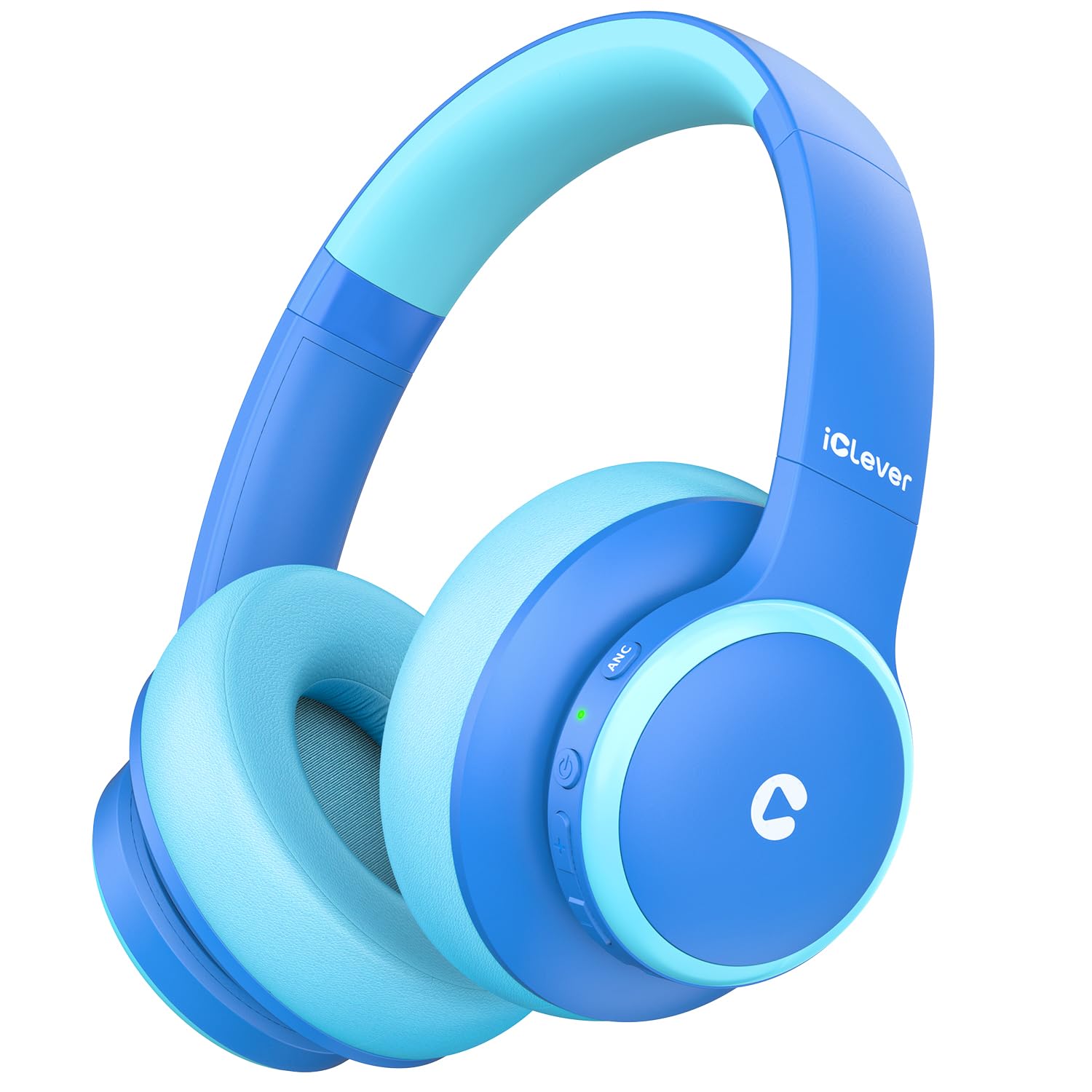
3.1 Advanced Noise Reduction Technology
The BTH26 headphones feature Active Noise Cancellation (ANC) combined with Passive Noise Cancellation (PNC) to reduce up to 36dB of ambient background noise. This creates a quieter environment, ideal for focused activities like studying or for use in noisy settings such as airplanes. Voice prompts guide users when switching between noise-cancelling and standard modes via the dedicated ANC button. Note: ANC functionality is not available when using a wired connection.
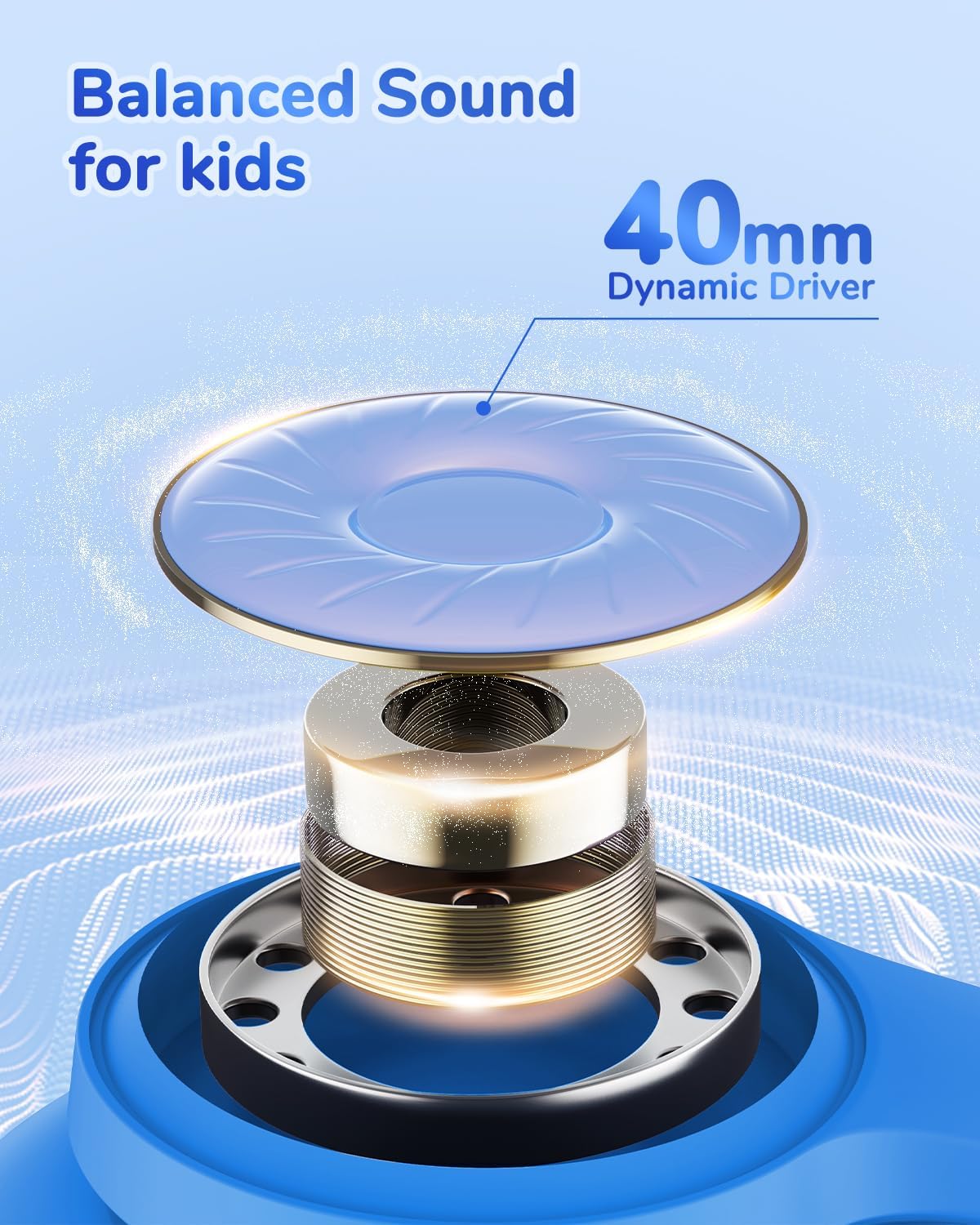
3.2 Safe & Durable Design
These headphones incorporate an 80dBA volume limit and iClever Sound Refiner technology to safeguard children's hearing. Constructed from safe, BPA-free materials, the headphones are built to endure daily use and impacts, ensuring long-lasting durability.

3.3 Long Battery Life & Connectivity
Enjoy up to 60 hours of playtime with ANC off, or 40 hours with ANC on. A quick 10-minute Type-C charge provides over 4 hours of listening. For extended use or when battery is low, the included 3.5mm audio cable allows for a wired connection. Bluetooth 5.4 ensures stable connections to multiple devices.
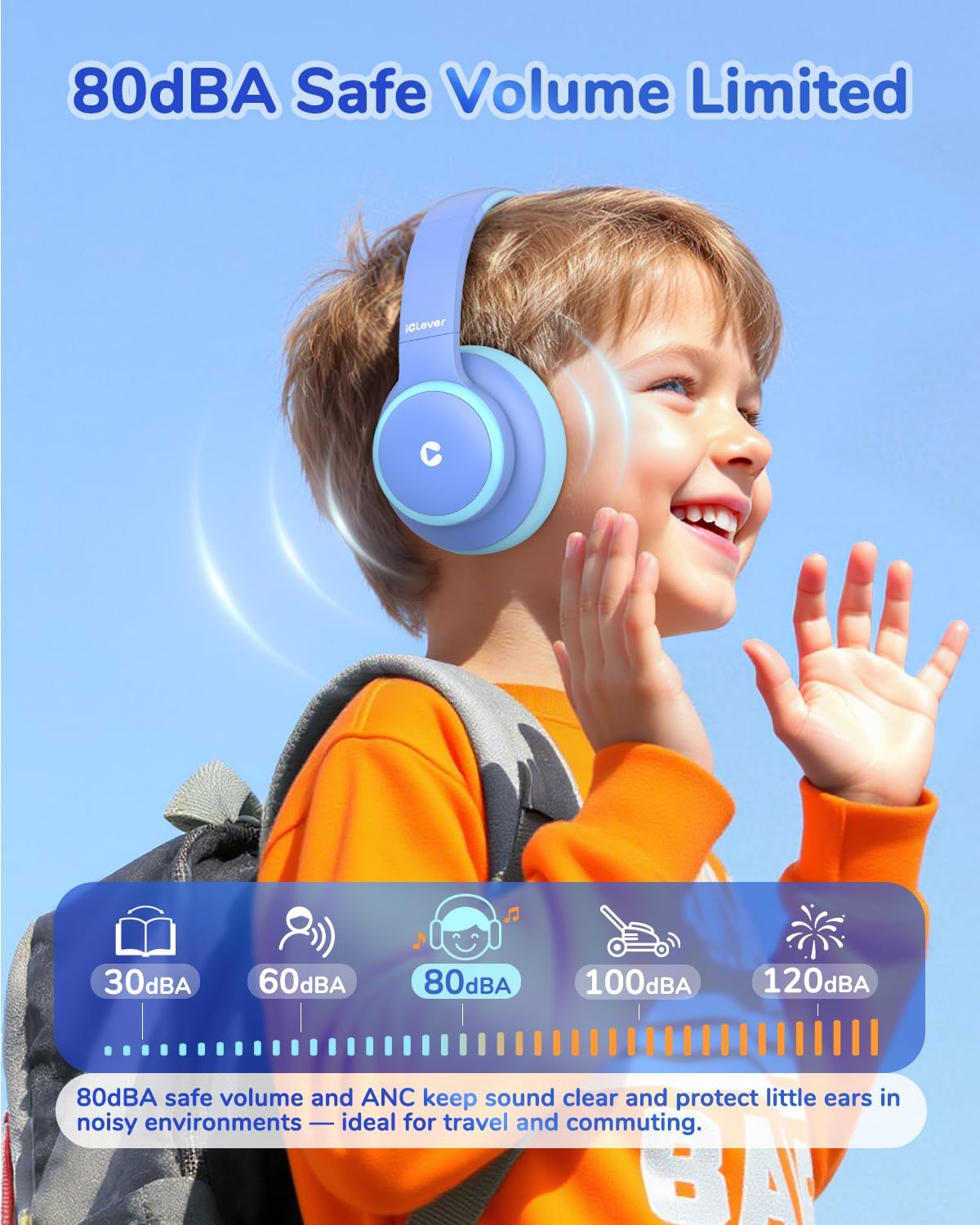
3.4 Clear Sound & Built-in Microphone
Equipped with 40mm dynamic driver units, these headphones deliver clear and balanced audio. The integrated microphone ensures crisp sound quality for online learning, calls, and communication.
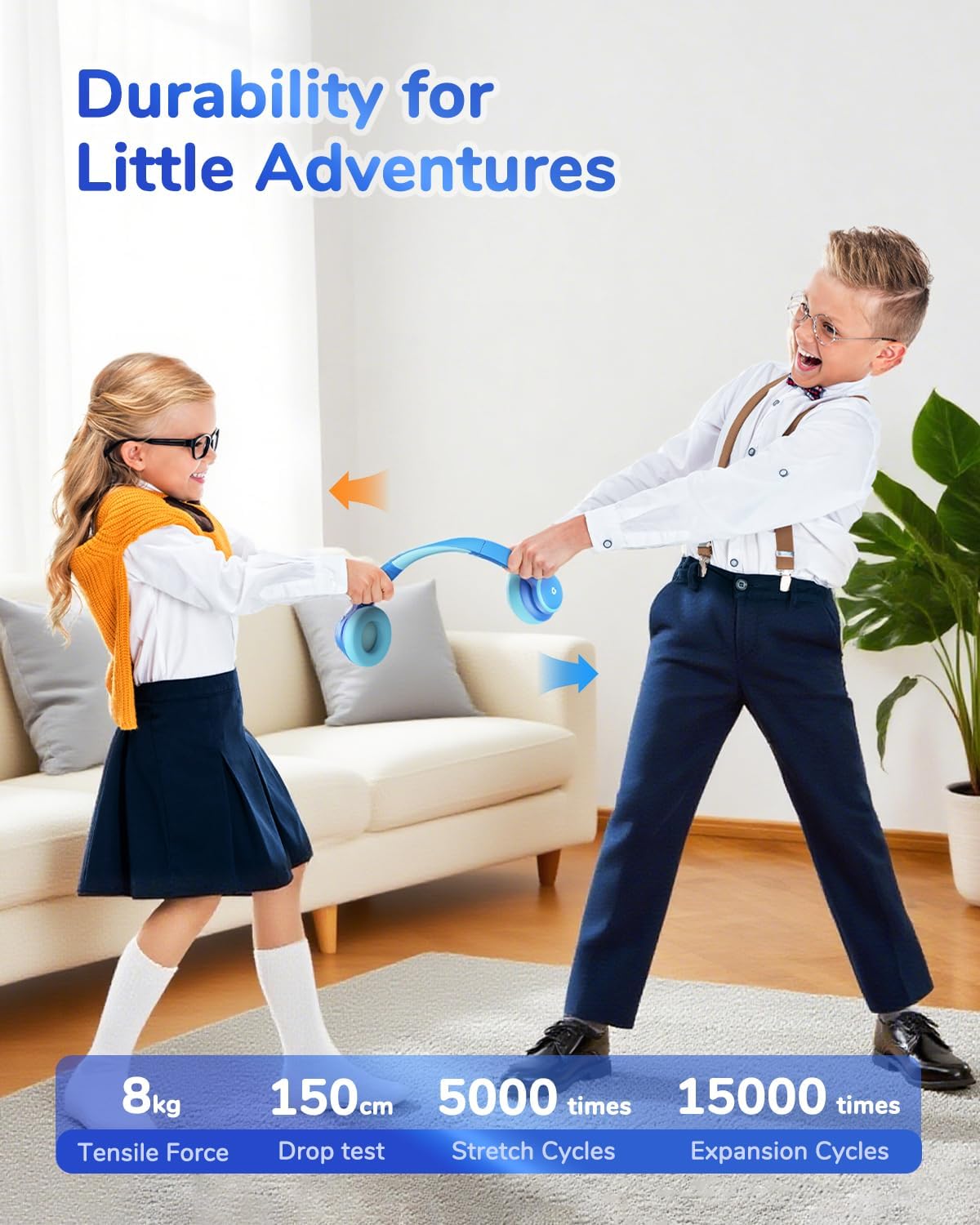
3.5 Comfortable & Portable Design
The ergonomic design includes an adjustable headband and soft, rotatable ear cups for a comfortable and secure fit on various head shapes. The headphones are foldable for compact storage and come with a spunlace non-woven storage bag, making them easy to carry for travel.

4. الإعداد
4.1 شحن سماعات الرأس
Before first use, fully charge the headphones. Connect the provided USB-C charging cable to the charging port on the headphone and the other end to a USB power source (e.g., computer, wall adapter). The LED indicator will show charging status and turn off when fully charged.
4.2 اقتران بلوتوث
- تأكد من إيقاف تشغيل سماعات الرأس.
- اضغط مع الاستمرار على زر الطاقة حتى يومض مؤشر LED باللونين الأزرق والأحمر، مما يشير إلى وضع الاقتران.
- على جهازك (الهاتف الذكي، الجهاز اللوحي، الكمبيوتر المحمول)، قم بتمكين البلوتوث وابحث عن الأجهزة المتاحة.
- Select 'iClever BTH26' from the list.
- بمجرد الاتصال ، سيومض مؤشر LED باللون الأزرق ببطء.
4.3 اتصال سلكي
For devices without Bluetooth or when the battery is depleted, use the included 3.5mm audio cable. Plug one end into the headphone's AUX port and the other end into your device's audio jack.
5. تعليمات التشغيل
5.1 تشغيل/إيقاف التشغيل
- تشغيل الطاقة: اضغط مع الاستمرار على زر التشغيل لمدة 2-3 ثوانٍ.
- إيقاف التشغيل: اضغط مع الاستمرار على زر التشغيل لمدة 3-4 ثوانٍ.
5.2 التحكم في مستوى الصوت
- رفع الصوت: اضغط على زر "+".
- اخفض الصوت: اضغط على زر '-'.
5.3 إلغاء الضوضاء النشط (ANC)
Press the 'ANC' button on the headphone to toggle the Active Noise Cancellation feature on or off. A voice prompt will confirm the mode change.
5.4 Call/Playback Control
- تشغيل/إيقاف مؤقت: Short press the Multi-function button (usually the Power button).
- الرد/إنهاء المكالمة: Short press the Multi-function button during an incoming call.
- رفض المكالمة: Long press the Multi-function button during an incoming call.
- المسار التالي: اضغط لفترة طويلة على زر "+".
- المسار السابق: اضغط لفترة طويلة على الزر '-'.
5.5 ضبط المقاس
Adjust the headband by sliding the earcups up or down to achieve a comfortable and secure fit. The earcups can also rotate for better positioning.
6. الصيانة
- تنظيف: استخدم قطعة قماش ناعمة وجافة لتنظيف سماعات الرأس. لا تستخدم المنظفات السائلة أو البخاخات.
- تخزين: When not in use, fold the headphones and store them in the provided spunlace non-woven storage bag to protect them from dust and damage.
- تجنب الظروف القاسية: لا تعرض سماعات الرأس لدرجات حرارة شديدة أو رطوبة عالية أو لأشعة الشمس المباشرة.
7. استكشاف الأخطاء وإصلاحها
| مشكلة | حل |
|---|---|
| سماعات الرأس لا تعمل | تأكد من شحن سماعات الرأس. وصّلها بمصدر طاقة باستخدام كابل USB-C. |
| لا يمكن الاقتران عبر البلوتوث | Make sure headphones are in pairing mode (flashing blue/red). Ensure Bluetooth is enabled on your device and it's within range. Try restarting both devices. |
| لا يوجد صوت | Check volume levels on both headphones and the connected device. Ensure the headphones are properly paired or the AUX cable is securely connected. |
| ANC not working in wired mode | Active Noise Cancellation is not supported when using a wired connection. |
8. المواصفات
| ميزة | التفاصيل |
|---|---|
| اسم الموديل | BTH26 |
| التحكم في الضوضاء | Active Noise Cancellation (up to 36dB reduction) |
| تكنولوجيا الاتصال | سلكي، لاسلكي (بلوتوث 5.4) |
| مدى البلوتوث | 10 مترا |
| مقبس سماعات الرأس | 3.5 ملم جاك |
| حجم برنامج تشغيل الصوت | 40 مليمتر |
| عمر البطارية | Up to 60 Hours (ANC off), 40 Hours (ANC on) |
| وقت الشحن | 2.5 Hours (10 min charge for 4+ hours playtime) |
| حد الحجم | 80dBA |
| مادة | Acrylonitrile Butadiene Styrene (ABS), Leather (earcups) |
| وزن العنصر | 230 جرام (8.1 أونصة) |
| المميزات الخاصة | Adjustable Headband, Fast Charging, Noise Cancellation, Built-in Mic |
9. معلومات السلامة
- Always adhere to the 80dBA volume limit to protect children's hearing.
- Ensure the headphones are made from BPA-free materials for child safety.
- Supervise young children during use to prevent misuse or entanglement with cables.
- Do not use headphones in situations where hearing ambient sounds is crucial for safety (e.g., near traffic).
10. الضمان والدعم
iClever products come with a standard warranty. For detailed warranty information, technical support, or customer service inquiries, please refer to the contact information provided in the product packaging or visit the official iClever webيرجى الاحتفاظ بإثبات الشراء الخاص بك للمطالبة بالضمان.
Ask a question about this manual
Ask about setup, troubleshooting, compatibility, parts, safety, or missing instructions. Manuals+ will review the question and use this page’s manual context to help answer it.