
1. المقدمة
Thank you for choosing the GGSTOPWATER JM13 Open Ear Headphones. These innovative earbuds are designed for comfort and safety, allowing you to enjoy high-quality audio while remaining aware of your surroundings. Their non-intrusive design reduces ear fatigue, making them ideal for extended wear during various activities.
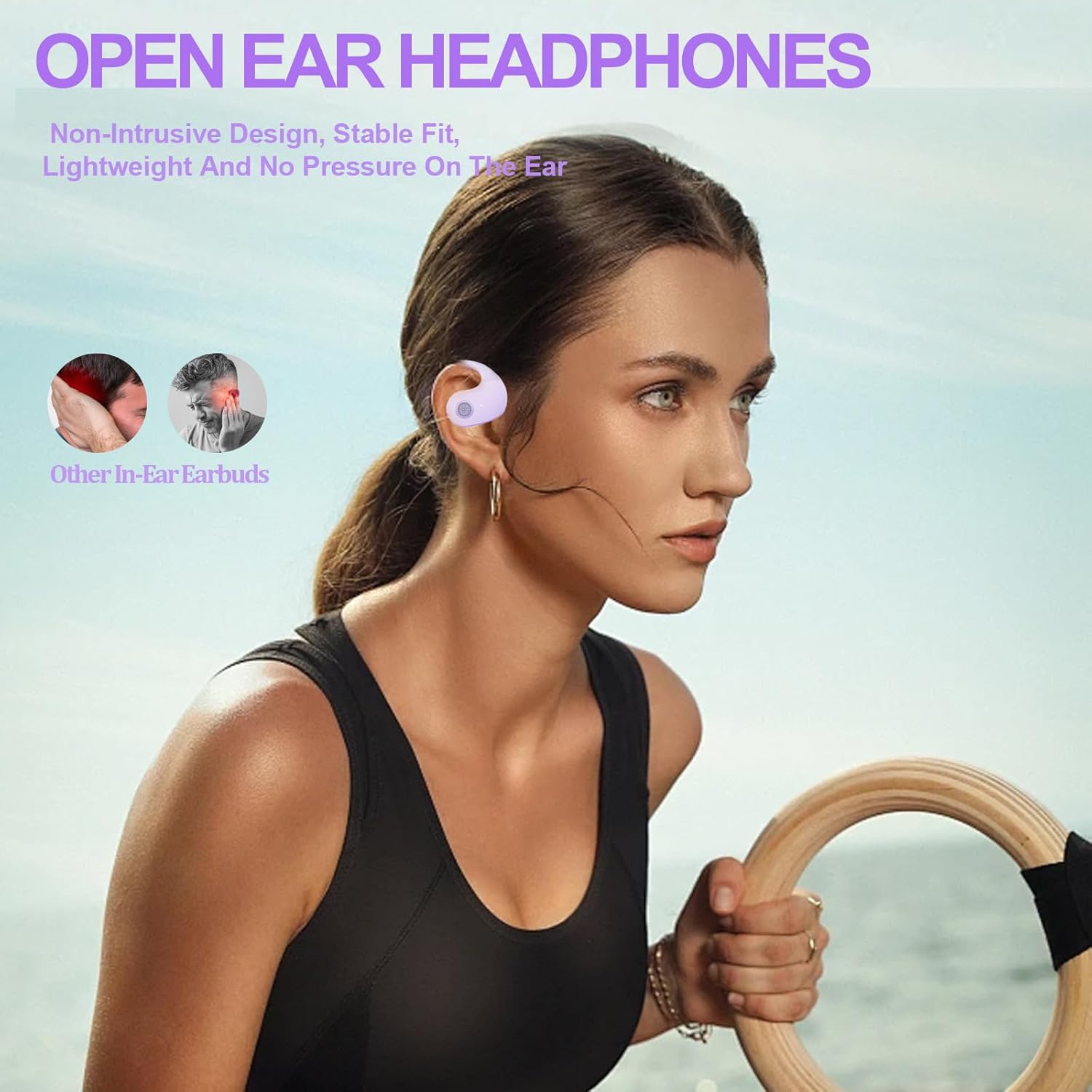
Figure 1: Open-ear design for comfort and awareness.
2. ماذا يوجد في الصندوق
Your GGSTOPWATER JM13 package includes the following items:
- True Wireless Bluetooth Headphones (2 units)
- Headset Charging Compartment (1 unit)
- كابل شحن من النوع C (وحدة واحدة)
- دليل المستخدم (1 وحدة)
- Silicone Lanyard (1 unit)

الشكل 2: جميع المكونات المضمنة في الحزمة.
3. دليل الإعداد
3.1 شحن سماعات الأذن والعلبة
Before first use, fully charge the earbuds and the charging case. The case features a Type-C charging port for convenient power input.
- Place the earbuds into their respective slots in the charging case. They are magnetized to ensure proper placement.
- قم بتوصيل كابل الشحن من النوع C المرفق بعلبة الشحن ومصدر الطاقة.
- The indicator lights on the case will show charging status. Once fully charged, the lights will indicate completion.

Figure 3: Charging the earbuds and case.
3.2 اقتران بلوتوث
The JM13 headphones utilize advanced Bluetooth 5.4 technology for a fast and stable connection.
- تأكد من شحن سماعات الأذن وإخراجها من علبة الشحن. ستدخل تلقائيًا في وضع الاقتران.
- على جهازك (الهاتف الذكي، الجهاز اللوحي، الكمبيوتر المحمول)، انتقل إلى إعدادات البلوتوث وقم بتشغيل البلوتوث.
- بحث عن available devices and select "JM13" from the list.
- بمجرد الاتصال، سيؤكد صوت التنبيه نجاح الاقتران.

Figure 4: Bluetooth connection process.
The headphones support multi-device linking, compatible with iOS, Android, and Windows systems, allowing seamless switching between devices.
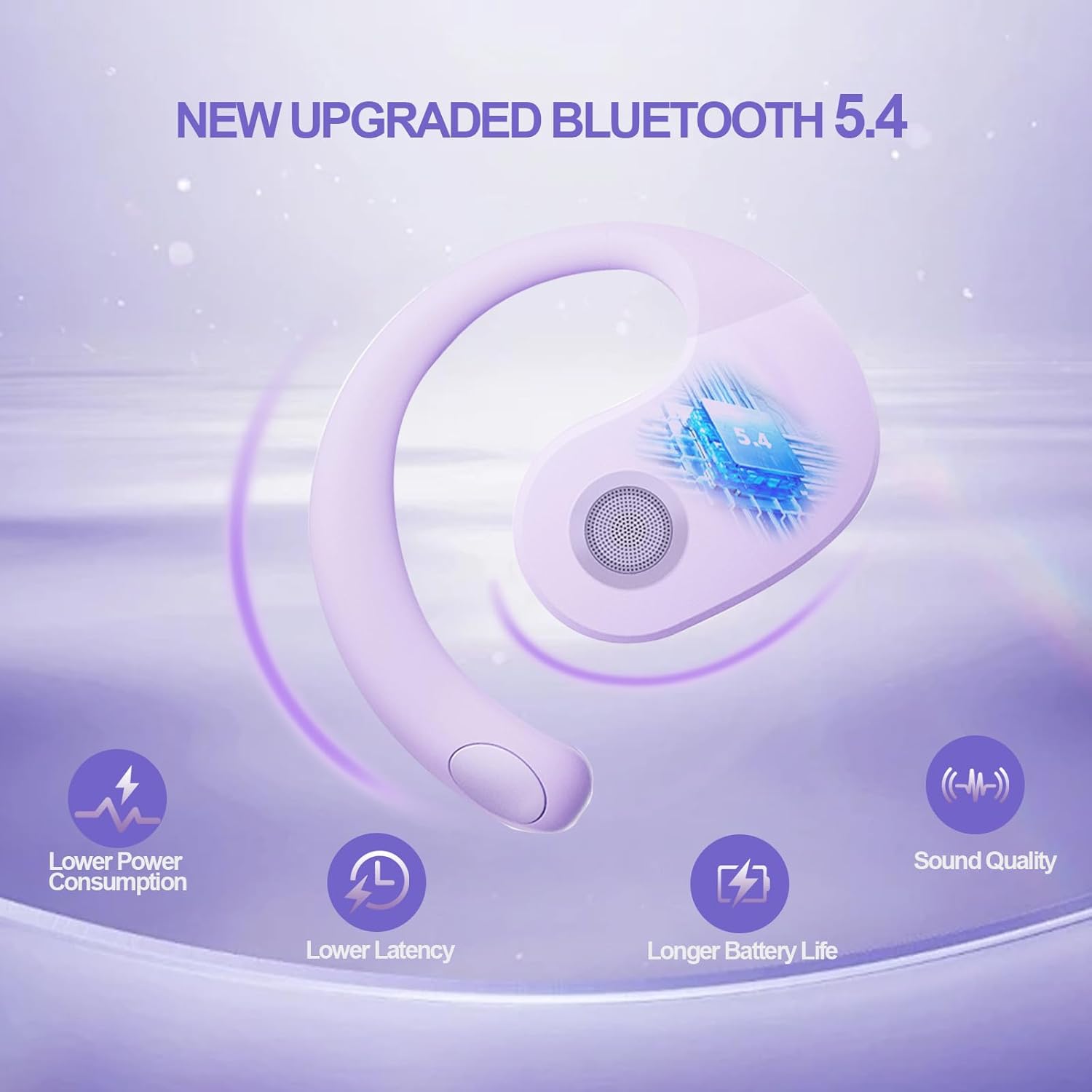
Figure 5: Benefits of Bluetooth 5.4 connectivity.
4. تعليمات التشغيل
4.1 الضوابط التي تعمل باللمس
The JM13 earbuds feature intuitive touch controls for managing calls and music:
| فعل | يأمر |
|---|---|
| تشغيل/إيقاف الموسيقى مؤقتًا | Single touch (either earbud) |
| الأغنية السابقة | Double touch (Left earbud) |
| الأغنية التالية | Double touch (Right earbud) |
| خفض الصوت | Triple touch (Left earbud) |
| رفع الصوت | Triple touch (Right earbud) |
| الرد على المكالمة/إنهائها | Click to answer, then click to hang up |
| رفض المكالمة | الضغط لفترة طويلة 2 ثانية |
| تشغيل الطاقة | الضغط لفترة طويلة 3 ثانية |
| إيقاف التشغيل | الضغط لفترة طويلة 5 ثانية |
4.2 سيناريوهات الاستخدام
The open-ear design and secure fit make these earbuds suitable for a variety of activities:
- Sports & Fitness: The flexible ear hooks and IPX5 waterproof rating ensure they stay secure and protected during workouts, running, and other physical activities.
- الأنشطة الخارجية: Maintain spatial awareness to hear approaching vehicles or people, enhancing safety during outdoor sports or walks.
- Office & Daily Use: Enjoy audio content or take calls comfortably without blocking out important ambient sounds.

Figure 6: Versatile use for various scenarios.
4.3 Official Product Video: Touch Controls & Features
Video Description: This video demonstrates the physical product, its open-ear design, and how to use the touch controls for music playback and call management. It also highlights the secure fit and portability of the earbuds.
5. الصيانة والعناية
5.1 مقاوم للماء والغبار
The JM13 earbuds are rated IPX5 waterproof, meaning they are protected against low-pressure water jets from any direction. They are also dustproof.
- Wipe the earbuds clean with a soft, dry cloth after each use, especially after workouts or exposure to moisture.
- لا تغمر سماعات الأذن في الماء أو تعرضها لتدفقات المياه ذات الضغط العالي.
- Avoid exposing the charging case to water or excessive dust, as it is not waterproof.

Figure 7: IPX5 waterproof and dustproof protection.
5.2 التخزين
قم بتخزين سماعات الأذن في علبة الشحن الخاصة بها عندما لا تكون قيد الاستخدام لحمايتها من الغبار والتلف وللحفاظ على شحنها.
6. استكشاف الأخطاء وإصلاحها
If you encounter issues with your GGSTOPWATER JM13 headphones, please refer to the following common solutions:
- لا يوجد صوت/مستوى صوت منخفض: Ensure the earbuds are properly connected to your device. Check the volume levels on both the earbuds (via touch controls) and your connected device.
- لا يمكن الاقتران: Make sure the earbuds are in pairing mode (alternating flashing white and green lights). Turn off and on your device's Bluetooth, then try searching again. Ensure no other devices are currently connected to the earbuds.
- مشاكل الشحن: Verify that the Type-C cable and power source are working correctly. Ensure the earbuds are correctly seated in the charging case and that the case itself has power. Clean the charging contacts on both the earbuds and the case if necessary.
- Voice Prompts Not in English: If voice prompts are in an unexpected language, refer to the full instruction manual (included in the box) for language setting adjustments, or perform a factory reset if available.
- اتصال متقطع: Move closer to your connected device to reduce signal interference. Ensure there are no major obstructions between the earbuds and your device.
إذا استمرت المشكلة، يرجى الاتصال بدعم العملاء.
7. المواصفات
| ميزة | التفاصيل |
|---|---|
| اسم الموديل | ج م 13 |
| ماركة | جي جي ستوب ووتر |
| تكنولوجيا الاتصال | لاسلكي (بلوتوث 5.4) |
| وضع الأذن | أذن مفتوحة |
| عامل الشكل | On Ear (with ear hooks) |
| التحكم في الضوضاء | إلغاء الضوضاء النشط |
| نوع برنامج تشغيل الصوت | محرك ديناميكي (16 مم) |
| نطاق التردد | 20 هرتز - 20,000 هرتز |
| مقاومة | 32 أوم |
| عمر البطارية (الإجمالي مع العلبة) | تصل إلى 48 ساعة |
| تصنيف مقاومة الماء | IPX5 |
| مادة | سيليكون، بلاستيك |
| وزن العنصر | 3.52 أونصات |
| لون | أرجواني |
8. الضمان والدعم
GGSTOPWATER products come with a standard manufacturer's warranty. For detailed warranty information, product support, or service inquiries, please refer to the warranty card included in your package or visit the official GGSTOPWATER webموقع.
For direct assistance, you may contact our customer support team via the contact information provided in your product documentation.