
Bumpboxx Thump
Bumpboxx Thump Bluetooth Speaker User Manual
Model: Thump
مقدمة
Welcome to the Bumpboxx Thump user manual. This guide provides comprehensive instructions for setting up, operating, maintaining, and troubleshooting your new Bumpboxx Thump portable Bluetooth speaker. The Bumpboxx Thump is designed to deliver powerful audio with exceptional bass, featuring an IPX6 water-resistant rating, dynamic RGB LED lighting, and up to 32 hours of battery life. Its lightweight and portable design makes it ideal for both indoor and outdoor use.
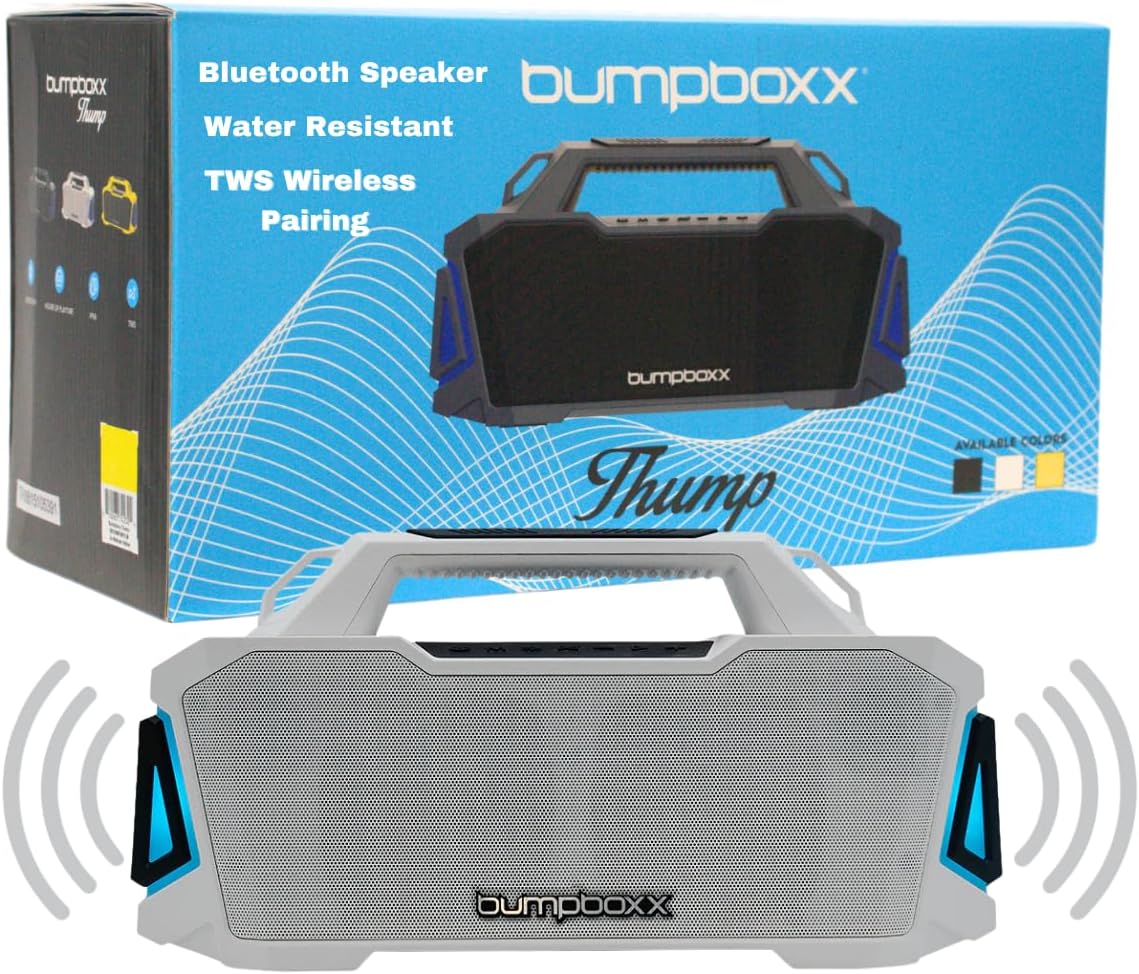
Image: The Bumpboxx Thump speaker shown with its retail packaging, highlighting its sleek design and key features like Bluetooth connectivity, water resistance, and TWS wireless pairing.
معلومات السلامة
- لا تعرض مكبر الصوت لدرجات حرارة عالية أو لأشعة الشمس المباشرة لفترات طويلة.
- Ensure all ports are securely closed when using the speaker near water to maintain its IPX6 water resistance.
- لا تحاول تفكيك السماعة أو تعديلها. سيؤدي ذلك إلى إلغاء الضمان وقد يتسبب في تلفها.
- استخدم فقط كابل الشحن المقدم أو ما يعادله المعتمد.
- احتفظ بمكبر الصوت بعيدًا عن المجالات المغناطيسية القوية.
- قم بتنظيف مكبر الصوت باستخدام قطعة قماش ناعمة.amp قماش. تجنب استخدام الكيماويات القاسية أو المواد الكاشطة.
ماذا يوجد في الصندوق
Upon opening your Bumpboxx Thump package, please verify that all the following items are included:
- Bumpboxx Thump Bluetooth Speaker
- كابل الشحن (USB)
- حزام الكتف
- دليل المستخدم (هذا المستند)

الصورة: لقطة مقربة view of the durable strap attachment point on the Bumpboxx Thump, illustrating how the included shoulder strap connects for easy portability.
يثبت
شحن السماعة
Before first use, fully charge your Bumpboxx Thump. A full charge provides up to 32 hours of playback time.
- حدد موقع منفذ الشحن على مكبر الصوت.
- قم بتوصيل كابل الشحن USB المرفق بمنفذ شحن السماعة.
- قم بتوصيل الطرف الآخر من كابل USB بمحول طاقة USB متوافق (غير مرفق) أو بمنفذ USB في الكمبيوتر.
- The LED indicator will show charging status (refer to speaker's LED guide for specific indications).
- بمجرد الشحن بالكامل ، افصل كابل الشحن.
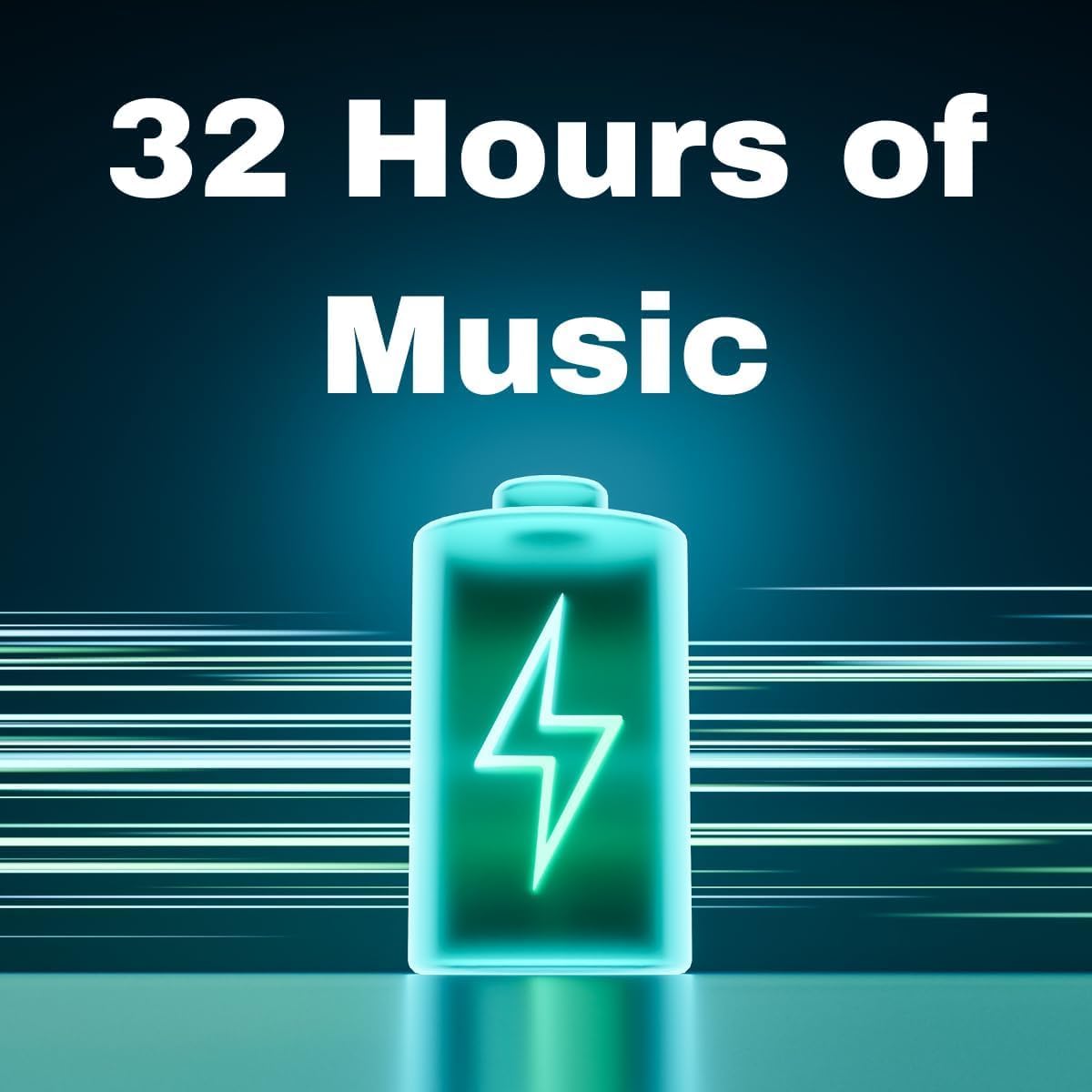
Image: A visual representation emphasizing the Bumpboxx Thump's impressive 32-hour battery life, depicted by a glowing battery icon.
تعليمات التشغيل
تشغيل/إيقاف التشغيل
- To power on: Press and hold the Power button until the speaker activates.
- To power off: Press and hold the Power button until the speaker deactivates.
بلوتوث الاقتران
Connect your Bumpboxx Thump to a Bluetooth-enabled device.
- تأكد من تشغيل مكبر الصوت ووضع الاقتران عبر البلوتوث (يُشار إلى ذلك بواسطة مؤشر LED وامض).
- على جهازك (الهاتف الذكي، الجهاز اللوحي، الكمبيوتر)، قم بتمكين البلوتوث وابحث عن الأجهزة المتاحة.
- Select "Bumpboxx Thump" from the list of devices.
- بمجرد الاقتران، سيصبح مؤشر LED مضاءً بشكل ثابت، وستسمع تأكيدًا صوتيًا.
اقتران استريو لاسلكي حقيقي (TWS)
Pair two Bumpboxx Thump speakers for a stereo sound experience.
- Ensure both Bumpboxx Thump speakers are powered on and not connected to any other Bluetooth device.
- On one speaker, press and hold the TWS button (refer to speaker's button layout for exact location).
- The speaker will enter TWS pairing mode. Repeat this step on the second speaker.
- سيتم توصيل مكبرات الصوت تلقائيًا. بعد ذلك، سيعمل أحد مكبري الصوت كجهاز رئيسي (القناة اليسرى) والآخر كجهاز تابع (القناة اليمنى).
- Now, connect your Bluetooth device to the master speaker as described in the "Bluetooth Pairing" section.
استخدام المدخل الإضافي (AUX)
Connect devices without Bluetooth using the 3.5mm AUX input.
- Connect a 3.5mm audio cable (not included) from your audio source to the AUX input port on the speaker.
- سيتم تحويل مكبر الصوت تلقائيًا إلى وضع AUX.
تشغيل USB
تشغيل الصوت fileمباشرة من محرك أقراص USB.
- أدخل محرك أقراص فلاش USB يحتوي على الصوت fileقم بتوصيلها بمنفذ USB الموجود على السماعة.
- سيكتشف مكبر الصوت محرك أقراص USB تلقائيًا ويبدأ التشغيل.
إعدادات إضاءة LED
The Bumpboxx Thump features 5 dynamic RGB LED light settings.
- Press the Light button (refer to speaker's button layout) to cycle through the different light modes.
- Press and hold the Light button to turn the lights off.

Image: A person joyfully holding a yellow Bumpboxx Thump speaker above their head, demonstrating its lightweight and portable nature for outdoor activities.
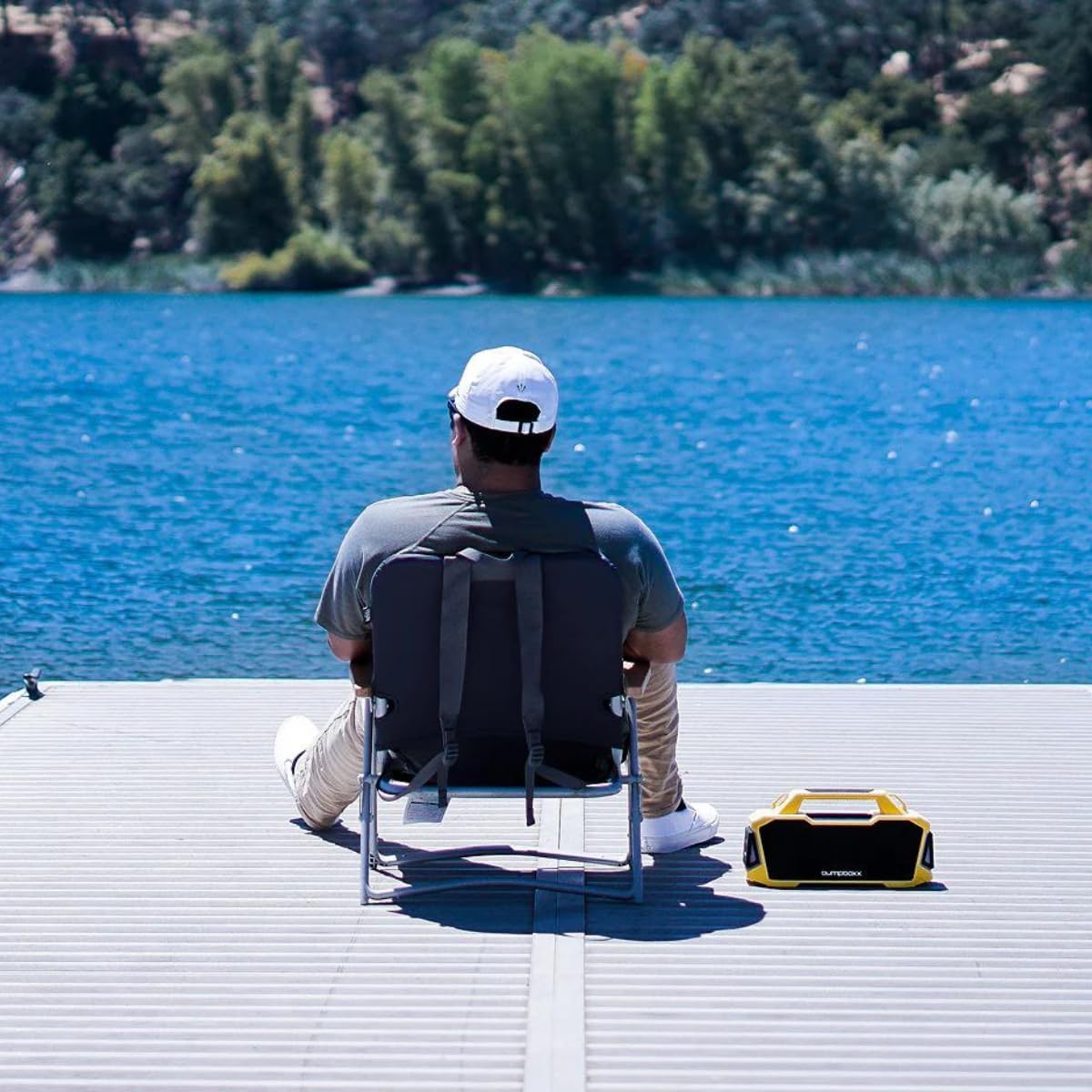
Image: A person relaxing by a lake with the Bumpboxx Thump speaker placed next to them, illustrating its suitability for outdoor environments.
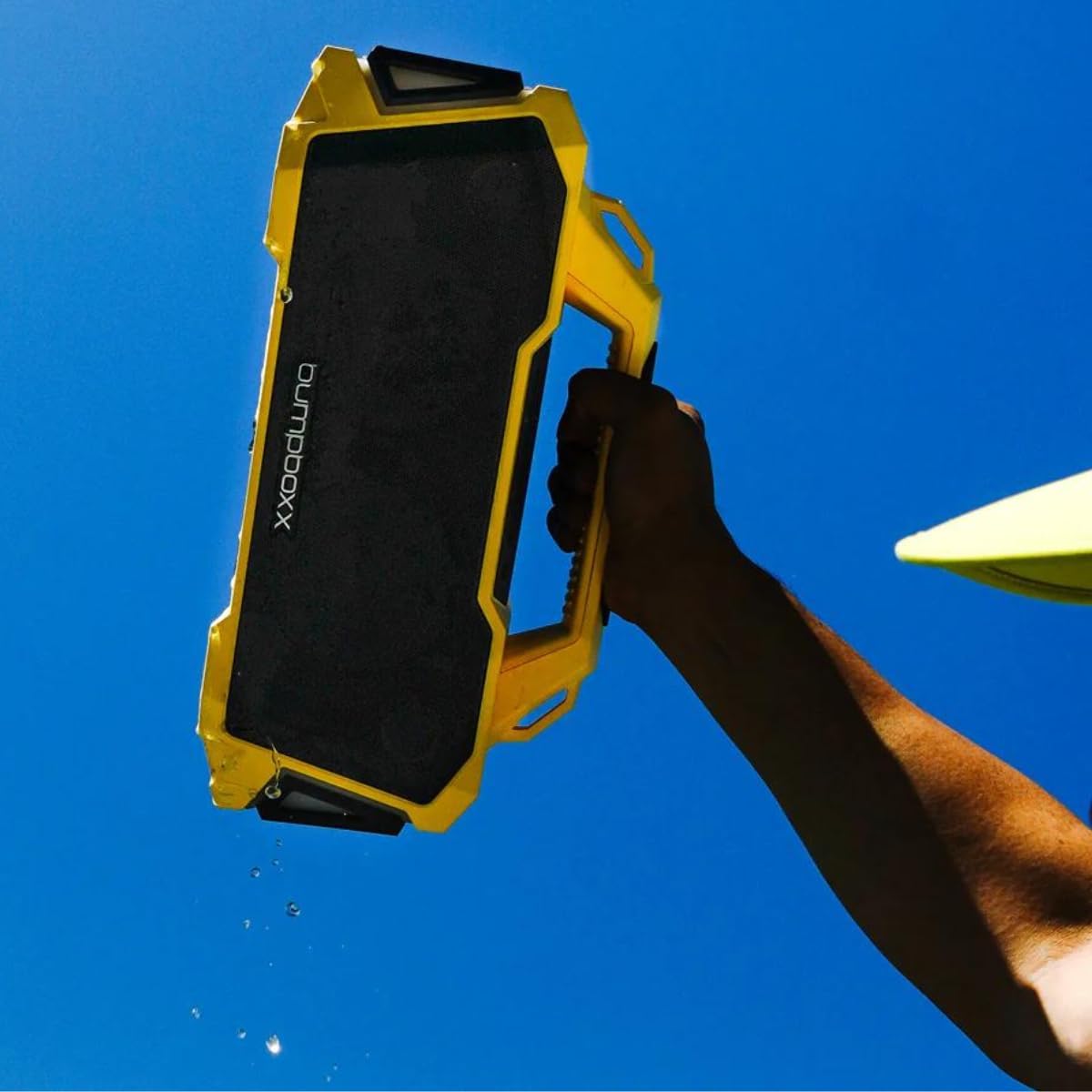
Image: A hand holding the yellow Bumpboxx Thump speaker with water visibly dripping from it, showcasing its IPX6 water-resistant capability.
صيانة
تنظيف
To keep your Bumpboxx Thump in optimal condition:
- امسح السطح الخارجي بقطعة قماش ناعمة وخفيفةamp قطعة قماش.
- Do not use abrasive cleaners, alcohol, benzene, or other harsh chemicals, as these may damage the surface or internal components.
- تأكد من إغلاق جميع أغطية المنافذ قبل التنظيف باستخدامamp قطعة قماش.
تخزين
عند عدم الاستخدام لفترات طويلة:
- قم بتخزين السماعة في مكان بارد وجاف، بعيدًا عن أشعة الشمس المباشرة ودرجات الحرارة القصوى.
- Charge the battery at least once every three months to maintain battery health.
استكشاف الأخطاء وإصلاحها
| مشكلة | السبب المحتمل | حل |
|---|---|---|
| لا يتم تشغيل مكبر الصوت. | نفدت طاقة البطارية. | اشحن السماعة بالكامل. |
| لا يمكن الاقتران عبر البلوتوث. | Speaker is not in pairing mode or already connected. Device Bluetooth is off. | Ensure speaker is in pairing mode. Turn off and on Bluetooth on your device. Forget "Bumpboxx Thump" on your device and re-pair. |
| لا يوجد صوت أو مستوى الصوت منخفض. | Volume too low on speaker or device. Incorrect input mode. | Increase volume on both speaker and connected device. Ensure correct input mode (Bluetooth, AUX, USB) is selected. |
| فشل اقتران TWS. | إن مكبرات الصوت بعيدة جدًا عن بعضها أو متصلة بالفعل بأجهزة أخرى. | Ensure both speakers are within range and not connected to other devices. Restart both speakers and try TWS pairing again. |
| الأضواء لا تعمل. | Lights are turned off or battery is very low. | Press the Light button to cycle modes. Charge the speaker. |
تحديد
| ميزة | التفاصيل |
|---|---|
| اسم الموديل | رطم |
| ماركة | بامب بوكس |
| تكنولوجيا الاتصال | بلوتوث |
| تكنولوجيا الاتصالات اللاسلكية | بلوتوث |
| الحد الأقصى لقوة خرج السماعة | 120 واط |
| عمر البطارية | حتى ساعتين |
| تصنيف مقاومة الماء | IPX6 |
| أبعاد المنتج (الطول × العرض × الارتفاع) | 14.25 بوصة × 5.37 بوصة × 7.25 بوصة |
| وزن العنصر | 7 رطل (حوالي 3.17 كجم) |
| وضع إخراج الصوت | ستيريو |
| طريقة التحكم | يلمس |
| المكونات المضمنة | حزام |
| رمز المنتج الموحد | 810063742317 |

Image: A clear diagram illustrating the length, width, and height of the Bumpboxx Thump speaker, providing precise product dimensions.
الضمان والدعم
معلومات الضمان
The Bumpboxx Thump comes with an extended warranty. Please refer to the warranty card included in your packaging or visit the official Bumpboxx webللاطلاع على الشروط والأحكام التفصيلية المتعلقة بتغطية الضمان ومدته وإجراءات المطالبات، يرجى زيارة الموقع الإلكتروني.
دعم العملاء
For technical assistance, troubleshooting beyond this manual, or warranty inquiries, please contact Bumpboxx customer support:
- Webموقع: Visit the official Bumpboxx webموقع للأسئلة الشائعة، وموارد الدعم، ونماذج الاتصال.
- بريد إلكتروني: Refer to the contact section on the Bumpboxx webموقع مخصص لعناوين البريد الإلكتروني للدعم.
- هاتف: Check the Bumpboxx website for available phone support numbers and hours of operation.
When contacting support, please have your product model (Thump) and purchase information ready.
Ask a question about this manual
Ask about setup, troubleshooting, compatibility, parts, safety, or missing instructions. Manuals+ will review the question and use this page’s manual context to help answer it.