
1. المقدمة
Thank you for choosing the SODLK T13 Portable Bluetooth Speaker. This manual provides essential information for setting up, operating, and maintaining your speaker. Please read it thoroughly before use to ensure optimal performance and longevity of your device.
2. انتهى المنتجview
2.1 مكونات
- SODLK T13 Portable Bluetooth Speaker
- كابل الطاقة (USB-C)
- كابل 3.5 مم
- دليل البدء السريع
2.2 الميزات الرئيسية
- Booming Bass & 360-degree Sound: يقدم أداءً صوتياً قوياً.
- Stereo Dual Pairing: Connect two T13 speakers for an enhanced stereo sound experience.
- IP67 مقاوم للماء والغبار: Designed to withstand water immersion and dust ingress, suitable for various environments.
- أضواء حفلات RGB: Integrated LED lighting effects to enhance your listening experience.
- خيارات الإدخال المتعددة: Supports Bluetooth, USB, TF Card, and AUX input.
- تصميم محمول: حجم صغير مع مقبض مريح لسهولة النقل.
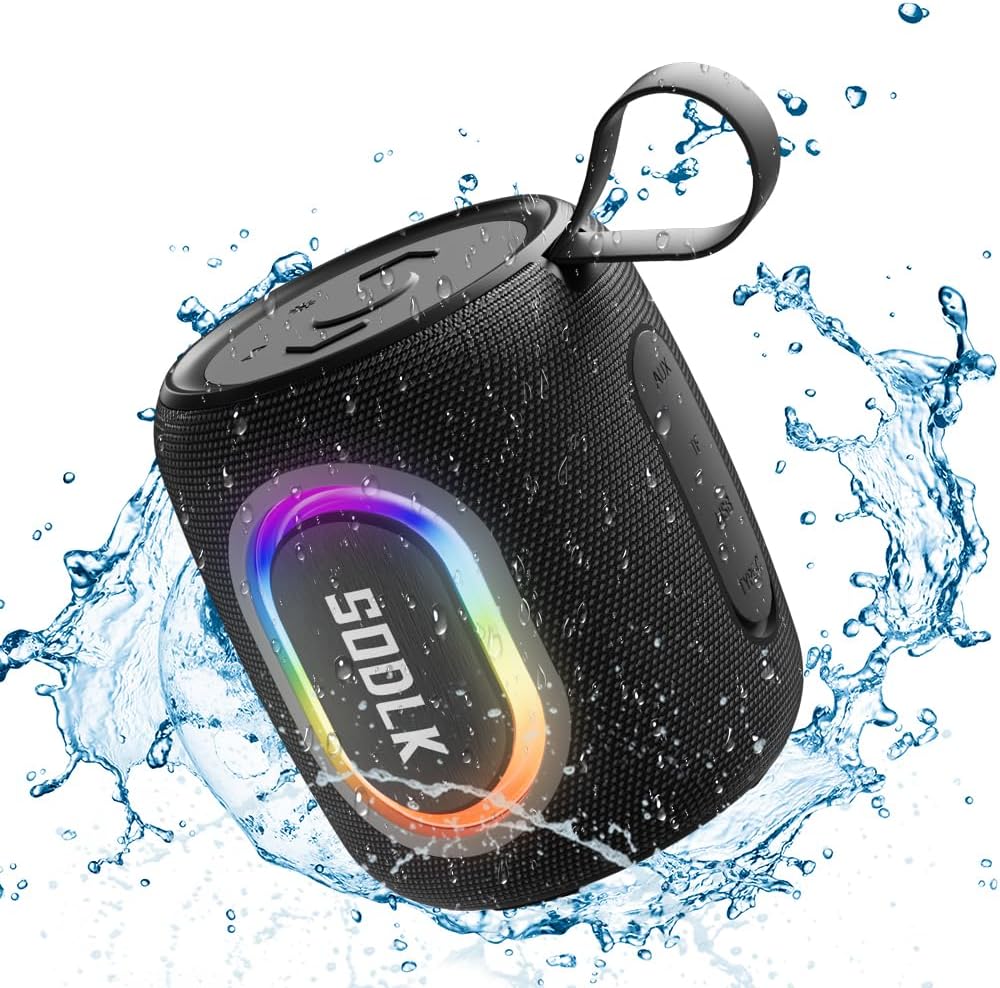
Figure 1: The SODLK T13 Portable Bluetooth Speaker demonstrating its IPX7 waterproof capability amidst splashing water.

Figure 2: Internal components of the SODLK T13 speaker, illustrating its sound engineering for loud sound and bass boost.
3. الإعداد
3.1 شحن السماعة
Before first use, fully charge the speaker. Connect the provided USB-C power cable to the speaker's charging port and the other end to a compatible USB power adapter (not included) or a computer's USB port. The charging indicator light will show the charging status and turn off when fully charged.
3.2 تشغيل/إيقاف التشغيل
- لتشغيل: اضغط مع الاستمرار على زر التشغيل (U) for approximately 3 seconds until you hear an audible prompt and the indicator lights illuminate.
- لإيقاف التشغيل: اضغط مع الاستمرار على زر التشغيل (U) لمدة 3 ثوانٍ تقريبًا حتى تسمع تنبيهًا صوتيًا وتنطفئ أضواء المؤشر.
3.3 اقتران بلوتوث
- تأكد من تشغيل السماعة وتفعيل وضع الاقتران بالبلوتوث (يُشار إلى ذلك بمؤشر LED أزرق وامض). إذا لم يكن كذلك، فاضغط برفق على زر البلوتوث.
- على جهازك (الهاتف الذكي، الجهاز اللوحي، الكمبيوتر)، قم بتمكين البلوتوث وابحث عن الأجهزة المتاحة.
- Select "SODLK T13" from the list of found devices.
- Once connected, you will hear a confirmation sound, and the Bluetooth indicator light will turn solid blue.
سيحاول مكبر الصوت تلقائيًا إعادة الاتصال بآخر جهاز مقترن به عند تشغيله.
4. تعليمات التشغيل
4.1 تشغيل الموسيقى
- تشغيل/إيقاف مؤقت: اضغط على زر التشغيل/الإيقاف المؤقت (||).
- رفع الصوت: اضغط على زر رفع الصوت (+).
- اخفض الصوت: اضغط على زر خفض الصوت (-).
- المسار التالي: اضغط مع الاستمرار على زر رفع الصوت (+).
- المسار السابق: اضغط مع الاستمرار على زر خفض الصوت (-).
أوضاع الضوء 4.2
The SODLK T13 features dynamic RGB lighting. Press the Light Mode button (often indicated by a lightbulb icon or similar) to cycle through different light patterns and colors. Press and hold to turn the lights off or on.

Figure 3: The SODLK T13 speaker illuminating a party atmosphere with its integrated RGB lighting.
4.3 Stereo Dual Pairing (TWS Function)
To achieve true wireless stereo (TWS) sound, you can pair two SODLK T13 speakers together:
- تأكد من تشغيل مكبرات الصوت T13 وعدم توصيلها بأي جهاز بلوتوث.
- On one speaker (this will be the primary speaker), press and hold the TWS button (often indicated by two interlocking circles or similar icon) for approximately 3 seconds. You will hear a prompt indicating it's searching for another speaker.
- The two speakers will automatically connect to each other. You will hear a confirmation sound once paired.
- الآن، وصّل جهازك بالسماعة الرئيسية عبر البلوتوث كما هو موضح في القسم 3.3. سيتم تشغيل الصوت عبر كلتا السماعتين بصوت ستيريو.
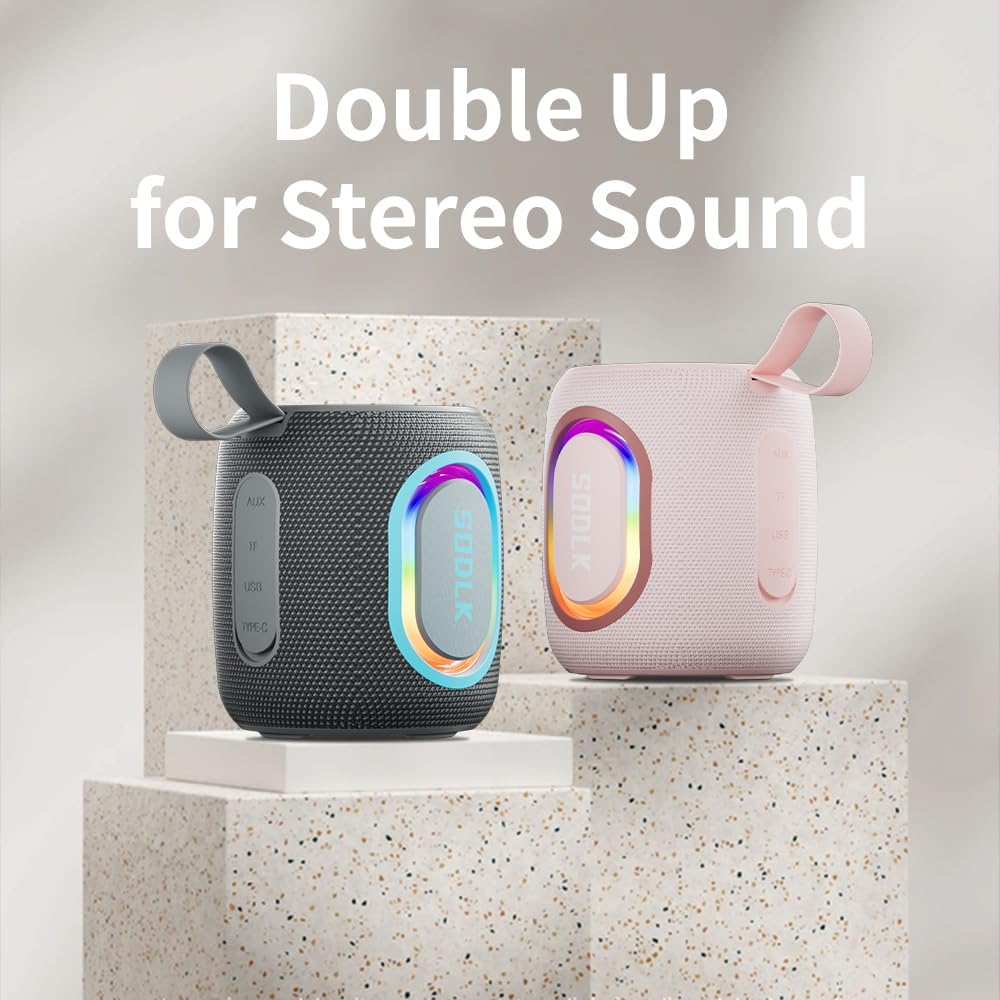
Figure 4: Two SODLK T13 speakers ready for stereo dual pairing, enhancing the audio experience.
4.4 Auxiliary and USB/TF Card Modes
- مدخلات AUX: Insert the 3.5mm AUX cable into the speaker's AUX port and connect the other end to your audio source. The speaker will automatically switch to AUX mode.
- USB/TF Card Input: Insert a USB flash drive or a TF (microSD) card with audio files into the respective port. The speaker will automatically detect the media and begin playback. Use the playback controls (Play/Pause, Volume Up/Down) to manage your music.
5. الصيانة
5.1 التنظيف
لتنظيف السماعة، استخدم قطعة قماش ناعمة.amp cloth. Do not use harsh chemicals, cleaning solvents, or strong detergents, as they may damage the surface or internal components. Ensure all ports are dry before charging or connecting other devices.
5.2 التخزين
Store the speaker in a cool, dry place away from direct sunlight and extreme temperatures. If storing for an extended period, charge the battery periodically (e.g., every 3 months) to maintain battery health.
6. استكشاف الأخطاء وإصلاحها
| مشكلة | السبب المحتمل | حل |
|---|---|---|
| لا يتم تشغيل مكبر الصوت. | نفدت طاقة البطارية. | اشحن السماعة بالكامل. |
| لا يمكن الاقتران عبر البلوتوث. | مكبر الصوت ليس في وضع الاقتران أو متصل بالفعل بجهاز آخر. | Ensure speaker is in pairing mode (flashing blue LED). Disconnect from other devices. Restart speaker and device. |
| لا يوجد صوت من مكبر الصوت. | Volume is too low; incorrect input mode; device not playing. | Increase speaker and device volume. Check if correct input mode (Bluetooth, AUX, USB/TF) is selected. Ensure audio is playing on the connected device. |
| فشل اقتران TWS. | السماعات متباعدة جدًا؛ إحدى السماعات مقترنة بالفعل بجهاز. | تأكد من أن مكبرات الصوت قريبة من بعضها. افصل كلا مكبري الصوت عن أي أجهزة بلوتوث قبل بدء إقران TWS. |
7. المواصفات
| اسم الموديل | ت13 |
| تكنولوجيا الاتصال | بلوتوث، مساعد، يو اس بي |
| تكنولوجيا الاتصالات اللاسلكية | بلوتوث |
| الحد الأقصى لقوة خرج السماعة | 15 واط |
| مستوى مقاومة الماء | IP67 مقاوم للماء |
| مصدر الطاقة | تعمل بالبطارية (بطارية ليثيوم أيون واحدة متضمنة) |
| طريقة التحكم | يلمس |
| أبعاد المنتج | 4.4 بوصة عمق × 3.8 بوصة عرض × 3.8 بوصة ارتفاع |
| وزن العنصر | 1.34 رطل |
8. الضمان والدعم
8.1 الضمان المحدود
The SODLK T13 Portable Bluetooth Speaker comes with a limited warranty. Please refer to the warranty card included in your product packaging for specific terms and conditions. This warranty typically covers manufacturing defects and material flaws under normal use.
8.2 دعم العملاء
For any questions, technical support, or warranty claims, please contact SODLK customer service. Contact information can typically be found on the product packaging or the official SODLK webموقع.