
Thomson TDF-1001P
دليل مستخدم إطار الصور الرقمي THOMSON مقاس 10.1 بوصة
Model: TDF-1001P
1. المقدمة
This user manual provides comprehensive instructions for setting up, operating, and maintaining your THOMSON 10.1-inch WiFi Digital Photo Frame. Please read this manual carefully before using the device to ensure proper functionality and longevity.
2. انتهى المنتجview
The THOMSON Digital Photo Frame is designed to display your cherished memories with ease. It features a high-definition IPS touchscreen and WiFi connectivity for convenient photo sharing.
المميزات الرئيسية:
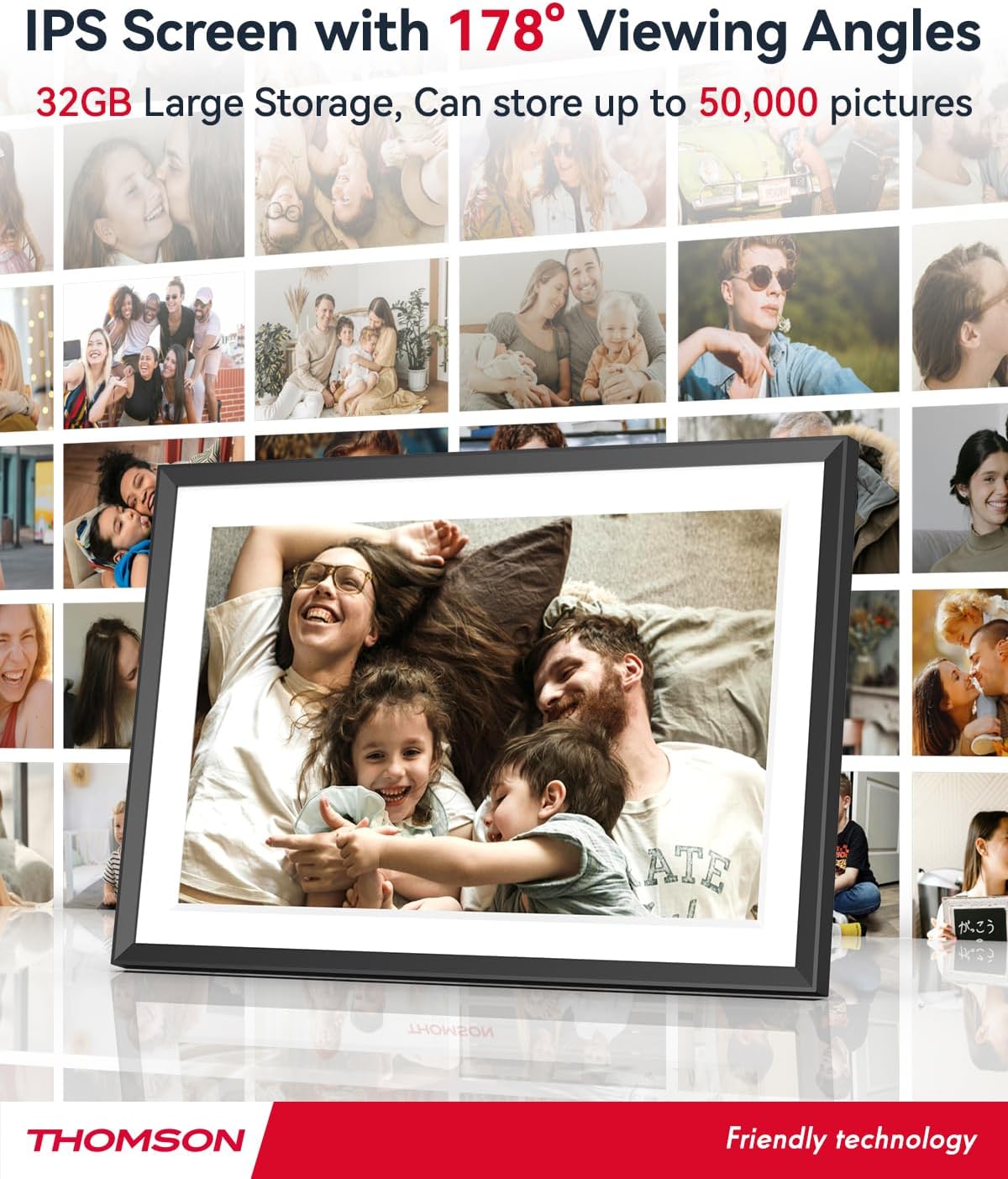
- ذاكرة داخلية سعة 32 جيجابايت: Stores approximately 50,000 photos. Supports SD Card/SDHC Card/MMC Card/USB Drive expansion up to 256GB.
- الإعداد البسيط: Connects to WiFi, automatically sets local date and time.
- 10.1-inch 1280x800 HD IPS Screen: Provides clear image viewing with a 180° viewزاوية جي.
- واجهات متعددة: Supports DC-4.0, Type-C, SD, 3.5mm Jack, and USB.
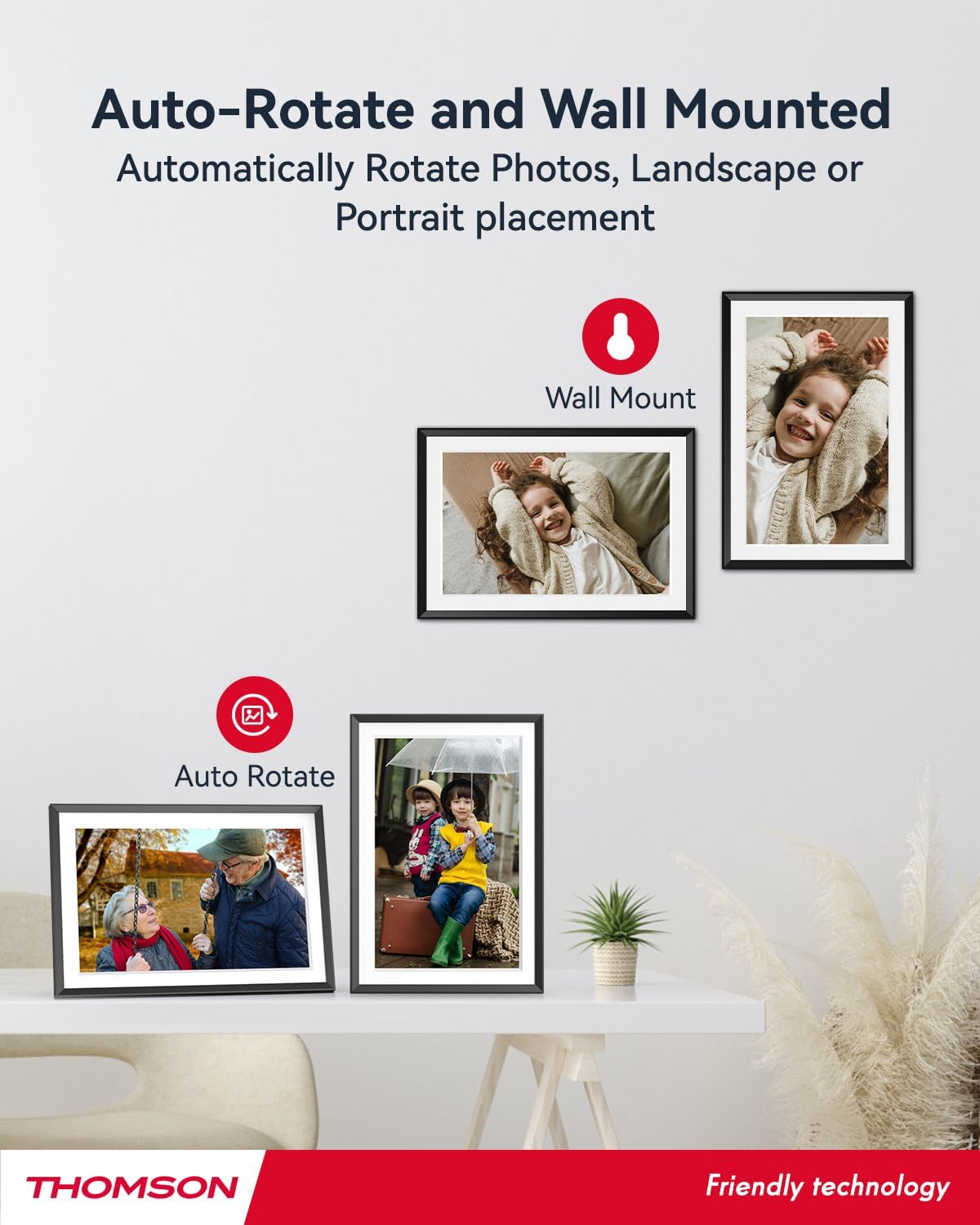
- الدوران التلقائي: Displays photos correctly in any orientation.
- الموسيقى الخلفية: Play music during slideshows.
- Google Photo Support: Send photos directly from Google Photos.




3. الإعداد
3.1 فك العبوة والفحص الأولي
- قم بإزالة جميع المكونات بعناية من العبوة.
- Verify that all items listed in the 'Product Overviewالأقسام موجودة.
- Inspect the frame for any signs of damage. If damaged, do not proceed and contact customer support.
3.2 توصيل الطاقة
- Connect the power adapter to the DC-4.0 port on the back of the photo frame.
- قم بتوصيل محول الطاقة بمأخذ كهربائي قياسي.
- سيتم تشغيل الإطار تلقائيًا.
3.3 اتصال الشبكة (Wi-Fi)
- On the frame's touchscreen, navigate to 'Settings' or 'Wi-Fi Settings'.
- قم باختيار شبكة Wi-Fi المطلوبة من قائمة الشبكات المتاحة.
- أدخل كلمة مرور Wi-Fi باستخدام لوحة المفاتيح التي تظهر على الشاشة.
- Confirm the connection. Once connected, the frame will automatically synchronize the date and time.
3.4 App Installation (Thomson Smart Frame)
To share photos wirelessly from your smartphone, download the 'Thomson Smart Frame' app:
- For Android devices, search for 'Thomson Smart Frame' on the متجر جوجل بلاي.
- For iOS devices, search for 'Thomson Smart Frame' on the متجر تطبيقات ابل.
- Follow the on-screen instructions within the app to pair it with your digital photo frame.
4. تعليمات التشغيل
4.1 إضافة الصور ومقاطع الفيديو
- Via Thomson Smart Frame App: Use the paired smartphone app to wirelessly send photos and videos to the frame.
- Via SD Card/USB Drive: Insert a compatible SD card or USB drive into the respective slot. The frame will detect the media, and you can import files to the internal memory or play directly.
- Via Google Photos: The frame supports integration with Google Photos for direct photo sharing. Refer to the frame's on-screen instructions for linking your Google Photos account.
4.2 نظام الملاحة بشاشة اللمس
The frame features an intuitive touchscreen interface. Tap to select, swipe to scroll, and pinch to zoom (if supported by the specific function).
4.3 Slideshow Settings
Customize your photo slideshow experience:
- Slideshow Speed: Adjust the duration each photo is displayed.
- آثار الانتقال: Choose from various transition styles between photos.
- الموسيقى الخلفية: حدد الصوت files to play during the slideshow.
4.4 الدوران التلقائي
The frame automatically detects its orientation (landscape or portrait) and adjusts the displayed photos accordingly. Ensure the auto-rotate function is enabled in the settings if you wish to utilize this feature.
4.5 اتصال متعدد المستخدمين
Multiple users can connect to the same frame via the Thomson Smart Frame app, allowing family and friends to share their photos to your frame from different locations.
5. الصيانة
5.1 تنظيف الشاشة
- Turn off the photo frame and unplug it from the power source.
- استخدم قطعة قماش ناعمة وخالية من الوبر (مثل قطعة قماش من الألياف الدقيقة) لمسح الشاشة برفق.
- بالنسبة للبقع العنيدة، استخدمي القليل منampen the cloth with water or a screen-cleaning solution specifically designed for electronic displays. Do not spray liquid directly onto the screen.
5.2 العناية العامة
- Avoid exposing the frame to extreme temperatures, direct sunlight, or high humidity.
- Keep the frame away from water and other liquids.
- Do not block the ventilation openings on the frame.
- Handle the frame with care to prevent drops or impacts.
6. استكشاف الأخطاء وإصلاحها
| مشكلة | السبب المحتمل | حل |
|---|---|---|
| الإطار لا يعمل. | محول الطاقة غير متصل أو المنفذ معيب. | تأكد من توصيل محول الطاقة بإحكام بالهيكل وبمأخذ كهربائي سليم. جرّب مقبسًا كهربائيًا آخر. |
| لا يمكن الاتصال بشبكة Wi-Fi. | كلمة المرور غير صحيحة، أو الإشارة ضعيفة، أو مشكلة في الشبكة. | Double-check Wi-Fi password. Move frame closer to router. Restart router and frame. |
| Photos not displaying. | غير مدعوم file format, no photos loaded, or storage issue. | Ensure photos are in supported formats (e.g., JPEG, PNG). Verify photos are loaded onto the frame's internal memory or connected storage. Check storage space. |
| شاشة اللمس لا تستجيب. | خلل مؤقت في البرنامج. | أعد تشغيل الإطار عن طريق فصل محول الطاقة وإعادة توصيله. |
7. المواصفات
| ميزة | التفاصيل |
|---|---|
| ماركة | تومسون |
| رقم الموديل | TDF-1001P |
| حجم الشاشة | 10.1 بوصة |
| دقة العرض | 1280 × 800 عالية الدقة |
| نوع العرض | شاشة تعمل باللمس IPS |
| الذاكرة الداخلية | 32 جيجا بايت |
| ذاكرة قابلة للتوسيع | SD Card/SDHC Card/MMC Card/USB Drive (up to 256GB) |
| تكنولوجيا الاتصال | واي فاي |
| الأجهزة المتوافقة | Android and iOS Smartphones |
| مصدر الطاقة | كهرباء سلكية |
| نسبة العرض إلى الارتفاع | 16:10 |
| مادة الإطار | بلاستيك |
| أبعاد المنتج (الطول × العرض × الارتفاع) | 26.5 × 18.4 × 2.51 سم |
| وزن المنتج | 530 جرام |
8. الضمان والدعم
For warranty information or technical support, please refer to the documentation included with your purchase or visit the official Thomson website. You may also contact Thomson customer service directly for assistance with product issues or inquiries.
Ask a question about this manual
Ask about setup, troubleshooting, compatibility, parts, safety, or missing instructions. Manuals+ will review the question and use this page’s manual context to help answer it.