
1. معلومات هامة حول السلامة
Please read these safety instructions carefully before operating your TV and retain them for future reference. Always follow basic safety precautions to reduce the risk of fire, electric shock, and injury.
- قوة: Connect the TV to an AC power outlet only. Do not overload wall outlets. Ensure the power cord is not damaged or pinched.
- تهوية: Do not block ventilation openings. Install the TV in a location with adequate airflow.
- تنظيف: افصل التلفاز عن الكهرباء قبل التنظيف. استخدم قطعة قماش ناعمة وجافة. لا تستخدم المنظفات السائلة أو البخاخات.
- الماء والرطوبة: لا تُعرِّض التلفزيون للمطر أو الرطوبة. لا تضع أي أجسام مملوءة بالسوائل عليه.
- استقرار: Ensure the TV is placed on a stable surface or securely mounted to prevent it from falling.
2. ما هو المشمول
تأكد من وجود جميع المكونات في العبوة:
- LG 55QNED85T 55-inch 4K QNED Smart TV
- Base (Stand)
- كابل طاقة قابل للفصل
- Magic Remote (MR 24Y)
- بطاريات AA عدد 2
3. الإعداد
3.1 فك التعبئة
Carefully remove the TV and all accessories from the packaging. It is recommended to keep the packaging materials for future transport or service needs.
3.2 تركيب الحامل
لتثبيت حامل التلفزيون:
- ضع التلفزيون على سطح ناعم ومسطح بحيث يكون وجهه لأسفل لمنع تلف الشاشة.
- قم بمحاذاة مكونات الحامل مع الفتحات المقابلة لها في الجزء السفلي من التلفزيون.
- ثبّت الحامل باستخدام البراغي المرفقة. تأكد من إحكام ربط جميع البراغي.

أمام view of the LG 55QNED85T 55-inch 4K QNED Smart TV with its stand installed.

جانب view of the LG 55QNED85T 55-inch 4K QNED Smart TV showing its slim profile والوقوف.
3.3 التركيب على الحائط (اختياري)
If you choose to wall mount your TV, refer to the instructions provided with your wall mount bracket. Ensure the bracket is compatible with VESA standards for your TV model and installed by a qualified professional.
3.4 توصيل الأجهزة الطرفية
Connect external devices such as set-top boxes, gaming consoles, or sound systems to the TV's ports. The TV features HDMI, USB, Ethernet, Bluetooth, and Wi-Fi connectivity.

مؤخرة view of the LG 55QNED85T 55-inch 4K QNED Smart TV showing various input and output ports.
3.5 توصيل الطاقة
After connecting all desired devices, plug the detachable power cable into the TV's power input and then into a wall outlet.
3.6 الإعداد الأولي
Upon first power-on, the TV will guide you through the initial setup process. This includes selecting your language, connecting to a network (Wi-Fi or Ethernet), and scanning for channels.
4. تشغيل جهاز التلفزيون
4.1 Magic Remote (MR 24Y)
The LG Magic Remote allows for intuitive control of your TV. It functions like an air mouse, allowing you to point and click. It also features a dedicated AI button for smart functions.

The LG AI Magic Remote offers dedicated buttons and features for AI functions, including AI Chatbot, AI Concierge, AI Search, AI Picture Wizard, AI Voice ID, and AI Sound Wizard.
4.2 Webالميزات الذكية لنظام التشغيل OS 24
يعمل تلفزيون LG QNED الخاص بك على webنظام التشغيل OS 24، الذي يوفر واجهة ذكية وسهلة الاستخدام. تشمل الميزات الرئيسية ما يلي:
- إل جي ThinQ AI: Integrated artificial intelligence for enhanced control and personalization.
- أمازون أليكسا المدمجة: Use voice commands for various TV functions and smart home control.
- Intelligent Voice Recognition: Control your TV and search for content using your voice.
- App Remote Control (LG ThinQ): Control your TV from your smartphone using the LG ThinQ app.
- خدمة الكونسيرج بالذكاء الاصطناعي: Provides personalized keyword suggestions and recommendations based on your viewجي التاريخ.

The AI Concierge feature provides personalized keyword suggestions and recommendations based on your search and viewجي التاريخ.
- بحث الذكاء الاصطناعي: Offers personalized recommendations for your queries and additional solutions with Microsoft Copilot.

AI Search provides personalized recommendations for your queries and can integrate with Microsoft Copilot for additional solutions.
- التعرف على الصوت بالذكاء الاصطناعي: Recognizes each user's vocal signature and offers personalized recommendations as you speak.

AI Voice ID recognizes individual user voices to provide personalized content recommendations.
4.3 إعدادات الصورة
Your QNED TV combines Quantum Dot and NanoCell technologies for vibrant and accurate colors. The α8 AI Processor Gen 2 optimizes picture quality.
- QNED Dynamic Colors: LG's wide color gamut technology provides enhanced color reproduction.
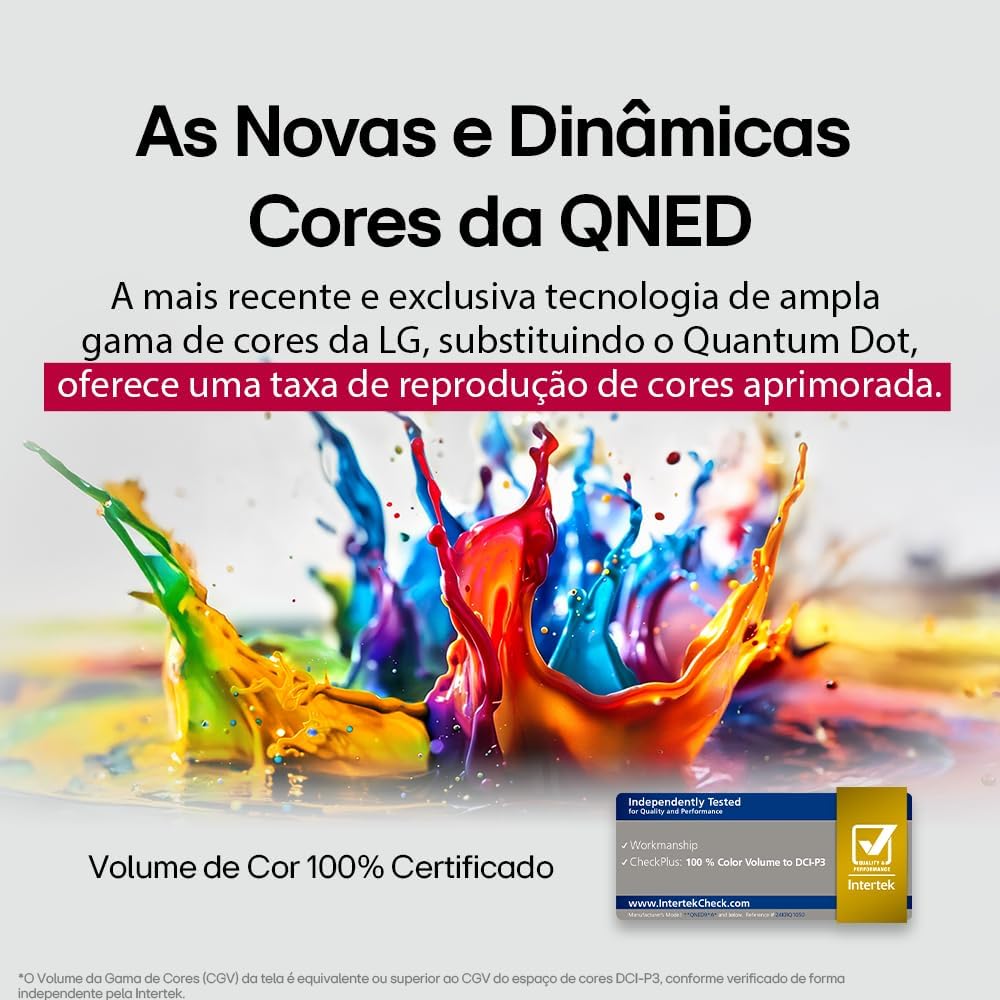
LG's QNED technology delivers new and dynamic colors, offering an improved color reproduction rate with 100% Certified Color Volume to DCI-P3.
- MiniLED: This technology enhances sharpness and provides superior contrast for an immersive viewتجربة رائعة.
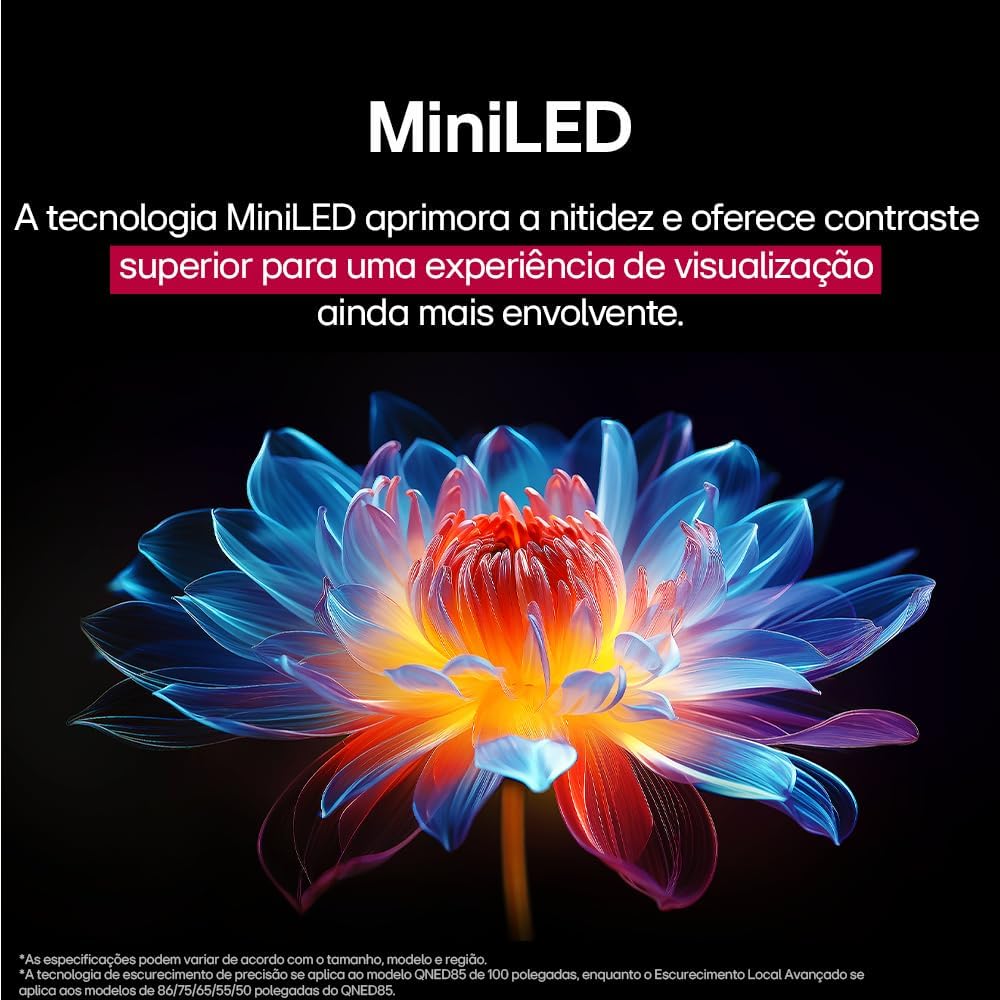
MiniLED technology improves sharpness and offers superior contrast for an immersive viewتجربة رائعة.
- α8 AI Processor Gen 2: This processor enhances 4K visuals with impressive colors and brightness.
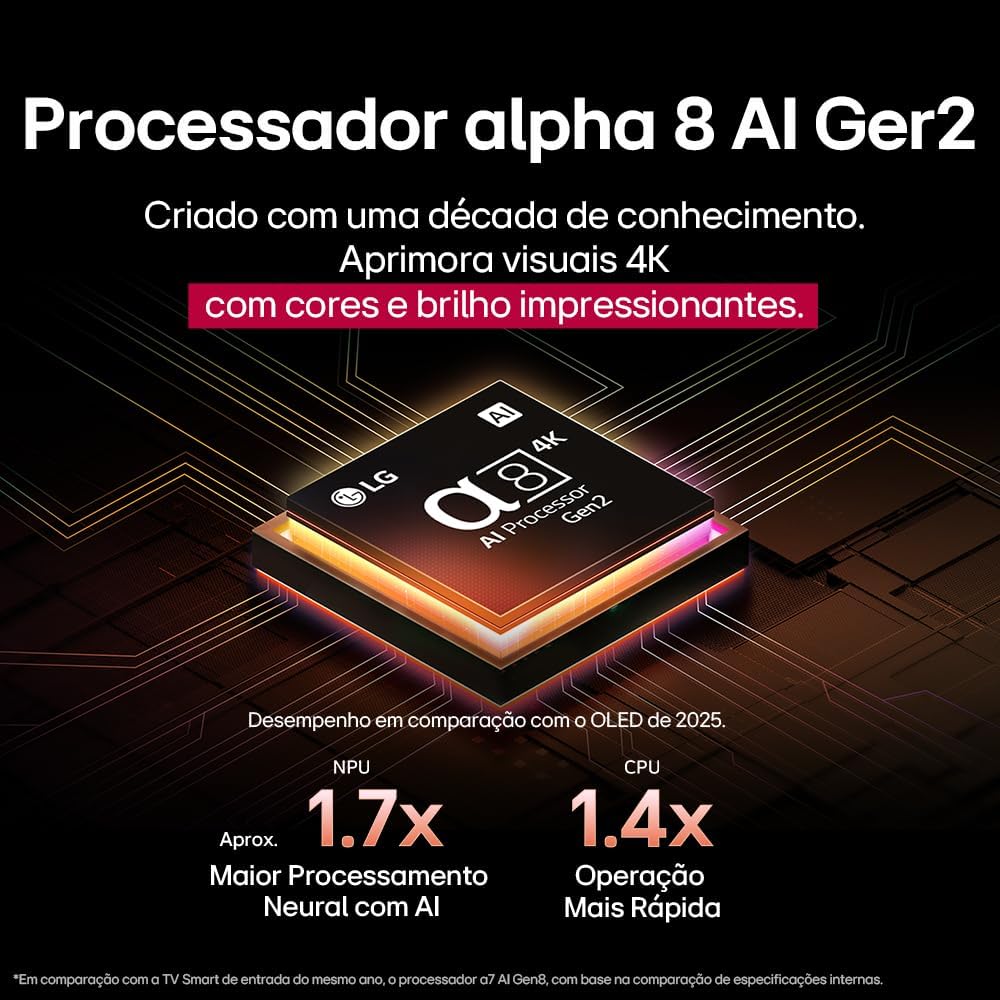
The Alpha 8 AI Processor Gen 2 enhances 4K visuals with impressive colors and brightness, offering approximately 1.7x greater neural processing with AI and 1.4x faster operation compared to previous generations.
- AI Picture Pro: Analyzes each frame, enhancing resolution, brightness, depth, and clarity to bring every scene to life.

AI Picture Pro analyzes each frame, enhancing resolution, brightness, depth, and clarity to bring every scene to life.
4.4 إعدادات الصوت
The TV includes AI Sound Wizard features to optimize audio output based on your environment and content.
4.5 الاتصال
يدعم جهاز التلفزيون الخاص بك خيارات اتصال متنوعة:
- واي فاي: اتصل بشبكة الواي فاي المنزلية للوصول إلى الإنترنت والميزات الذكية.
- إيثرنت: Use a wired connection for stable internet access.
- HDMI: Connect high-definition devices like Blu-ray players, game consoles, and soundbars.
- USB: لعب وسائل الإعلام fileق من أجهزة تخزين USB.
- بلوتوث: Connect wireless headphones, speakers, or other compatible devices.
4.6 ميزات الألعاب
The LG 55QNED85T is equipped with features for an enhanced gaming experience:
- 120Hz Panel: يوفر حركة أكثر سلاسة للألعاب السريعة.
- المزامنة الحرة: Reduces screen tearing and stuttering when connected to compatible gaming devices.
5. الصيانة
5.1 التنظيف
- شاشة: امسح الشاشة برفق بقطعة قماش ناعمة وخالية من الوبر. لإزالة البقع الصعبة، امسح برفقampبلل قطعة القماش بالماء أو بمنظف الشاشة المتخصص (لا ترش مباشرة على الشاشة).
- الإطار والحامل: امسحي بقطعة قماش ناعمة وجافة.
- جهاز التحكم عن بعد: Use a soft, dry cloth to clean the remote.
5.2 تحديثات البرامج
Your TV may receive software updates to improve performance and add new features. You can usually check for and install updates through the TV's settings menu (Settings > General > About This TV > Check for Updates).
6. استكشاف الأخطاء وإصلاحها
إذا واجهت مشكلات مع التلفزيون الخاص بك، فراجع الحلول الشائعة التالية:
| مشكلة | الحل المحتمل |
|---|---|
| لا يوجد طاقة | تأكد من توصيل كابل الطاقة بإحكام بالتلفزيون ومقبس الكهرباء. تأكد من أن المقبس يعمل. |
| لا توجد صورة، ولكن الصوت موجود | Check the input source. Ensure external devices are powered on and connected correctly via HDMI. |
| لا يوجد صوت، ولكن الصورة موجودة | Check the volume level and mute status. Verify audio output settings (e.g., internal speakers, external soundbar). |
| جهاز التحكم عن بعد لا يعمل | استبدل البطاريات. تأكد من عدم وجود أي عوائق بين جهاز التحكم عن بُعد والتلفزيون. أعد إقران جهاز التحكم السحري إذا لزم الأمر. |
| مشاكل اتصال الشبكة | أعد تشغيل جهاز التوجيه والمودم. تحقق من كلمة مرور شبكة الواي فاي. جرب الاتصال السلكي عبر الإيثرنت إن أمكن. |
| مشاكل جودة الصورة | اضبط إعدادات الصورة (السطوع، التباين، الحدة). تأكد من أن مصدر الإدخال يوفر إشارة عالية الجودة. |
If the problem persists, try performing a factory reset (refer to the TV's settings menu) or contact LG customer support.
7. المواصفات
Detailed specifications for the LG 55QNED85T 55-inch 4K QNED Smart TV:
| ميزة | مواصفة |
|---|---|
| حجم الشاشة | 55 بوصة |
| ماركة | LG |
| تكنولوجيا العرض | LED (QNED, MiniLED) |
| دقة | 4K (3840 × 2160) |
| معدل التحديث | 120 هرتز |
| المميزات الخاصة | QNED Dynamic Colors, MiniLED, α8 AI Processor Gen 2 |
| تكنولوجيا الاتصال | بلوتوث، إيثرنت، HDMI، USB، واي فاي |
| نسبة العرض إلى الارتفاع | 16:9 |
| أبعاد المنتج (عمق×عرض×ارتفاع) | 25.7D x 123.6W x 78.3H centimeters (with stand) |

Dimensions of the LG 55QNED85T 55-inch TV. Indicated values and actual measurements may differ.
8. الضمان والدعم
Your LG 55QNED85T Smart TV comes with a manufacturer's warranty. Please refer to the warranty card included in your product packaging for specific terms and conditions.
For technical support, service, or warranty claims, please contact LG customer service through their official webالموقع أو معلومات الاتصال المقدمة في وثائق الضمان الخاصة بك.