
1. المقدمة
The YESIDO TV10 4G HD Wireless Screen Display Receiver is designed to wirelessly mirror content from your smartphone, tablet, or laptop to a larger display such as a TV or projector. It supports 4K resolution and is compatible with various operating systems, including iOS, Android, and Windows, utilizing technologies like Miracast and AirPlay.
2. معلومات السلامة
- أبقِ الجهاز بعيداً عن الماء والبيئات ذات الرطوبة العالية.
- لا تعرض الجهاز لدرجات حرارة عالية.
- تجنب إسقاط الجهاز أو تعريضه لصدمات قوية.
- Use only the provided power cable or a certified 5V/1A USB power adapter.
- لا تحاول تفكيك الجهاز أو إصلاحه بنفسك. اتصل بفني صيانة مؤهل.
3. محتويات العبوة
- YESIDO TV10 4G Wireless Screen Display Receiver
- كابل طاقة USB مزود بهوائي واي فاي
- دليل المستخدم
4. انتهى المنتجview
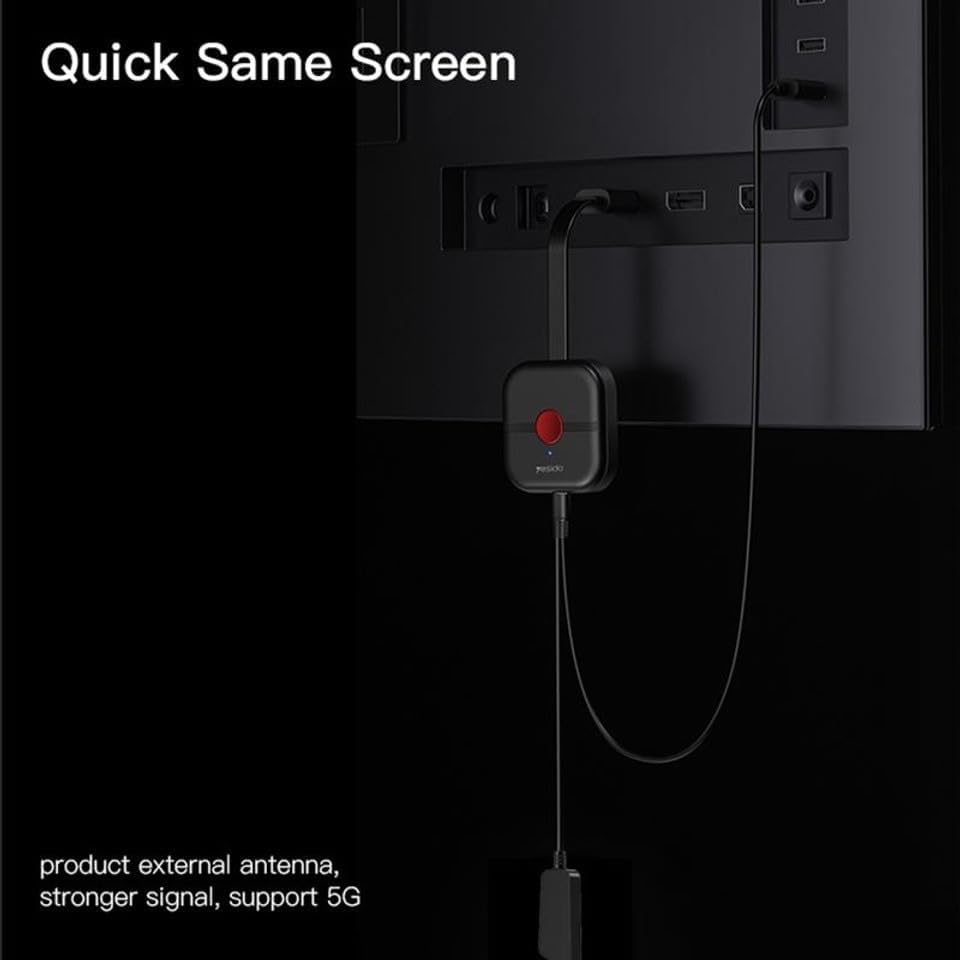
The YESIDO TV10 4G features a compact design with an integrated HDMI connector and a USB port for power and the external Wi-Fi antenna. It is designed for easy portability and discreet installation behind your display.
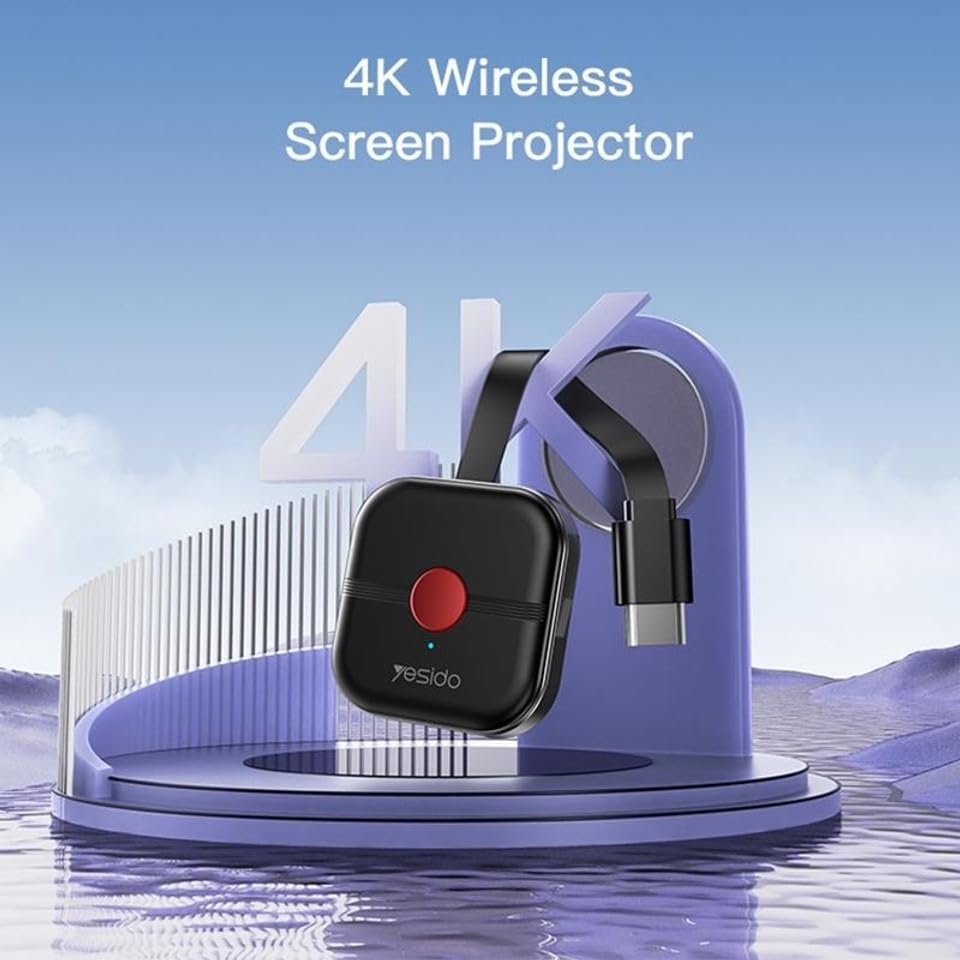
Image: The YESIDO TV10 4G dongle connected to an HDMI port on the back of a television, with its USB power cable and external antenna visible. This illustrates the compact setup.
الصورة: رسم تخطيطي توضيحي يوضحasing the high-performance main control chip, emphasizing its efficiency and stability for reliable wireless display.
5. الإعداد
5.1 توصيل الجهاز
- Plug the YESIDO TV10 4G into an available HDMI port on your TV or projector.
- قم بتوصيل كابل طاقة USB بمنفذ micro-USB الموجود على الجهاز.
- Plug the other end of the USB power cable into a USB power adapter (5V/1A recommended) or a USB port on your TV that provides sufficient power.
- Ensure the external Wi-Fi antenna is positioned for optimal signal reception.
- Switch your TV/projector's input source to the corresponding HDMI port. You should see the YESIDO TV10 4G startup screen.
5.2 الاتصال بشبكة Wi-Fi
- On the TV screen, locate the Wi-Fi network name (SSID) and password displayed by the YESIDO TV10 4G.
- On your smartphone, tablet, or laptop, go to Wi-Fi settings and connect to the YESIDO TV10 4G's Wi-Fi network.
- افتح web browser on your device and enter the IP address displayed on the TV screen (e.g., 192.168.x.x) to access the dongle's settings page.
- From the settings page, select 'Internet' or 'Wi-Fi Setup' and connect the dongle to your home Wi-Fi network. This allows the dongle to access the internet and for your device to maintain internet connectivity while mirroring.
6. تعليمات التشغيل
6.1 Screen Mirroring (iOS/Android/Windows)
Once the YESIDO TV10 4G is connected to your home Wi-Fi network, you can initiate screen mirroring from your compatible device:
- لأجهزة iOS (AirPlay): Swipe down from the top-right corner (or up from the bottom for older models) to open Control Center. Tap 'Screen Mirroring' or 'AirPlay Mirroring' and select the YESIDO TV10 4G from the list.
- لأجهزة Android (Miracast/Smart View/Screen Cast): Go to your device's settings and look for 'Smart View', 'Screen Cast', 'Wireless Display', 'MirrorShare', or similar options. Select the YESIDO TV10 4G from the detected devices.
- For Windows Devices (Project to a wireless display): يضعط مفتاح Windows + P, then select 'Connect to a wireless display'. Choose the YESIDO TV10 4G from the list.
6.2 جودة الصورة
The YESIDO TV10 4G supports up to 4K HD picture quality, providing clear and detailed visuals for your mirrored content.
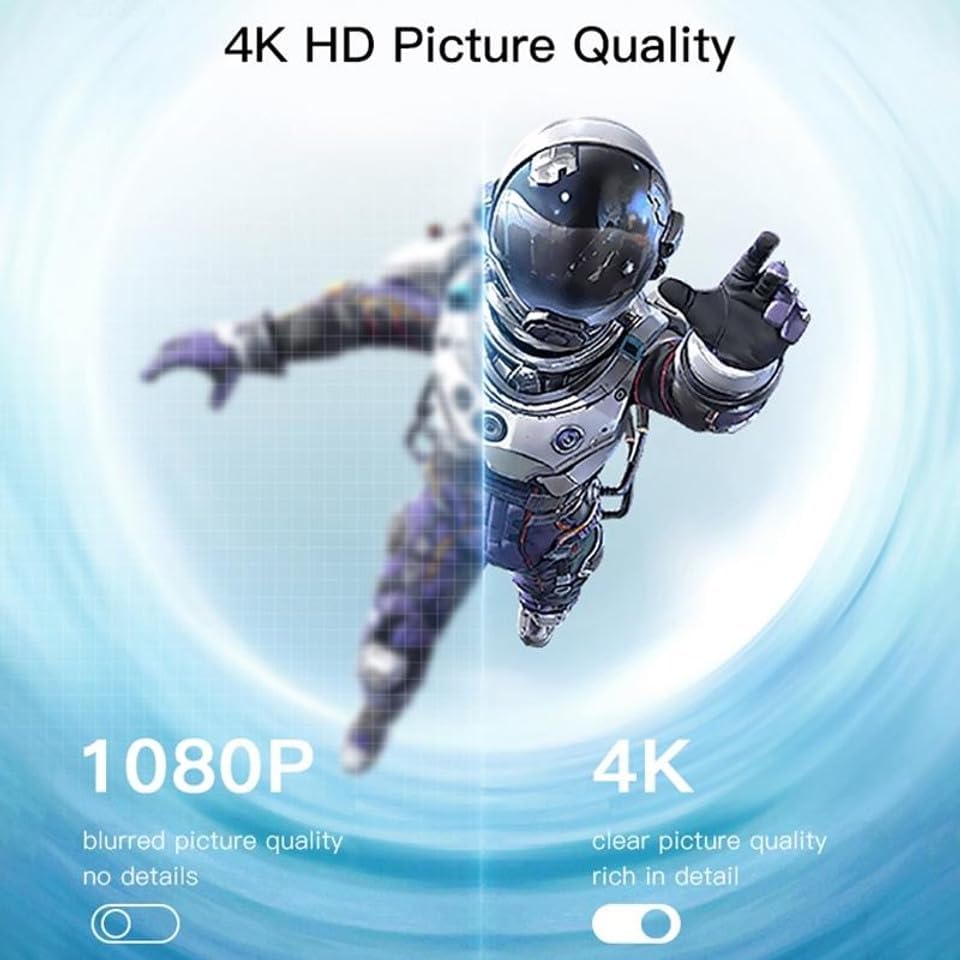
Image: A visual comparison demonstrating the difference between 1080P (blurred, no details) and 4K (clear, rich in detail) picture quality, highlighting the enhanced clarity offered by 4K resolution.
6.3 تبديل الشاشة الأفقي والرأسي
The device supports flexible screen orientation, allowing you to switch between horizontal and vertical display modes freely, depending on your content and viewجي التفضيل.

Image: Two display setups, one showing content in a standard horizontal landscape mode and the other in a vertical portrait mode, illustrating the device's ability to switch screen orientation.
7. الصيانة
- نظّف الجهاز بقطعة قماش ناعمة وجافة. لا تستخدم المنظفات السائلة أو البخاخات.
- تأكد من فصل الجهاز عن الكهرباء قبل التنظيف.
- قم بتخزين الجهاز في مكان بارد وجاف عندما لا يكون قيد الاستخدام.
8. استكشاف الأخطاء وإصلاحها
- لا يوجد عرض على التلفزيون: Ensure the dongle is properly plugged into the HDMI port and receiving power. Check that the TV input source is set to the correct HDMI port.
- Unstable connection/lag: Ensure the dongle's Wi-Fi antenna is positioned optimally. Reduce distance between the dongle and your Wi-Fi router/mirroring device. Check for interference from other wireless devices.
- لا يمكن الاتصال بشبكة Wi-Fi: Double-check the Wi-Fi password. Ensure the dongle is within range of your router. Try restarting the dongle and your router.
- لا يوجد صوت: Check the audio settings on your mirroring device and your TV. Ensure the TV's volume is not muted.
- Device not found for mirroring: Ensure your mirroring device's Wi-Fi is on and it's connected to the same network as the dongle (if applicable). Restart both devices.
9. المواصفات
| ميزة | مواصفة |
|---|---|
| ماركة | YESIDO |
| نموذج | TV10 4G |
| نوع الموصل | منفذ HDMI |
| لون | أسود |
| أبعاد العنصر (الطول × العرض × الارتفاع) | 50 × 30 × 40 ملم |
| رمز المنتج الموحد | 723326980084 |
| الاتصال اللاسلكي | واي فاي 2.4 جيجا |
| اقصي دقة | 4K عالية الدقة |
10. الضمان والدعم
للحصول على معلومات الضمان والدعم الفني، يُرجى مراجعة الوثائق المُقدمة عند الشراء أو التواصل مع التاجر. احتفظ بإيصال الشراء لأي مطالبات تتعلق بالضمان.