
AWEI Y333
AWEI Y333 Bluetooth Speaker User Manual
Model: Y333 | Brand: AWEI
1. المقدمة
This manual provides detailed instructions for the AWEI Y333 Bluetooth Speaker. The AWEI Y333 is a high-quality portable 10W Bluetooth speaker system designed to deliver 3D surround sound, suitable for TV and other devices, with adjustable surround and bass. It offers up to 6 hours of music playback, providing a rich audio experience for various entertainment needs.

الشكل 1.1: الجبهة view of the AWEI Y333 Bluetooth Speaker.
2. ماذا يوجد في الصندوق
يرجى التحقق من محتويات طردك. في حال وجود أي أغراض مفقودة أو تالفة، يُرجى التواصل مع البائع.
- AWEI Y333 Bluetooth Speaker
3. مواصفات المنتج
The AWEI Y333 Bluetooth Speaker boasts several features designed for an enhanced audio experience:
- 10W مكبر صوت بلوتوث محمول
- 3D Surround Sound System
- Adjustable Surround and Bass
- ما يصل إلى 6 ساعات من تشغيل الموسيقى
- Bluetooth 5.0 connectivity for stable wireless connection
- Multiple input options: USB, AUX, and TF (microSD) card
- ميكروفون مدمج لإجراء مكالمات بدون استخدام اليدين
- Compatible with a wide range of devices including TVs, laptops, tablets, and smartphones
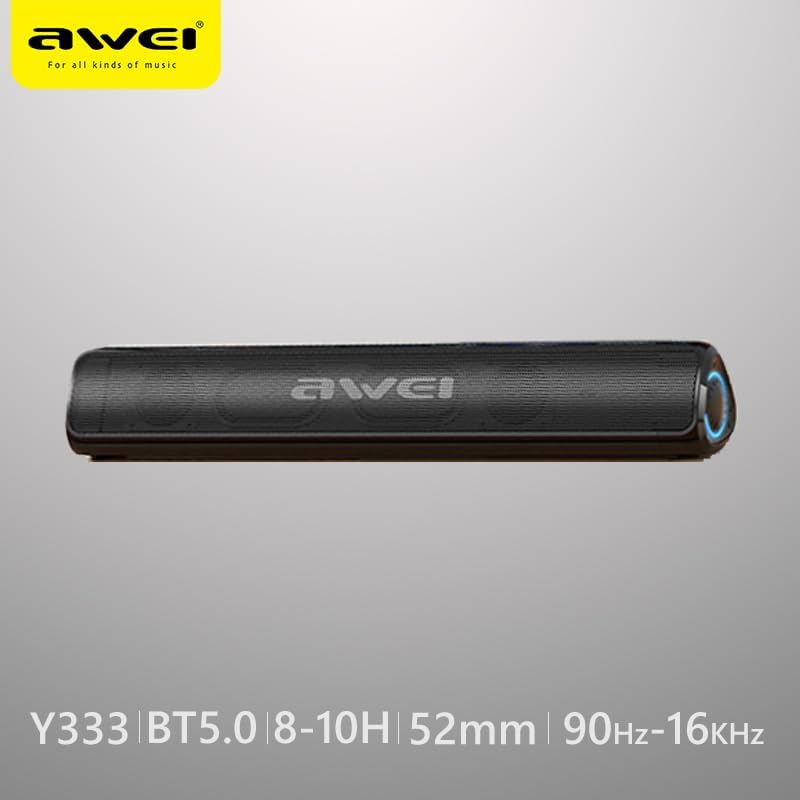
Figure 3.1: AWEI Y333 speaker highlighting key specifications like Bluetooth 5.0 and frequency range.
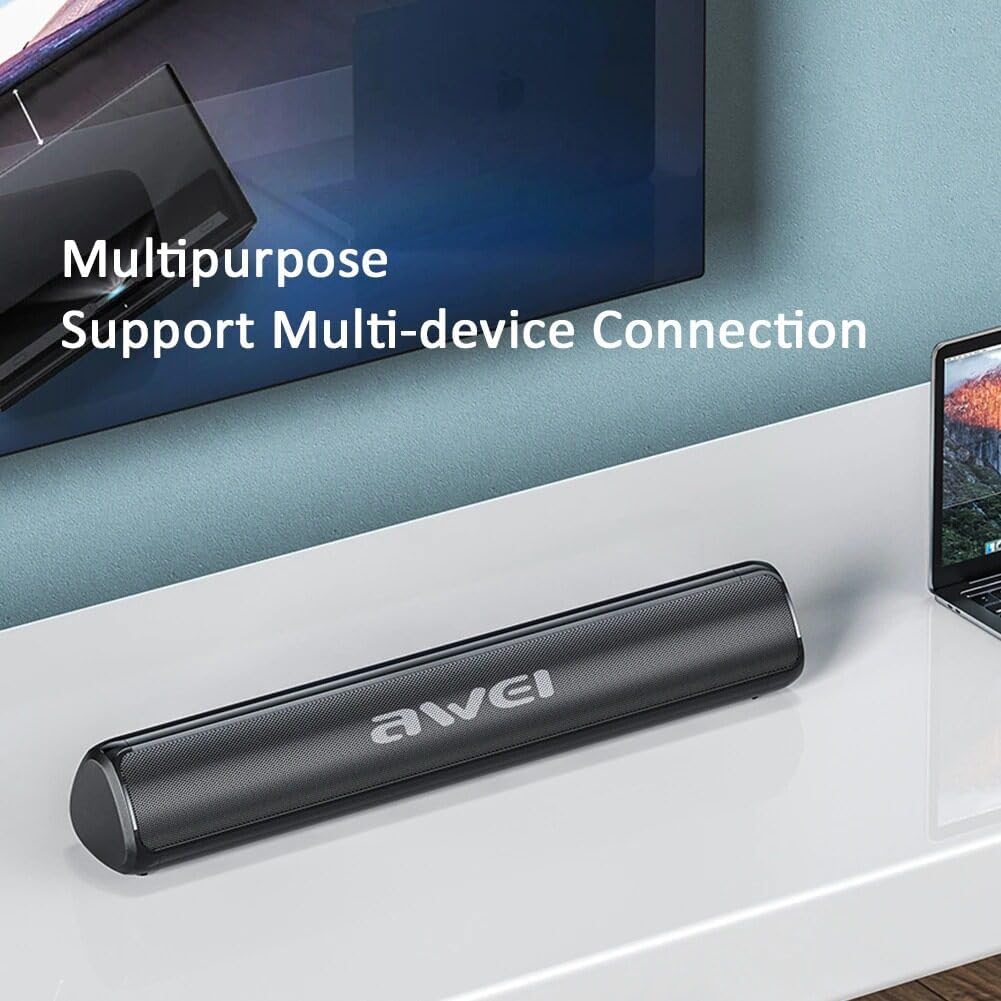
Figure 3.2: The AWEI Y333 speaker demonstrating its multipurpose use and multi-device connection capabilities.
4. الإعداد
4.1 الشحن الأولي
Before first use, it is recommended to fully charge the AWEI Y333 speaker. Connect a compatible DC 5V power adapter (not included) to the DC 5V charging port on the speaker. The charging indicator light will show the charging status.
4.2 التنسيب
For optimal sound performance, place the speaker on a stable, flat surface. It can be positioned in front of your TV, computer monitor, or any other desired location.
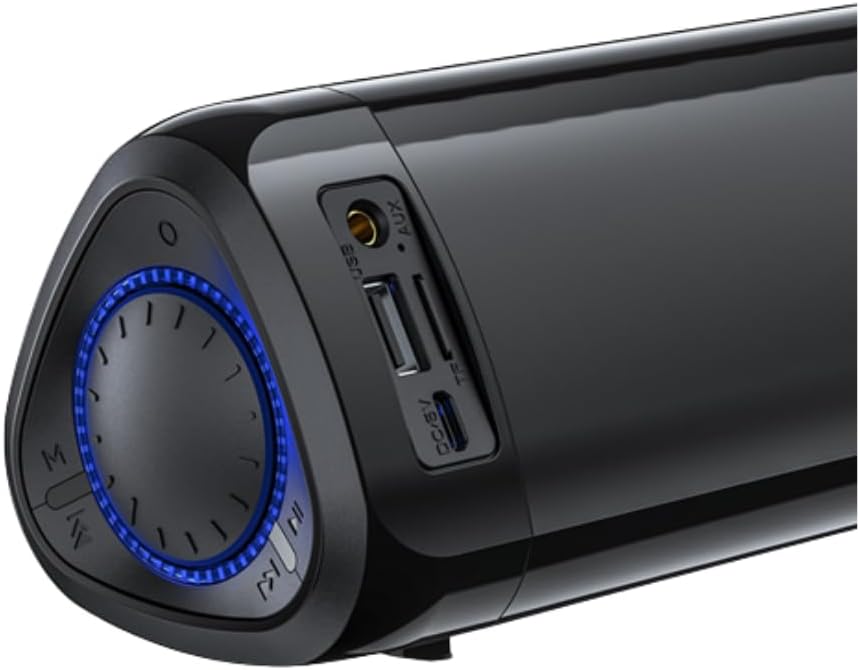
الشكل 4.1: الصورة عن قرب view of the speaker's ports (USB, AUX, TF, DC/5V) and control knob.
5. تعليمات التشغيل
5.1 تشغيل/إيقاف التشغيل
To turn the speaker on, press and hold the power button (usually integrated with the control knob or a dedicated button) until the indicator light illuminates. To turn it off, press and hold the power button again.
5.2 اقتران بلوتوث
- Turn on the AWEI Y333 speaker. It will automatically enter Bluetooth pairing mode, indicated by a flashing LED light.
- على جهازك (الهاتف الذكي، الجهاز اللوحي، الكمبيوتر المحمول، إلخ)، قم بتمكين البلوتوث وابحث عن الأجهزة المتاحة.
- Select "AWEI Y333" from the list of detected devices.
- Once successfully paired, the LED indicator will become solid, and you will hear a confirmation sound.
5.3 Connecting to TV/PC
The AWEI Y333 can be connected to your TV or PC using either Bluetooth or an AUX cable.
- اتصال بلوتوث: Follow the Bluetooth pairing steps described in Section 5.2. Ensure your TV or PC supports Bluetooth audio output.
- وصلة AUX: Connect one end of a 3.5mm audio cable (not included) to the AUX port on the speaker and the other end to the audio output port on your TV or PC. The speaker will automatically switch to AUX mode.
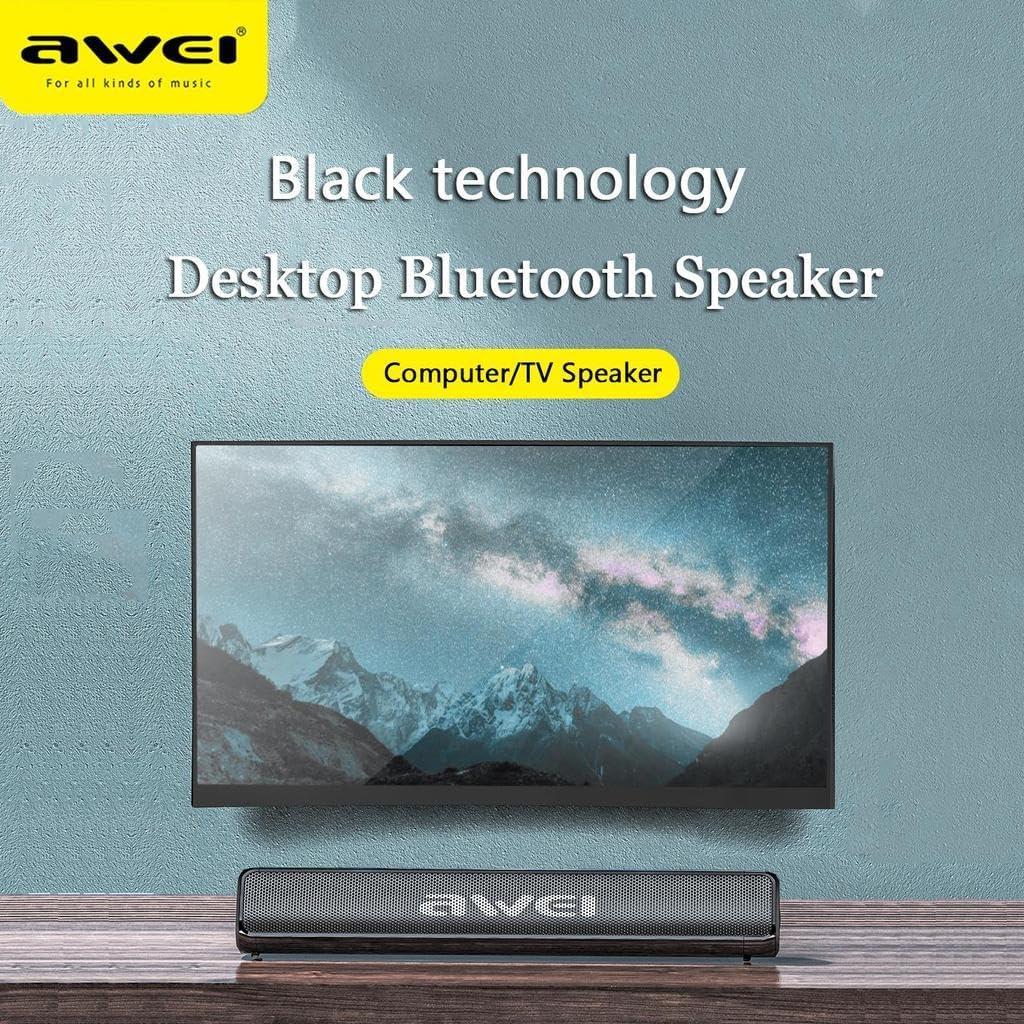
Figure 5.1: The AWEI Y333 speaker positioned as a computer or TV speaker.
5.4 Using USB/TF Card
Insert a USB flash drive or a TF (microSD) card into the corresponding port on the speaker. The speaker will automatically detect and begin playing audio files from the storage device. Use the control buttons to navigate tracks.
5.5 عناصر التحكم
The speaker features a multi-function control knob and buttons for easy operation:
- زر الطاقة: اضغط مع الاستمرار للتشغيل / إيقاف التشغيل.
- التحكم في مستوى الصوت: قم بتدوير المقبض لضبط مستوى الصوت.
- تشغيل/إيقاف مؤقت: Press the play/pause button to control audio playback.
- المسار التالي / السابق: Use the dedicated track skip buttons to move between songs.
- زر الوضع (M): Press to cycle through available input modes: Bluetooth, AUX, USB, and TF card.
6. الصيانة
To ensure the longevity and optimal performance of your AWEI Y333 speaker, follow these maintenance guidelines:
- Clean the speaker with a soft, dry cloth. Do not use liquid cleaners, abrasive chemicals, or aerosols.
- Keep the speaker away from water, excessive moisture, and extreme temperatures (both hot and cold).
- تجنب إسقاط السماعة أو تعريضها لصدمات قوية.
- عند عدم استخدام السماعة لفترات طويلة، قم بتخزينها في مكان بارد وجاف.
7. استكشاف الأخطاء وإصلاحها
If you encounter any issues with your AWEI Y333 speaker, please refer to the following table for common problems and their solutions:
| مشكلة | حل |
|---|---|
| لا يوجد طاقة | Ensure the speaker is charged. Connect it to a DC 5V power source and allow it to charge. |
| لا يمكن الاقتران عبر البلوتوث | Ensure the speaker is in Bluetooth pairing mode (flashing LED). Turn off and on Bluetooth on your device. Move your device closer to the speaker. Clear previous Bluetooth connections on your device. |
| لا يوجد صوت | Check volume levels on both the speaker and your connected device. Ensure the correct input mode (Bluetooth, AUX, USB, TF) is selected using the 'M' button. |
| تشويه الصوت | Reduce the volume on both the speaker and the connected device. Ensure the audio source is not distorted. |
| عمر البطارية قصير | Ensure the speaker is fully charged before each use. Battery life may vary based on volume level and usage patterns. |
8. المواصفات
Detailed technical specifications for the AWEI Y333 Bluetooth Speaker:
| ميزة | التفاصيل |
|---|---|
| ماركة | أوي |
| رقم الموديل | سنة 333 |
| طاقة خرج السماعة | 10 واط |
| تكنولوجيا الاتصال | بلوتوث |
| نسخة البلوتوث | 5.0 |
| وضع إخراج الصوت | محيط |
| نوع التركيب | سطح الطاولة |
| عمر البطارية | 6 ساعة |
| أبعاد المنتج | 52.5 × 32 × 50 سم |
| المكونات المضمنة | مكبر صوت بلوتوث |
| ميزة خاصة | ميكروفون مدمج |
| الأجهزة المتوافقة | Television, Laptop, Tablet, Smartphone |
| نوع وحدة التحكم | جهاز التحكم عن بعد |
| استجابة التردد | 90 هرتز-16 كيلو هرتز |
9. الضمان والدعم
The AWEI Y333 Bluetooth Speaker comes with a limited warranty. For specific details regarding the warranty period and coverage, please refer to the documentation provided at the time of purchase or contact your retailer.
For warranty claims, technical support, or any product-related inquiries, please contact your original retailer or the manufacturer directly. Information regarding returns and refunds will be subject to the return policy of the platform or store where the product was purchased.
Ask a question about this manual
Ask about setup, troubleshooting, compatibility, parts, safety, or missing instructions. Manuals+ will review the question and use this page’s manual context to help answer it.