
Gigastone LA-22FA51
Gigastone 22-inch VA LED Monitor
Model: LA-22FA51 User Manual
العلامة التجارية: جيجاستون
1. المقدمة
This manual provides essential information for the safe and efficient operation of your Gigastone 22-inch VA LED Monitor (Model LA-22FA51). Please read it thoroughly before using the product and retain it for future reference.
The Gigastone 22-inch monitor features a Full HD 1920x1080p resolution at 75Hz, a VA LED panel with a 178° ultra-wide viewing angle, and a frameless design for immersive visuals. It incorporates Eye Care Technology, including Low Blue Light and anti-Flicker features, to protect your eyes during extended use. Connectivity options include HDMI and VGA, and it supports VESA mounting for flexible installation.
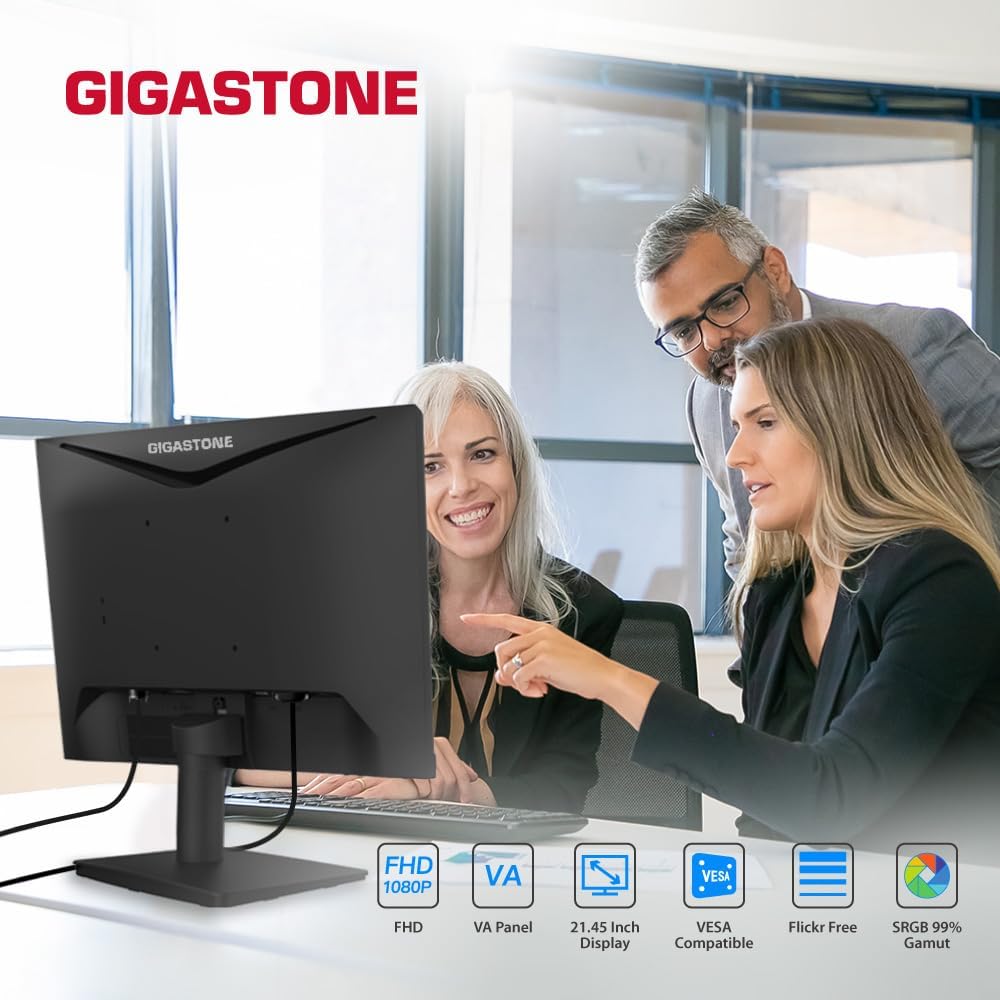
Image 1.1: Gigastone 22-inch VA LED Monitor showcasing its design and core features like FHD, VA Panel, VESA compatibility, and Eye Care.
2. معلومات السلامة
- تأكد من وضع الشاشة على سطح ثابت ومستوٍ لمنع السقوط العرضي.
- لا تسد فتحات التهوية.
- استخدم فقط محول الطاقة المرفق مع الشاشة.
- Keep the monitor away from water, moisture, and direct sunlight.
- افصل كابل الطاقة أثناء العواصف الرعدية أو عند عدم استخدامه لفترات طويلة.
- قم بإحالة جميع أعمال الصيانة إلى موظفي الخدمة المؤهلين.
3. محتويات العبوة
تأكد من وجود جميع العناصر في الحزمة الخاصة بك:
- Gigastone 22-inch VA LED Monitor (x1 or x2 depending on pack)
- قاعدة حامل الشاشة
- حامل شاشة الرقبة
- محول الطاقة
- كابل HDMI
- دليل المستخدم (هذا المستند)
4. الإعداد
4.1 تجميع حامل الشاشة
- ضع الشاشة بعناية ووجهها لأسفل على قطعة قماش ناعمة ونظيفة لمنع الخدوش.
- Attach the stand neck to the back of the monitor by aligning the tabs and pushing until it clicks into place. No screws are typically required for this model.
- Secure the stand base to the bottom of the stand neck. Ensure it is firmly attached.
- ارفع الشاشة برفق وضعها في وضع مستقيم على سطح ثابت.
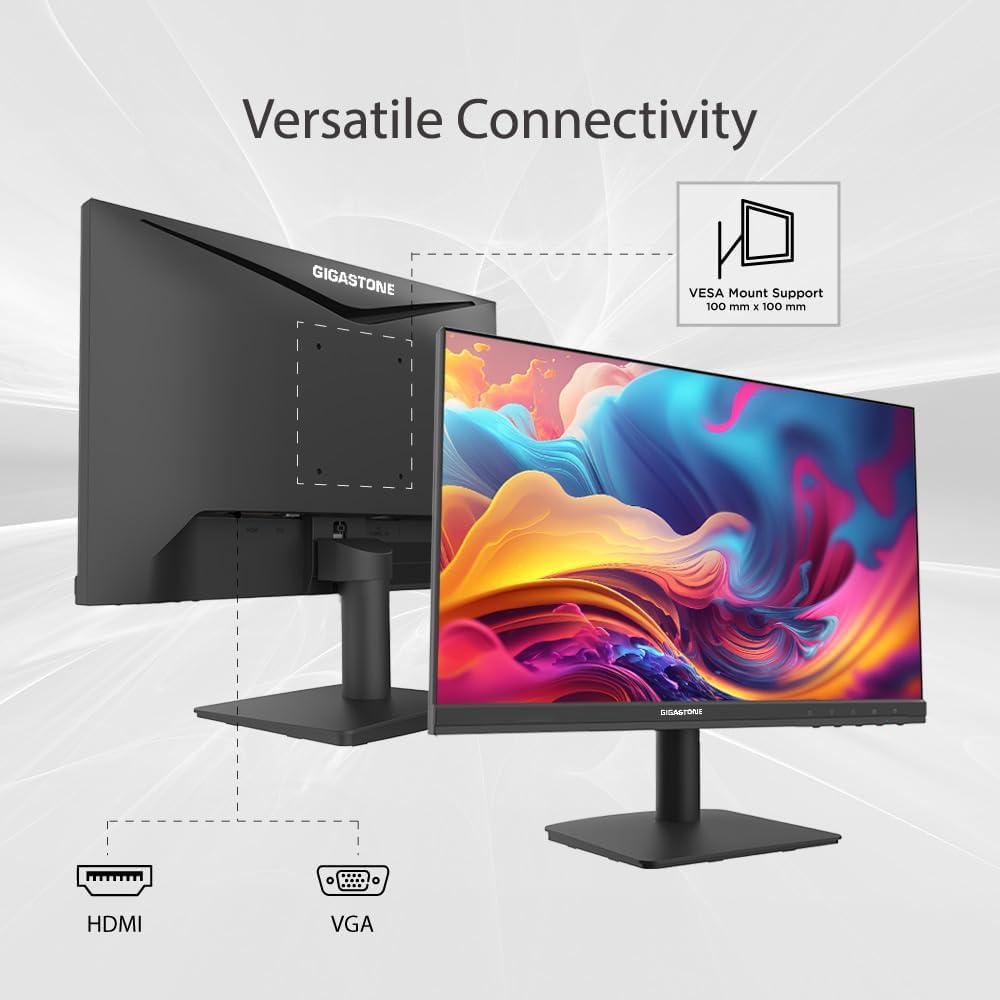
الصورة 4.1: خلفي view of the Gigastone monitor, illustrating the VESA mount compatibility and available ports for connectivity.
4.2 توصيل الكابلات
- توصيل الطاقة: Connect the power adapter to the monitor's power input port, then plug the other end into a power outlet.
- اتصال HDMI: Connect one end of the HDMI cable to the HDMI port on your monitor and the other end to the HDMI output port on your computer or device.
- اتصال VGA: Alternatively, connect a VGA cable to the VGA port on your monitor and to the VGA output port on your computer or device.
- مدخل الصوت: If using VGA, connect an audio cable from your computer's audio output to the monitor's audio input port for sound.
4.3 تركيب VESA (اختياري)
The monitor supports VESA mounting (100x100mm) for wall or desk arm installation. Remove the stand assembly before attaching a VESA-compatible mount (not included).
5. تعليمات التشغيل
5.1 تشغيل/إيقاف التشغيل
Press the power button, usually located on the back or bottom right of the monitor, to turn the monitor on or off. The power indicator light will illuminate when the monitor is active.
5.2 قائمة العرض على الشاشة (OSD)
The OSD menu allows you to adjust various monitor settings. Access it by pressing the OSD menu button (often a joystick-like control or a series of buttons) located on the back or bottom of the monitor. Navigate through the menu using the directional controls.
- مدخل: Select between HDMI and VGA input sources.
- صورة: Adjust brightness, contrast, sharpness, SmartImage modes, and picture format (e.g., Wide Screen).
- صوتي: Control volume, mute, and select audio source.
- وضع اللعبة: Enable or disable Adaptive Sync, adjust MPRT (Moving Picture Response Time) levels, and SmartResponse for optimized gaming performance.
- لون: اضبط إعدادات الألوان بدقة.
- وضع LowBlue: Activate to reduce blue light emission.
5.3 تكنولوجيا العناية بالعيون
Your Gigastone monitor is equipped with advanced Eye Care Technology to minimize eye strain:
- الضوء الأزرق المنخفض: Reduces harmful blue light emissions, which can cause eye fatigue. Activate this mode via the OSD menu.
- وميض مجاني: يزيل وميض الشاشة، مما يوفر تجربة استخدام أكثر راحة viewing experience. This feature is always active.
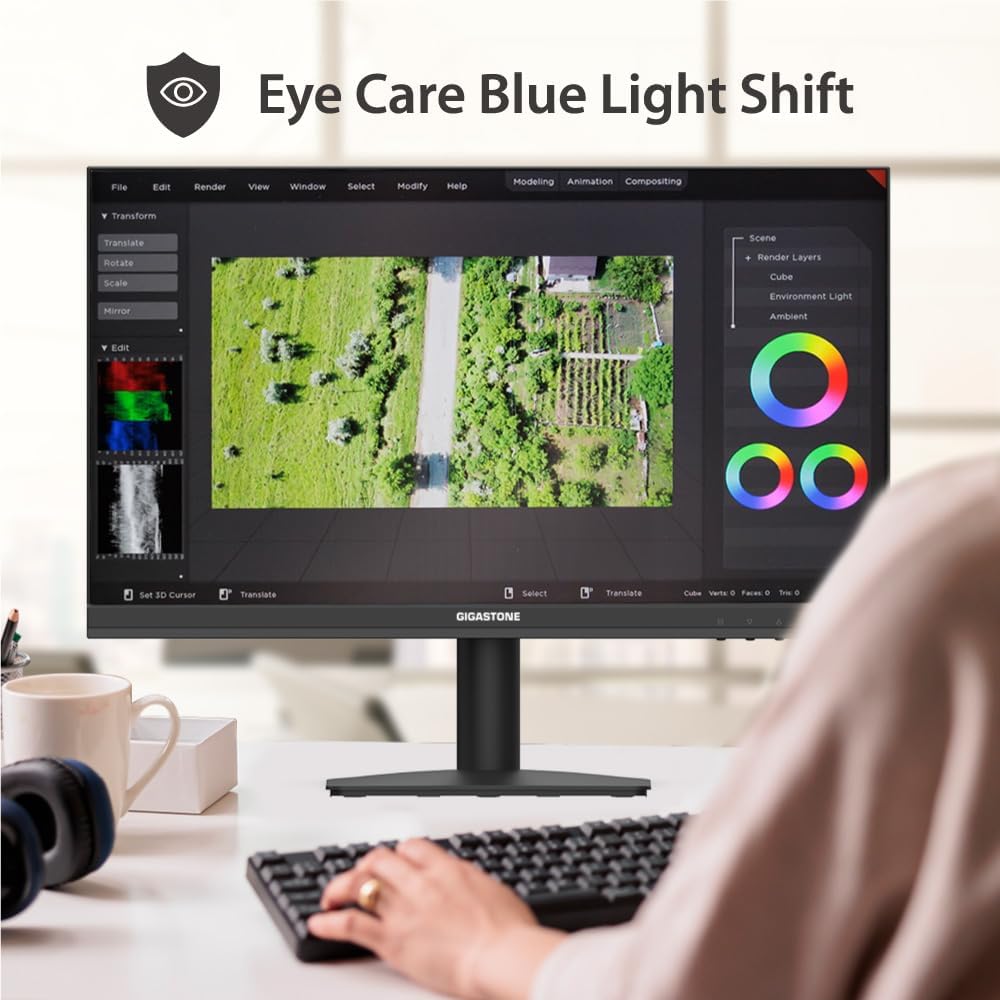
Image 5.1: The monitor's Eye Care Blue Light Shift feature, designed to reduce eye strain during prolonged use.
5.4 Adaptive-Sync Technology
Adaptive-Sync (FreeSync compatible) technology synchronizes the monitor's refresh rate with your graphics card's frame rate, virtually eliminating screen tearing and stuttering for a smoother visual experience, especially in gaming.
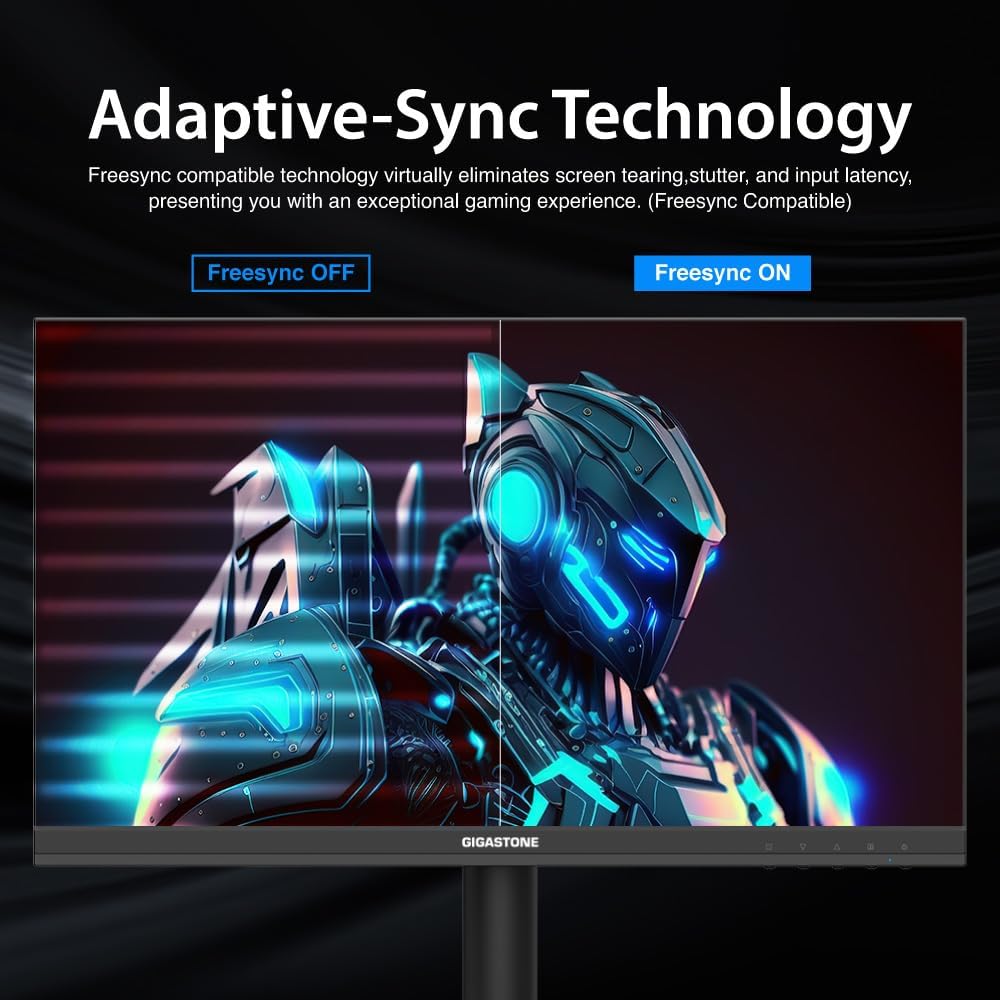
Image 5.2: Visual comparison demonstrating the effect of Adaptive-Sync technology, showing reduced screen tearing when enabled.
5.5 إعداد شاشة مزدوجة
If you have a dual monitor setup, connect both monitors to your computer using available HDMI or VGA ports. Configure your display settings in your operating system (e.g., Windows Display Settings or macOS System Preferences) to extend or duplicate your desktop across both screens.
6. الصيانة
- تنظيف الشاشة: امسح الشاشة برفق بقطعة قماش ناعمة وخالية من الوبر. لإزالة البقع الصعبة، استخدم محلول تنظيف مخصص للشاشة، وضعه على قطعة القماش، وليس مباشرة على الشاشة.
- تنظيف Casing: استخدم قطعة قماش ناعمة وجافة لتنظيف الشاشة.asinز. تجنب استخدام المنظفات أو المذيبات الكاشطة.
- تخزين: If storing the monitor for an extended period, disconnect all cables and pack it in its original packaging or a suitable protective box.
7. استكشاف الأخطاء وإصلاحها
| مشكلة | الحل المحتمل |
|---|---|
| لا توجد صورة على الشاشة |
|
| الصورة ضبابية أو مشوهة |
|
| لا يوجد صوت من مكبرات الصوت |
|
| وميض الشاشة |
|
8. المواصفات
| ميزة | التفاصيل |
|---|---|
| ماركة | Gigastone |
| رقم الموديل | LA-22FA51 |
| حجم الشاشة | 22 بوصة |
| تكنولوجيا العرض | VA LED |
| دقة | دقة عالية كاملة 1920 × 1080 بكسل |
| معدل التحديث | 75 هرتز |
| وقت الاستجابة | 4 ميلي ثانية |
| نسبة العرض إلى الارتفاع | 16:9 |
| Viewزاوية جي | 178 درجة |
| سطوع | 250 شمعة/م2 |
| نسبة التباين | 1000:1 |
| تكنولوجيا الاتصال | HDMI ، VGA |
| Total Number of HDMI Ports | 1 |
| المزامنة التكيفية | فري سينك |
| مميزات اضافية | Blue Light Filter, Flicker-Free, Frameless |
| نوع التركيب | حامل حائط (متوافق مع VESA) |
| أبعاد المنتج (العمق × العرض × الارتفاع) | 1.85 بوصة عمق × 19.4 بوصة عرض × 6.7 بوصة ارتفاع |
| وزن العنصر | 3.63 كيلوغرام |
| رمز المنتج الموحد | 804272768701 |
9. الضمان والدعم
Your Gigastone monitor comes with a ضمان الشركة المصنعة لمدة عامين. For any product-related inquiries, technical assistance, or warranty claims, please contact Gigastone customer service. They offer 24/7 world-wide customer service.
For the most up-to-date support information, please visit the official Gigastone website or refer to the contact details provided in your warranty card.
Ask a question about this manual
Ask about setup, troubleshooting, compatibility, parts, safety, or missing instructions. Manuals+ will review the question and use this page’s manual context to help answer it.