
مقدمة
The BoxWave DirectSync PD Cable is a high-performance USB-C to USB-C cable designed for efficient power delivery and data transfer. This 10-foot braided nylon cable supports up to 100W Power Delivery (PD) for fast charging a wide range of devices, including laptops, and offers high-speed data transfers at 5 Gigabits Per Second. Its durable construction with reinforced strain relief ensures longevity and reliable performance.

Image: The BoxWave DirectSync PD Cable, coiled, showcasing its braided design and two USB-C connectors.
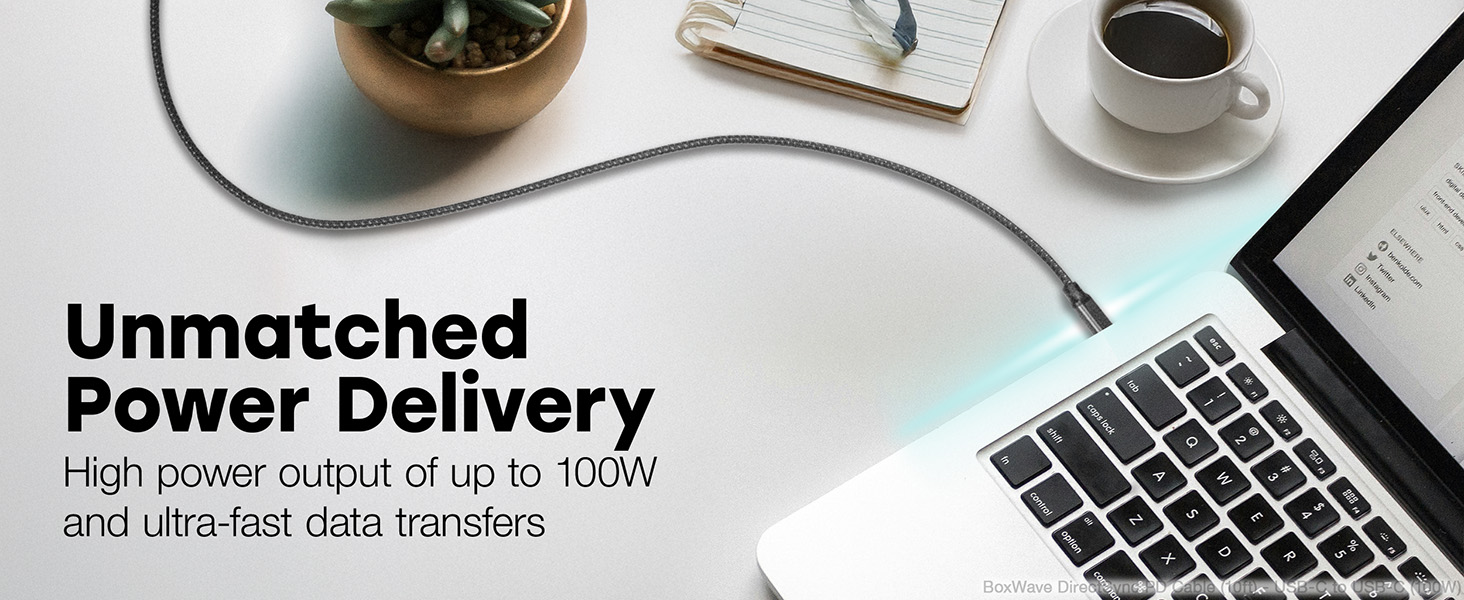
Image: A living room setting demonstrating the 10-foot cable's length, allowing a laptop to be used comfortably away from a wall outlet.
يثبت
Setting up your DirectSync PD Cable is straightforward.
- تحديد المنافذ: Ensure your charging adapter and device both have USB Type-C ports.
- الاتصال بالشاحن: Plug one end of the USB Type-C connector into a compatible wall charger or power adapter. For optimal performance, use a charger that supports Power Delivery (PD) up to 100W.
- الاتصال بالجهاز: Plug the other end of the USB Type-C connector into your device (e.g., laptop, smartphone, tablet).
- تحقق من الاتصال: تأكد من أن جهازك يشير إلى أنه قيد الشحن أو متصل لنقل البيانات.

Image: A laptop connected to a smartphone with the DirectSync PD Cable, illustrating simultaneous charging and data synchronization.
تعليمات التشغيل
The DirectSync PD Cable offers dual functionality for both charging and data transfer.
شحن جهازك
- شحن عالي السرعة: When connected to a compatible Power Delivery (PD) charger, the cable can deliver up to 100 Watts of power, enabling rapid charging for laptops, tablets, and smartphones.
- الأداء الأمثل: For best charging speeds, ensure both your charger and device support USB Power Delivery.
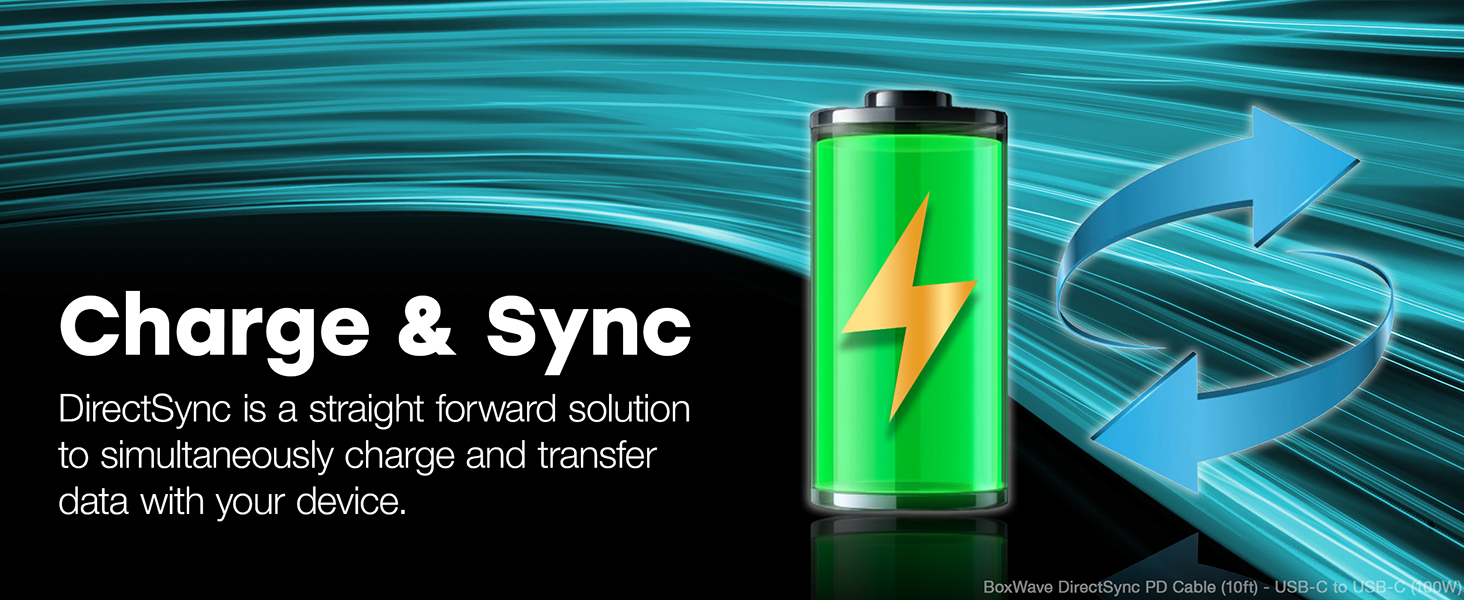
Image: A laptop receiving power through the DirectSync PD Cable, highlighting its 100W Power Delivery capability.
نقل البيانات
- Fast Data Sync: Connect the cable between your device and a computer to perform data transfers at speeds up to 5 Gigabits Per Second (USB 3.0 standard).
- Simultaneous Functionality: Data transfer can occur simultaneously while your device is charging, streamlining your workflow.

Image: A visual representation of the cable's dual functionality, enabling both power delivery and data synchronization.
صيانة
To ensure the longevity and optimal performance of your BoxWave DirectSync PD Cable, follow these maintenance guidelines:
- التعامل معها بحذر: Avoid excessive bending or sharp angles, especially near the connectors. The cable features reinforced strain relief, but proper handling further extends its life.
- نظف بلطف: If the cable becomes dirty, wipe it with a soft, dry cloth. Do not use harsh chemicals or abrasive cleaners.
- تخزين: When not in use, coil the cable loosely. Avoid tightly wrapping it around objects or kinking it, which can damage the internal wires.
- فحص بانتظام: افحص الكابل والموصلات دوريًا بحثًا عن أي علامات تآكل أو تلف. توقف عن الاستخدام في حال ملاحظة أي تلف.

الصورة: لقطة مقربة view of the cable's durable braided nylon exterior, designed to resist tangles and fraying.

الصورة: تفصيلية view of the reinforced rubberized grommet strain relief at the connector, designed to prevent fraying and kinking.
استكشاف الأخطاء وإصلاحها
If you encounter issues with your DirectSync PD Cable, consider the following troubleshooting steps:
- الجهاز لا يشحن:
- Ensure both ends of the cable are securely plugged into the charger and the device.
- Verify that the wall outlet or power source is active.
- Test the cable with a different compatible charger and device to isolate the issue.
- Confirm your charger supports Power Delivery (PD) and provides sufficient wattagه لجهازك.
- الشحن البطيء:
- Ensure your charger is a Power Delivery (PD) compatible charger with adequate wattag(حتى 100 واط).
- Close unnecessary applications on your device that might be consuming significant power.
- مشاكل نقل البيانات:
- Confirm the cable is properly connected to both the device and the computer.
- Check your device's settings to ensure data transfer mode is enabled (e.g., "File نقل "أو "MTP").
- Try connecting to a different USB-C port on your computer.
- الأضرار المادية: Inspect the cable for any visible damage, such as cuts, kinks, or bent connectors. If damaged, discontinue use and replace the cable.
تحديد
| ميزة | التفاصيل |
|---|---|
| ماركة | بوكس ويف |
| اسم الموديل | DirectSync PD Cable |
| نوع الموصل | منفذ USB من النوع C (ذكر إلى ذكر) |
| طول الكابل | 10 قدم (حوالي 3 أمتار) |
| توصيل الطاقة (PD) | تصل إلى 100 واط |
| معدل نقل البيانات | 5 Gigabits Per Second (USB 3.0 Standard) |
| مادة الكابل | نايلون مضفر |
| لون | أسود كالفحم |
| تخفيف الضغط | Rubberized Grommet on both connectors |
| الأجهزة المتوافقة | Devices with USB-C ports, including PCs, laptops, smartphones, and tablets (e.g., DODOSOUL M800) |
| بيئة الاستخدام | داخلي، خارجي |
| وزن العنصر | 6 أونصة |
الضمان والدعم
For information regarding warranty coverage, technical support, or customer service for your BoxWave DirectSync PD Cable, please refer to the official BoxWave webالموقع أو اتصل بدعم العملاء مباشرة.
الدعم عبر الإنترنت: يزور www.boxwave.com للحصول على الأسئلة الشائعة وتسجيل المنتج ومعلومات الاتصال.