
EBTOOLS EBTOOLS1756ogbieh-12
User Manual for EBTOOLS YEEMI K21+ 4G Flip Phone
Model: EBTOOLS1756ogbieh-12
مقدمة
This manual provides comprehensive instructions for the operation, maintenance, and troubleshooting of your EBTOOLS YEEMI K21+ 4G Flip Phone. Designed with seniors in mind, this phone features large buttons, dual screens, and essential functions like SOS and GPS for enhanced safety and ease of use. Please read this manual carefully to ensure proper use and to maximize the phone's capabilities.
1. الإعداد
1.1 محتويات العبوة
قبل البدء، يرجى التأكد من وجود جميع العناصر في العبوة:
- EBTOOLS YEEMI K21+ 4G Flip Phone
- بطارية
- كابل يو اس بي
- دليل المستخدم (هذا المستند)

Image: The phone, battery, and USB cable included in the package.
1.2 إدخال بطاقة SIM والبطارية
- افتح الغلاف الخلفي: افتح الغطاء الخلفي للهاتف برفق.
- أدخل بطاقة(بطاقات) SIM: Locate the SIM card slot(s). This phone supports dual SIM. Carefully insert your 4G compatible SIM card(s) into the designated slot(s) with the gold contacts facing down.
- أدخل البطارية: قم بمحاذاة نقاط اتصال البطارية مع نقاط اتصال الهاتف ثم اضغط برفق على البطارية في مكانها.
- إغلاق الغلاف الخلفي: قم باستبدال الغطاء الخلفي، وتأكد من تثبيته بشكل آمن في مكانه.

Image: The phone in its open position, ready for SIM card and battery insertion.
1.3 شحن البطارية
قبل الاستخدام الأول، قم بشحن بطارية الهاتف بالكامل.
- Connect the small end of the USB cable to the phone's charging port.
- قم بتوصيل الطرف الآخر من كابل USB بمحول طاقة USB متوافق (غير مرفق) أو بمنفذ USB في الكمبيوتر.
- سيظهر مؤشر الشحن على الشاشة حالة الشحن.
2. تعليمات التشغيل
2.1 تشغيل/إيقاف التشغيل
- لتشغيل: اضغط مع الاستمرار على زر الطاقة/إنهاء المكالمة (الزر الأحمر) حتى تضيء الشاشة.
- لإيقاف التشغيل: Press and hold the Power/End Call button until the power off options appear, then select "Power Off".
2.2 إجراء واستقبال المكالمات
- إجراء مكالمة:
- Enter the phone number using the large keypad buttons.
- Press the Call button (green button) to dial.
- استقبال مكالمة:
- When the phone rings, open the flip to answer, or press the Call button.
- لإنهاء المكالمة، اضغط على زر التشغيل/إنهاء المكالمة.

صورة: عرض الهاتفasing its dual display feature, with the internal screen open and the external screen visible when closed.
2.3 Dual Screens and Large Font
The phone features a 2.6-inch high-definition main screen and a 1.77-inch external color high-definition screen. The external screen displays important information like time, date, and incoming call notifications without needing to open the phone. Large fonts and icons are used throughout the interface for improved readability.

الصورة: لقطة مقربة view of the phone's external screen, highlighting its dual SIM dual standby capability.
2.4 SOS and GPS Functionality
For emergencies, the phone is equipped with an SOS button and GPS positioning.
- إعداد جهات اتصال الطوارئ: Navigate to the SOS settings in the phone's menu to add emergency contact numbers.
- تفعيل SOS: In an emergency, press and hold the dedicated SOS button (usually located on the back or side of the phone). The phone will automatically call and send an emergency message with your GPS location to the pre-set SOS contacts.
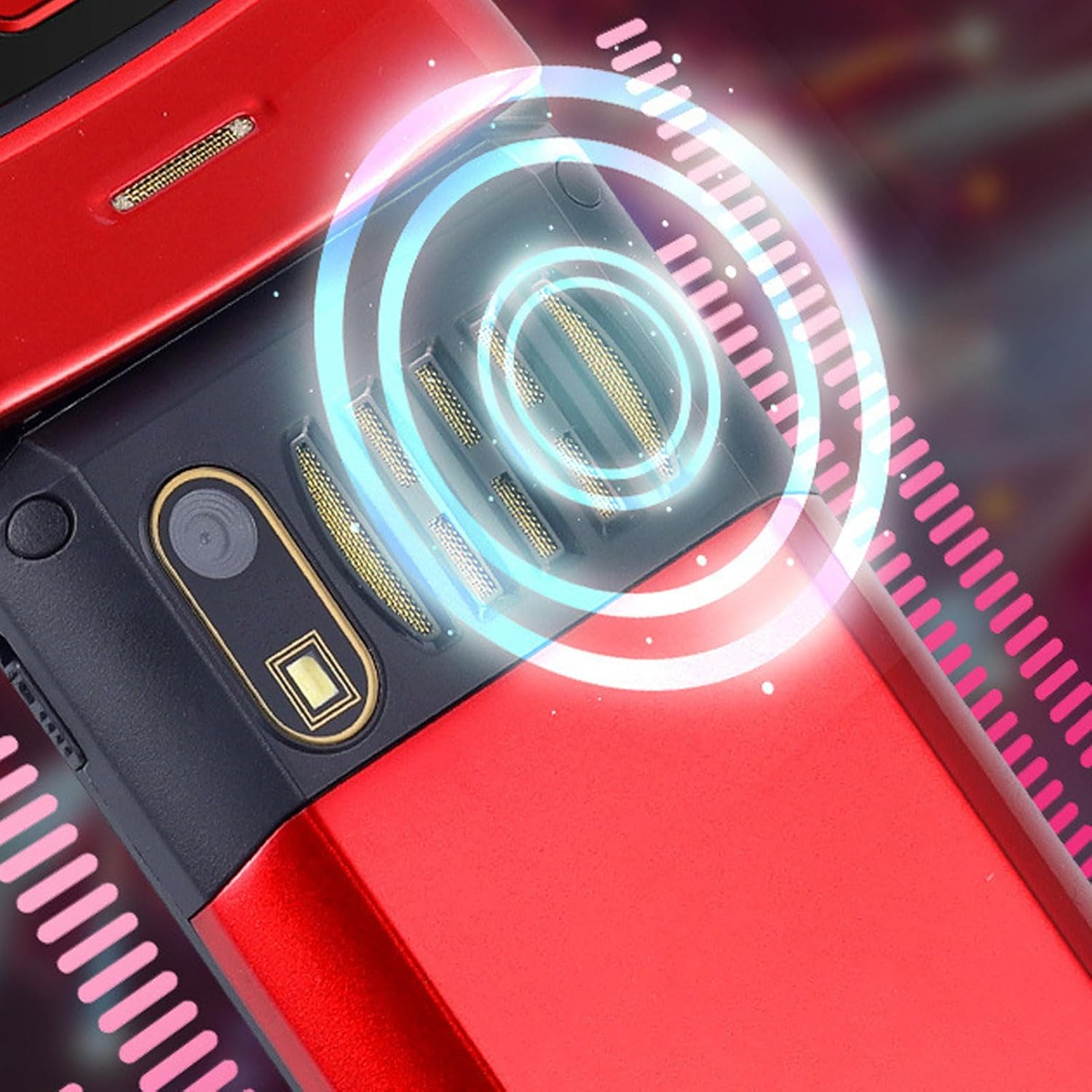
Image: The back of the phone, highlighting the speaker area, which contributes to clear sound for emergency calls.
2.5 Speed Dial and Shortcut Buttons
The phone supports 9 speed dial buttons for quick dialing of family numbers and 3 dedicated shortcut buttons for frequently used functions.
- Setting Speed Dial: Refer to the phone's menu for instructions on assigning contacts to speed dial numbers (typically 2-9).
- Using Shortcut Buttons: The dedicated shortcut buttons provide quick access to features like Camera, Messaging, or FM Radio.
3. الصيانة
3.1 العناية بالبطارية
- تجنب تعريض البطارية لدرجات حرارة عالية.
- لا تقم بثقب البطارية أو تفكيكها أو حدوث دائرة قصر فيها.
- إذا لم يتم استخدام الهاتف لفترة طويلة، فقم بشحن البطارية إلى حوالي 50% قبل تخزينه.
3.2 تنظيف هاتفك
- Use a soft, lint-free cloth to clean the phone's screen and body.
- لا تستخدم مواد كيميائية قاسية أو بخاخات تنظيف أو مواد كاشطة.
- حافظ على منفذ الشحن وشبكات مكبر الصوت خالية من الغبار والحطام.
4. استكشاف الأخطاء وإصلاحها
If you encounter issues with your phone, please refer to the following common problems and solutions:
| مشكلة | السبب المحتمل | حل |
|---|---|---|
| الهاتف لا يعمل. | البطارية فارغة أو غير مثبتة بشكل صحيح. | اشحن البطارية. تأكد من تركيبها بشكل صحيح. |
| لا يمكن إجراء أو استقبال المكالمات. | لا توجد بطاقة SIM، أو لم يتم إدخال بطاقة SIM بشكل صحيح، أو لا توجد إشارة شبكة. | Ensure SIM card is inserted correctly. Check network signal strength. Contact your service provider. |
| جودة المكالمة سيئة. | Weak network signal, or speaker/microphone obstruction. | Move to an area with better signal. Clean speaker and microphone openings. |
| وظيفة SOS لا تعمل. | SOS contacts not set up, or no network signal. | Verify SOS contacts are correctly configured in settings. Ensure phone has network signal. |
5. المواصفات
Key technical specifications for the EBTOOLS YEEMI K21+ 4G Flip Phone:
- نموذج: EBTOOLS1756ogbieh-12
- الاتصال: 4G (supports 2G, 3G, and 4G network bands including GSM and CDMA)
- الشاشة الرئيسية: 2.6-inch High Definition
- الشاشة الخارجية: 1.77-inch Color High Definition
- سعة البطارية: 4800mAh (Long Standby Time)
- سمات: Large Buttons, Dual Screens, SOS with GPS Positioning, 9 Speed Dial Buttons, 3 Dedicated Shortcut Buttons, Clear Sound Speaker
- أبعاد: تقريبًا 5.51 × 3.15 × 2.76 بوصة (أبعاد العبوة)
- بلد المنشأ: الصين
6. الضمان والدعم
Your EBTOOLS YEEMI K21+ 4G Flip Phone comes with a standard manufacturer's warranty. Please refer to the warranty card included in your package for specific terms and conditions. For technical support, troubleshooting assistance beyond this manual, or warranty claims, please contact the seller or manufacturer directly.
الشركة المصنعة: إبتولز
لمزيد من المساعدة، يمكنك زيارة EBTOOLS Store on Amazon.
Ask a question about this manual
Ask about setup, troubleshooting, compatibility, parts, safety, or missing instructions. Manuals+ will review the question and use this page’s manual context to help answer it.