
FASTWD L361
FASTWD L361 Android 13 Tablet User Manual
Model: L361 | Brand: FASTWD
1. المقدمة
Welcome to the user manual for your new FASTWD L361 Android 13 Tablet. This guide provides essential information to help you set up, operate, and maintain your device. The FASTWD L361 features a vibrant 14-inch 2K Incell FHD display, powered by Android 13, with robust 5G WiFi connectivity, an 11580mAh battery, 19GB RAM, and 256GB of internal storage.
2. محتويات العبوة
يرجى تحديد المربع للعناصر التالية:
- FASTWD L361 Android 13 Tablet
- حافظة حماية
- كابل شحن USB
- محول الطاقة
- دليل المستخدم (هذا المستند)
3. انتهى الجهازview
تعرّف على المكونات المادية لجهازك اللوحي.

الصورة 3.1: الأمام والخلف view of the FASTWD L361 Tablet, showcasinيتميز بتصميمه الأنيق وموضع الكاميرا.
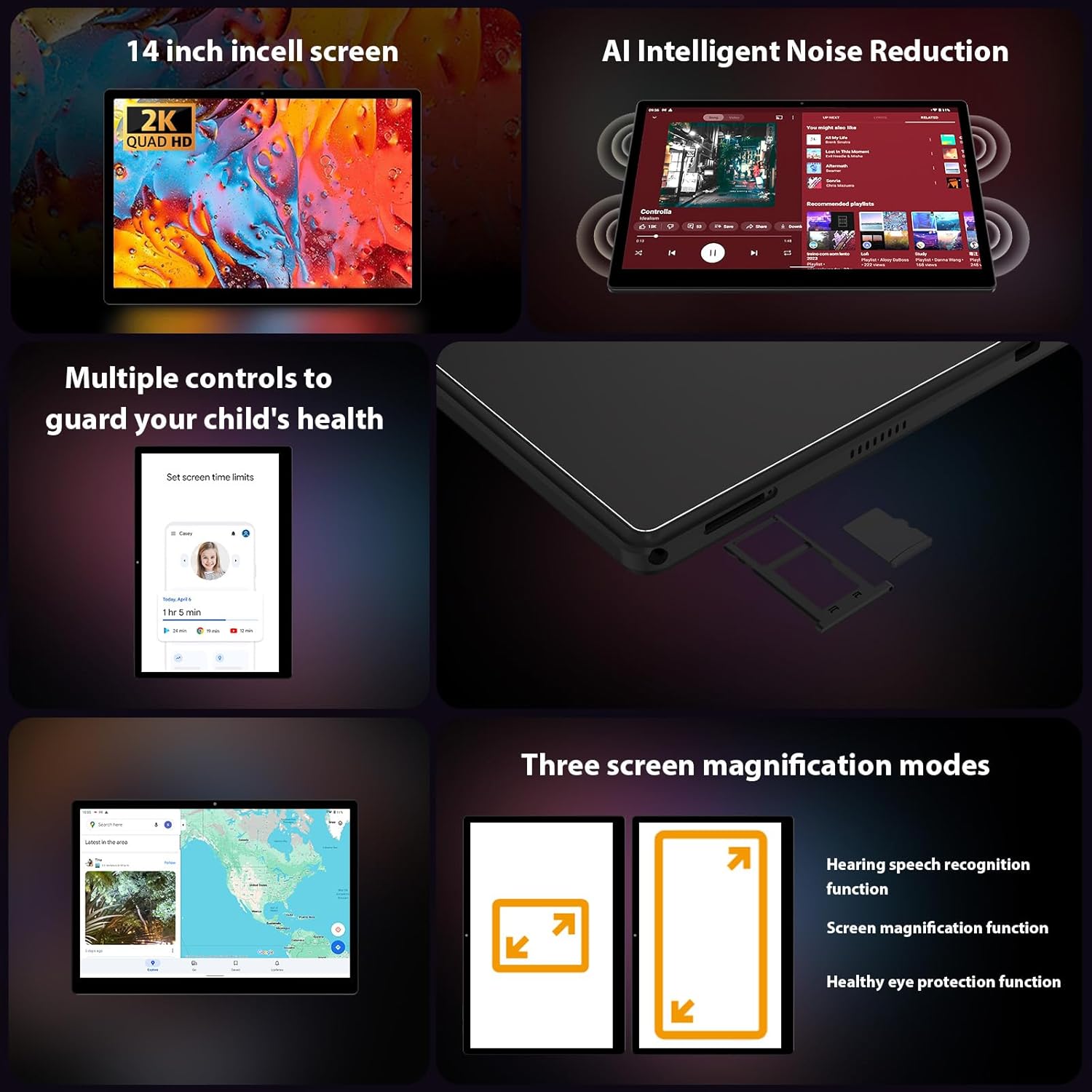
الصورة 3.2: الجانب view of the FASTWD L361 Tablet, highlighting the USB port, power button, volume controls, and the SIM/MicroSD card slot.
المكونات الرئيسية:
- زر الطاقة: Press and hold to turn on/off or restart. Press briefly to wake/sleep the screen.
- أزرار التحكم في الصوت: ضبط مستوى الصوت.
- منفذ USB: للشحن ونقل البيانات.
- الكاميرا الأمامية: لإجراء مكالمات الفيديو والتقاط صور السيلفي (8 ميجابكسل).
- الكاميرا الخلفية: For photos and videos (13MP + 2MP Macro).
- منفذ كارت الذاكرة الصغيرة: Expand storage up to 1TB.
- المتحدثون: لإخراج الصوت.
4. الإعداد الأولي
4.1 شحن الجهاز اللوحي
Before first use, fully charge your tablet. Connect the USB charging cable to the tablet's USB port and the power adapter, then plug the adapter into a power outlet. The tablet supports 12W fast charging.

Image 4.1: Illustration of the FASTWD L361 Tablet being charged, highlighting its 11580mAh battery and 12W fast charging capability.
4.2 تشغيل/إيقاف التشغيل
- لتشغيل: Press and hold the Power button until the FASTWD logo appears.
- لإيقاف التشغيل: اضغط مع الاستمرار على زر الطاقة، ثم حدد "إيقاف التشغيل" من الخيارات الموجودة على الشاشة.
- لإعادة التشغيل: اضغط مع الاستمرار على زر الطاقة، ثم حدد "إعادة التشغيل" من الخيارات.
4.3 التكوين الأولي
عند تشغيل الجهاز لأول مرة، اتبع الإرشادات التي تظهر على الشاشة لإعداد جهازك اللوحي:
- اختر اللغة المفضلة لديك.
- الاتصال بشبكة Wi-Fi.
- قم بتسجيل الدخول باستخدام حساب Google الخاص بك أو قم بإنشاء حساب جديد.
- Review وقبول الشروط والأحكام.
- قم بإعداد قفل الشاشة (رمز PIN أو نمط أو كلمة مرور أو بصمة الوجه).
4.4 إدخال بطاقة MicroSD
To expand storage, insert a MicroSD card (up to 1TB) into the designated slot on the side of the tablet. Ensure the tablet is powered off before inserting or removing the card.
5. تشغيل جهازك اللوحي
5.1 Display and Eye Protection
The FASTWD L361 features a 14-inch Incell FHD display with a resolution of 2000 x 1200 pixels. It is TÜV certified for eye protection, reducing eye strain during prolonged use.
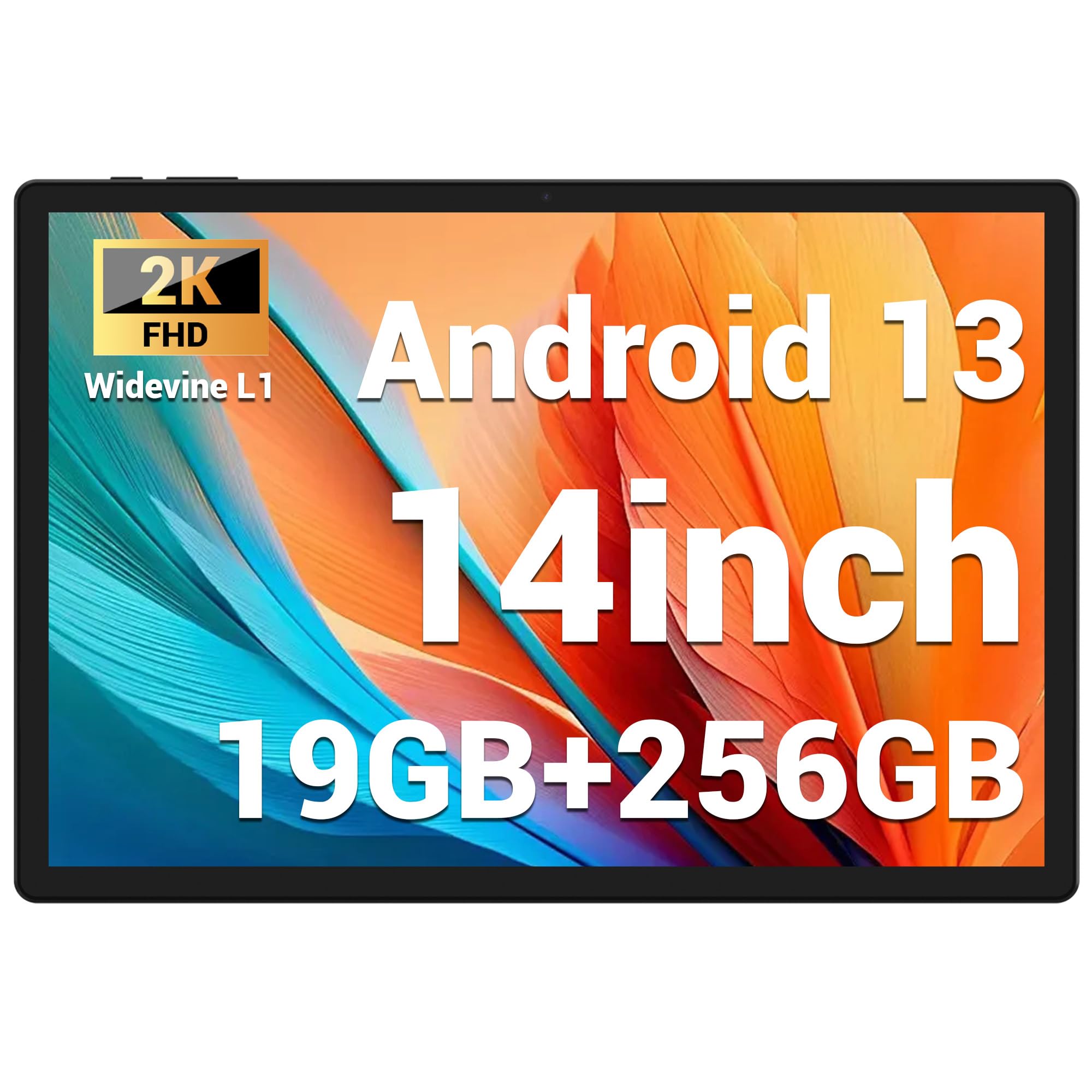
Image 5.1: Visual representation of the FASTWD L361 Tablet's 14-inch 2K Incell FHD display, highlighting its 2000x1200 resolution and TÜV eye protection certification.
5.2 الاتصال
Your tablet supports advanced wireless connectivity:
- شبكة 5G WiFi: Connect to high-speed wireless networks for fast internet access.
- بلوتوث شنومكس: قم بإقرانه مع سماعات الرأس اللاسلكية ومكبرات الصوت والأجهزة الأخرى التي تدعم تقنية Bluetooth.

Image 5.2: Depiction of the FASTWD L361 Tablet's 5G WiFi capabilities, 19GB RAM, 256GB ROM, and support for 1TB MicroSD expansion.
5.3 كاميرات
الجهاز اللوحي مزود بكاميرتين:
- الكاميرا الأمامية: 8 Megapixels, ideal for video calls and self-portraits.
- الكاميرا الخلفية: 13 Megapixels with a 2 Megapixel Macro lens, suitable for capturing detailed photos and videos.

Image 5.3: Visuals demonstrating the FASTWD L361 Tablet's 8MP front camera, 13MP rear camera, and the process for setting up Face ID for secure unlocking.
5.4 Face ID
Unlock your tablet securely using Face ID. To set up:
- اذهب الى الإعدادات > الأمان > فتح القفل بالوجه.
- اتبع التعليمات التي تظهر على الشاشة لتسجيل وجهك.
5.5 AI Intelligent Noise Reduction
The tablet integrates AI Intelligent Noise Reduction technology to filter out ambient sounds, enhancing audio clarity during calls and media playback.
5.6 Multitasking with Multi-Window
Utilize the multi-window feature to run two applications simultaneously, enhancing productivity and user experience.

Image 5.4: The FASTWD L361 Tablet displaying its multi-window and split-screen capabilities, allowing users to operate multiple applications simultaneously.
6. الصيانة
6.1 تنظيف الجهاز اللوحي
استخدم قطعة قماش ناعمة وخالية من الوبر لتنظيف شاشة وجسم الجهاز اللوحي. تجنب استخدام المواد الكيميائية القاسية أو المواد الكاشطة التي قد تُتلف السطح.
6.2 العناية بالبطارية
The tablet is equipped with an 11580mAh battery. To prolong battery life:
- تجنب تعريض الجهاز اللوحي لدرجات حرارة شديدة.
- لا تدع البطارية تنفد تماماً قبل إعادة شحنها بانتظام.
- Use the provided charger for optimal charging performance.
6.3 تحديثات البرامج
Ensure your tablet's software is up to date to benefit from the latest features and security enhancements. Go to الإعدادات > النظام > تحديث النظام للتحقق من التحديثات وتثبيتها.
7. استكشاف الأخطاء وإصلاحها
إذا واجهت مشكلات مع جهازك اللوحي، فراجع الحلول الشائعة التالية:
| مشكلة | حل |
|---|---|
| الجهاز اللوحي لا يعمل | تأكد من شحن البطارية. اضغط مع الاستمرار على زر التشغيل لمدة 10 ثوانٍ على الأقل. |
| مشاكل اتصال Wi-Fi | Restart your Wi-Fi router and the tablet. Check Wi-Fi settings on the tablet to ensure it's connected to the correct network. |
| الجهاز اللوحي بطيء أو لا يستجيب | Close unnecessary apps running in the background. Clear cache from apps. Restart the tablet. If issues persist, consider a factory reset (back up data first). |
| معرف الوجه لا يعمل | Ensure your face is well-lit and not obstructed. Re-register your face in settings if necessary. |
7.1 إعادة ضبط المصنع
If troubleshooting steps do not resolve the issue, you may need to perform a factory reset. This will erase all data on your tablet, so ensure you back up important fileقبل المتابعة.
- اذهب الى الإعدادات > النظام > خيارات إعادة التعيين.
- يختار مسح جميع البيانات (إعادة ضبط المصنع).
- تأكيد قرارك
8. المواصفات
| ميزة | التفاصيل |
|---|---|
| نموذج | ل361 |
| نظام التشغيل | أندرويد 13 |
| عرض | 14-inch Incell FHD, 2000 x 1200 pixels, TÜV Certified |
| سرعة المعالج | 2 جيجاهرتز |
| كبش | 19 جيجابايت (8 جيجابايت + 11 جيجابايت افتراضية) |
| التخزين الداخلي | 256 جيجا بايت |
| تخزين قابل للتوسيع | Up to 1 TB MicroSD |
| سعة البطارية | 11580 مللي أمبير |
| الشحن | شحن سريع بقوة 12 واط |
| الكاميرا الأمامية | 8 ميجا بكسل |
| الكاميرا الخلفية | 13 MP + 2 MP Macro |
| الاتصال | واي فاي 5G، بلوتوث 5.0 |
| ميزات الأمان | معرف الوجه |
| المميزات الخاصة | AI Noise Reduction, GMS Certified |
| أبعاد | 41.79 × 25.1 × 3.7 سم |
| وزن | 2.08 كيلوغرام |
9. الضمان والدعم
Your FASTWD L361 Tablet comes with a standard manufacturer's warranty. For specific warranty terms and conditions, please refer to the warranty card included in your package or visit the official FASTWD webموقع.
For technical support, product inquiries, or warranty claims, please contact FASTWD customer service through the contact information provided on the official webالموقع أو وثائق الشراء الخاصة بك.
Ask a question about this manual
Ask about setup, troubleshooting, compatibility, parts, safety, or missing instructions. Manuals+ will review the question and use this page’s manual context to help answer it.