
AVMTON wireless mouse
AVMTON Wireless Gaming Mouse
دليل التعليمات
Model: wireless mouse | Brand: AVMTON
1. المقدمة
The AVMTON Wireless Gaming Mouse is designed for comfortable and efficient use with personal computers, laptops, and other compatible devices. Featuring a honeycomb shell for lightweight design, RGB backlighting, and a rechargeable battery, this mouse offers a responsive and ergonomic experience. It connects wirelessly via a 2.4GHz USB receiver, providing a stable connection for both office tasks and light gaming.

Image 1.1: The AVMTON Wireless Gaming Mouse shown alongside its 2.4GHz USB receiver. The mouse features a black honeycomb shell design and vibrant RGB lighting.
2. الإعداد
2.1 فك الصندوق والمكونات
عند إخراج المنتج من الصندوق، تأكد من وجود جميع المكونات:
- AVMTON Wireless Gaming Mouse
- 2.4GHz USB Receiver (typically stored in the mouse's bottom compartment)
- كابل شحن USB من النوع C
2.2 توصيل الماوس
- حدد موقع مستقبل USB الموجود في الحجرة الموجودة أسفل الماوس.
- قم بإزالة مستقبل USB من الماوس.
- قم بتوصيل جهاز استقبال USB بمنفذ USB متاح على جهاز الكمبيوتر أو الكمبيوتر المحمول الخاص بك.
- Turn on the mouse using the power switch located on the bottom of the mouse. The mouse should automatically connect to the receiver.
2.3 الشحن الأولي
The mouse comes with a built-in rechargeable battery. For optimal performance, it is recommended to fully charge the mouse before its first use. The mouse can be used while it is charging.

Image 2.1: The AVMTON Wireless Gaming Mouse connected to a laptop via its Type-C charging cable. The image highlights the convenience of charging while using the mouse.
3. تعليمات التشغيل
3.1 Mouse Button Functions
The AVMTON Wireless Gaming Mouse features several buttons for enhanced functionality:
- الزر الأيسر: وظيفة النقر القياسية.
- الزر الأيمن: وظيفة النقر بزر الماوس الأيمن القياسية.
- عجلة التمرير: يُستخدم لتمرير المحتوى لأعلى أو لأسفل. ويمكن الضغط عليه أيضًا لتفعيل وظيفة النقر الأوسط.
- زر DPI: ضبط حساسية الماوس (DPI).
- زر للأمام: يتنقل للأمام في web المتصفحات أو file المستكشفون.
- زر الرجوع: يتنقل للخلف في web المتصفحات أو file المستكشفون.
- مفتاح التشغيل: لتشغيل الماوس أو إيقاف تشغيله.
- مفتاح الضوء: Controls the RGB lighting.

Image 3.1: A detailed diagram illustrating the various buttons and components of the AVMTON Wireless Gaming Mouse, including the DPI button, scroll wheel, forward/backward buttons, and power/light switches.
3.2 ضبط DPI
The mouse offers three adjustable DPI (Dots Per Inch) levels to control cursor speed and sensitivity. Press the DPI button (located behind the scroll wheel) to cycle through the settings: 800 DPI, 1200 DPI (default), and 1600 DPI. Choose the sensitivity that best suits your task, whether for precise work or faster movements in games.
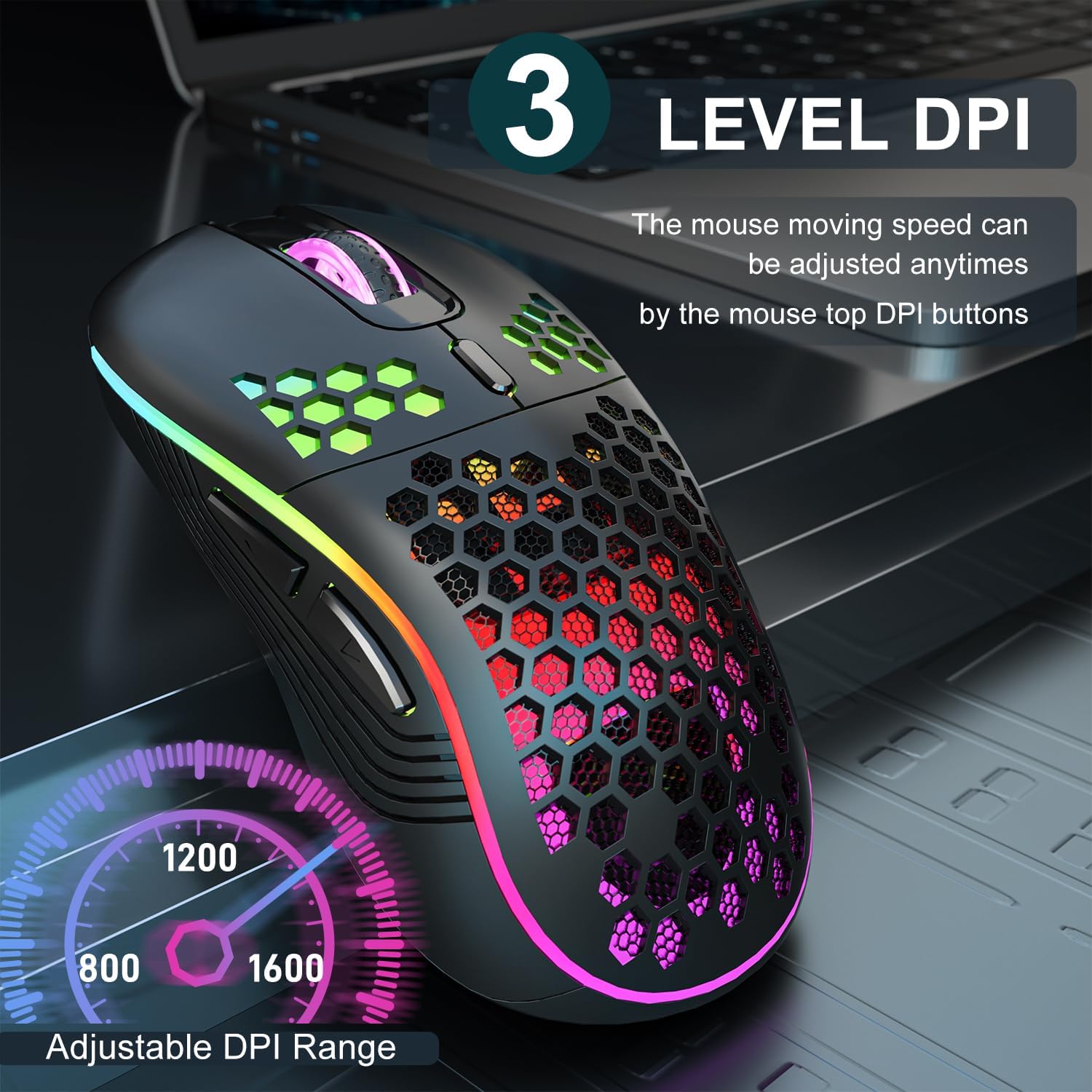
Image 3.2: The AVMTON Wireless Gaming Mouse with an overlay indicating the three adjustable DPI levels: 800, 1200, and 1600. This allows users to easily switch mouse sensitivity.
3.3 التحكم في الإضاءة الخلفية RGB
The mouse features customizable RGB lighting. Use the dedicated light switch on the bottom of the mouse to turn the RGB lighting on or off. Turning off the RGB lighting can help conserve battery life.
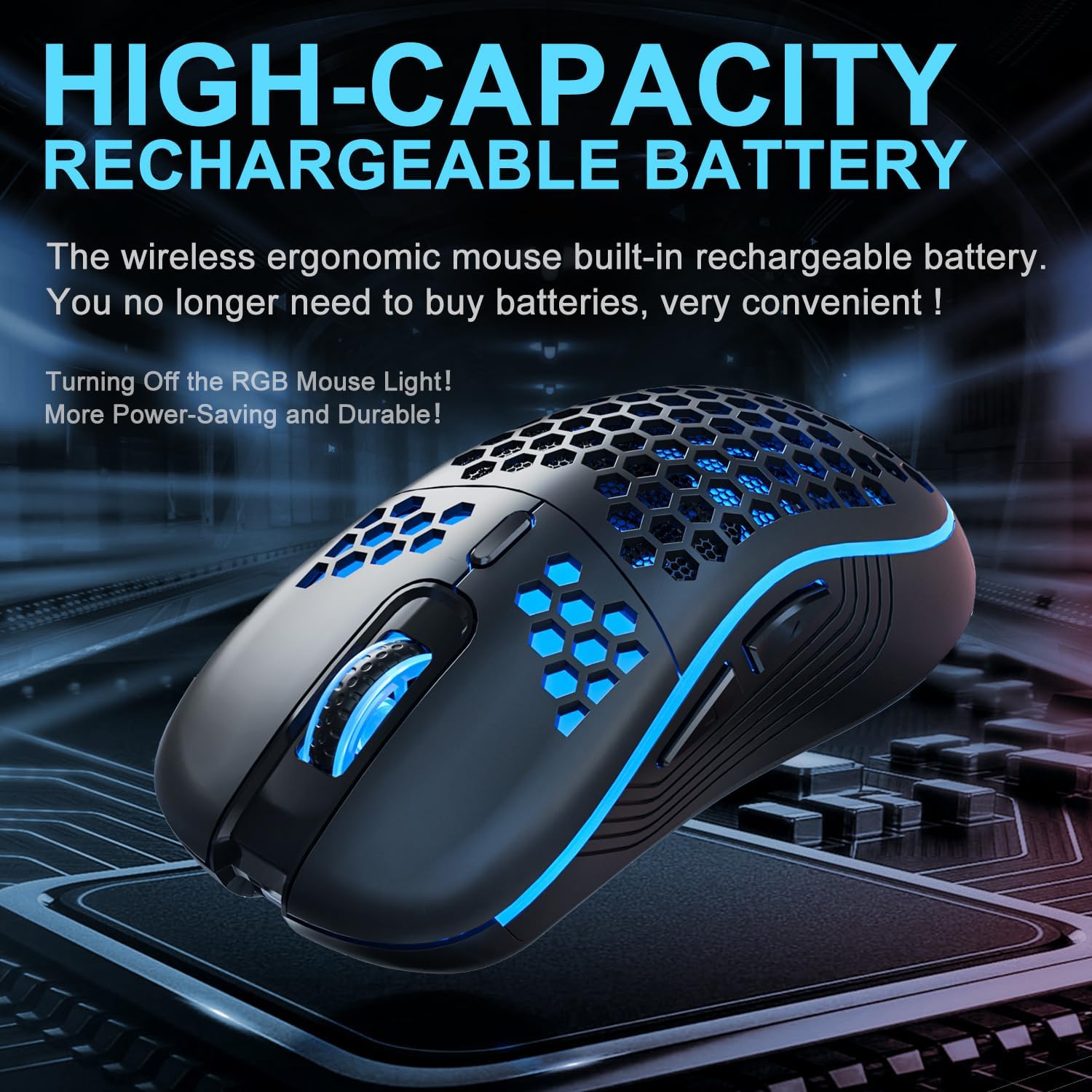
Image 3.3: The AVMTON Wireless Gaming Mouse illuminated with blue RGB lighting, highlighting its aesthetic features and rechargeable battery capacity.
3.4 وضع توفير الطاقة
To conserve battery, the mouse automatically enters a power-saving mode after a period of inactivity. To reactivate the mouse, simply move it or click any button.
3.5 التوافق
The AVMTON Wireless Gaming Mouse is widely compatible with various operating systems, including Windows 2000, XP, Vista, 7, 8, 10, 11, Linux, and Mac OS. It is designed for use with personal computers and laptops.

Image 3.4: Visual representation of the mouse's wide compatibility with Windows, Linux, and Mac OS operating systems.
4. الصيانة
4.1 شحن البطارية
When the mouse battery is low, connect the provided USB Type-C charging cable to the mouse's charging port and the other end to a USB power source (e.g., computer USB port, USB wall adapter). The mouse can be used normally while charging.
4.2 تنظيف الماوس
To maintain optimal performance and appearance, clean the mouse regularly. Use a soft, dry cloth to wipe the surface. For stubborn dirt, a slightly damp يمكن استخدام قطعة قماش مع التأكد من عدم دخول أي سائل إلى الفأرة. تجنب استخدام المواد الكيميائية القاسية أو المواد الكاشطة.
5. استكشاف الأخطاء وإصلاحها
- الفأرة لا تستجيب:
- تأكد من توصيل جهاز استقبال USB بشكل آمن بمنفذ USB يعمل.
- Verify that the mouse's power switch is in the 'ON' position.
- Check the battery level and charge the mouse if necessary. - حركة المؤشر غير منتظمة أو بطيئة:
- Adjust the DPI setting using the DPI button.
- Ensure the mouse is used on a clean, non-reflective surface. A mouse pad is recommended.
- Recharge the mouse if the battery is low. - إضاءة RGB لا تعمل:
- Ensure the light switch on the bottom of the mouse is in the 'ON' position.
- The mouse may be in power-saving mode; move or click to wake it up. - Latency during large games:
- This mouse is primarily designed for office scenarios and small games. Large, graphically intensive games may experience some latency due to the wireless connection and mouse specifications.
6. المواصفات
| ماركة | أفمتون |
| اسم الموديل | فأرة لاسلكية |
| تكنولوجيا الاتصال | USB (2.4GHz Wireless) |
| تقنية كشف الحركة | بصري |
| مستويات DPI | 800 / 1200 (افتراضي) / 1600 |
| نوع البطارية | بطارية ليثيوم بوليمر قابلة لإعادة الشحن (مرفقة) |
| متوسط عمر البطارية | 6 months (approx.) |
| منفذ الشحن | يو إس بي من النوع سي |
| المميزات الخاصة | Honeycomb Design, RGB Backlight, Lightweight, 6 programmable Buttons |
| اتجاه اليد | ثنائي الاستخدام |
| مادة | بلاستيك |
| نظام التشغيل المتوافق | Windows 2000 / XP / Vista / 7 / 8 / 10 / 11, Linux, Mac OS |
| أبعاد الطرد | 13.7 × 8.7 × 4.9 سم |
| وزن العنصر | 140 جرام |
7. الضمان والدعم
Specific warranty details are not provided within this manual. For warranty information, technical support, or any inquiries regarding your AVMTON Wireless Gaming Mouse, please refer to the product packaging or contact AVMTON customer service directly through their official webالموقع أو بائع التجزئة الذي تم شراء المنتج منه.
Ask a question about this manual
Ask about setup, troubleshooting, compatibility, parts, safety, or missing instructions. Manuals+ will review the question and use this page’s manual context to help answer it.