
Rettru Rettru M8
Rettru M8 Doorbell Camera User Manual
Model: Rettru M8 | Brand: Rettru
1. المقدمة
This manual provides comprehensive instructions for the installation, operation, and maintenance of your Rettru M8 Smart Doorbell Camera. Designed for convenience and security, this wireless video doorbell offers features such as night vision, two-way audio, and local/cloud storage to keep your home or classroom safe and connected.
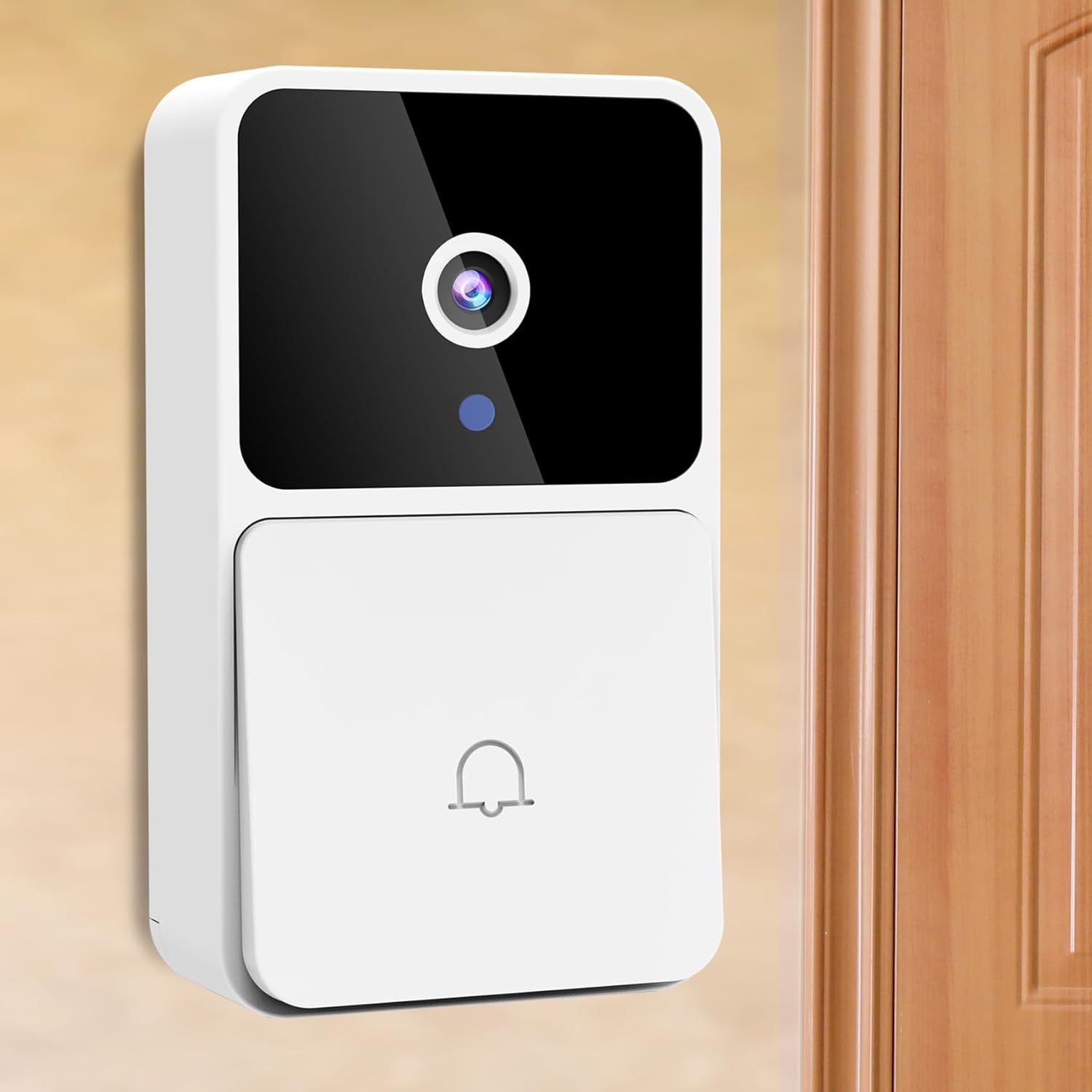
Image: The Rettru M8 Smart Doorbell Camera, a white rectangular device with a black camera lens and a doorbell button, mounted on a light-colored wall next to a wooden door.
2. ماذا يوجد في الصندوق
يرجى التأكد من أن جميع المكونات المدرجة أدناه موجودة في العبوة الخاصة بك:
- 1 x Rettru M8 Wireless Doorbell Camera
- 1 x Doorbell Chime (Plug-in)
- شنومكس x برغي سائق
- 1 × دليل المستخدم
- 1 x Power Cord (for charging doorbell)
- 1 x 3M Sticker (for mounting)
- 2 x Screws and Wall Plugs (for mounting)

Image: A clear layout of all items included in the Rettru M8 Doorbell Camera package: the video doorbell unit, the plug-in chime, a screwdriver, two screws with two wall plugs, and a power cord.
3. مواصفات المنتج
The Rettru M8 Doorbell Camera is equipped with several advanced features to enhance your security and convenience:
- تصميم لاسلكي بالكامل: Easy installation without complex wiring, powered by an internal battery.
- HD Video & Night Vision: Capture clear video footage day and night with integrated night vision capabilities.
- صوت ثنائي الاتجاه: تواصل مباشرة مع الزوار على بابك باستخدام الميكروفون ومكبر الصوت المدمجين.
- كشف الحركة: Receive instant alerts on your smartphone when motion is detected near your doorbell.
- التخزين المحلي والسحابي: Supports 64GB local storage (included) and optional cloud storage for video history.
- الرنين اللاسلكي: Includes an indoor plug-in chime with 38 classical ringtones and 4 volume levels.
- واسع Viewزاوية جي: 150 درجة viewing angle ensures comprehensive coverage of your doorstep.
Visual Clarity Day and Night

Image: A split image showing the doorbell camera's view in two conditions: on the left, a clear color image in bright daylight, and on the right, a clear black and white image in low light or darkness, demonstrating its night vision capability.
خيارات تخزين مرنة
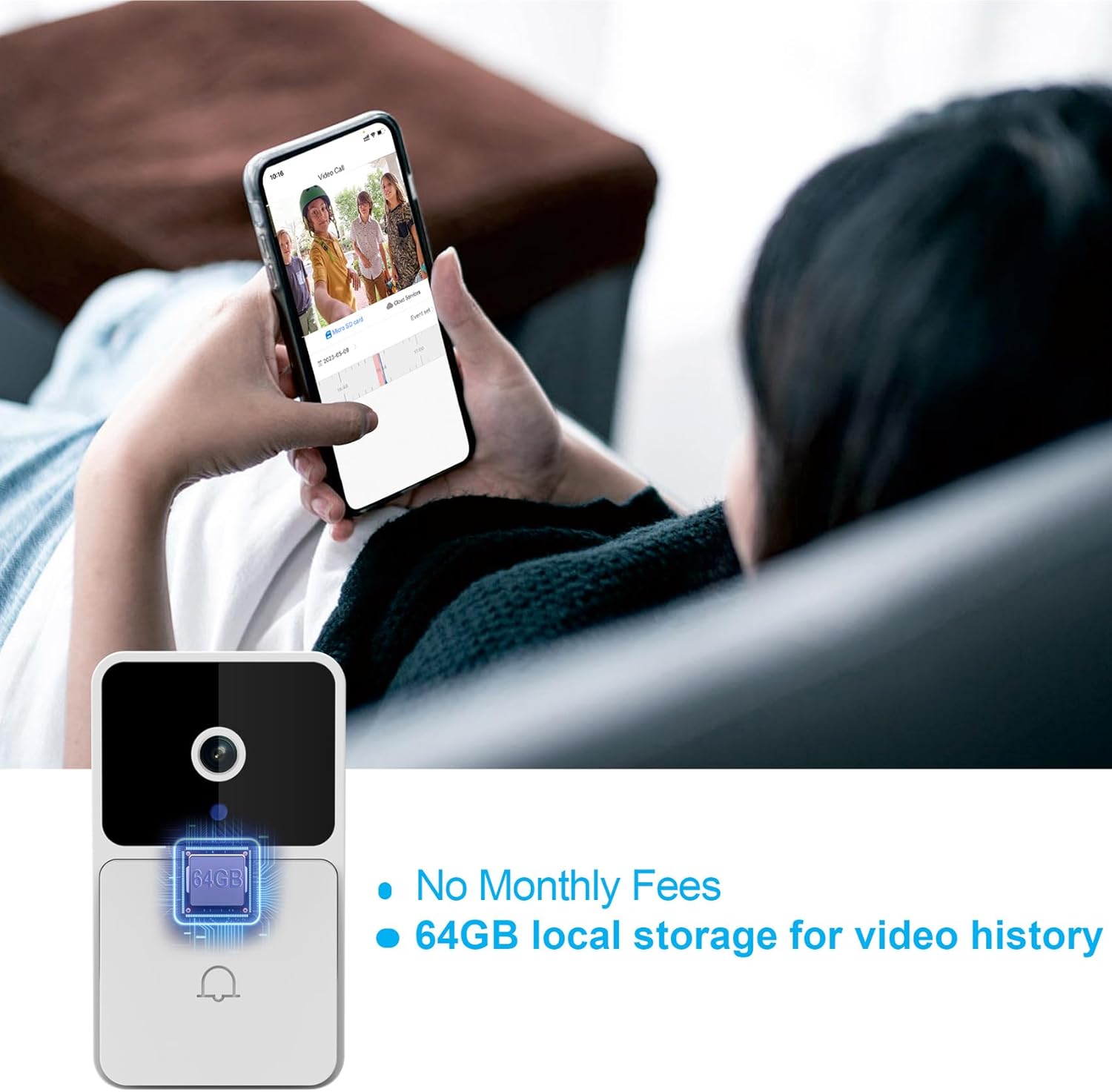
Image: The Rettru M8 Doorbell Camera with an overlay highlighting "64GB local storage for video history" and "No Monthly Fees," indicating its built-in storage capacity.
4. الإعداد والتثبيت
The Rettru M8 Doorbell Camera is designed for easy, wire-free installation. Follow these steps to set up your device:
- Charge the Doorbell: Before installation, ensure the doorbell camera is fully charged using the provided power cord.
- اختر موقع التثبيت: Select a suitable location near your door or wall that provides a clear view وإشارة واي فاي جيدة.
- خيارات التركيب:
- For Smooth Surfaces (Glass/Door): Use the included 3M adhesive sticker. Clean the surface thoroughly before applying.
- For Brick or Wooden Walls: Use the included screws and wall plugs. Drill pilot holes if necessary, insert wall plugs, and then secure the doorbell bracket with screws.
- Attach Doorbell to Bracket: Once the bracket is securely mounted, slide the doorbell camera onto the bracket until it clicks into place.
- Plug in the Chime: Insert the doorbell chime into a standard power outlet inside your home.
- Download App & Connect: Download the V380 Pro app on your smartphone. Follow the in-app instructions to connect your doorbell camera to your home Wi-Fi network.

Image: A visual guide demonstrating two installation methods for the Rettru M8 Doorbell Camera: using 3M stickers for glass or doors, and using screws and wall plugs for brick or wooden walls, showing the detachable backplate.
5. تعليمات التشغيل
Once installed, operate your Rettru M8 Doorbell Camera using the V380 Pro app and the physical chime.
5.1. Using the V380 Pro App
- يعيش View: افتح التطبيق ل view a live feed from your doorbell camera at any time.
- الاتصال في الاتجاهين: When a visitor presses the doorbell or motion is detected, you will receive a notification. Tap the notification to answer and engage in two-way audio communication.
- Video Recording & Playback: The doorbell automatically records events triggered by motion or doorbell presses. Access recorded videos from the app's history or cloud storage.
- إعدادات كشف الحركة: Adjust sensitivity and notification preferences for motion detection within the app settings.

Image: A person holding a smartphone displaying a live video call from the Rettru M8 Doorbell Camera, communicating with a delivery driver at the door, illustrating the two-way audio feature.
5.2. Doorbell Chime Operation
- When the doorbell button is pressed, the indoor chime will sound, alerting you to a visitor.
- The chime offers 38 different ringtones. Refer to the chime's specific instructions (if separate) or the V380 Pro app for changing ringtones and adjusting volume levels.
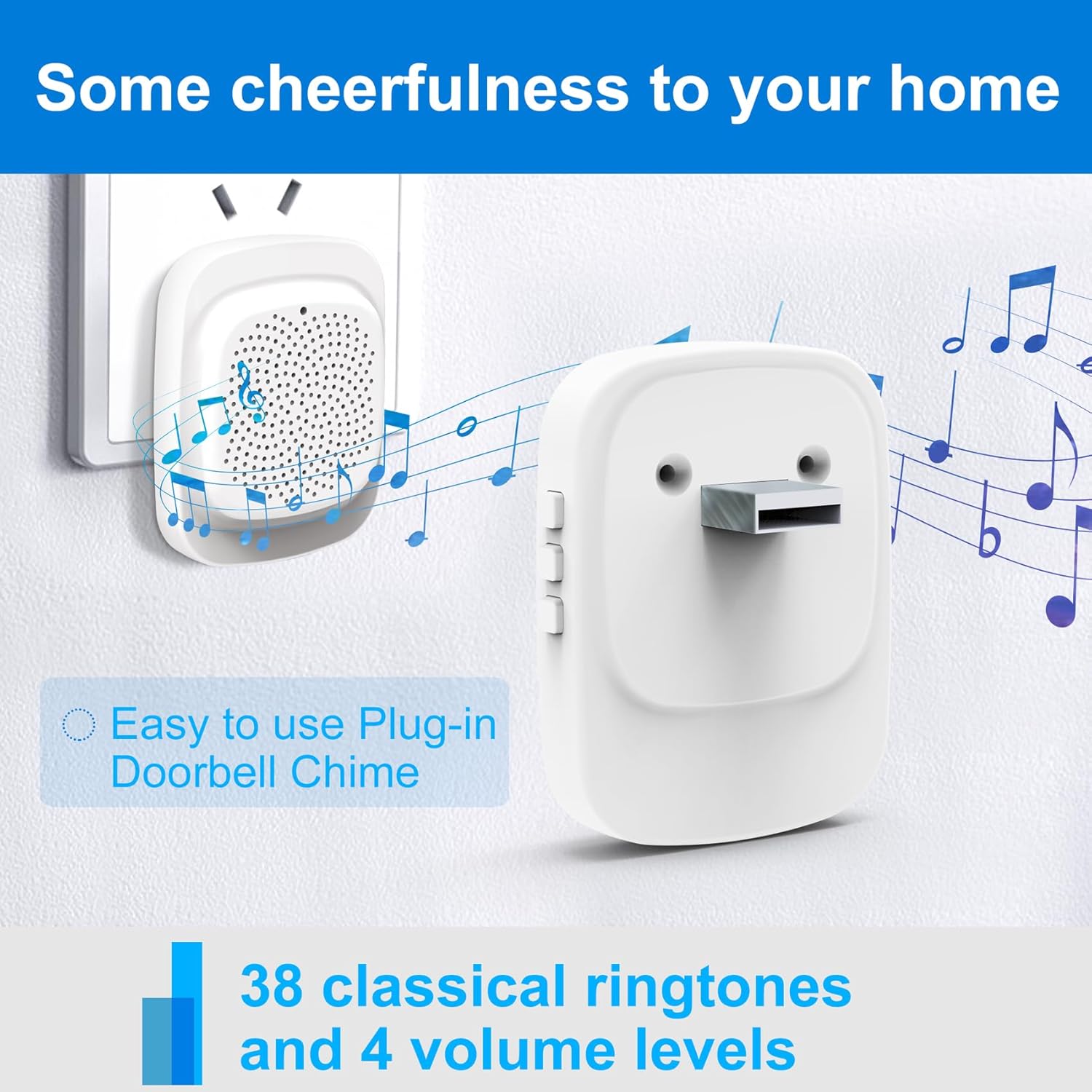
Image: The Rettru plug-in doorbell chime, a white rectangular device, plugged into a wall outlet, surrounded by musical notes, indicating its function and ease of use.
6. الصيانة
To ensure optimal performance and longevity of your Rettru M8 Doorbell Camera, follow these maintenance guidelines:
- تنظيف: امسح عدسة الكاميرا وسطح جرس الباب برفق بقطعة قماش ناعمة.amp القماش. تجنب استخدام المنظفات أو المذيبات الكاشطة.
- عمر البطارية: The doorbell is battery-powered. Monitor the battery level via the V380 Pro app and recharge as needed using the provided power cord. Battery life varies based on usage and environmental factors.
- تحديثات البرامج الثابتة: Periodically check the V380 Pro app for available firmware updates. Keeping your device updated ensures the latest features and security enhancements.
- الظروف البيئية: While designed for outdoor use, extreme weather conditions (e.g., heavy rain, direct prolonged sunlight, extreme temperatures) may affect performance. Ensure the doorbell is installed in a reasonably protected location.
7. استكشاف الأخطاء وإصلاحها
If you encounter issues with your Rettru M8 Doorbell Camera, try the following troubleshooting steps:
| مشكلة | الحل المحتمل |
|---|---|
| جرس الباب لا يتصل بشبكة الواي فاي. |
|
| لا توجد تنبيهات لكشف الحركة. |
|
| الصوت ثنائي الاتجاه لا يعمل. |
|
| Chime not sounding. |
|
8. المواصفات
| ميزة | التفاصيل |
|---|---|
| اسم الموديل | Rettru M8 |
| ماركة | ريترو |
| نوع التركيب | حامل الحائط |
| دقة التقاط الفيديو | 720 بكسل |
| الاتصالات اللاسلكية | واي فاي (2.4 جيجا هرتز) |
| Viewزاوية جي | 150 درجة |
| معدل الإطارات | 30 إطارًا في الثانية |
| المميزات الخاصة | مستشعر حركة، رؤية ليلية |
| مصدر الطاقة | تعمل بالبطارية (ليثيوم أيون) |
| التخزين المحلي | 64 جيجابايت (مضمنة) |
| الأجهزة المتوافقة | Smartphone, Tablet (Android controller type mentioned) |
| أبعاد الحزمة | 14.8 x 9.8 x 3.6 cm ؛ 120 ز |
9. الضمان ودعم العملاء
Rettru provides friendly customer service for the M8 Smart Doorbell Camera. For any questions, technical assistance, or warranty claims, please refer to the contact information provided in your product packaging or visit the official Rettru support webموقع.
يرجى الاحتفاظ بإثبات الشراء لأغراض الضمان.
Ask a question about this manual
Ask about setup, troubleshooting, compatibility, parts, safety, or missing instructions. Manuals+ will review the question and use this page’s manual context to help answer it.