
1. المقدمة
The ONN 7-inch Wi-Fi Digital Picture Frame (Model 100096732) allows you to easily share and display photos and videos from friends and family. Featuring a vibrant LCD IPS touchscreen and built-in Frameo software, this frame provides a simple and intuitive way to enjoy your cherished memories. With 16GB of internal storage and Micro SD card support, you can store a vast collection of media. This manual provides essential information for setting up, operating, and maintaining your digital picture frame.
2. ماذا يوجد في الصندوق
- ONN 7-inch Wi-Fi Digital Picture Frame
- محول الطاقة
- دليل المنتج
- دليل البدء السريع

Image: The ONN 7-inch Wi-Fi Digital Picture Frame, power adapter, product guide, and quick start guide as packaged in the box.
3. الإعداد
3.1 التشغيل
- Connect the provided power adapter to the DC port on the back of the frame.
- Plug the power adapter into a wall outlet. The frame will automatically power on.
3.2 الاتصال الأولي بشبكة Wi-Fi
- اتبع التعليمات التي تظهر على الشاشة لتحديد اللغة والمنطقة الزمنية الخاصة بك.
- Connect the frame to your Wi-Fi network by selecting your network and entering the password.
3.3 Frameo App Download and Pairing
To send photos and videos to your frame, download the free Frameo app on your smartphone (available for iOS and Android).
- بحث عن "Frameo" in the App Store (iOS) or Google Play Store (Android).
- قم بتثبيت التطبيق وإنشاء حساب.
- On your ONN frame, locate the unique code to pair with the app.
- In the Frameo app, enter this code to connect your smartphone to the frame.
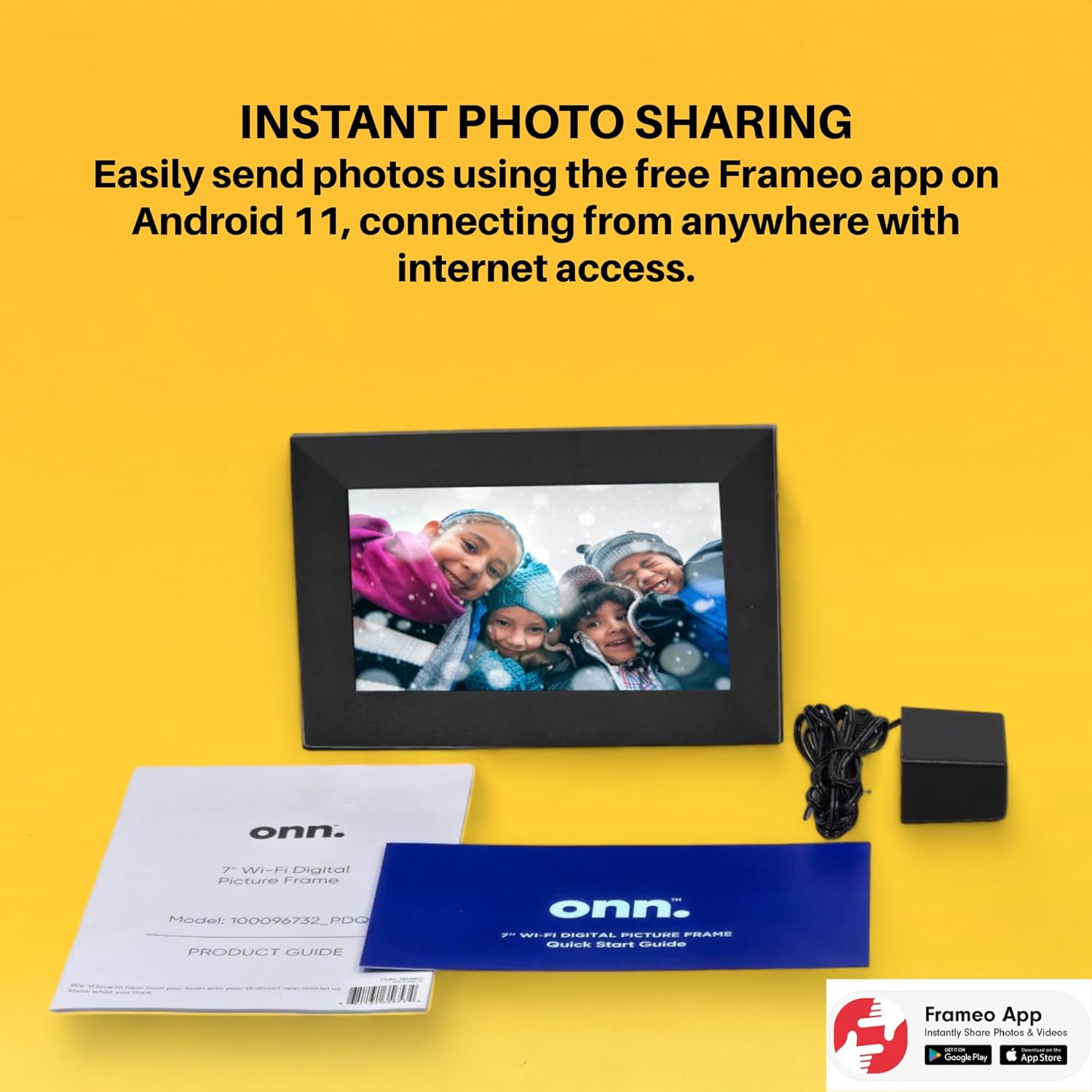
Image: The Frameo app is shown on a smartphone, highlighting its availability on Android and iOS, for instant photo sharing with the ONN digital picture frame.
4. تعليمات التشغيل
4.1 إرسال الصور ومقاطع الفيديو
Once paired, you can send photos and short videos directly from your smartphone to the frame using the Frameo app. You can also add captions to your media.
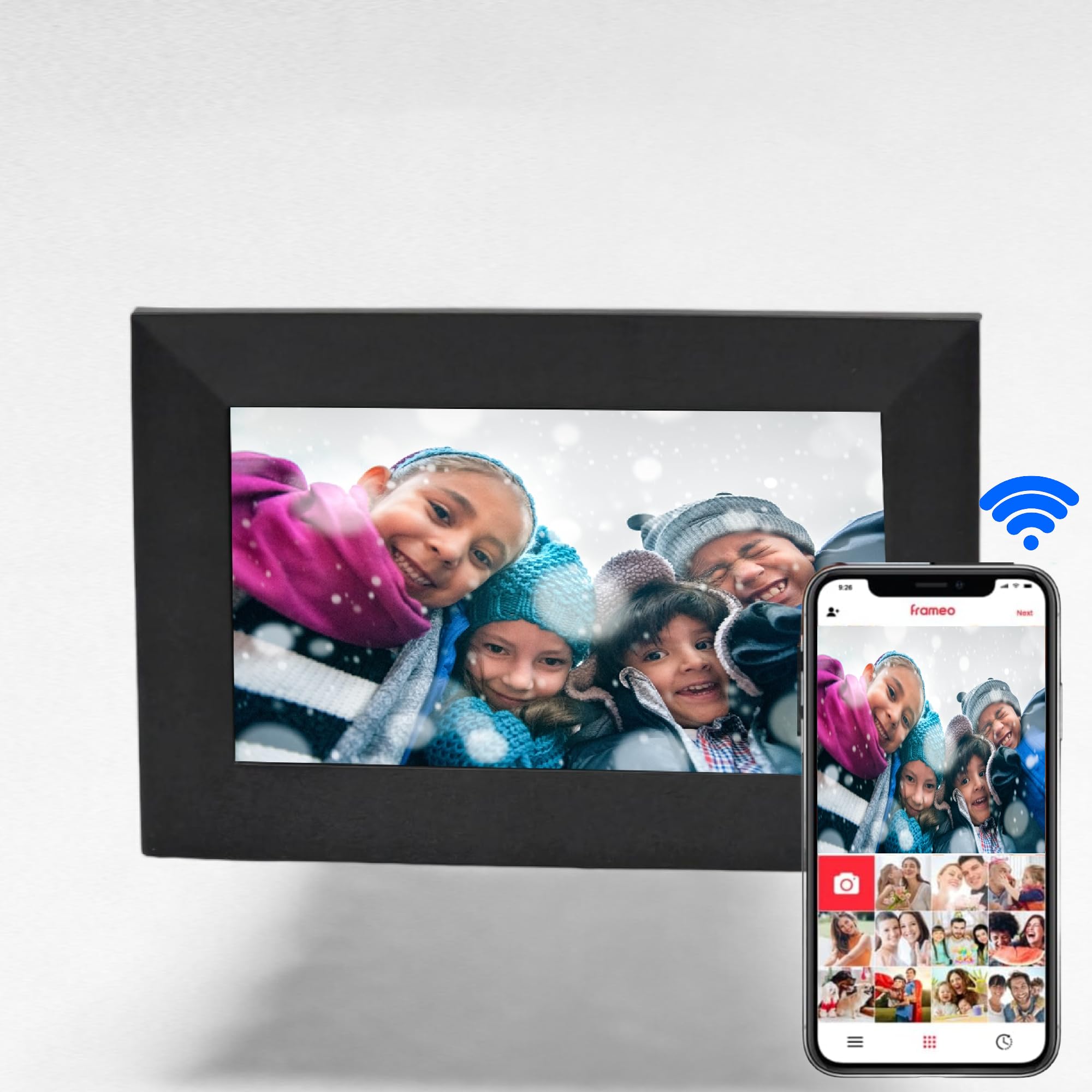
Image: The digital picture frame displays a family photo, while a smartphone shows the Frameo app, illustrating the ease of wireless photo and video sharing.
4.2 نظام الملاحة بشاشة اللمس
The 7-inch IPS touchscreen allows for easy navigation through menus and media. Swipe left or right to browse photos, tap to access settings, and use intuitive gestures for various functions.

Image: A finger touches the screen of the digital picture frame, illustrating its touchscreen functionality for simple navigation.
4.3 Media Management
- التخزين الداخلي: The frame has 16GB of internal memory, capable of storing up to 20,000 photos.
- بطاقة مايكرو التنمية المستدامة: Insert a Micro SD card (up to 128GB) into the dedicated slot to display photos directly without using internal storage.
- المفضلات: Mark specific photos as favorites to create a curated slideshow.
- المجلدات: Organize your media into folders for better management.
4.4 وظائف إضافية
- ساعة ومنبه: Set the clock and configure alarms directly from the frame's interface.
- تشغيل الموسيقى: The frame supports music playback, allowing you to enjoy audio while viewجي الصور.
5. المميزات
- Instant photo and video sharing via the free Frameo app (iOS & Android).
- Vibrant 7-inch LCD IPS high-resolution touch screen (1024x600).
- Automatic photo rotation for optimal display.
- 16GB internal storage, supporting up to 20,000 photos.
- Supports Micro SD cards up to 128GB for expanded storage.
- Equipped with 2 internal speakers for audio playback.
- 16:9 Aspect Ratio for wide-screen media display.
- Wi-Fi connectivity for seamless content transfer.
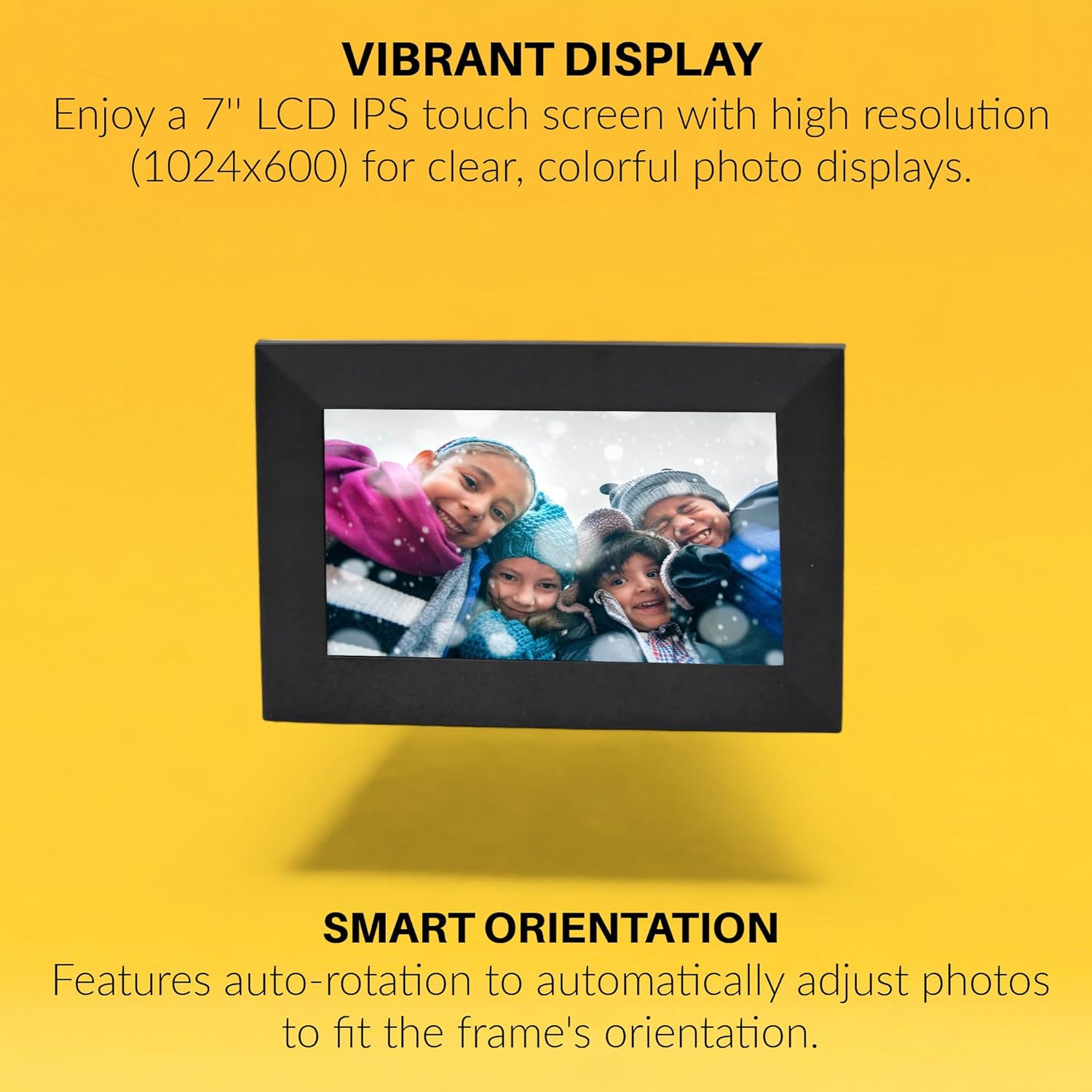
Image: The digital picture frame displays a vibrant image, with text emphasizing its high-resolution IPS display and smart auto-rotation feature.

Image: Visual icons depict the frame's capabilities: remote photo sending, connecting with friends and family, global access, and intuitive touchscreen operation.
6. المواصفات
| يصف | قيمة |
|---|---|
| ماركة | أون |
| رقم الموديل | 100096732 |
| حجم الشاشة | 7 بوصة |
| دقة العرض | 1024x600 (WXGA+) |
| نوع العرض | LCD IPS Touchscreen |
| نسبة العرض إلى الارتفاع | 16:9 (Product description states 16:9, specifications state 4:3. Using 16:9 from product description as it aligns with video content) |
| الذاكرة الداخلية | 16 جيجا بايت |
| دعم بطاقة Micro SD | حتى 128 جيجابايت |
| تكنولوجيا الاتصال | واي فاي |
| مصدر الطاقة | AC |
| مكبرات صوت داخلية | 2x |
| لون | أسود |
| رمز المنتج الموحد | 657768649189 |

Image: The rear of the digital picture frame displays its various ports and the serial number أ2302486110001089, indicating connectivity options and device identification.
7. الصيانة
- تنظيف: Use a soft, dry cloth to clean the screen and frame. Avoid abrasive cleaners or solvents.
- تحديثات البرامج: Ensure your frame's software is up to date for optimal performance and new features. Check for updates through the frame's settings menu.
- ادارة التخزين: إعادة بشكل دوريview your stored photos and videos. Delete unwanted media to free up space, especially if using a Micro SD card.
8. استكشاف الأخطاء وإصلاحها
- الإطار لا يتم تشغيله: تأكد من توصيل محول الطاقة بشكل آمن بكل من الهيكل ومأخذ الطاقة العامل.
- مشكلات الاتصال بشبكة Wi-Fi: Verify your Wi-Fi password is correct. Try restarting your router and the digital picture frame. Ensure the frame is within range of your Wi-Fi network.
- الصور لا تظهر: Check if the Frameo app is correctly paired with your frame. Ensure photos/videos are successfully uploaded through the app. If using a Micro SD card, ensure it is properly inserted and formatted.
- شاشة اللمس لا تستجيب: Restart the frame. If the issue persists, perform a factory reset (refer to the product guide for specific instructions).
9. الضمان والدعم
This ONN 7-inch Wi-Fi Digital Picture Frame comes with a ضمان محدود لمدة 90 يومًا. For technical support or warranty claims, please refer to the contact information provided in your product guide or visit the official ONN support webموقع.