
1. علىview
The BoxWave DirectSync PD Cable is a 10-foot USB-C to USB-C cable designed for efficient power delivery and high-speed data transfer. It supports up to 100 Watts of Power Delivery (PD), making it suitable for charging a wide range of devices, including laptops, tablets, and smartphones. The cable features a durable braided nylon construction and reinforced strain reliefs to ensure longevity and reliable performance.
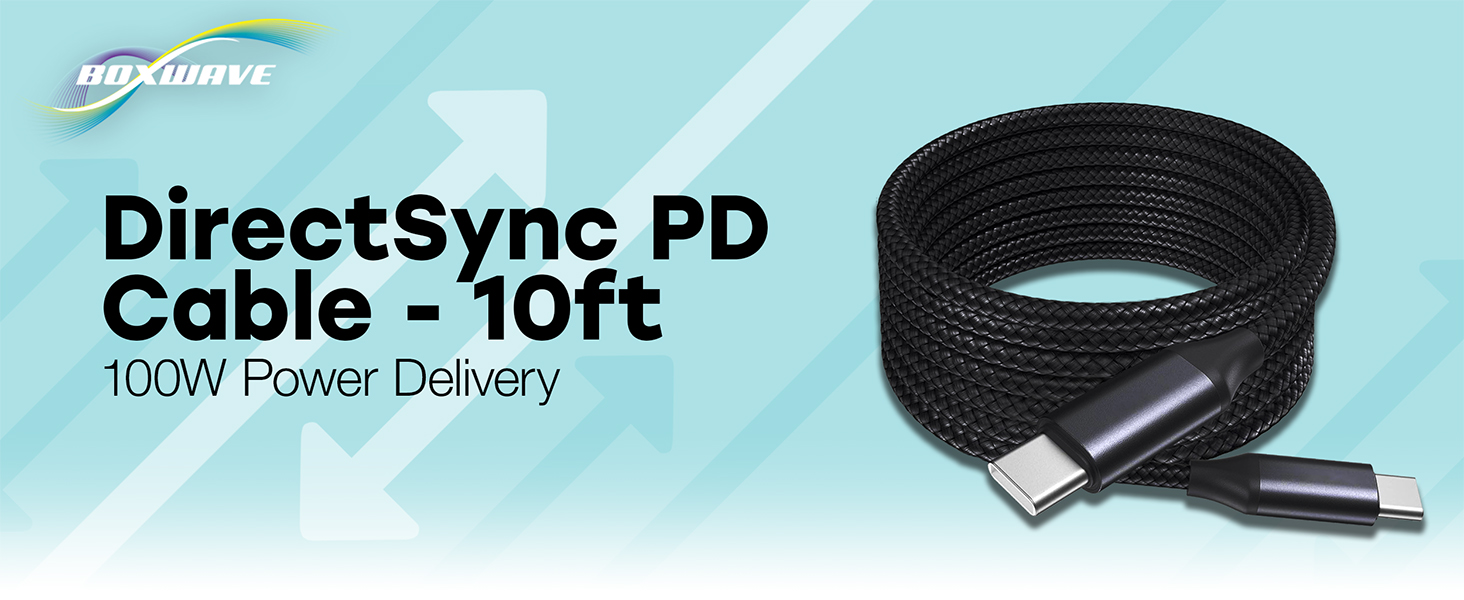
Image: The BoxWave DirectSync PD Cable, highlighting its 10-foot length and 100W Power Delivery capability.
2. الإعداد
Setting up your DirectSync PD Cable is straightforward. This cable is designed for universal compatibility with USB-C enabled devices.
- تحديد المنافذ: Ensure your charging adapter and device both have USB-C ports.
- الاتصال بمصدر الطاقة: Plug one end of the DirectSync PD Cable into a compatible USB-C power adapter or a computer's USB-C port.
- الاتصال بالجهاز: Plug the other end of the cable into your device's USB-C port.
- تحقق من الاتصال: يجب أن يشير جهازك إلى أنه قيد الشحن أو متصل لنقل البيانات.

Image: A visual representation of the DirectSync PD Cable connected to a laptop and a smartphone, illustrating simultaneous charging and data synchronization.
3. تعليمات التشغيل
The DirectSync PD Cable offers dual functionality for both charging and data transfer.
3.1 شحن جهازك
Connect the cable as described in the Setup section. The cable supports up to 100W Power Delivery, allowing for rapid charging of compatible devices. Charging speed will depend on your power adapter's output and your device's charging capabilities.
3.2 نقل البيانات عالي السرعة
When connected to a computer, the DirectSync PD Cable facilitates high-speed data transfers up to 480Mbps. This allows you to sync files, photos, and videos between your device and computer efficiently while simultaneously charging.

Image: The DirectSync PD Cable connected to a laptop, illustrating its capability for high-wattage power delivery.
4. الصيانة
To ensure the longevity and optimal performance of your BoxWave DirectSync PD Cable, follow these maintenance guidelines:
- تجنب الانحناءات الحادة: While the braided nylon is durable, avoid extreme bending or kinking, especially near the connectors.
- موصلات نظيفة: Periodically inspect and gently clean the USB-C connectors with a dry, soft cloth to remove dust or debris.
- التخزين السليم: When not in use, coil the cable loosely. Avoid tightly wrapping it around objects or pulling it taut.
- التعامل معها بحذر: احرص دائمًا على الإمساك برأس الموصل عند توصيل الكابل أو فصله، بدلاً من سحب الكابل نفسه.

Image: Detail of the cable's durable nylon braided exterior.

الصورة: لقطة مقربة view of the reinforced rubberized strain relief at the connector, designed to prevent fraying.
5. استكشاف الأخطاء وإصلاحها
If you encounter issues with your DirectSync PD Cable, refer to the following common problems and solutions:
- الجهاز لا يشحن:
- Ensure both ends of the cable are securely plugged into the power source and your device.
- Verify that your power adapter is functioning correctly and provides sufficient power for your device.
- Test the cable with another compatible device or power source to rule out issues with the cable itself.
- Check your device's charging port for any obstructions or damage.
- سرعة الشحن البطيئة:
- Confirm that your power adapter supports Power Delivery (PD) and provides adequate wattage (e.g., 100W for maximum speed).
- Ensure your device also supports fast charging via USB-C PD.
- تجنب استخدام الجهاز بكثرة أثناء الشحن، لأن ذلك قد يبطئ عملية الشحن.
- مشاكل نقل البيانات:
- Ensure the cable is connected directly between your device and computer, bypassing any hubs or adapters that might not support data transfer.
- Check your device's settings to ensure data transfer mode is enabled (e.g., 'File Transfer' or 'MTP').
- أعد تشغيل جهازك وجهاز الكمبيوتر.
- جرب منفذ USB-C مختلفًا على جهاز الكمبيوتر الخاص بك.
6. المواصفات
| ميزة | التفاصيل |
|---|---|
| ماركة | بوكس ويف |
| نوع الموصل | يو اس بي نوع سي |
| نوع الكابل | USB |
| توصيل الطاقة | حتى 100 وات |
| سرعة نقل البيانات | 480 ميجابايت في الثانية |
| طول الكابل | 10 قدم (حوالي 3 أمتار) |
| مادة | Braided Nylon Alloy |
| لون | أسود كالفحم |
| موصل الجنس | ذكر لذكر |
| ميزة خاصة | Braided, Strain Relief |
| وزن العنصر | 6 أونصة |
7. الضمان والدعم
BoxWave products are designed for quality and reliability. For specific warranty information regarding your DirectSync PD Cable, please refer to the packaging or the official BoxWave website. If you require technical assistance or have questions about your product, please contact BoxWave customer support through their official channels. Support contact information can typically be found on the product packaging or on the BoxWave webموقع.
الدعم عبر الإنترنت: Visit the BoxWave webموقع للأسئلة الشائعة، ومقالات الدعم، وخيارات الاتصال.
دعم البريد الإلكتروني: يرجى الرجوع إلى وثائق المنتج الخاصة بك لمعرفة عنوان البريد الإلكتروني لخدمة العملاء.