
ستريتز TWS-116
STREETZ TWS-116 True Wireless Stereo Earbuds User Manual
Your comprehensive guide to setting up, operating, and maintaining your STREETZ TWS-116 earbuds.
1. المقدمة وما فوقview
The STREETZ TWS-116 True Wireless Stereo (TWS) headphones are designed to provide high-quality audio and clear voice communication in various environments. Their ergonomic silicone earbuds ensure a secure and comfortable fit, making them ideal for home, office, or sports activities.
Equipped with Active Noise Cancellation (ANC), the TWS-116 significantly reduces ambient noise by up to 25 dB, allowing you to immerse yourself fully in your music or calls. These earbuds connect wirelessly via Bluetooth to your smartphone, tablet, Bluetooth-enabled TV, or PC, offering a maximum range of up to 10 meters for freedom of movement.
Once initially paired, the earbuds automatically reconnect to your last device when removed from their charging case. The integrated microphone and multifunction buttons provide convenient control over music playback, track navigation, ANC activation/deactivation, and call management, enhancing your daily audio experience.
2. محتويات العبوة
يرجى التحقق من الحزمة للعناصر التالية:
- STREETZ TWS-116 True Wireless Earbuds (Left and Right)
- حافظة شحن محمولة
- كابل شحن USB
- أحجام متعددة من أطراف الأذن المصنوعة من السيليكون
- دليل المستخدم (هذا المستند)
3. انتهى المنتجview

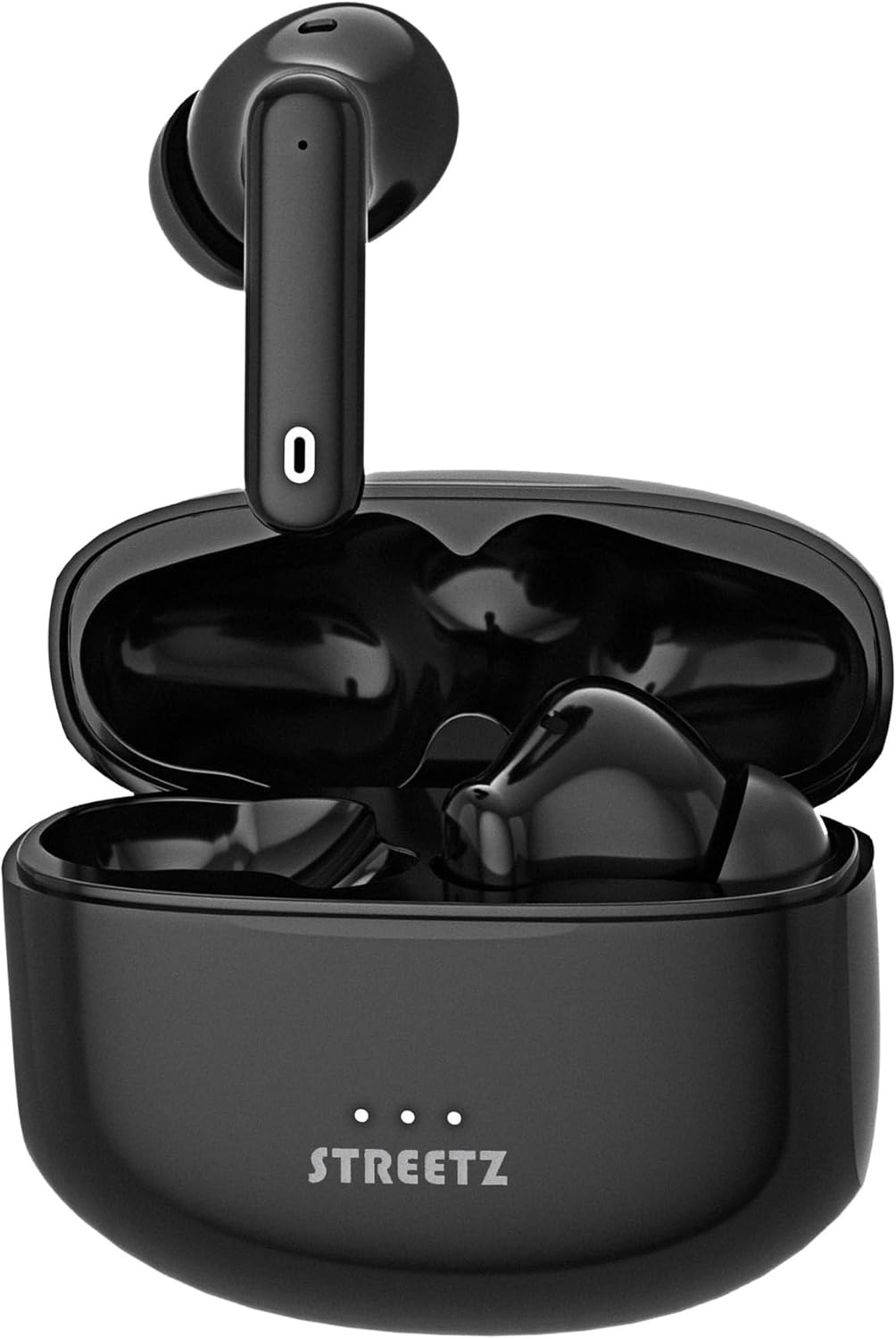
The STREETZ TWS-116 True Wireless Stereo earbuds resting inside their open charging case, ready for use or charging. The STREETZ logo is visible on the front of the case.
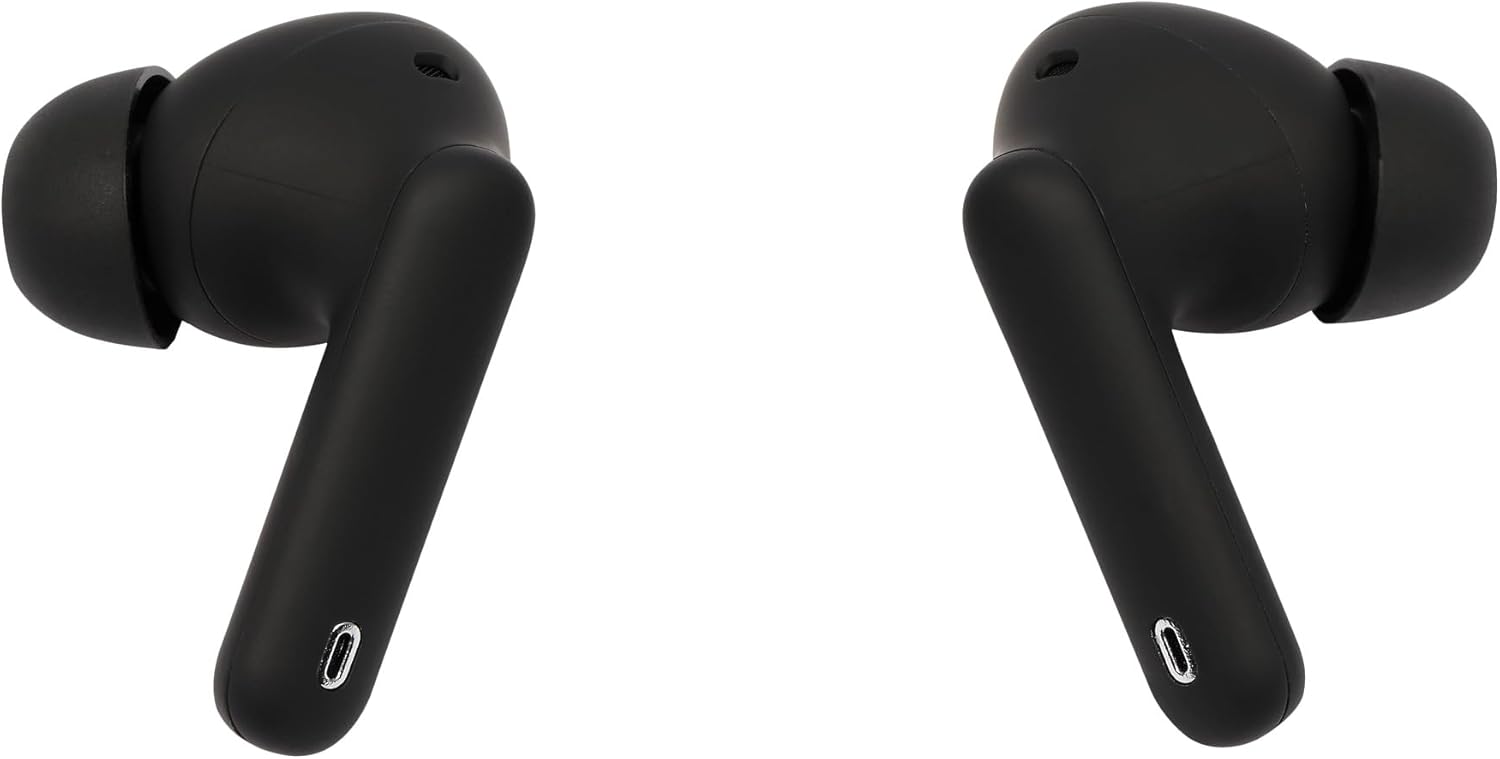
A pair of black STREETZ TWS-116 earbuds, showing their ergonomic design and the '0' marking on the stem.
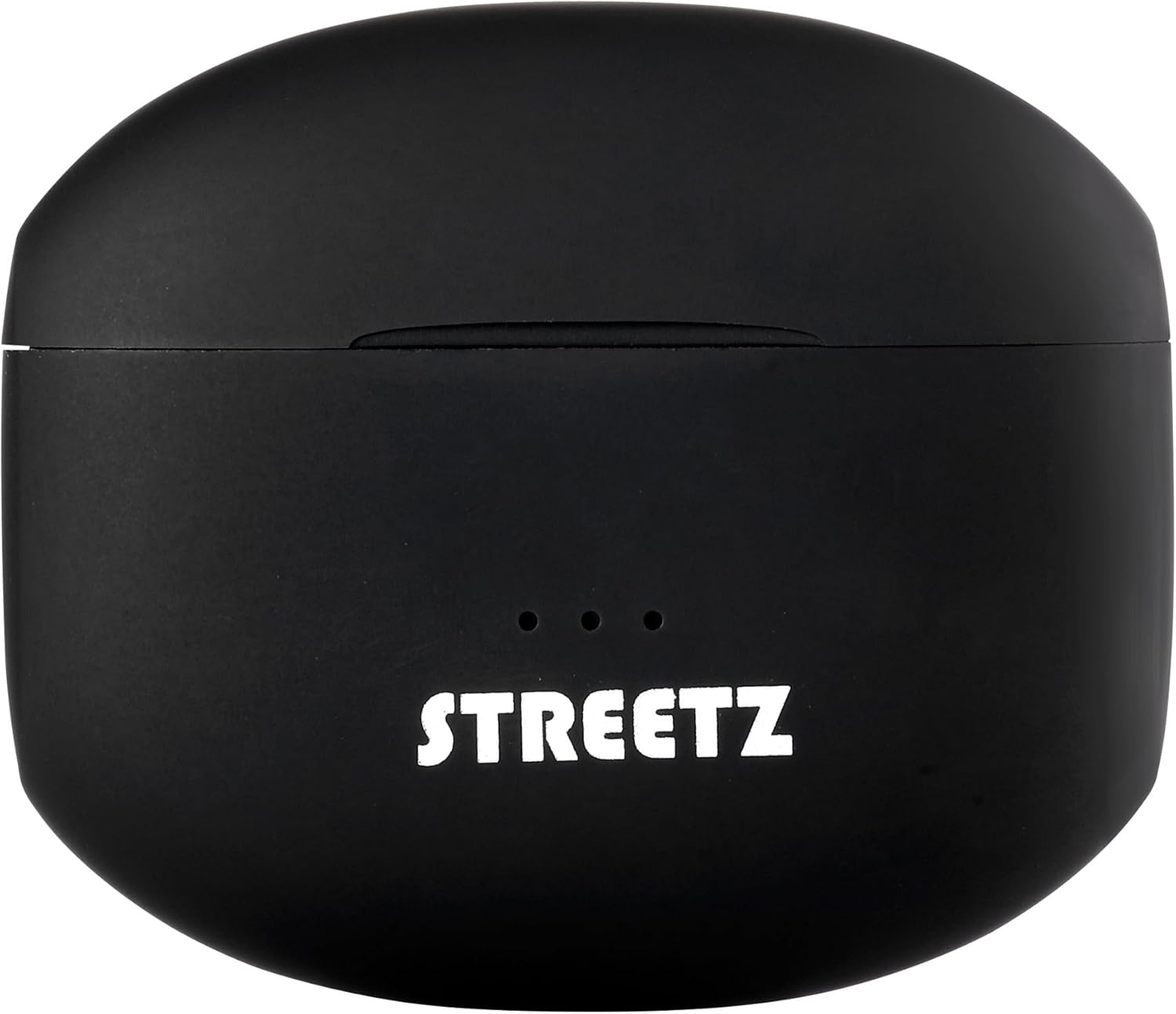
The compact, black charging case for the STREETZ TWS-116 earbuds, with the STREETZ logo and three indicator lights visible on the top.

زاوية view of the left and right STREETZ TWS-116 earbuds, highlighting their in-ear design and sleek black finish.
All components of the STREETZ TWS-116 package: the earbuds, their charging case, a USB charging cable, and additional silicone ear tips for a customized fit.

The STREETZ TWS-116 earbuds partially removed from their charging case, clearly showing the 'L' and 'R' markings for left and right earbuds.
4. الإعداد
4.1 شحن سماعات الأذن والعلبة
Before first use, fully charge the charging case and earbuds. Place the earbuds into the charging case. Connect the USB charging cable to the charging port on the case and to a power source (e.g., USB wall adapter, computer USB port). The indicator lights on the case will show the charging status. Once fully charged, the lights will indicate completion or turn off.
4.2 اقتران بلوتوث
- تأكد من شحن وسادات الأذن.
- Open the charging case. The earbuds will automatically enter pairing mode, and an indicator light on the earbuds will flash (refer to specific light patterns in your quick start guide if available).
- قم بتفعيل البلوتوث على جهازك (الهاتف الذكي، الجهاز اللوحي، الكمبيوتر الشخصي).
- بحث عن new Bluetooth devices. You should see "STREETZ TWS-116" or a similar name in the list of available devices.
- Select "STREETZ TWS-116" to connect. Once connected, the earbud indicator lights will stop flashing, and you may hear a confirmation tone.
- بعد عملية الاقتران الأولية، ستتصل سماعات الأذن تلقائيًا بآخر جهاز مقترن عند إخراجها من علبة الشحن، بشرط أن يكون البلوتوث مفعلًا على جهازك.
5. تشغيل سماعات الأذن
5.1 التحكم في تشغيل الموسيقى
The STREETZ TWS-116 earbuds feature multifunction buttons for easy control:
- تشغيل/إيقاف مؤقت: ضغطة واحدة على أي سماعة أذن.
- المسار التالي: اضغط مرتين على سماعة الأذن اليمنى.
- المسار السابق: اضغط مرتين على سماعة الأذن اليسرى.
- رفع/خفض الصوت: (If supported) Long press on right/left earbud (check quick start guide for specific implementation).
5.2 إلغاء الضوضاء النشط (ANC)
The ANC function reduces ambient noise by up to 25 dB, allowing for a more immersive listening experience. To activate or deactivate ANC, use the multifunction button on the earbuds. Refer to your quick start guide for the specific tap/press sequence for ANC control.
5.3 إدارة المكالمات
The integrated microphone allows you to manage calls directly through the earbuds:
- الرد/إنهاء المكالمة: اضغط مرة واحدة على أي سماعة أذن أثناء المكالمة الواردة.
- رفض المكالمة: اضغط مطولاً على أي من سماعتي الأذن أثناء المكالمة الواردة.
- تنشيط مساعد الصوت: اضغط ثلاث مرات على أي سماعة أذن (على سبيل المثال، Siri، أو Google Assistant).
6. الصيانة
To ensure the longevity and optimal performance of your STREETZ TWS-116 earbuds, follow these maintenance guidelines:
- تنظيف: Regularly clean the earbuds and charging case with a soft, dry, lint-free cloth. Do not use harsh chemicals or abrasive materials. Gently clean the ear tips and speaker mesh to remove earwax or debris.
- تخزين: عند عدم الاستخدام، قم بتخزين سماعات الأذن في علبة الشحن الخاصة بها لحمايتها من الغبار والأوساخ والتلف المادي.
- درجة حرارة: Avoid exposing the earbuds to extreme temperatures (hot or cold) or high humidity, as this can damage the battery and internal components.
- مقاومة الماء: The earbuds have an IPX5 rating, meaning they are resistant to low-pressure water jets from any direction. Do not submerge them in water or expose them to strong water streams. Dry them thoroughly if they get wet.
7. استكشاف الأخطاء وإصلاحها
If you encounter issues with your STREETZ TWS-116 earbuds, try the following solutions:
7.1 انقطاع الصوت أو انقطاعه بشكل متقطع
- تأكد من شحن وسادات الأذن.
- تحقق من مستوى الصوت على جهازك وسماعات الأذن.
- Make sure the earbuds are properly paired and connected to your device. Try re-pairing if necessary.
- اقترب من جهازك للتأكد من أنك ضمن نطاق البلوتوث الذي يبلغ 10 أمتار.
- Try disconnecting and reconnecting the Bluetooth connection on your device.
7.2 سماعات الأذن غير مقترنة
- تأكد من وجود كلتا السماعتين في علبة الشحن وأنهما مشحونتان بشكل كافٍ.
- قم بإيقاف تشغيل البلوتوث على جهازك، ثم قم بتشغيله مرة أخرى.
- Forget or remove "STREETZ TWS-116" from your device's Bluetooth list and try pairing again.
- If only one earbud connects, try placing both back in the case, closing it for a few seconds, then opening it again to reset the connection.
7.3 قضايا الشحن
- تأكد من توصيل كابل الشحن بشكل آمن بكل من العلبة ومصدر الطاقة.
- جرب كابل USB أو محول طاقة مختلفًا.
- قم بتنظيف نقاط اتصال الشحن الموجودة على كل من سماعات الأذن وداخل العلبة باستخدام قطعة قطن جافة.
8. المواصفات
| ميزة | التفاصيل |
|---|---|
| ماركة | ستريتز |
| الشركة المصنعة | ستريتز |
| أبعاد المنتج | 3 × 14.5 × 12 سم |
| مرجع الشركة المصنعة | تي دبليو اس-116 |
| رقم العنصر | تي دبليو اس-116 |
| مميزات اضافية | خاصية إلغاء الضوضاء، ميكروفون مرفق |
| البطاريات متضمنة؟ | لا |
| البطاريات المطلوبة | لا |
| مميزات الكابل | لاسلكي |
| تحديثات البرامج مضمونة حتى | مجهول |
| ASIN | B0CC9J71DM |
| متوفر على موقع Amazon.it من | 19 يوليو 2023 |
| عامل الشكل | داخل الأذن |
| تكنولوجيا الاتصال | لاسلكي |
| تكنولوجيا الاتصالات اللاسلكية | بلوتوث |
| الفئة العمرية (الوصف) | أطفال |
| عدد الوحدات | 1.0 وحدة |
9. الضمان والدعم
For warranty information and customer support, please refer to the documentation included with your purchase or visit the official STREETZ website. You can typically find details regarding warranty periods, coverage, and contact information for technical assistance there.
يرجى الاحتفاظ بإثبات الشراء الخاص بك لاستخدامه في أي مطالبات بالضمان.