
Statik PUP-0290
STATIK 65W GaN Charger User Manual
Model: PUP-0290
مقدمة
Thank you for choosing the Statik 65W GaN Charger. This high-performance charger is designed to provide fast, efficient, and safe power delivery to a wide range of your electronic devices. Featuring advanced GaN technology and multiple output ports, it offers a compact and versatile charging solution for both home and travel.

Image: The Statik 65W GaN Charger, showcasing its two USB-C ports and one USB-A port, designed for versatile charging.
الميزات الرئيسية
- شحن فائق السرعة: Delivers an impressive 65W of power, significantly reducing charging times for compatible devices.
- تكنولوجيا GaN: Utilizes Gallium Nitride (GaN) technology for a smaller, lighter, and more efficient charger with reduced heat generation.
- التوافق العالمي: Supports a broad range of devices including MacBook Pro/Air, iPad Pro, iPhone 14/13 series, Samsung Galaxy S23/S22, Nintendo Switch, and more.
- ميزات السلامة المتقدمة: Built-in protection against overheating, overloading, and short circuits ensures the safety of your devices.
- صغير الحجم وقابل للحمل: Designed for easy travel and everyday use, fitting comfortably in your hand or bag.
- منافذ متعددة: Equipped with two USB-C ports and one USB-A port for simultaneous charging of multiple devices.

Image: The Statik 65W GaN Charger connected to a wall outlet, simultaneously charging a laptop, a tablet, and a smartphone, demonstrating its multi-device capability.
دليل الإعداد
Setting up your Statik 65W GaN Charger is straightforward. Follow these steps to begin charging your devices:
- فك الشاحن: Carefully remove the Statik 65W GaN Power Adapter from its packaging.
- اكشف القابس: If the plug prongs are folded, gently unfold them until they click into place.
- الاتصال بمنفذ الطاقة: Insert the charger into a standard wall power outlet (100-240V AC).
- Prepare Your Device Cables: Ensure you have the appropriate USB-C or USB-A cables for your devices.
- ربط الأجهزة: Plug one end of your device's charging cable into the corresponding port (USB-C1, USB-C2, or USB-A) on the Statik charger, and the other end into your device.
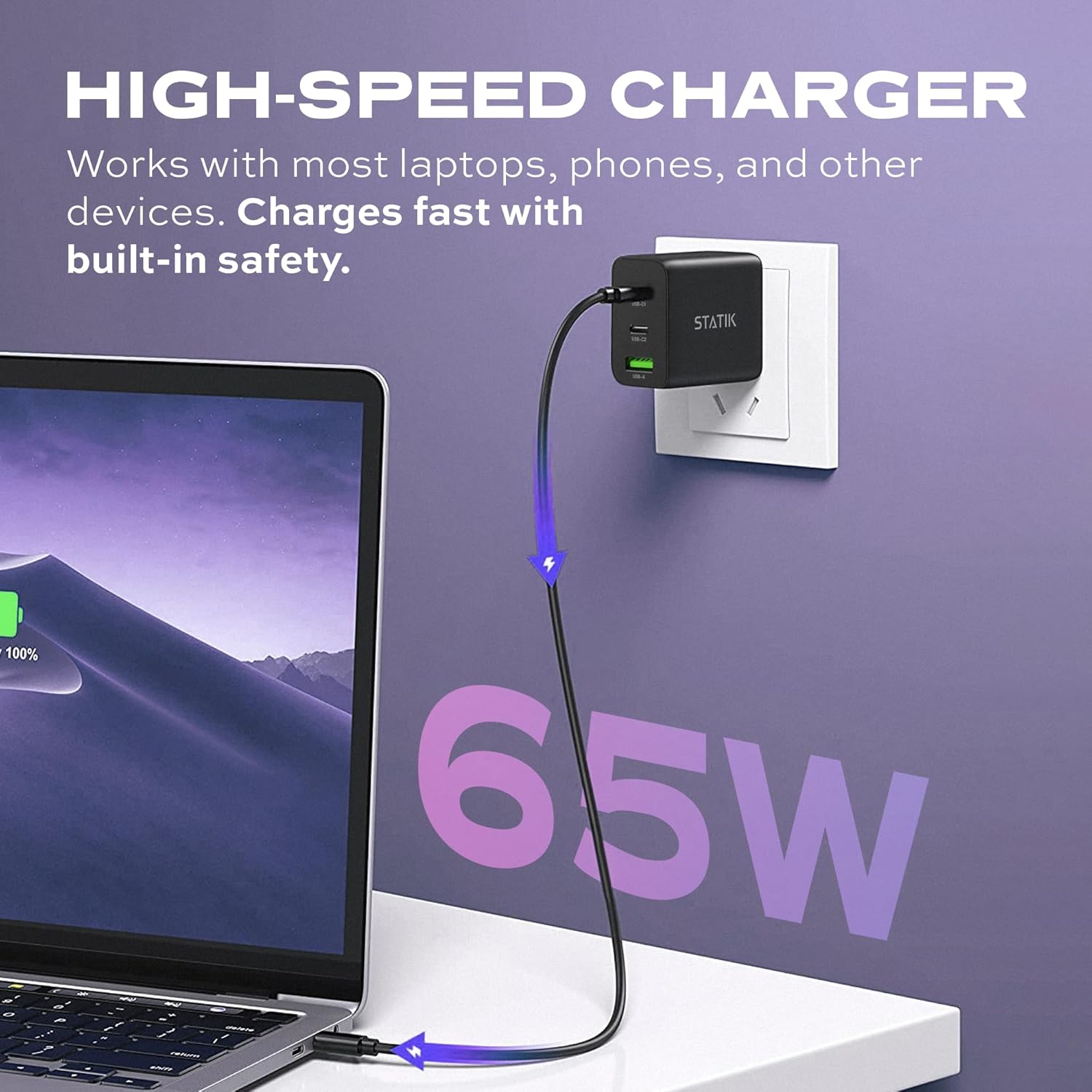
Image: The Statik 65W GaN Charger plugged into a wall socket, with a USB-C cable extending to a laptop, illustrating high-speed charging.
تعليمات التشغيل
The Statik 65W GaN Charger is designed for intelligent power distribution. Here's how to optimize its use:
- شحن جهاز واحد: When only one device is connected, the charger will deliver up to 65W of power through either USB-C port, or up to 18W through the USB-A port, depending on the device's requirements and cable capabilities.
- شحن أجهزة متعددة:
- When two devices are connected (e.g., USB-C1 and USB-C2), the power will be intelligently distributed, typically 45W from USB-C1 and 20W from USB-C2.
- When three devices are connected (USB-C1, USB-C2, and USB-A), the power distribution will adjust, for example, 45W from USB-C1, 7.5W from USB-C2, and 7.5W from USB-A.
- The charger automatically detects the connected devices and adjusts power output to provide optimal and safe charging.
- Smart Overheat & Overcharge Protection: The charger incorporates built-in safeguards to prevent damage from excessive heat or overcharging. You can charge your devices with confidence.

Image: A diagram illustrating the smart energy distribution of the Statik 65W GaN Charger, showing different power outputs across its USB-C and USB-A ports when one, two, or three devices are connected.
العناية والصيانة
To ensure the longevity and optimal performance of your Statik 65W GaN Charger, please follow these maintenance guidelines:
- تنظيف: افصل الشاحن عن مصدر الطاقة قبل التنظيف. استخدم قطعة قماش ناعمة وجافة لمسح السطح. لا تستخدم المنظفات السائلة أو البخاخات.
- تخزين: قم بتخزين الشاحن في مكان بارد وجاف بعيدًا عن أشعة الشمس المباشرة ودرجات الحرارة القصوى.
- التعامل: تجنب إسقاط الشاحن أو تعريضه لصدمات قوية. لا تحاول تفكيكه أو تعديله.
- رُطُوبَة: Keep the charger away from water and other liquids. If it comes into contact with liquid, disconnect it immediately and allow it to dry completely before reuse.
استكشاف الأخطاء وإصلاحها
If you encounter issues with your Statik 65W GaN Charger, refer to the following common problems and solutions:
| مشكلة | السبب المحتمل | حل |
|---|---|---|
| الجهاز لا يشحن. |
|
|
| الشحن البطيء. |
|
|
| الشاحن يشعر بالدفء. |
|
|
مواصفات المنتج
| ميزة | التفاصيل |
|---|---|
| رقم الموديل | PUP-0290 |
| ماركة | ستاتيك |
| انتاج الطاقة | شنومكسو ماكس |
| الموانئ | 2 × USB-C، 1 × USB-A |
| حجم الإدخالtage | 100-240 Volts AC |
| تكنولوجيا | الجاليوم (نيتريد الغاليوم) |
| المميزات الخاصة | Foldable Plug, Lightweight, Portable, Fast Charging, Smart Overheat & Overcharge Protection |
| أبعاد | 4.02 × 4.02 × 1.89 بوصة |
| وزن العنصر | 4.2 أونصات |
| المكونات المضمنة | 65W محول الطاقة GaN |
| الشركة المصنعة | Curv Group LLC |
| بلد المنشأ | الصين |
الضمان والدعم
Statik products are built with quality and reliability in mind. For information regarding warranty coverage and customer support, please refer to the official Statik webالموقع أو اتصل بخدمة العملاء الخاصة بهم مباشرة.
يمكنك زيارة Statik Store on Amazon لمزيد من المعلومات حول المنتج وموارد الدعم.
Ask a question about this manual
Ask about setup, troubleshooting, compatibility, parts, safety, or missing instructions. Manuals+ will review the question and use this page’s manual context to help answer it.