
1. المقدمة
This manual provides detailed instructions for the installation, operation, and programming of the TAXNELE THC30A Digital Programmable Timer Switch. This device is designed for automatic control of various electrical appliances based on user-defined daily and weekly schedules.

Figure 1: TAXNELE THC30A Digital Programmable Timer Switch
2. الميزات الرئيسية
- 7-Day Digital Programmable Timer: Supports daily and weekly programs with a full time range from 1 minute to 168 hours.
- Multiple ON/OFF Settings: Up to 20 ON and 20 OFF settings for precise control.
- التحكم التلقائي: Automatically switches power to connected devices according to programmed schedules.
- واجهة سهلة الاستخدام: Large LCD screen and clear buttons (D+, H+, M+) for easy operation.
- دقة عالية: Equipped with an industrial-grade chip for accurate timing.
- ذاكرة إيقاف التشغيل: Built-in high-performance battery retains timing, display, and data for up to 3 years during power outagإِسْ
- قدرة تحميل عالية: Features a 30A relay for handling significant electrical loads.
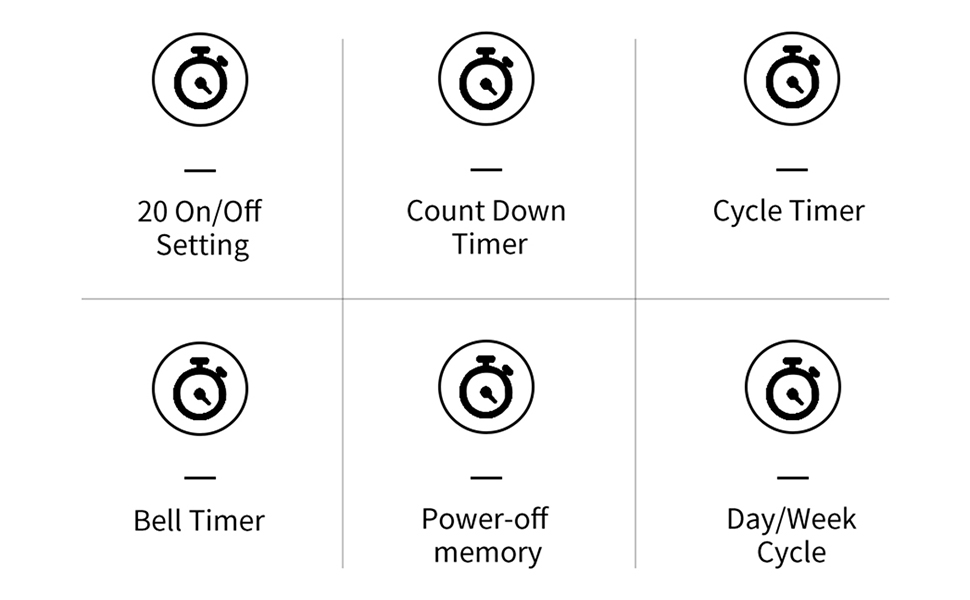
الشكل 2: انتهىview of THC30A Timer Switch Features
3. المواصفات
| نموذج | THC30A |
| المجلدtage | 230 فولت تيار متردد |
| سعة التحميل | 30 أمبير |
| النطاق الزمني | 1 دقيقة إلى 168 ساعات |
| البرامج | 20 ON/20 OFF settings |
| ذاكرة إيقاف التشغيل | Yes, with built-in CR2032 battery (up to 3 years) |
| تثبيت | 35mm DIN Rail Mounted |
| أبعاد | تقريبًا 87 مم (ارتفاع) × 36 مم (عرض) × 65 مم (عمق) |

Figure 3: THC30A Timer Switch Dimensions
4. التثبيت
4.1 احتياطات السلامة
- Ensure power is disconnected before installation to prevent electric shock.
- ينبغي أن يتم التركيب بواسطة كهربائي مؤهل أو شخص ذي خبرة.
- التحقق من المجلدtage and current ratings of your circuit match the timer's specifications.
4.2 التركيب
The THC30A timer switch is designed for 35mm DIN rail mounting. Securely attach the timer to the DIN rail in your electrical panel or enclosure.

Figure 4: THC30A Mounted on a DIN Rail
4.3 مخطط الأسلاك
Connect the timer according to the wiring diagram below. Ensure correct polarity for input (IN) and output (OUT) terminals. The input terminals are typically labeled 'N' (Neutral) and 'L' (Live), and the output terminals are also 'N' and 'L' for connecting to the load.

Figure 5: Simplified Wiring Diagram for THC30A
Connect the incoming power supply to the 'IN' terminals (N and L). Connect the device to be controlled to the 'OUT' terminals (N and L).
5. تعليمات التشغيل
5.1 Initial Setup and Reset
Upon first use or after a prolonged power-off, the display may be blank. Press the إعادة ضبط button (often recessed, may require a pointed object) to initialize the timer. The LCD will display the current time (e.g., 0:00) and "AUTO".

Figure 6: Front Panel with Buttons and LCD Screen
- مؤشر العمل: LED light indicating operation status.
- شاشة LCD: Displays time, day, and program status.
- زر المؤقت: Used to enter programming mode.
- زر الساعة: Used to set current time and day.
- D+ Button: يُعدّل يوم الأسبوع.
- H+ Button: يضبط الساعة.
- M+ Button: يضبط الدقيقة.
- ON/AUTO/OFF Button (Manual): Cycles through ON, AUTO, and OFF modes.
- زر إعادة الضبط: Clears all settings and resets the timer.
5.2 ضبط الوقت واليوم الحاليين
- اضغط مع الاستمرار على ساعة زر.
- بينما يحمل ساعة، يضعط D+ to set the current day of the week (MON, TUE, WED, THU, FRI, SAT, SUN).
- بينما يحمل ساعة، يضعط H+ لضبط الساعة الحالية (0-23).
- بينما يحمل ساعة، يضعط M+ لضبط الدقيقة الحالية (0-59).
- أطلق سراح ساعة زر. تم الآن ضبط الوقت واليوم الحاليين.
5.3 التجاوز اليدوي (تشغيل/تلقائي/إيقاف)
اضغط على يدوي button (often labeled ON/AUTO/OFF) to cycle through the following modes:
- على: The timer output is continuously ON, overriding all programmed schedules.
- OFF: The timer output is continuously OFF, overriding all programmed schedules.
- تلقاءي: The timer operates according to the programmed ON/OFF schedules. This is the standard operating mode for automatic control.
6. برمجة جداول التشغيل/الإيقاف
The THC30A supports up to 20 ON and 20 OFF programs. Follow these steps to set your desired schedules:
- اضغط على الموقت button once. The display will show "1 ON" (or the next available program number).
- يضعط D+ to select the day(s) for this "ON" program. You can choose individual days, weekdays, weekends, or all 7 days.
- يضعط H+ لضبط الساعة لوقت "التشغيل".
- يضعط M+ لضبط الدقيقة لوقت "التشغيل".
- اضغط على الموقت اضغط على الزر مرة أخرى. ستظهر على الشاشة عبارة "1 OFF".
- Repeat steps 2-4 to set the day(s), hour, and minute for the corresponding "OFF" time.
- استمر في الضغط على ملف الموقت button to cycle through "2 ON", "2 OFF", and so on, up to "20 ON" and "20 OFF". Repeat steps 2-6 for each program.
- بعد ضبط جميع البرامج المطلوبة، اضغط على ساعة اضغط على الزر للخروج من وضع البرمجة والعودة إلى عرض الوقت الحالي. تأكد من أن المؤقت في وضع التشغيل. آلي الوضع المناسب لتنفيذ البرامج.
To clear a specific program, navigate to that program (e.g., "5 ON") and press the إعادة ضبط button. This will clear both the ON and OFF times for that program number.
7. الصيانة
The THC30A timer switch requires minimal maintenance.
- تنظيف: امسح السطح الخارجي بقطعة قماش ناعمة وجافة. لا تستخدم منظفات أو مذيبات كاشطة.
- بطارية: The internal CR2032 battery provides power-off memory. If the timer frequently loses settings during power outages, the battery may need replacement. This typically requires professional service.
- بيئة: Ensure the timer is installed in a dry, well-ventilated area, away from direct sunlight, extreme temperatures, and corrosive environments.

Figure 7: Power-Off Memory Function with Internal Battery
8. استكشاف الأخطاء وإصلاحها
| مشكلة | السبب المحتمل | حل |
|---|---|---|
| العرض فارغ. | No power supply; Timer needs initialization. | تحقق من توصيلات الطاقة. اضغط على إعادة ضبط زر. |
| لا يقوم المؤقت بالتشغيل/الإيقاف في الأوقات المبرمجة. | Timer is not in AUTO mode; Incorrect program settings; Overlapping programs. | يضعط يدوي حتى تظهر كلمة "تلقائي". إعادةview and correct program settings. Ensure ON/OFF times do not conflict. |
| تُفقد الإعدادات بعد انقطاع التيار الكهربائيtage. | البطارية الداخلية منخفضة أو فارغة. | The internal battery may need replacement. Contact customer support if this issue persists. |
| Output is always ON or always OFF. | Timer is in manual ON or OFF mode. | يضعط يدوي حتى يتم عرض كلمة "AUTO". |
9. الضمان والدعم
This product comes with a standard manufacturer's warranty. For specific warranty details, please refer to the product packaging or contact your retailer. For technical support or inquiries, please reach out to TAXNELE customer service through your purchase platform or the official TAXNELE webموقع.