
1. المقدمة
This manual provides detailed instructions for the operation and maintenance of your fojep K9 Pro Bone Conduction Headphones. Please read this manual thoroughly before using the product to ensure proper function and longevity.
The fojep K9 Pro is a versatile audio device featuring bone conduction technology, IP68 waterproofing, Bluetooth connectivity, and an integrated 32GB MP3 player. It is designed for various activities including swimming, running, cycling, and general fitness.
2. انتهى المنتجview
The fojep K9 Pro headphones utilize bone conduction to deliver sound, keeping your ears open to ambient sounds. They are designed for comfort and durability in various environments.

Image 2.1: fojep K9 Pro Bone Conduction Headphones. This image shows the headphones partially submerged in water, highlighting their waterproof design. The control buttons are visible on the left side.
2.1 الميزات الرئيسية
- تقنية التوصيل العظمي: Delivers sound through cheekbones, leaving ear canals open.
- تصنيف مقاومة الماء IP68: Suitable for swimming and submersion up to two meters for two hours.
- Built-in 32GB MP3 Player: Store music directly on the device for use without a phone, especially useful for swimming.
- الاتصال عبر البلوتوث: بث الصوت لاسلكيًا من الأجهزة المتوافقة.
- 7 ساعة من اللعب: عمر بطارية ممتد لاستخدام طويل الأمد.
- ENC Noise Canceling Microphone: يحسّن وضوح المكالمات عن طريق تقليل الضوضاء المحيطة.
- تصميم خفيف الوزن ومريح: Ergonomic fit for extended wear during physical activities.
3. الإعداد والاستخدام الأولي
3.1 محتويات العبوة
تأكد من وجود جميع العناصر في العبوة:
- fojep K9 Pro Bone Conduction Headphones
- كابل الشحن
- دليل المستخدم (هذا المستند)
- Ear Plugs (for use in noisy environments)
3.2 شحن سماعات الرأس
- قم بتوصيل كابل الشحن بمنفذ الشحن الموجود على سماعات الرأس.
- قم بتوصيل الطرف الآخر من الكابل بمحول طاقة USB (غير متضمن) أو بمنفذ USB الخاص بالكمبيوتر.
- سيُظهر مؤشر LED حالة الشحن. يستغرق الشحن الكامل عادةً حوالي ساعة ونصف.
- بمجرد الشحن بالكامل ، افصل كابل الشحن.
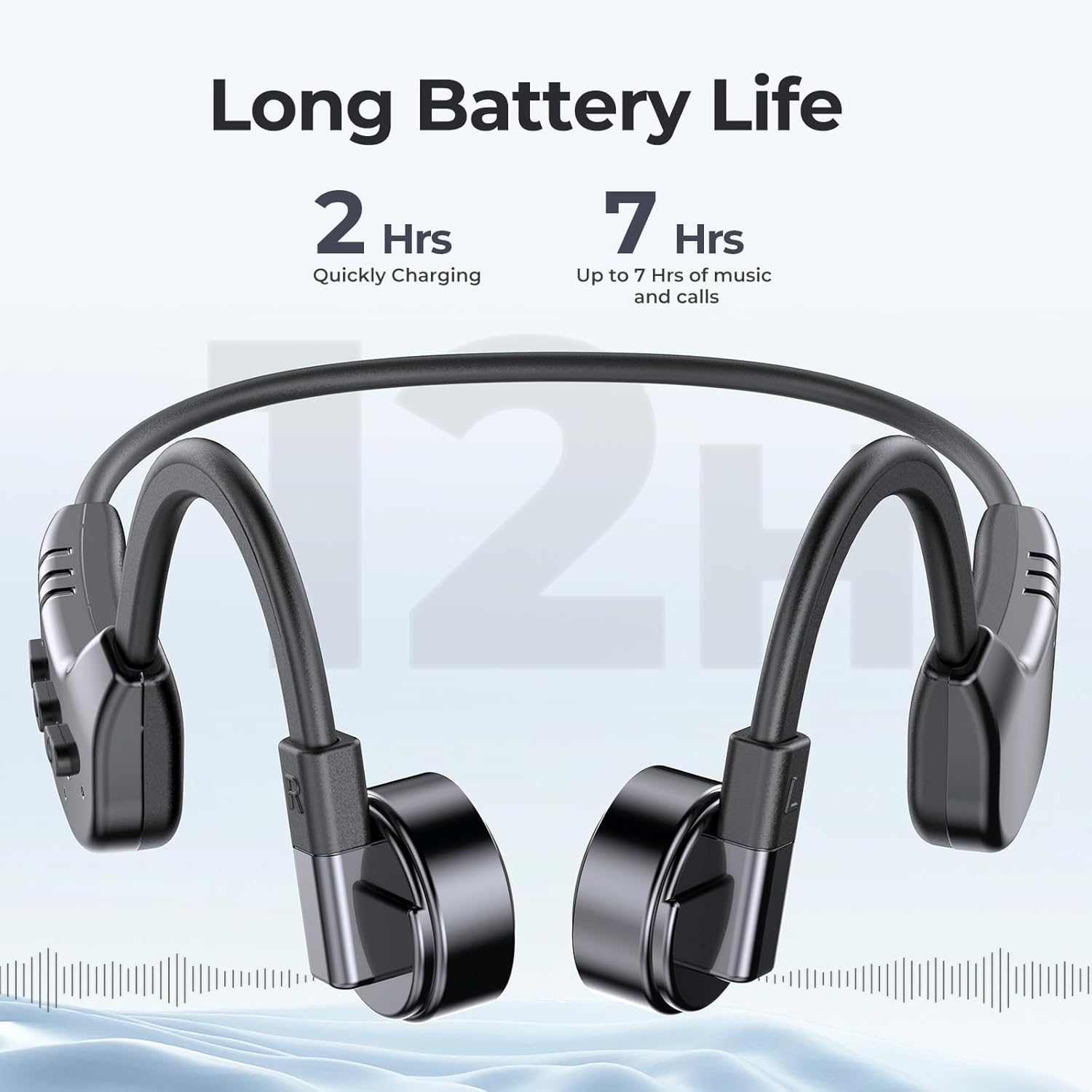
Image 3.1: fojep K9 Pro headphones with battery life indication. This image illustrates the headphones and highlights their quick charging time (2 hours) and extended playtime (7 hours).
3.3 تشغيل/إيقاف التشغيل
- تشغيل الطاقة: اضغط مع الاستمرار على زر التشغيل حتى يضيء مؤشر LED.
- إيقاف التشغيل: اضغط مع الاستمرار على زر الطاقة حتى ينطفئ مؤشر LED.
4. تعليمات التشغيل
4.1 ارتداء سماعات الرأس
Place the headphones with the transducers resting on your cheekbones, just in front of your ears. The band should wrap around the back of your head.
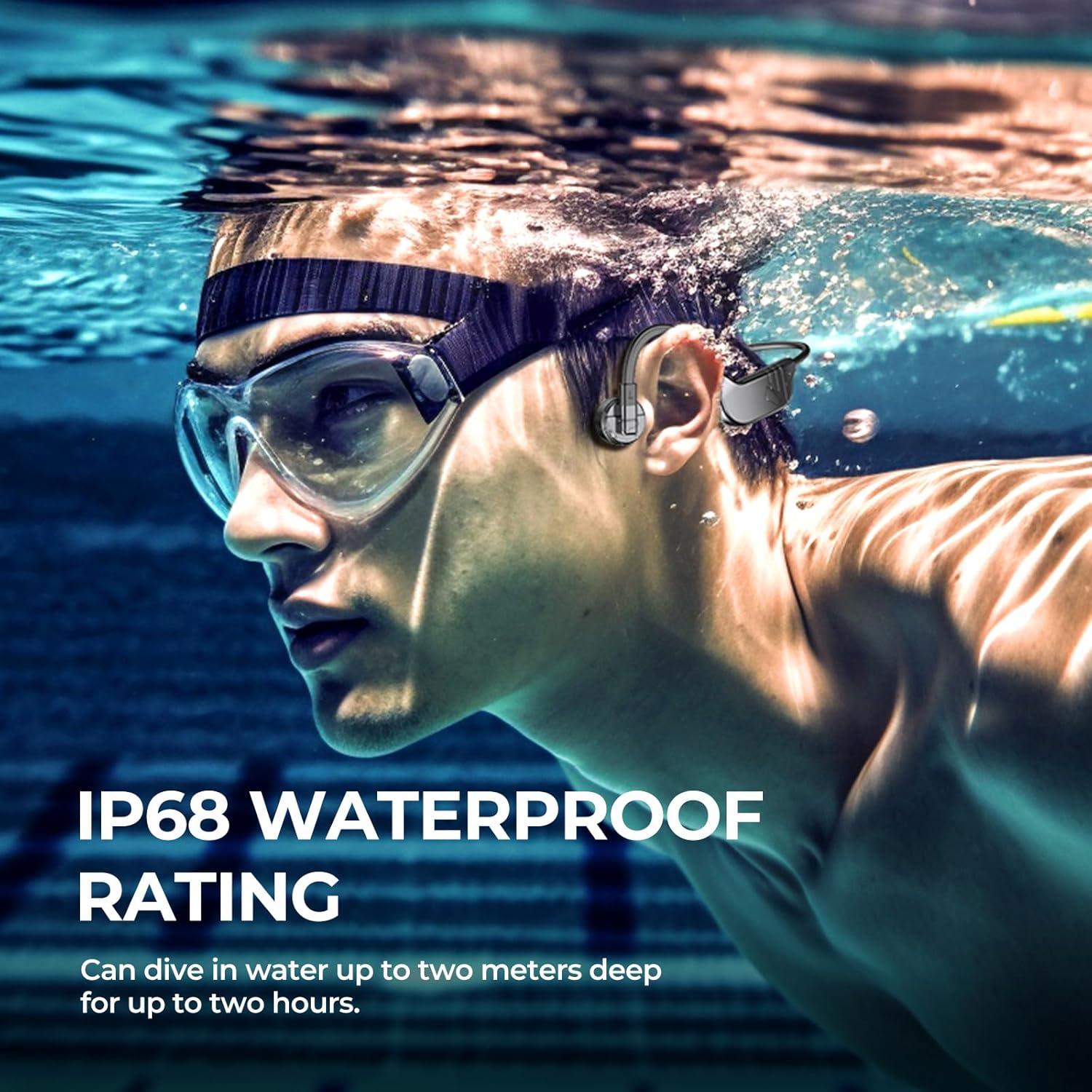
Image 4.1: User wearing fojep K9 Pro headphones during swimming. This image demonstrates the proper placement of the headphones on the head, with the transducers resting on the cheekbones, and highlights the IP68 waterproof rating.
4.2 وضع Bluetooth
- الاقتران: With the headphones powered off, press and hold the Power button for approximately 5-7 seconds until the LED indicator flashes red and blue, indicating pairing mode.
- On your device (smartphone, tablet, etc.), enable Bluetooth and search for "fojep K9 Pro" (or similar name).
- اختر سماعات الرأس المراد توصيلها. سيتحول مؤشر LED إلى اللون الأزرق الثابت بمجرد التوصيل.
- ملحوظة: Bluetooth signals may be affected underwater. For swimming, use MP3 mode.
4.3 MP3 Player Mode (Built-in 32GB Memory)
The headphones have a built-in 32GB memory for storing audio files, ideal for activities where Bluetooth connectivity is limited, such as swimming.
- نقل Files: Connect the headphones to a computer using the charging cable. The headphones will appear as a removable drive.
- اسحب وأفلِت الصوت الخاص بك files (e.g., MP3 format) into the headphones' storage folder.
- Safely eject the headphones from your computer.
- أوضاع التحويل: Refer to the control buttons section for switching between Bluetooth and MP3 modes.

Image 4.2: User enjoying music with fojep K9 Pro headphones, highlighting the 32GB internal storage. This image shows a woman wearing the headphones, emphasizing the convenience of storing music directly on the device.
4.4 أزرار تحكم
The headphones feature intuitive control buttons for managing playback, volume, and calls.
- زر الطاقة: تشغيل/إيقاف الطاقة، ثم الدخول إلى وضع الاقتران.
- رفع الصوت (+): زيادة مستوى الصوت، المسار التالي (الضغط لفترة طويلة).
- اخفض الصوت (-): خفض مستوى الصوت، المسار السابق (الضغط لفترة طويلة).
- Multi-function Button (often integrated with Power or a dedicated button): Play/Pause, Answer/End Call, Switch between Bluetooth/MP3 mode (specific press sequence may vary, refer to quick start guide if provided separately).

Image 4.3: Close-up of fojep K9 Pro headphone control buttons. This image details the physical buttons on the headphone unit, including power, volume, and potentially a multi-function button.
4.5 إجراء واستقبال المكالمات
عند الاتصال بالهاتف الذكي عبر البلوتوث:
- الرد على المكالمة: اضغط على الزر متعدد الوظائف مرة واحدة.
- إنهاء المكالمة: اضغط على زر الوظائف المتعددة مرة واحدة أثناء المكالمة.
- رفض المكالمة: اضغط مع الاستمرار على الزر متعدد الوظائف لمدة ثانيتين.
- مساعد صوت: Double-press the Multi-function button (if supported by your device).
5. الصيانة والعناية
- تنظيف: امسح السماعات بقطعة ناعمة، دamp قماش. لا تستخدم مواد كيميائية قاسية أو منظفات كاشطة.
- تخزين: قم بتخزين سماعات الرأس في مكان بارد وجاف بعيدًا عن أشعة الشمس المباشرة ودرجات الحرارة القصوى.
- التعرض للماء: While IP68 rated, it is recommended to rinse the headphones with fresh water after use in chlorinated or saltwater and allow them to dry completely before charging.
- منفذ الشحن: تأكد من جفاف منفذ الشحن قبل توصيل كابل الشحن لمنع حدوث أي تلف.
6. استكشاف الأخطاء وإصلاحها
| مشكلة | الحل المحتمل |
|---|---|
| لا يتم تشغيل سماعات الرأس. | تأكد من شحن سماعات الرأس بالكامل. وصّلها بمصدر طاقة وتحقق من مؤشر الشحن. |
| لا يمكن الاقتران عبر البلوتوث. |
|
| لا يوجد صوت أو مستوى الصوت منخفض. |
|
| Bluetooth signal drops underwater. | This is expected behavior. Use the built-in MP3 player mode for underwater listening. |
| Cannot transfer MP3 files. |
|
7. المواصفات
| ميزة | التفاصيل |
|---|---|
| اسم الموديل | كيه 9 برو |
| ماركة | فوجيب |
| تكنولوجيا الاتصال | لاسلكي (بلوتوث) |
| تكنولوجيا الاتصالات اللاسلكية | بلوتوث |
| مستوى مقاومة الماء | IP68 مقاوم للماء |
| الذاكرة المدمجة | مشغل MP32 سعة 3 جيجا بايت |
| عمر البطارية | حتى ساعتين |
| وقت الشحن | حوالي ساعتين |
| طريقة التحكم | اللمس والتحكم الصوتي |
| تنسيق الميكروفون | Built-In with ENC Noise Canceling |
| وضع الأذن | أذن مفتوحة |
| وزن العنصر | 200 جرام |
| مادة | بلاستيك |
8. الضمان والدعم
For warranty information and customer support, please refer to the product packaging or contact fojep customer service through their official webالموقع أو المتجر الذي اشتريت منه المنتج. احتفظ بإثبات الشراء لطلبات الضمان.
الموارد المتاحة على الإنترنت: For additional support, FAQs, and product updates, visit the official fojep webموقع.
9. معلومات السلامة
- لا تحاول تفكيك سماعات الرأس أو تعديلها.
- Avoid exposing the headphones to extreme temperatures or direct flame.
- يحفظ بعيدًا عن متناول الأطفال.
- استخدم فقط كابلات ومحولات الشحن المعتمدة.
- Be aware of your surroundings when using the headphones, especially during outdoor activities, due to the open-ear design.