
MARK ADLER Xeno 4.1
MARK ADLER Xeno 4.1 Electric Height-Adjustable Desk Frame
Model: Xeno 4.1 | Brand: MARK ADLER
مقدمة
This manual provides essential instructions for the assembly, operation, and maintenance of your MARK ADLER Xeno 4.1 Electric Height-Adjustable Desk Frame. Please read this manual thoroughly before use to ensure safe and efficient operation.
The MARK ADLER Xeno 4.1 desk frame offers a flexible workspace solution, allowing you to switch between sitting and standing positions. Its robust construction and intuitive controls are designed for comfort and stability in various work environments.
معلومات السلامة
- تأكد من تثبيت جميع المكونات بشكل آمن قبل الاستخدام.
- لا تتجاوز سعة الحمولة القصوى البالغة 70 كجم (154 رطلاً).
- أبقِ الأطفال والحيوانات الأليفة بعيداً عن المكتب أثناء تعديل ارتفاعه.
- تجنب وضع السوائل مباشرة على لوحة التحكم أو مكونات المحرك.
- افصل الطاقة قبل التنظيف أو إجراء أي صيانة.
- استخدم فقط محول الطاقة والمكونات المقدمة.
- If any unusual noise or malfunction occurs, immediately stop operation and disconnect power.
محتويات الحزمة
Verify that all parts are present before beginning assembly. Refer to the included assembly guide for a detailed list of components.
- Electric Height-Adjustable Desk Frame components
- Control Panel with Memory Function
- محول الطاقة
- دليل التجميع
- Necessary Screws and Tools (Screwdriver recommended for assembly)
الإعداد والتجميع
Follow these general steps for assembling your MARK ADLER Xeno 4.1 desk frame. A detailed assembly guide is included with your product.
- فك مكونات الحزمة: قم بإزالة جميع الأجزاء من العبوة بعناية وضعها على سطح نظيف ومستوٍ.
- تركيب الأرجل والقدمين: Attach the desk legs to the feet using the provided screws. Ensure they are stable and level.
- وصل العارضة المتقاطعة: Attach the adjustable crossbar between the two leg assemblies. Adjust the width to match your desired tabletop size (90 to 160 cm).
- تركيب المحرك وصندوق التحكم: Secure the motor and control box to the frame according to the assembly guide.
- إرفاق لوحة التحكم: Mount the LED control panel in an accessible location on the frame.
- التوصيلات الكهربائية: Connect all cables from the motor, control panel, and power adapter to the control box. Ensure all connections are secure.
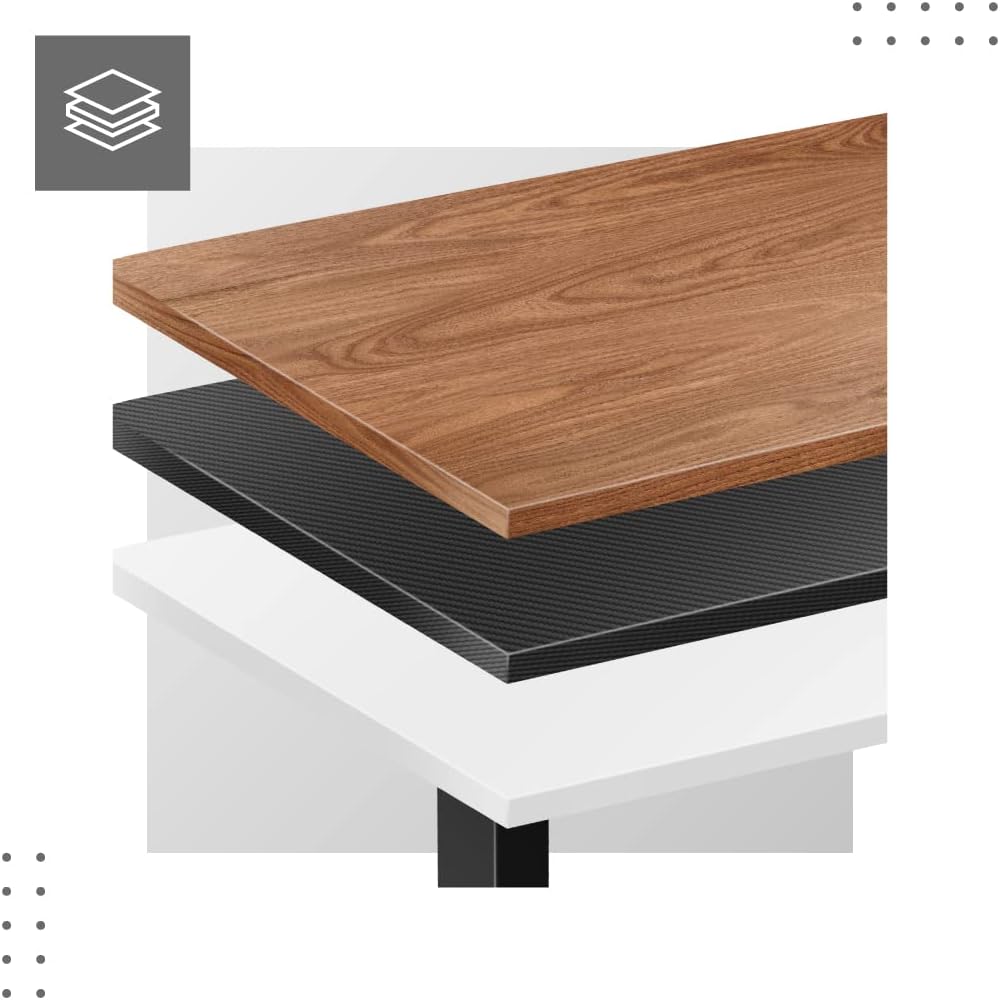
- Attach Tabletop (Not Included): Place your tabletop (90-160 cm width recommended) onto the assembled frame and secure it using appropriate screws (not included with frame).
- الطاقة الأولية: Plug the power adapter into a wall outlet. The desk is now ready for calibration.
الأبعاد والتوافق:

تعليمات التشغيل
The MARK ADLER Xeno 4.1 features an intuitive LED control panel for easy height adjustment and memory functions.


ضبط الارتفاع الأساسي
- استخدم أعلى (▲) arrow button to raise the desk to your desired standing height.
- استخدم لأسفل (▼) arrow button to lower the desk to your desired sitting height.
- سيتم عرض الارتفاع الحالي على شاشة LED.
ضبط إعدادات الذاكرة المسبقة
يُتيح لك المكتب حفظ ما يصل إلى ثلاثة إعدادات ارتفاع مفضلة.
- قم بضبط المكتب على الارتفاع المطلوب باستخدام الأزرار لأعلى/لأسفل.
- اضغط على "س" (Save) button. The display will show "S-".
- في غضون 3 ثوانٍ، اضغط على أحد أزرار الذاكرة ("1", "2"، أو "3"). تم الآن حفظ الارتفاع الحالي في هذا الإعداد المسبق.
استدعاء إعدادات الذاكرة المسبقة
- ما عليك سوى الضغط على زر الذاكرة المطلوبة ("1", "2"، أو "3").سيتم نقل المكتب تلقائيًا إلى الارتفاع المحفوظ.
Initial Calibration / Reset
If the desk does not operate correctly or displays an error code, a reset may be required.
- اضغط مع الاستمرار على لأسفل (▼) button until the desk reaches its lowest position and then slightly rises. Release the button.
- If the issue persists, disconnect the power for 10 seconds, then reconnect and attempt the reset procedure again.
صيانة
- تنظيف: امسح إطار المكتب بقطعة قماش ناعمة و...amp cloth. Avoid abrasive cleaners or solvents. Ensure the control panel and electrical components remain dry.
- إدارة الكابلات: Regularly check and organize cables to prevent tangles or damage, especially during height adjustments.
- فحص المثبتات: افحص جميع البراغي والصواميل دوريًا للتأكد من إحكام ربطها. أعد ربطها إذا لزم الأمر.
- تشحيم: The electric lifting mechanism is generally maintenance-free. Do not attempt to lubricate internal components unless specifically instructed by the manufacturer.
استكشاف الأخطاء وإصلاحها
| مشكلة | السبب المحتمل | حل |
|---|---|---|
| المكتب لا يتحرك. | Power cable disconnected; Overload; Motor overheating; Control panel issue. | Check power connection. Reduce load. Allow motor to cool down. Perform a reset (see Operating Instructions). |
| Uneven movement or desk tilting. | Uneven load distribution; Loose fasteners. | Distribute weight evenly on the tabletop. Check and tighten all assembly screws. |
| تم عرض رمز الخطأ على لوحة التحكم. | System malfunction; Overload; Sensor issue. | Perform a reset (see Operating Instructions). If the error persists, contact customer support. |
| إعدادات الذاكرة المسبقة لا تعمل. | لم يتم حفظ الإعدادات المسبقة بشكل صحيح. | Re-save your desired height presets (see Operating Instructions). |
تحديد
| ميزة | التفاصيل |
|---|---|
| اسم الموديل | Xeno 4.1 Black |
| ماركة | مارك أدلر |
| نطاق تعديل الارتفاع | 72 سم - 118 سم (28.3 بوصة - 46.5 بوصة) |
| نطاق تعديل العرض | 84 سم - 129 سم (33.1 بوصة - 50.8 بوصة) |
| Recommended Tabletop Width | 90 سم - 160 سم (35.4 بوصة - 63 بوصة) |
| الحد الأقصى لسعة التحميل | 70 كجم (154 رطل) |
| مادة الإطار | معدن |
| لون | أسود |
| لوحة التحكم | LED with 3 Memory Presets |
| نوع المحرك | Electric, Smooth Operation |
| مطلوب التجميع | نعم |
| الأدوات الموصى بها | مفك البراغي |
| وزن العنصر | 17 كجم (37.5 رطل) |
| الشركة المصنعة | Meester Group sp. z o.o. |
الضمان والدعم
For warranty information and customer support, please refer to the official MARK ADLER webالموقع أو تواصل مع بائع التجزئة. احتفظ بإيصال الشراء كإثبات للشراء في حال وجود أي مطالبات بالضمان.
الشركة المصنعة: Meester Group sp. z o.o.
ASIN: B0C66DP9NT
لمزيد من المساعدة، يرجى زيارة صفحة المنتج على أمازون or contact MARK ADLER customer service.
Ask a question about this manual
Ask about setup, troubleshooting, compatibility, parts, safety, or missing instructions. Manuals+ will review the question and use this page’s manual context to help answer it.