
مقدمة
Thank you for choosing the Eightree Smart Wi-Fi Plug. This device allows you to control your electronic appliances remotely, monitor energy consumption, and automate your home with smart schedules. It supports both 2.4GHz and 5GHz Wi-Fi networks for stable and fast connectivity. Please read this manual carefully before use to ensure proper operation and safety.
معلومات السلامة
- لا تقم بتفكيك الجهاز أو تعديله.
- لا تعرض الجهاز للماء أو الرطوبة العالية.
- يحفظ بعيدًا عن متناول الأطفال.
- Ensure the connected appliance's power rating does not exceed the smart plug's maximum load (3680W, 16A).
- استخدمه فقط في البيئات الداخلية الجافة.
محتويات الحزمة
تتضمن الحزمة:
- Eightree Smart Wi-Fi Plugs (4-pack)
- دليل المستخدم
مميزات المنتج
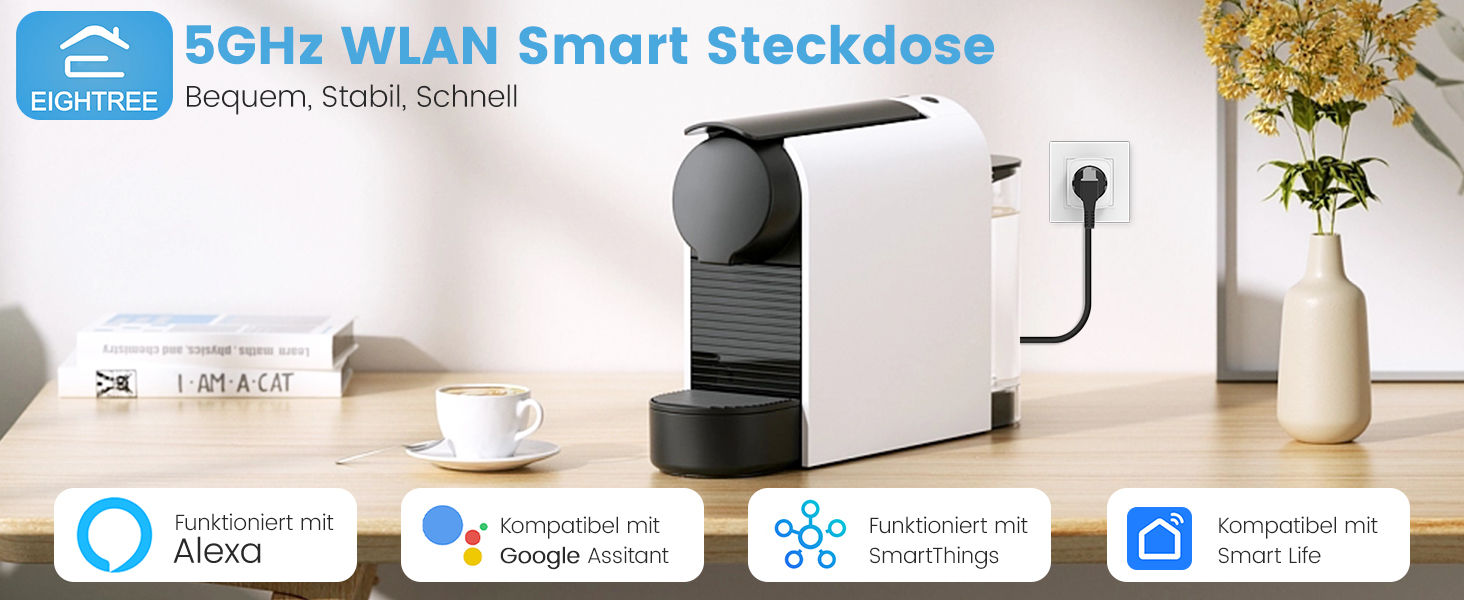
الصورة: أكثر منview of Eightree Smart Plug features including energy monitoring, voice control, remote control, timers, device sharing, and group control.
- مراقبة الطاقة: Track power consumption and estimate electricity costs.
- شبكة Wi-Fi مزدوجة النطاق: Compatible with both 2.4GHz and 5GHz Wi-Fi networks for enhanced stability and faster response.
- جهاز التحكم عن بعد: Control devices from anywhere using the Smart Life app.
- التحكم الصوتي: Works with Alexa and Google Home for hands-free operation.
- المؤقتات والجداول الزمنية: Set custom schedules and timers for automated device operation.
- تصدير البيانات: Export detailed energy consumption data in PDF format.
يثبت
1. قم بتنزيل تطبيق Smart Life
بحث عن "Smart Life" in the App Store (iOS) or Google Play Store (Android) and download the application. Register or log in to your account.

Image: Smart Life app icon with links to download from App Store and Google Play.
2. قم بتوصيل القابس الذكي
Plug the Eightree Smart Wi-Fi Plug into a standard wall outlet. The indicator light on the plug should start blinking rapidly, indicating it's in pairing mode.
3. Add Device in Smart Life App
- افتح تطبيق Smart Life.
- Tap the "+" icon in the top right corner or "Add Device".
- The app should automatically detect the smart plug via Bluetooth. If not, select "Electrical" -> "Socket (Wi-Fi)".
- Confirm the indicator light is blinking rapidly.
- حدد شبكة Wi-Fi الخاصة بك (تدعم كلاً من 2.4 جيجاهرتز و 5 جيجاهرتز) وأدخل كلمة المرور.
- Wait for the device to connect. Once connected, you can rename the plug.
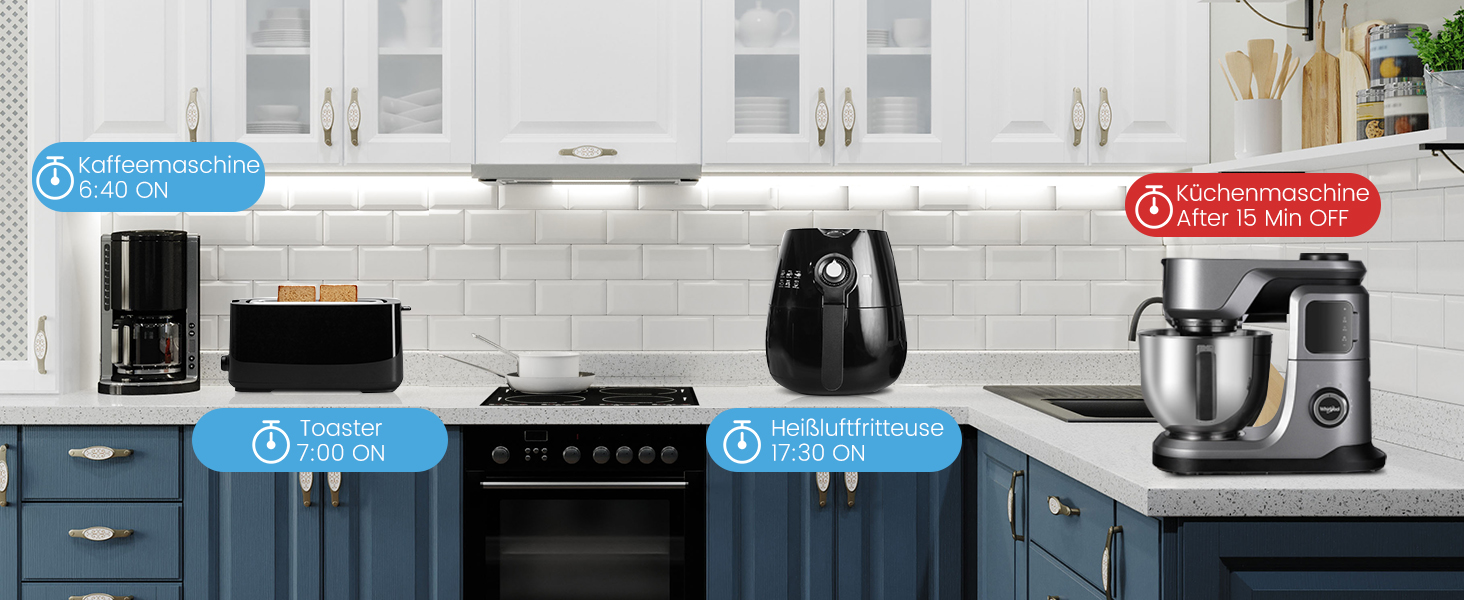
Image: Visual guide for easy installation, showing the Smart Life app detecting the plug and connecting to either 2.4GHz or 5GHz Wi-Fi.
تعليمات التشغيل
التحكم اليدوي
اضغط على زر الطاقة الموجود على القابس الذكي لتشغيل الجهاز المتصل أو إيقاف تشغيله يدويًا.
Remote Control via Smart Life App
Open the Smart Life app, select the desired smart plug, and tap the power icon to toggle the appliance on or off from anywhere with an internet connection.
التحكم الصوتي (أليكسا/جوجل هوم)
Integrate your Eightree Smart Plugs with Amazon Alexa or Google Home for hands-free control. Follow the instructions in the Smart Life app to link your account with your voice assistant.
الصورة: السابقample of voice control using a smart speaker to turn on a lamp متصل بالقابس الذكي.
تشمل الأوامر الصوتية الشائعة ما يلي:
- "أليكسا، شغّلي [اسم الجهاز]"
- "يا جوجل، أوقف تشغيل [اسم الجهاز]"
مراقبة الطاقة
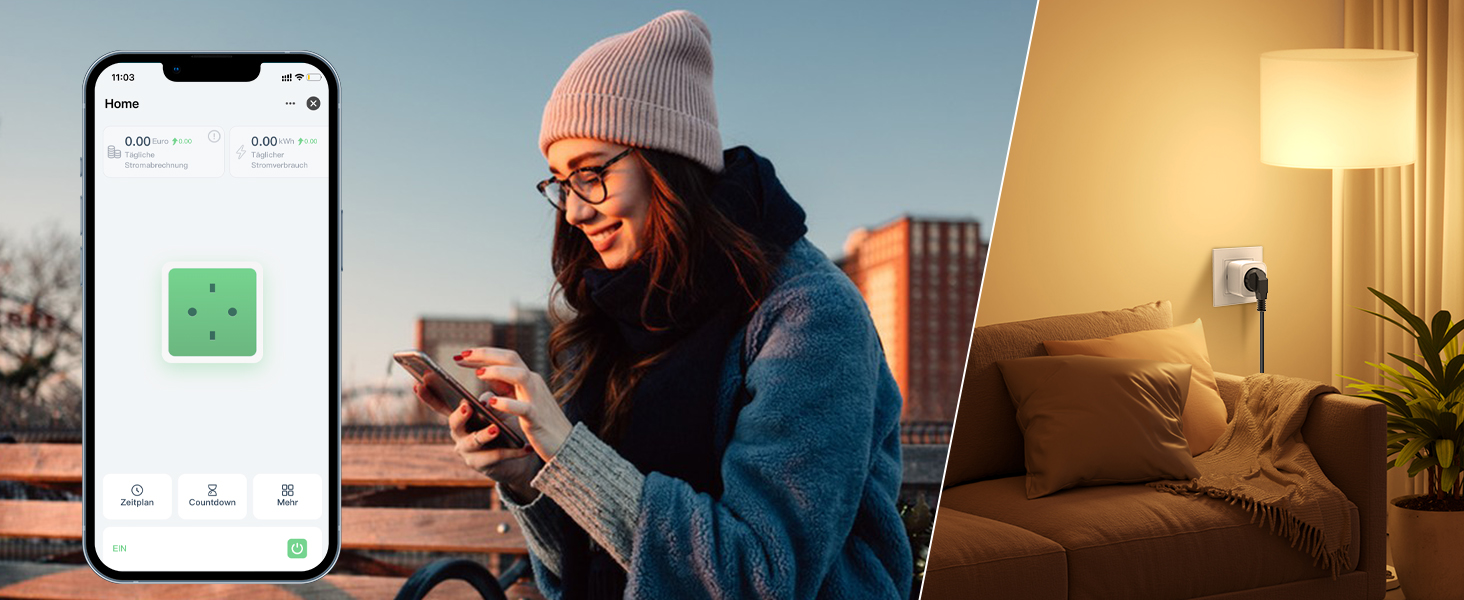
The Eightree Smart Wi-Fi Plug provides real-time energy consumption data. In the Smart Life app, select your plug to view detailed statistics on power usage (kWh) and estimated electricity costs. This feature helps you understand and manage your energy consumption.
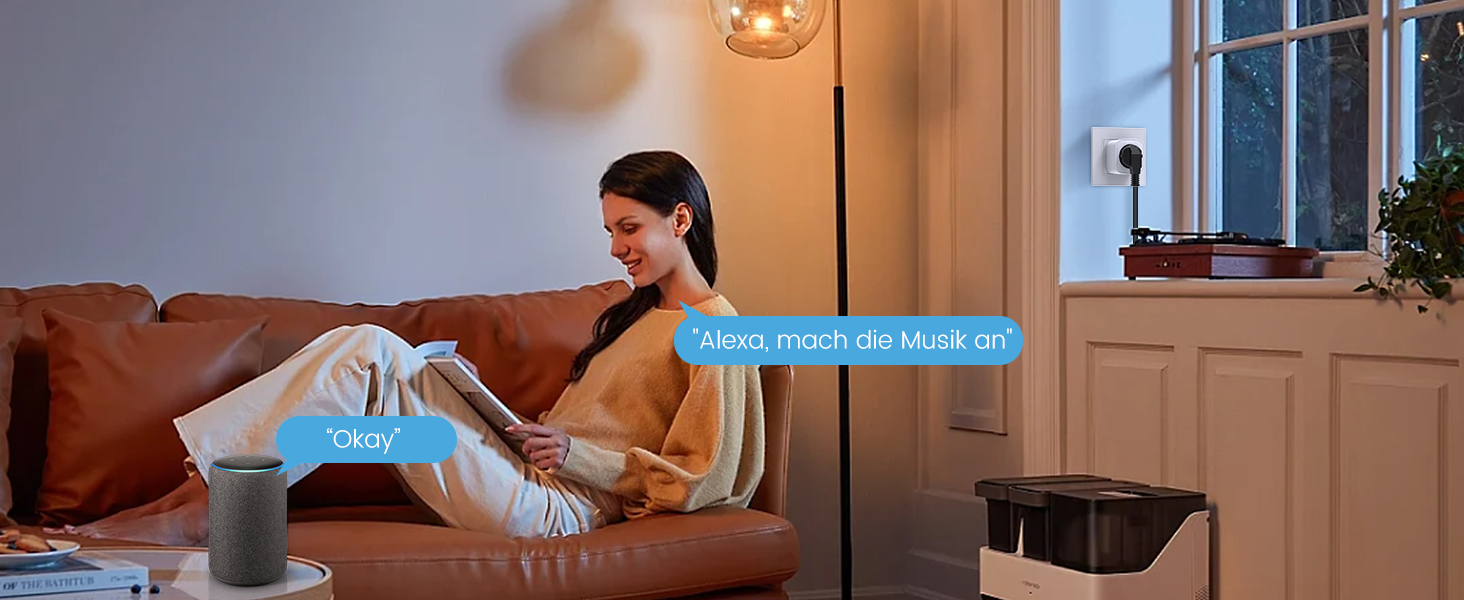
Image: Screenshot of the Smart Life app displaying energy consumption graphs and cost estimates for the smart plug.
You can also export this data in PDF format for further analysis, helping you identify potential energy-saving measures.
الموقتات والجداول
Automate your devices by setting custom timers and schedules through the Smart Life app. This allows appliances to turn on or off at specific times, simplifying your daily routine and conserving energy.
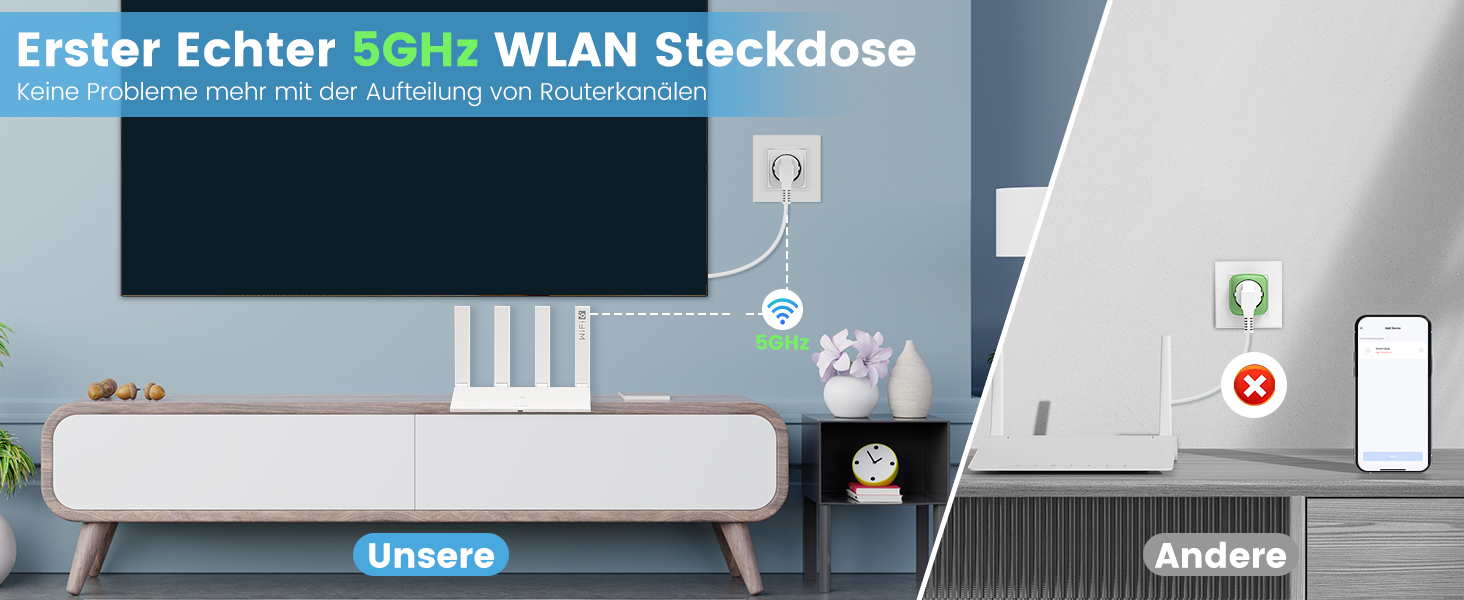
Image: Illustration of setting timers and schedules for various appliances, such as a humidifier and television.
لتعيين جدول:
- In the Smart Life app, select the desired smart plug.
- Tap on "Schedule" or "Timer".
- Set the desired time, action (On/Off), and repeat days.
- احفظ الجدول الزمني.
صيانة
- Clean the smart plug with a dry, soft cloth.
- لا تستخدم كيماويات مركزة أو منظفات كاشطة.
- Ensure the plug is disconnected from the power outlet before cleaning.
استكشاف الأخطاء وإصلاحها
| مشكلة | السبب المحتمل | حل |
|---|---|---|
| لا يتصل القابس بشبكة الواي فاي | Incorrect Wi-Fi password, wrong network (e.g., 5GHz only router not configured for 2.4GHz if plug is 2.4GHz only, but this plug supports both), plug too far from router. |
|
| الجهاز لا يعمل/يتوقف | Plug is off, appliance is off, power outage, appliance malfunction. |
|
| التحكم الصوتي لا يعمل | Incorrect device name, voice assistant not linked, internet connection issue. |
|
تحديد
| ماركة | ثمانية |
| رقم الموديل | إي تي 25 |
| الأبعاد (الطول × العرض × الارتفاع) | 22.2 × 5.4 × 8.5 سم |
| وزن | 390 جرام |
| مادة | أكريلونيتريل بوتادين ستايرين (ABS) |
| أقصى قوة | 3680 واط |
| التقييم الحالي | 16 أ |
| حجم التشغيلtage | 230 فولت (تيار متردد) |
| التوافق مع شبكة Wi-Fi | 2.4 جيجاهرتز و 5 جيجاهرتز |
| الشهادات | CE, RoHS, WEEE, FCC, ETL |
| البطاريات المطلوبة | لا |
الضمان والدعم

Image: Eightree commitment to quality, showing product certifications and warranty information.
Eightree products are designed for reliability and performance. This product comes with a ضمان لمدة 24 شهرًا بدون قلق from the date of purchase. All products are certified by FCC and ETL, ensuring high safety and quality standards.
For technical support, warranty claims, or any questions regarding your Eightree Smart Wi-Fi Plug, please contact our customer service. We are committed to providing fast service to ensure a great user experience.
Please refer to the contact information provided on the product packaging or the official Eightree webموقع للحصول على تفاصيل الدعم.