
1. المقدمة
Thank you for choosing the EBTOOLS A9 Magnetic 1080P Mini Camera. This compact and versatile camera is designed for home, office, or courtyard monitoring, offering 1080P high-resolution video recording and Wi-Fi connectivity. This manual provides essential information for setting up, operating, and maintaining your camera to ensure optimal performance.
2. معلومات السلامة
تحذير: لا تحاول تفكيك المنتج أو تعديله أو إصلاحه بنفسك لتجنب الإصابة الشخصية أو تلف المعدات.
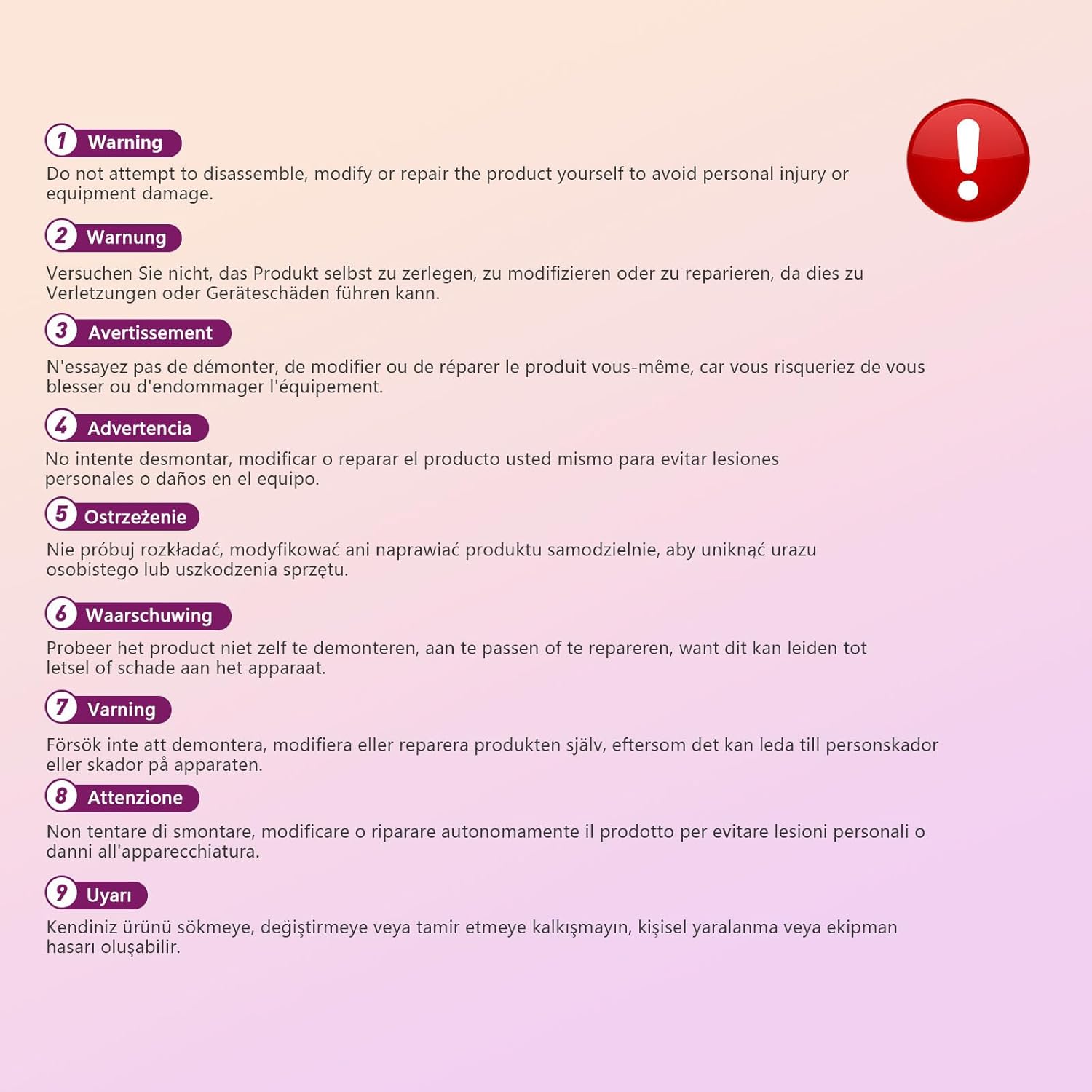
This image displays a warning message in multiple languages, advising users not to disassemble, modify, or repair the product themselves to prevent personal injury or damage to the device.
3. محتويات العبوة
يرجى التحقق من الحزمة للعناصر التالية:
- EBTOOLS A9 Mini Camera
- جبل المغناطيسي
- كابل شحن USB
- Adhesive Pad (for mount)

This image shows the EBTOOLS A9 Mini Camera, a magnetic mount, and a USB charging cable, which are typically included in the product package.
4. انتهى المنتجview
تعرف على مكونات الكاميرا:

This image displays the front of the EBTOOLS A9 Mini Camera, highlighting the lens, the ON/OFF button, and the MODE button on the top surface.
- عدسة: The primary camera lens for video capture.
- زر التشغيل/الإيقاف: Powers the camera on or off.
- زر الوضع: Switches between different operating modes.
- مؤشر الضوء: Provides status feedback (e.g., charging, recording, Wi-Fi status).

تُظهر هذه الصورة جانبًا view of the camera, clearly indicating the Micro USB charging port.

This image displays another side view of the camera, highlighting the Micro SD card slot for local storage.
5. الإعداد
5.1 شحن الكاميرا
Before first use, fully charge the camera. Connect the supplied USB cable to the camera's Micro USB port and a 5V USB power adapter (not included). The indicator light will show charging status and turn off when fully charged. The built-in 240 mAh battery provides approximately 45 minutes of continuous operation.
5.2 إدخال بطاقة Micro SD
To store recordings, insert a Micro SD card (up to 128GB, not included) into the Micro SD card slot. Ensure the card is inserted correctly with the contacts facing the camera's front. The camera supports continuous recording and motion-activated recording to the card.

This image shows the EBTOOLS A9 Mini Camera with a Micro SD card partially inserted into its slot, alongside a Wi-Fi signal icon, indicating its storage and connectivity features.
5.3 تثبيت التطبيق والاتصال بشبكة Wi-Fi
The camera connects via Wi-Fi and is controlled using a smartphone app (compatible with Android devices). Refer to the quick start guide or packaging for the specific app name and download instructions. Once the app is installed:
- قم بتشغيل الكاميرا.
- افتح التطبيق واتبع التعليمات التي تظهر على الشاشة لإضافة جهاز جديد.
- Connect the camera to your home Wi-Fi network.
- بمجرد الاتصال ، يمكنك ذلك view يعيش فوtage, adjust settings, and access recordings remotely.
6. تعليمات التشغيل
6.1 تشغيل/إيقاف التشغيل
- لتشغيل: Press and hold the ON/OFF button until the indicator light illuminates.
- لإيقاف التشغيل: Press and hold the ON/OFF button until the indicator light turns off.
6.2 أوضاع التسجيل
The camera typically supports two main recording modes:
- التسجيل المستمر: Records video continuously to the Micro SD card.
- تسجيل كشف الحركة: Records only when motion is detected, saving storage space and battery life.
Use the MODE button or the smartphone app to switch between these modes. Refer to the app's instructions for detailed mode configuration.
6.3 تنبيهات كشف الحركة
When motion detection is enabled, the camera will send alerts to your smartphone via the app when movement is detected within its field of view. This feature is useful for security monitoring.
6.4 التحكم في التطبيق
The dedicated app allows you to:
- View بث فيديو مباشر من الكاميرا.
- Access and playback recorded footage.
- Adjust camera settings (e.g., resolution, recording mode, motion detection sensitivity).
- Receive push notifications for motion alerts.
7. الصيانة
- تنظيف: استخدم قطعة قماش ناعمة وجافة لتنظيف عدسة الكاميرا وجسمها. تجنب استخدام المنظفات السائلة أو المواد الكاشطة.
- تخزين: عند عدم استخدام الكاميرا لفترات طويلة، قم بتخزينها في مكان بارد وجاف بعيدًا عن أشعة الشمس المباشرة ودرجات الحرارة القصوى.
- العناية بالبطارية: Recharge the battery periodically if stored for a long time to maintain its lifespan.
8. استكشاف الأخطاء وإصلاحها
If you encounter issues with your camera, refer to the following table:
| مشكلة | السبب المحتمل | حل |
|---|---|---|
| الكاميرا لا تعمل | Low battery; Faulty power button | Charge the camera fully; Contact support if issue persists |
| لا يمكن الاتصال بشبكة Wi-Fi | كلمة مرور Wi-Fi غير صحيحة؛ الكاميرا بعيدة جدًا عن جهاز التوجيه؛ مشاكل في جهاز التوجيه | Verify password; Move camera closer to router; Restart router |
| لا يتم التسجيل على بطاقة SD | SD card not inserted; SD card full or corrupted; Incorrect recording mode | Insert SD card; Format or replace SD card; Check app settings for recording mode |
| جودة الفيديو رديئة | Dirty lens; Low light conditions; App resolution settings | Clean the lens; Ensure adequate lighting; Adjust resolution in app |
| App not receiving alerts | Motion detection off; App notifications disabled; Poor Wi-Fi connection | Enable motion detection in app; Check phone notification settings; Ensure stable Wi-Fi |
9. المواصفات
| ميزة | التفاصيل |
|---|---|
| رقم الموديل | EBTOOLSzi9gg2t6c1-12 |
| دقة التقاط الفيديو | 1080 بكسل، 720 بكسل |
| تكنولوجيا الاتصال | لاسلكي (واي فاي) |
| مصدر الطاقة | Battery Powered (Built-in 240 mAh) |
| مادة | أكريلونيتريل بوتادين ستايرين (ABS) |
| نوع التركيب | حامل جداري (مغناطيسي) |
| طريقة التحكم | برنامج |
| الأجهزة المتوافقة | هاتف ذكي (Android) |
| نوع التنبيه | الحركة فقط |
| الاستخدام الداخلي والخارجي | داخلي |
| وزن العنصر | 2.08 أونصات |
10. الضمان والدعم
For warranty information and technical support, please refer to the product packaging or contact EBTOOLS customer service directly. Keep your purchase receipt for warranty claims.