
دوجي تي 30 برو
DOOGEE T30 PRO 11 Inch Tablet
دليل المستخدم
1. انتهى المنتجview
The DOOGEE T30 PRO is an 11-inch Android tablet designed for high performance and an immersive visual experience. It features a 2.5K display, a powerful MediaTek Helio G99 octa-core processor, and ample memory for multitasking and storage. This manual provides essential information to help you get the most out of your device.

الشكل 1.1: الأمامي والخلفي view of the DOOGEE T30 PRO tablet, showcasing مواصفاتها الرئيسية.
2. دليل الإعداد
2.1 الشحن الأولي
Before first use, fully charge the tablet using the provided 33W fast charger. The tablet is equipped with an 8580mAh battery for extended usage.
2.2 تشغيل/إيقاف التشغيل
- لتشغيل: اضغط مع الاستمرار على زر التشغيل حتى يظهر شعار DOOGEE.
- لإيقاف التشغيل: اضغط مع الاستمرار على زر الطاقة، ثم حدد "إيقاف التشغيل" من الخيارات.
2.3 تركيب بطاقة SIM وبطاقة TF
The DOOGEE T30 PRO supports dual 4G LTE and TF card expansion up to 2TB. Locate the SIM/TF card tray on the side of the tablet. Use the provided ejector tool to open the tray. Insert your Nano-SIM cards and/or TF card into the designated slots, ensuring correct orientation. Close the tray securely.
2.4 الإعداد لأول مرة
Upon first power-on, follow the on-screen prompts to complete the initial setup. This includes selecting your language, connecting to a Wi-Fi network, and signing in with your Google account. The tablet is GMS certified, ensuring full access to the Google Play Store and Google services.
Video 2.1: An unboxing video of the DOOGEE T30 PRO tablet, demonstrating the initial setup and contents.
3. تشغيل جهازك اللوحي
3.1 العرض والمرئيات
Experience stunning visuals on the 11-inch 2.5K (2560x1600) display. The tablet features TÜV SÜD Eye Safety Certification for low blue light, reducing eye strain during prolonged use.

Figure 3.1: The tablet's display capabilities, emphasizing its high resolution and immersive viewتجربة رائعة.
3.2 الأداء والتخزين
Powered by the MediaTek Helio G99 octa-core processor, the T30 PRO delivers smooth performance for gaming, multitasking, and demanding applications. It comes with 15GB RAM (8GB physical + 7GB virtual) and 256GB of internal storage, expandable up to 2TB via TF card.
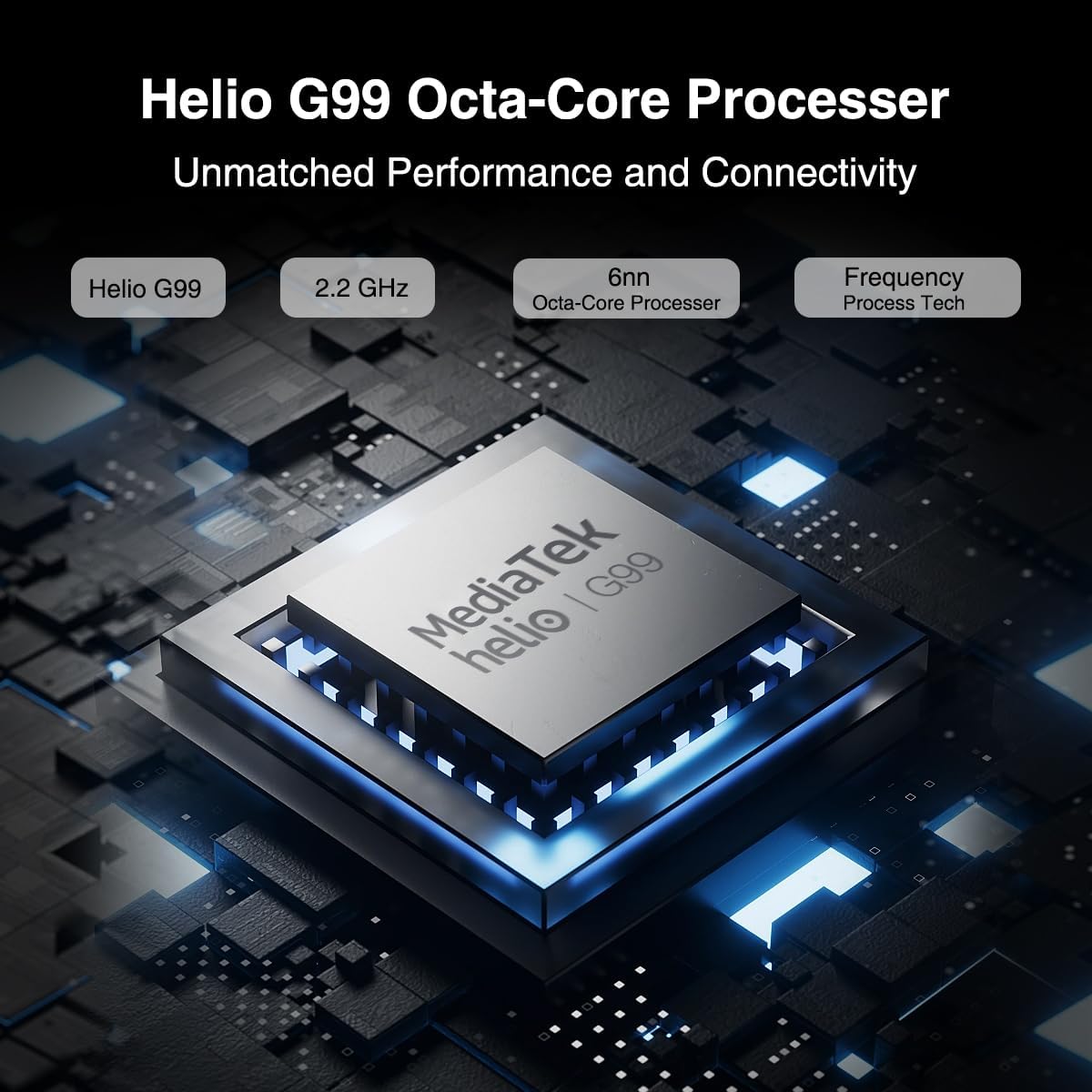
Figure 3.2: Illustration of the MediaTek Helio G99 processor, highlighting its core specifications.
3.3 وظائف الكاميرا
The tablet features a 20MP main camera, an 8MP front camera, and a 2MP macro camera. These cameras are suitable for capturing photos, video conferencing, and e-learning.

Figure 3.3: The tablet's camera capabilities, ideal for video calls and capturing moments.
3.4 نظام الصوت
Enjoy rich audio with the tablet's four Hi-res Stereo Speakers, providing an enhanced sound experience for media consumption.
3.5 الاتصال
Stay connected with dual 4G LTE support, dual-band Wi-Fi (2.4G/5G), and Bluetooth 5.0. The tablet also supports Widevine L1 for high-quality streaming from services like Prime Video, Disney+, and Hulu.

Figure 3.4: The tablet's robust connectivity options for seamless work and entertainment.
3.6 تعدد المهام والإنتاجية
The Android 13 operating system allows for efficient multitasking, including split-screen functionality, enabling you to run multiple applications simultaneously.

Figure 3.5: The tablet's split-screen feature for enhanced productivity.
4. الصيانة والعناية
4.1 العناية بالبطارية
- تجنب درجات الحرارة القصوى، لأنها قد تؤدي إلى تدهور عمر البطارية.
- للحصول على عمر افتراضي مثالي للبطارية، تجنب تفريغ البطارية بالكامل بشكل متكرر.
- استخدم فقط الشاحن الأصلي أو شاحنًا متوافقًا معتمدًا.
4.2 تنظيف جهازك اللوحي
- استخدم قطعة قماش ناعمة وخالية من الوبر لتنظيف الشاشة والجسم.
- بالنسبة للبقع العنيدة، استخدمي القليل منampامسح القماش بالماء أو بمنظف الشاشة.
- تجنب استخدام المواد الكيميائية القاسية أو المواد الكاشطة أو بخاخات الرذاذ مباشرة على القرص.
5. استكشاف الأخطاء وإصلاحها
This section addresses common issues you might encounter with your DOOGEE T30 PRO tablet.
| مشكلة | السبب المحتمل | حل |
|---|---|---|
| الجهاز اللوحي لا يعمل | بطارية منخفضة؛ تعطل النظام | اشحن الجهاز اللوحي لمدة 30 دقيقة على الأقل. إذا استمر الجهاز في عدم الاستجابة، اضغط مع الاستمرار على زر التشغيل لمدة 10-15 ثانية لإعادة تشغيله قسراً. |
| الأداء البطيء | Too many apps running in background; Low storage space | Close unnecessary applications. Clear cache and data for frequently used apps. Free up storage by deleting unused fileق أو تطبيقات. |
| مشاكل الاتصال بشبكة Wi-Fi | Incorrect password; Router issues; Out of range | Ensure correct Wi-Fi password. Restart your Wi-Fi router. Move closer to the Wi-Fi router. |
| تستنزف البطارية بسرعة | High screen brightness; Background apps; Frequent network usage | Reduce screen brightness. Disable Wi-Fi/Bluetooth when not in use. Close background apps. Check battery usage in settings to identify power-hungry apps. |
6. المواصفات
| ميزة | التفاصيل |
|---|---|
| اسم الموديل | T30PRO |
| نظام التشغيل | أندرويد 13 |
| المعالج | معالج MediaTek Helio G99 ثماني النواة (2.2 جيجاهرتز) |
| كبش | 15 جيجابايت (8 جيجابايت + 7 جيجابايت افتراضية) |
| التخزين الداخلي | 256 جيجا بايت |
| تخزين قابل للتوسيع | تصل سعتها إلى 2 تيرابايت (بطاقة TF) |
| حجم الشاشة | 11 بوصة |
| دقة الشاشة | 2.5 ألف (2560 × 1600) |
| الكاميرا الخلفية | 20 ميجا بكسل |
| الكاميرا الأمامية | 8 ميجا بكسل |
| سعة البطارية | 8580 مللي أمبير |
| الشحن | شحن سريع بقوة 33 واط |
| الاتصال اللاسلكي | 802.11a/b/g/n/ac (2.4G/5G Wi-Fi), Bluetooth 5.0 |
| الاتصال الخلوي | يدعم تقنية الجيل الرابع المزدوج LTE (TD-LTE، FDD-LTE) |
| الأبعاد (الطول × العرض × الارتفاع) | 10.11 × 0.3 × 6.64 بوصة |
| وزن العنصر | 11.1 أونصات |
7. الضمان والدعم
The DOOGEE T30 PRO comes with a 2-year warranty. DOOGEE provides lifetime technical support and full 24/7 customer service to assist you with any inquiries or issues you may encounter. For support, please refer to the contact information provided on the official DOOGEE webالموقع أو وثائق الشراء الخاصة بك.
Ask a question about this manual
Ask about setup, troubleshooting, compatibility, parts, safety, or missing instructions. Manuals+ will review the question and use this page’s manual context to help answer it.