
AULA S505
AULA S505 USB Gaming Headset Instruction Manual
Model: S505 | Brand: AULA
مقدمة
Thank you for choosing the AULA S505 USB Gaming Headset. This manual provides essential information for setting up, operating, and maintaining your headset to ensure optimal performance and longevity. Please read this manual thoroughly before use.

Image: AULA S505 USB Gaming Headset with RGB lighting.
الميزات الرئيسية
- Immersive Virtual 7.1 Surround Sound: Experience precise positional audio with 50mm neodymium magnet drivers, delivering strong bass and clear treble for an immersive gaming and multimedia experience.
- ميكروفون إلغاء الضوضاء: The 360° rotatable microphone reduces ambient noise, ensuring clear and loud voice pickup for effective communication. It can be easily turned on or off via the in-line control.
- Charming RGB Backlight: Built-in LED lights display dynamic rainbow lighting effects, enhancing the gaming atmosphere. The lighting can be turned off when not desired.
- Convenient In-Line Control: The 2.1m USB wired headset features a one-key control button for quick adjustments to volume, mute, microphone on/off, and RGB lighting control.
- تصميم سهل الاستخدام: Lightweight (approx. 320g) with an adjustable padded headband for various head shapes. Soft memory earmuffs with breathable cloth reduce pressure and prevent sweat for comfortable long-term use.
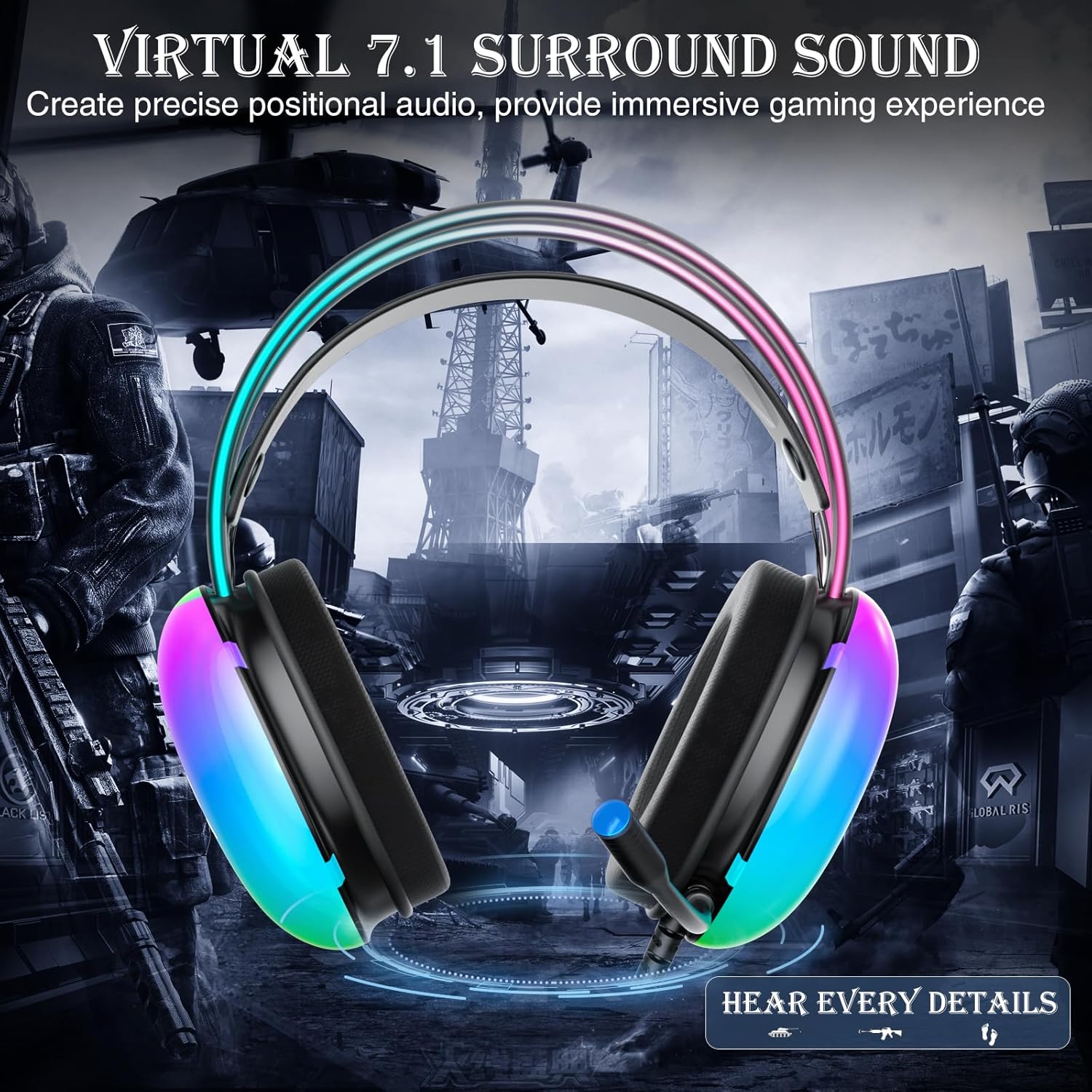
Image: Diagram illustrating virtual 7.1 surround sound and 50mm drivers.
Video: Demonstrating the AULA S505 USB Gaming Headset with Virtual 7.1 Surround Sound.
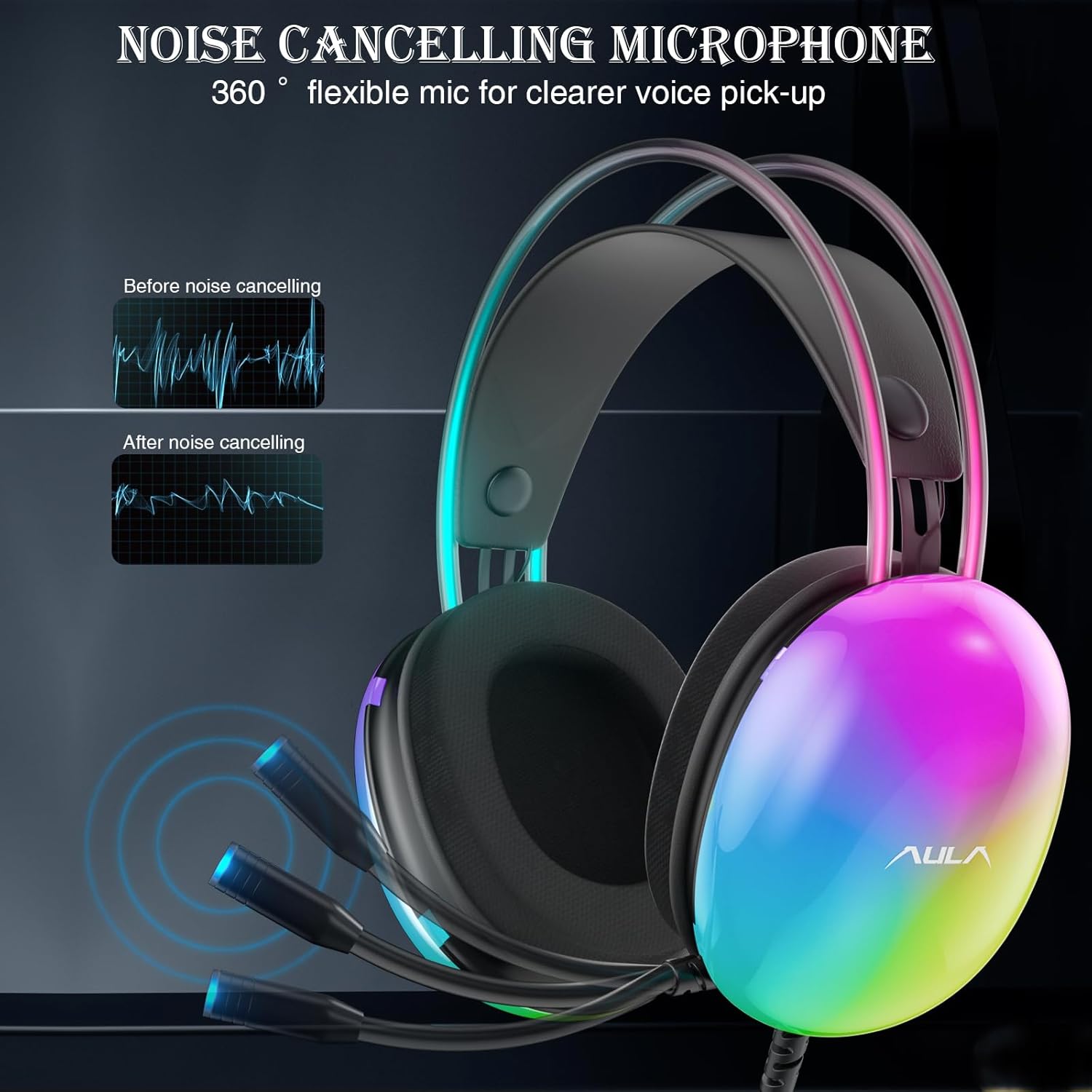
Image: Headset with its noise-canceling microphone extended.
Video: Showcasing the AULA S505 Black USB Gaming Headset with Noise Cancelling Mic.

Image: AULA S505 headset displaying dynamic RGB lighting effects.
Video: Highlighting the unique RGB lighting of the AULA S505 Headset.
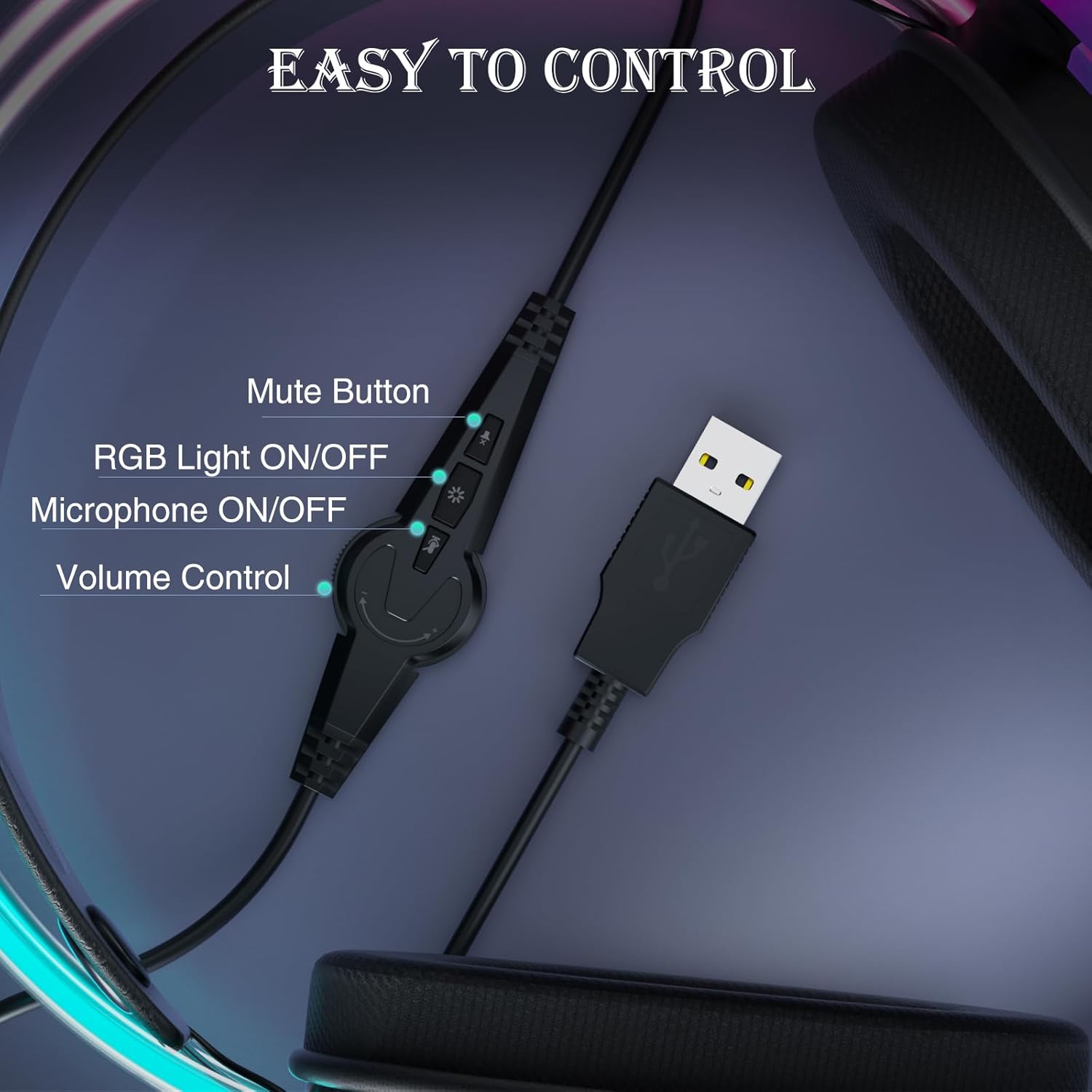
Image: Close-up of the in-line control unit with buttons for volume, mute, mic, and RGB.
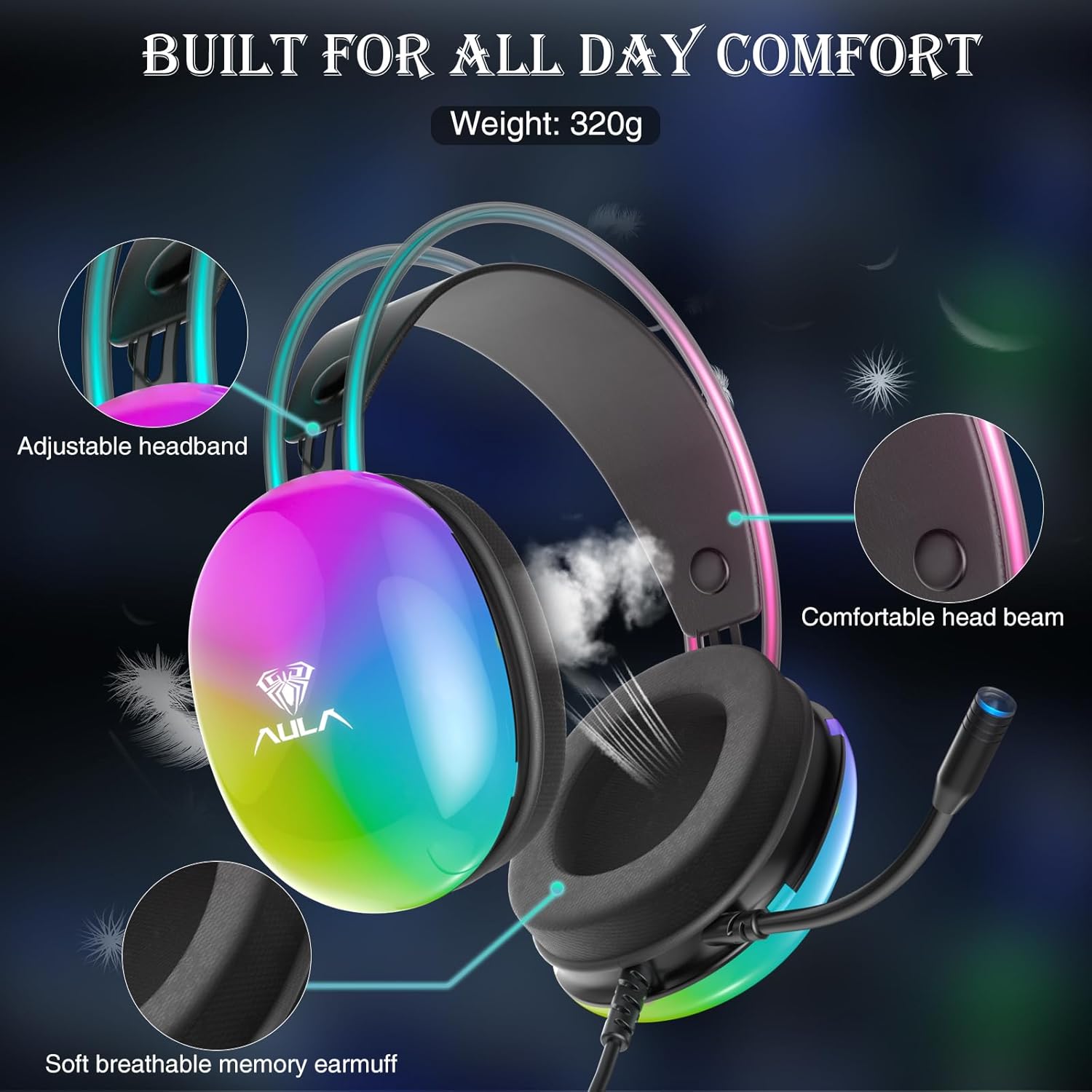
Image: Diagram showing adjustable headband and soft memory earmuffs for comfort.
تعليمات الإعداد
- الاتصال بالجهاز: Plug the USB connector of the AULA S505 headset into an available USB port on your PC, laptop, or other compatible device. The headset is plug-and-play, requiring no additional drivers or software installation.
- ضبط عقال: Gently adjust the padded headband to fit comfortably on your head. The headband is designed to be auto-adjustable for various head sizes.
- موضع الميكروفون: Rotate the flexible microphone boom to a position near your mouth for optimal voice pickup.
- فحص مستوى الصوت الأولي: Before starting your game or application, use the in-line volume control to set an appropriate listening level.
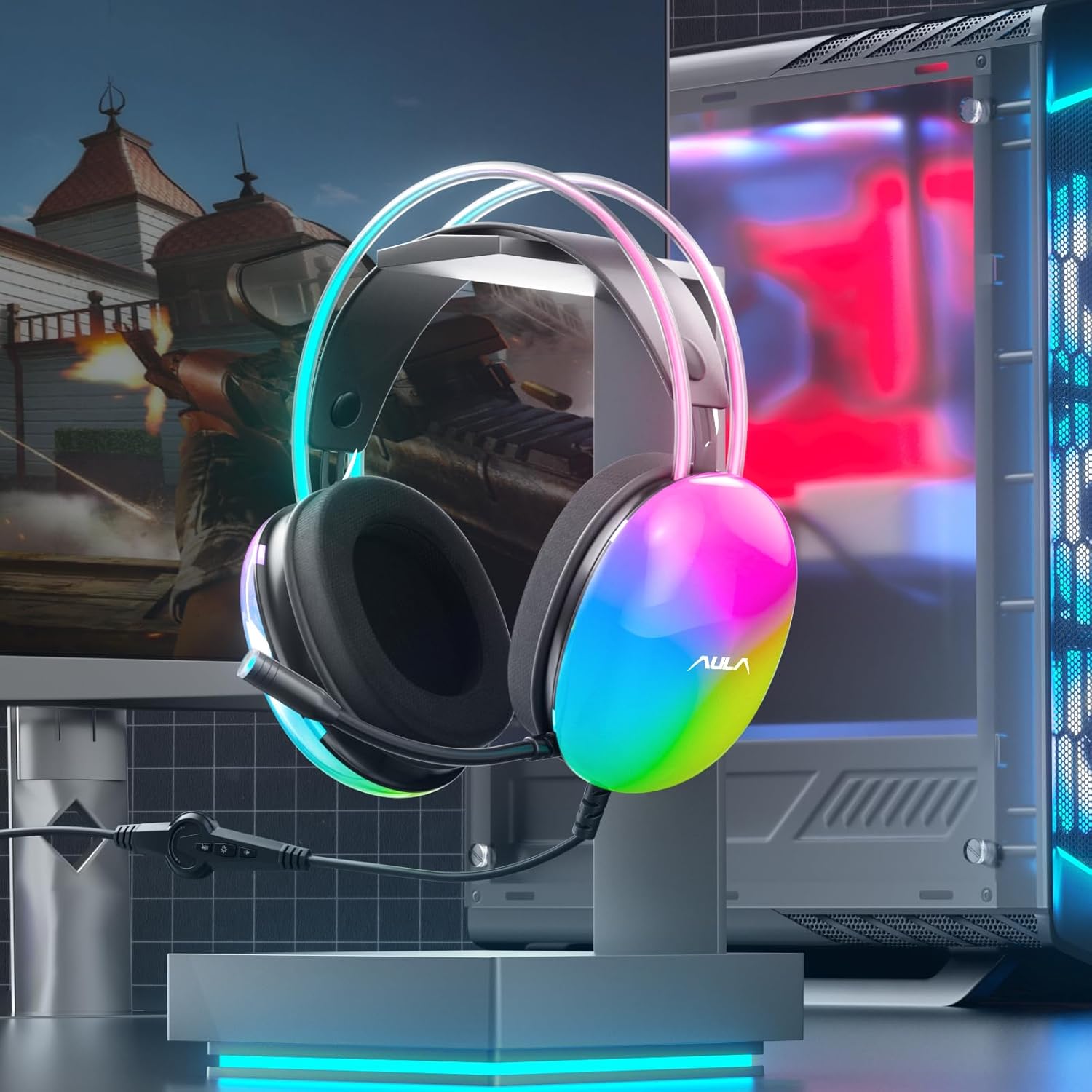
Image: AULA S505 headset connected to a desktop computer setup.
تعليمات التشغيل
- التحكم في مستوى الصوت: Use the rotary dial on the in-line control unit to increase or decrease the audio volume.
- ميكروفون كتم الصوت: Press the microphone button on the in-line control to mute or unmute the microphone. An indicator light on the microphone tip may show its status (e.g., blue for active).
- التحكم في إضاءة RGB: Press the light button on the in-line control to toggle the RGB backlight effects on or off.
- صوت محيطي افتراضي 7.1: The virtual 7.1 surround sound is automatically enabled upon connection. Ensure your device's audio settings are configured to output stereo sound for the headset to process the virtual surround effect.

Image: User wearing the AULA S505 headset with active RGB lighting.
صيانة
- تنظيف: Use a soft, dry cloth to wipe the headset. For earmuffs, a slightly damp cloth can be used, but ensure they are completely dry before next use. Do not use harsh chemicals or abrasive cleaners.
- تخزين: خزّن سماعة الرأس في مكان بارد وجاف بعيدًا عن أشعة الشمس المباشرة ودرجات الحرارة القصوى. تجنب تشابك الكابل.
- العناية بالكابلات: Do not pull the cable forcefully or bend it sharply, as this can damage internal wiring.
استكشاف الأخطاء وإصلاحها
- لا يوجد صوت من سماعة الرأس:
- تأكد من إدخال موصل USB بالكامل في المنفذ.
- Check the in-line volume control and increase it if necessary.
- Verify your computer's audio output settings are set to the AULA S505 headset.
- Test the headset on another USB port or device to rule out a port issue.
- الميكروفون لا يعمل:
- Ensure the microphone is not muted via the in-line control.
- Check your computer's microphone input settings and select the AULA S505 headset as the default input device.
- Confirm the microphone boom is positioned correctly.
- أضواء RGB لا تعمل:
- Press the RGB light button on the in-line control to ensure it is turned on.
- تأكد من أن وصلة USB آمنة.
تحديد
| ميزة | التفاصيل |
|---|---|
| ماركة | أولا |
| رقم الموديل | س505 |
| تكنولوجيا الاتصال | سلكي (USB) |
| حجم السائق | 50 ملم |
| نوع الصوت | صوت محيطي افتراضي 7.1 |
| ميكروفون | Noise Canceling, 360° Rotatable |
| إضاءة | RGB Rainbow Backlit |
| ضوابط في الخط | Volume, Mic On/Off, RGB On/Off |
| وضع الأذن | فوق الأذن |
| Earmuff Material | Soft Memory Foam with Breathable Cloth |
| وزن العنصر | 390 جرام |
| طول الكابل | 2.1م |
| الأجهزة المتوافقة | PC, Laptops, Tablets (with USB input) |
معلومات الضمان
The AULA S505 USB Gaming Headset comes with a ضمان محدود لمدة عامين from the date of purchase. This warranty covers manufacturing defects and workmanship. It does not cover damage caused by misuse, accidents, unauthorized modifications, or normal wear and tear. Please retain your proof of purchase for warranty claims.
يدعم
For further assistance, technical support, or warranty inquiries, please refer to the contact information provided on the product packaging or visit the official AULA website. You may also contact your retailer for support.
Ask a question about this manual
Ask about setup, troubleshooting, compatibility, parts, safety, or missing instructions. Manuals+ will review the question and use this page’s manual context to help answer it.