
مقدمة
This manual provides comprehensive instructions for the iFLYTEK Translator 2.0 easytrans 800. It covers device setup, operation, maintenance, and troubleshooting to ensure optimal performance and user experience. The iFLYTEK Translator 2.0 is designed for seamless communication across language barriers, offering advanced voice and camera translation capabilities.
محتويات الحزمة
تأكد من وجود جميع العناصر في العبوة:
- iFLYTEK Translator 2.0 easytrans 800 Device
- كابل شحن USB
- دليل التعليمات (هذا المستند)
- حبل/حزام

Image: The iFLYTEK Translator 2.0 easytrans 800 device, its charging cable, and documentation laid out next to the product box.
المنتج انتهىview
The iFLYTEK Translator 2.0 easytrans 800 features a compact design with a user-friendly interface.

الصورة: الجبهة view of the iFLYTEK Translator 2.0 easytrans 800 showing the screen, navigation buttons, and speaker. Rear view shows the camera lens and SOS button.
مكونات الجهاز:
- اللوحة الأمامية: Touchscreen display, navigation buttons (ABC, O, 中文), speaker.
- اللوحة الخلفية: Camera lens, SOS button.
- الأزرار الجانبية: Power button, volume controls.
- الموانئ: USB charging port, 3.5mm headphone jack.
يثبت
1. شحن الجهاز
Before first use, fully charge the translator. Connect the provided USB cable to the device's charging port and a compatible USB power adapter (not included).
- تستغرق عملية الشحن الكامل عادةً ما يقرب من 2 إلى 3 ساعات.
- سيظهر مؤشر البطارية على الشاشة حالة الشحن.
2. تشغيل / إيقاف التشغيل
- لتشغيل: اضغط مع الاستمرار على زر الطاقة (عادةً ما يكون على الجانب) حتى تضيء الشاشة.
- لإيقاف التشغيل: اضغط مع الاستمرار على زر الطاقة، ثم حدد "إيقاف التشغيل" على الشاشة.
3. Initial Language Selection
Upon first power-on, you will be prompted to select the device's interface language. Follow the on-screen instructions.
4. اتصال الشبكة
The iFLYTEK Translator requires an internet connection for optimal translation accuracy. Connect to a Wi-Fi network or utilize the built-in global communication feature.
- واي فاي: Navigate to Settings > Wi-Fi, select your network, and enter the password.
- Global Communication: The device includes 2 years of global communication coverage in 98 countries. This feature activates automatically when a Wi-Fi connection is not available.
تعليمات التشغيل
The iFLYTEK Translator 2.0 easytrans 800 offers two primary translation modes: Voice Translation and Camera Translation.
1. Voice Translation (59 Languages)
This mode allows for real-time spoken language translation.
- Select the source and target languages on the device screen.
- Press and hold the designated voice input button (e.g., "ABC" for language A, "中文" for language B).
- تحدث بوضوح في ميكروفون الجهاز.
- Release the button. The device will process your speech and provide the translation audibly and on-screen.
The device features advanced noise reduction technology and four microphones for high accuracy even in noisy environments, with a response time of approximately 0.5 seconds.

Image: The iFLYTEK Translator 2.0 device screen showing a Japanese phrase and its translation, demonstrating voice translation functionality.
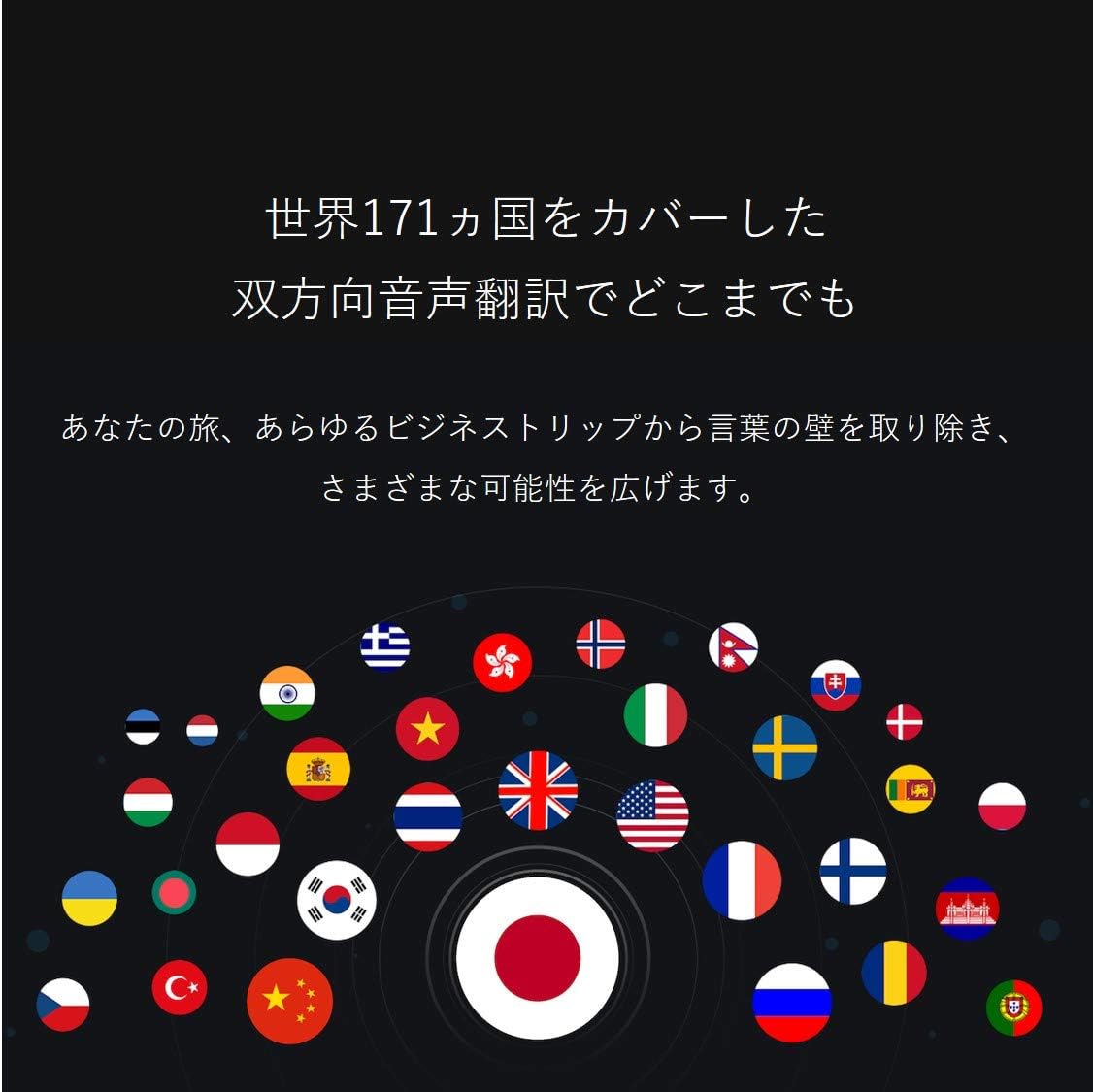
Image: A collection of national flags, symbolizing the extensive language support of the iFLYTEK Translator 2.0 across 171 countries.
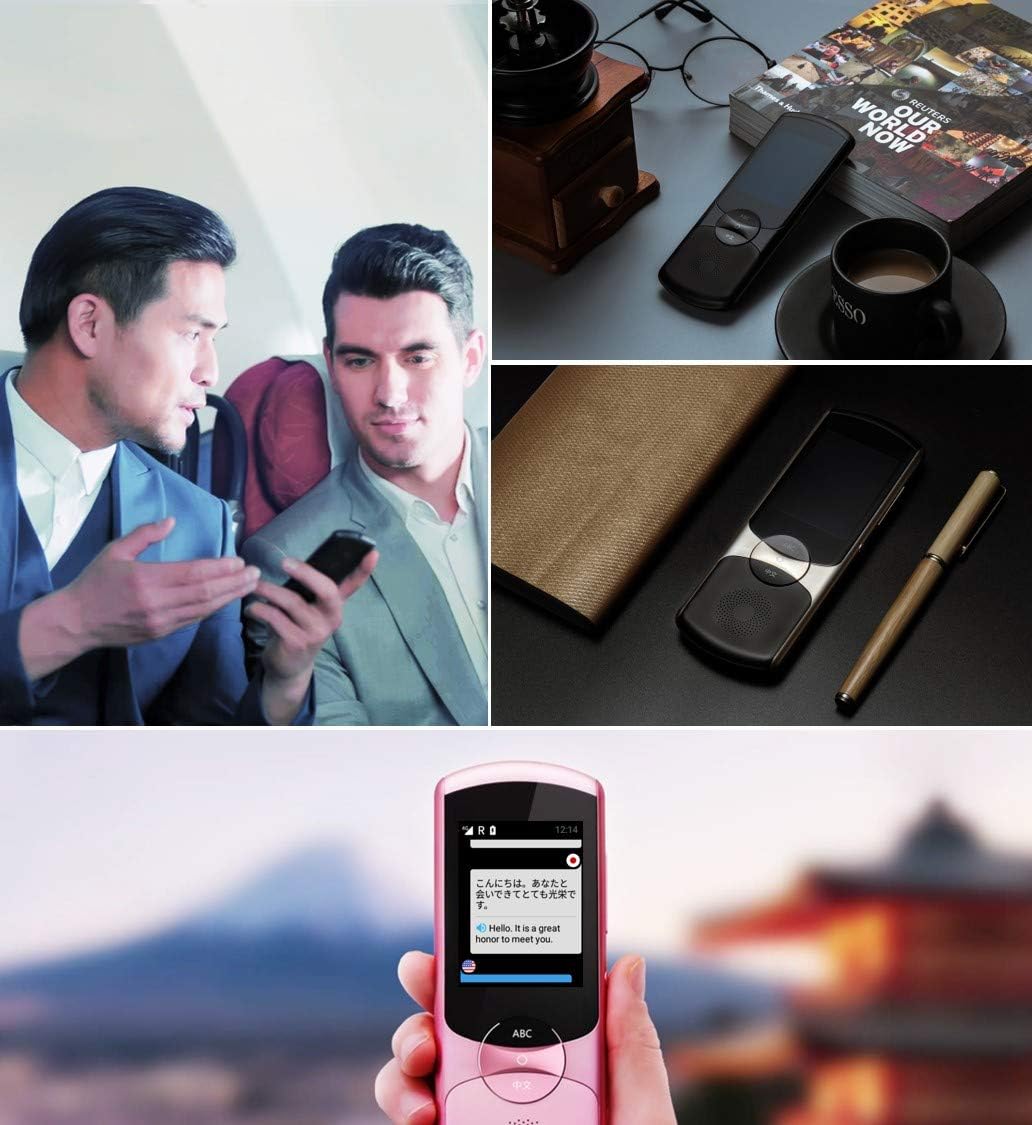
Image: A collage showing the iFLYTEK Translator 2.0 being used in different scenarios, including a business meeting and a travel setting, highlighting its versatility.
2. Camera Translation (11 Languages)
This mode translates text captured by the device's camera.
- Select Camera Translation mode from the main menu.
- Point the device's camera at the text you wish to translate (e.g., signs, menus, documents).
- Ensure the text is well-lit and within the camera's frame.
- Tap the capture button on the screen. The device will process the image and display the translated text.

Image: A user holding the iFLYTEK Translator 2.0 to translate text on a map, demonstrating the camera translation feature.
3. Pronunciation Scoring and Accent Check
The device includes an AI-powered feature to help users improve their pronunciation and check accents.
- Access the Pronunciation Scoring feature from the menu.
- Select the language for practice.
- Speak the displayed phrases or words into the microphone.
- The device will provide feedback on your pronunciation and accent.

Image: An adult and a child interacting with the iFLYTEK Translator 2.0, illustrating its use for pronunciation scoring and language learning.
صيانة
- تنظيف: استخدم قطعة قماش ناعمة وجافة لتنظيف الجهاز. لا تستخدم المنظفات السائلة أو البخاخات.
- تخزين: قم بتخزين الجهاز في مكان بارد وجاف بعيدًا عن أشعة الشمس المباشرة ودرجات الحرارة القصوى.
- العناية بالبطارية: لإطالة عمر البطارية، تجنب تفريغها بالكامل بشكل متكرر. اشحن الجهاز بانتظام، حتى في حال عدم استخدامه لفترات طويلة.
- تحديثات البرامج: قم بالتحقق دورياً من وجود تحديثات للبرامج وتثبيتها لضمان الأداء الأمثل والوصول إلى الميزات الجديدة.
استكشاف الأخطاء وإصلاحها
| مشكلة | السبب المحتمل | حل |
|---|---|---|
| الجهاز لا يعمل. | بطارية منخفضة، الجهاز متجمد. | Charge the device for at least 30 minutes. Perform a force restart by holding the power button for 10-15 seconds. |
| Translation is inaccurate or slow. | Poor internet connection; unclear speech; incorrect language selection. | Ensure a stable Wi-Fi or cellular connection. Speak clearly and directly into the microphone. Verify that the correct source and target languages are selected. |
| Camera translation not working. | Insufficient lighting; blurry image; text too small. | Ensure adequate lighting. Hold the device steady to avoid blur. Position the device closer to the text if it's too small. |
| لا يوجد صوت من مكبر الصوت. | Volume too low; speaker obstructed. | Increase the volume using the side buttons. Check if the speaker is blocked by debris. |
تحديد
| ميزة | التفاصيل |
|---|---|
| ماركة | iFLYTEK |
| رقم الموديل | EASYTRANS 800 |
| Voice Translation Support | 59 لغة |
| Camera Translation Support | 11 لغة |
| تقنية تقليل الضوضاء | Yes, with 4 microphones |
| الاتصالات العالمية | 2 years coverage in 98 countries |
| وقت الاستجابة | حوالي 0.5 ثانية |
| الأجهزة المتوافقة | Laptop, Personal Computer (for data transfer/updates) |
| واجهة الأجهزة | 802.11 b/g/n (Wi-Fi) |
| تنسيق الصوت | ويف |
| مقبس سماعة الرأس | 3.5 ملم |
| نوع البطارية | 1 بطارية ليثيوم أيون (مضمنة) |
| وزن العنصر | 120 جرام |
| حجم الشاشة | 5.8 بوصة |
| عمر البطارية | حتى ساعتين |
| وقت التسجيل الرقمي | 120 دقائق |
الضمان والدعم
For warranty information and technical support, please refer to the official iFLYTEK webالموقع أو تواصل مع خدمة العملاء. احتفظ بإيصال الشراء كإثبات للشراء في حال وجود أي مطالبات بالضمان.
The device includes 2 years of global communication, which is a service feature rather than a warranty.