
1. المقدمة
Thank you for choosing the Statik 65W Laptop Power Bank. This portable power solution is designed to keep your laptops, tablets, and smartphones charged and ready, whether you're traveling, commuting, or simply away from a wall outlet. With its high capacity and versatile charging options, the Statik Power Bank ensures you stay connected and productive on the go.
2. مواصفات المنتج
- قدرة عالية: 20,000mAh (74Wh) battery provides multiple charges for smartphones and a full charge for most laptops.
- 65W توصيل الطاقة: Capable of charging laptops at full speed via the USB-C port.
- شحن الأجهزة المتعددة: Charge up to three devices simultaneously (1x USB-C, 2x USB-A).
- إعادة شحن سريعة: Fully recharges in approximately 1.25 hours when using a 65W or higher output charger (not included).
- منافذ إدخال متعددة الاستخدامات: Recharge the power bank using USB-C, Lightning, or MicroUSB inputs.
- تصميم متين: Slim and robust metal body built for travel and daily use.
- مميزات السلامة: Includes short circuit protection and over-charging protection.

Image 1: The Statik 65W Laptop Power Bank, showcasinبفضل تصميمه الأنيق وتخطيط منافذه.
3. محتويات العبوة
يرجى التحقق من الحزمة للعناصر التالية:
- Statik 65W Laptop Power Bank (1 unit)
- USB-C to USB-C Charging Cable (1 unit)
- دليل المستخدم (هذا المستند)
4. الإعداد
4.1 الرسوم الأولية
Before first use, it is recommended to fully charge your Statik Power Bank.
- قم بتوصيل كابل USB-C إلى USB-C المقدم بمنفذ USB-C الموجود على بنك الطاقة.
- Connect the other end of the cable to a compatible USB-C wall charger (65W or higher recommended for fastest charging).
- ستضيء مؤشرات LED على بنك الطاقة لإظهار تقدم الشحن. ستظل جميع المصابيح الأربعة مضاءة عند اكتمال الشحن.
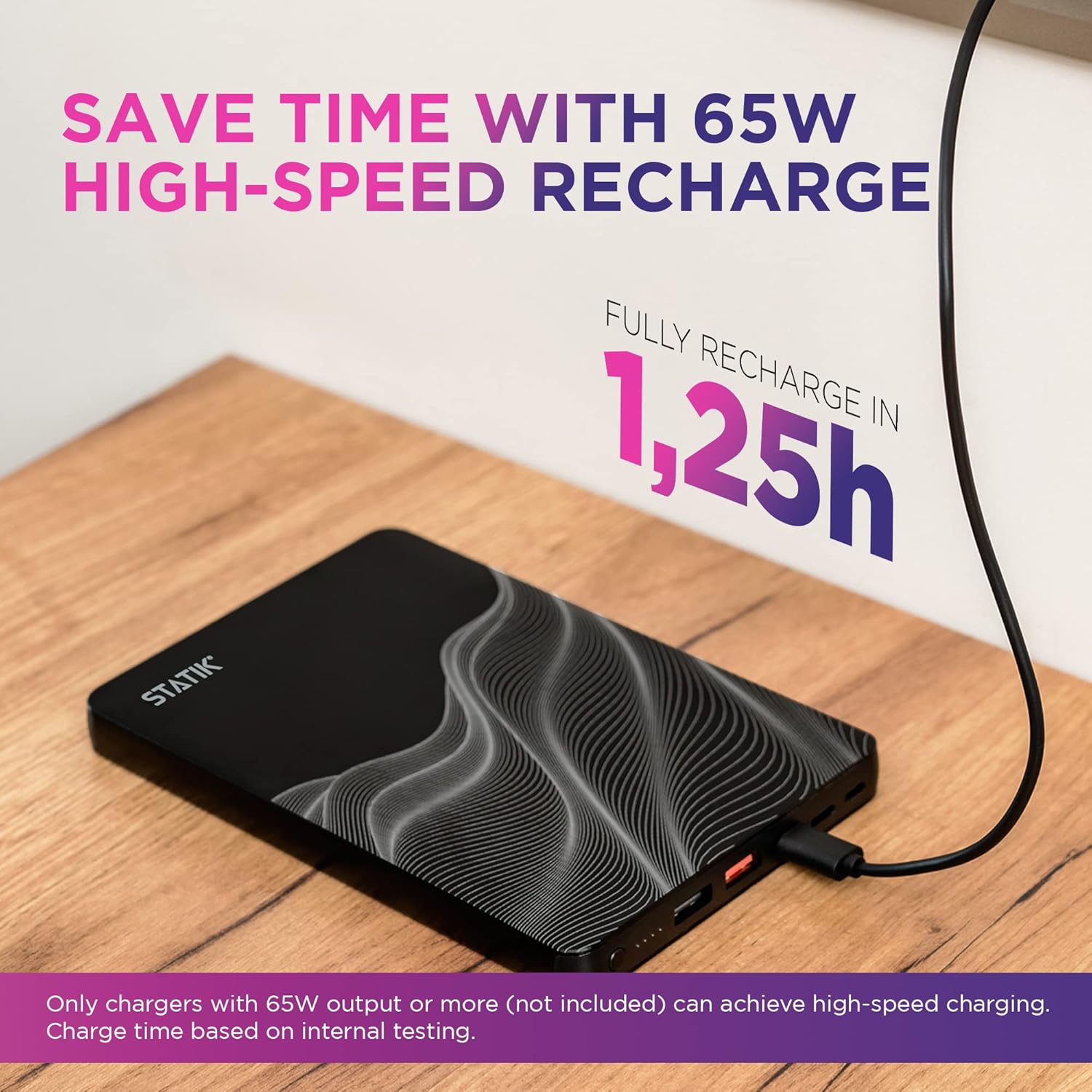
Image 2: The Statik Power Bank connected to a wall charger for recharging.
5. تعليمات التشغيل
5.1 شحن بنك الطاقة
The Statik Power Bank offers multiple input options for recharging:
- مدخل USB-C: Use a USB-C to USB-C cable and a compatible USB-C power adapter. This port supports 65W input for rapid recharging.
- مدخلات البرق: Use a Lightning cable to recharge the power bank.
- مدخلات MicroUSB: Use a MicroUSB cable to recharge the power bank.
The LED indicator lights show the remaining battery level:
- 1 Light: 0-25%
- 2 أضواء: 25-50%
- 3 أضواء: 50-75%
- 4 أضواء: 75-100%
5.2 شحن أجهزتك
The power bank features one USB-C output and two USB-A outputs to charge your devices.
- قم بتوصيل كابل شحن جهازك بالمنفذ المناسب في بنك الطاقة (USB-C أو USB-A).
- قم بتوصيل الطرف الآخر من الكابل بجهازك.
- سيبدأ بنك الطاقة بشحن جهازك تلقائيًا.
Note on Simultaneous Charging:
- When charging a laptop using the USB-C port, the maximum output power is 65W.
- When charging 2 or more devices at once, the maximum output per port is 15W.

Image 3: The Statik Power Bank simultaneously charging a laptop, smartphone, and earbuds.

الصورة 4: عن قرب view of the Statik Power Bank fast charging a laptop via its USB-C port.

Image 5: Visual representation of the power bank's wide compatibility with laptops, tablets, and phones.
6. الصيانة
- احفظ بنك الطاقة بعيدًا عن درجات الحرارة القصوى وأشعة الشمس المباشرة والبيئات الرطبة.
- لا تعرض الجهاز للماء أو السوائل الأخرى.
- نظّف بنك الطاقة بقطعة قماش ناعمة وجافة. لا تستخدم منظفات أو مذيبات كاشطة.
- Store the power bank in a cool, dry place when not in use. For long-term storage, charge the power bank to approximately 50-75% every 3-6 months to maintain battery health.
7. استكشاف الأخطاء وإصلاحها
| مشكلة | السبب المحتمل | حل |
|---|---|---|
| بنك الطاقة لا يشحن |
|
|
| الجهاز لا يشحن من بنك الطاقة |
|
|
| سرعة الشحن بطيئة |
|
|
| Power bank loses charge quickly when idle |
|
|
8. المواصفات
| يصف | قيمة |
|---|---|
| رقم الموديل | 20000mAh Li-ion Polymer Battery //74Wh |
| سعة البطارية | 20,000 mAh / 74 Wh |
| منافذ الإدخال | USB-C, Lightning, MicroUSB |
| منافذ الإخراج | 1 منافذ USB-C، 2 منفذ USB-A |
| مخرج USB-C (الحد الأقصى) | توصيل الطاقة 65 واط |
| USB-A Output (Max) | 15W (when multiple devices are connected) |
| الأبعاد (الطول × العرض × الارتفاع) | 8.07 × 4.96 × 3.94 بوصة |
| وزن | 1.05 رطل |
| لون | أسود |
9. معلومات السلامة
يرجى قراءة واتباع إرشادات السلامة هذه لمنع تلف المنتج أو إصابتك:
- لا تقم بتفكيك أو فتح أو محاولة إصلاح بنك الطاقة.
- Do not expose the power bank to fire or high temperatures (above 60°C / 140°F).
- Do not dispose of the power bank in household waste. Recycle responsibly.
- تجنب سقوط بنك الطاقة أو تعريضه لصدمات قوية.
- يحفظ بعيدًا عن متناول الأطفال.
- لا تستخدم بنك الطاقة إذا كان تالفًا أو منتفخًا أو به تسريب.
- استخدم فقط كابلات ومحولات الشحن المعتمدة.
10. الضمان والدعم
Statik products are designed for reliability and performance. For warranty information or technical support, please contact our customer service team.
البريد الإلكتروني لدعم العملاء: customersupport@statikco.com
You can also visit the official Statik store for more information and product updates: Statik Amazon Store