
1. المقدمة
This manual provides essential instructions for the SOLTECH CCTV Remote Control, model RCWN00001B (also identified as EP10-001090A). This remote is specifically designed for use with various Samsung Wisenet Security & Surveillance Camera Systems, including DVRs and NVRs. Please read this manual thoroughly to ensure proper use and functionality of your remote control.
2. انتهى المنتجview
The SOLTECH CCTV Remote Control is a dedicated device for managing your Samsung Wisenet security system. It replicates the functionality of the original remote control included with Wisenet All-In-One systems, providing convenient access to your DVR or NVR functions.
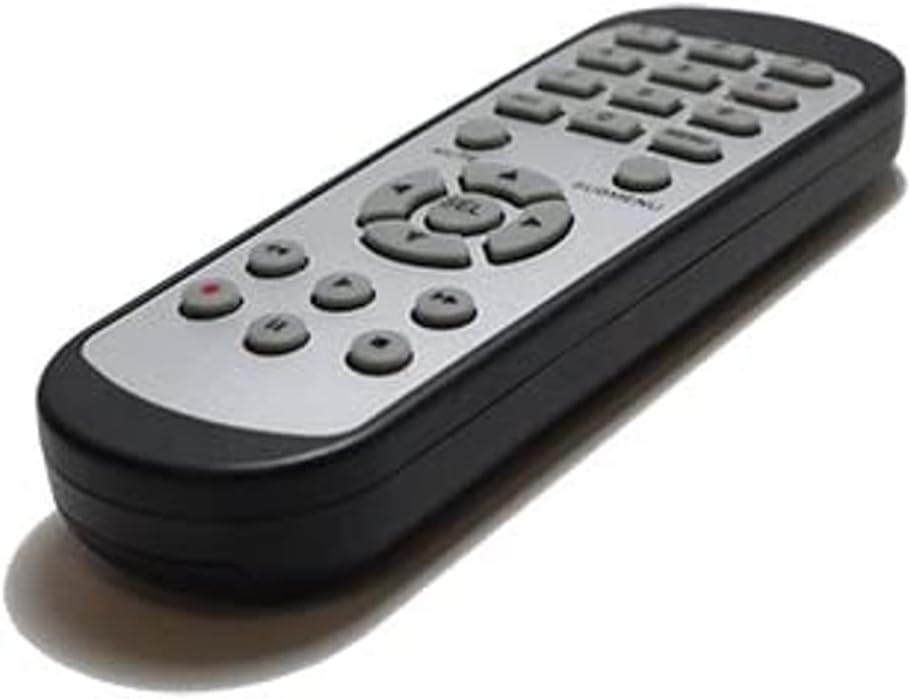
الصورة 2.1: الجبهة view of the SOLTECH CCTV Remote Control (Model RCWN00001B / EP10-001090A).
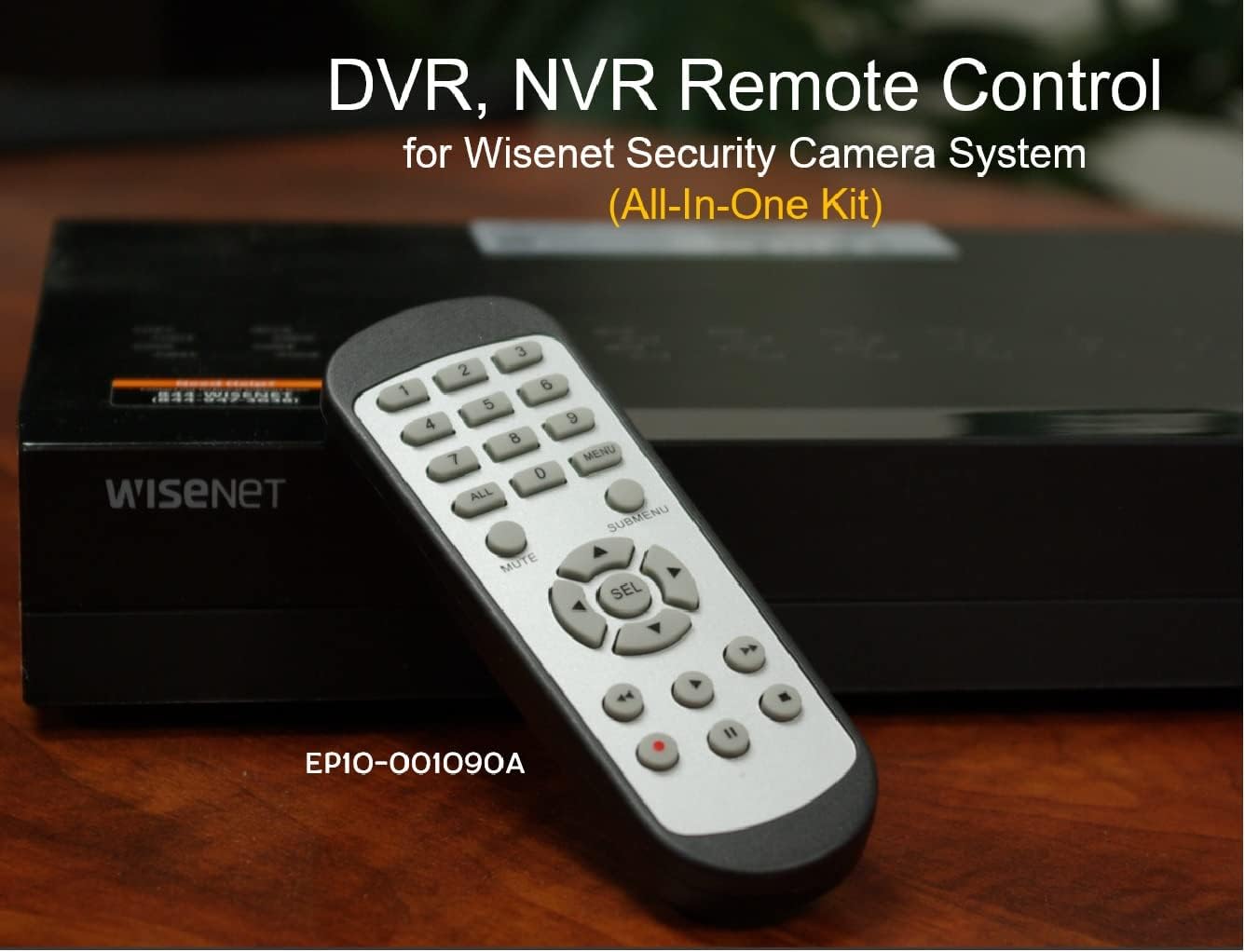
Image 2.2: The remote control positioned on a Wisenet Digital Video Recorder (DVR).
3. الإعداد
This remote control requires two AAA batteries for operation. Batteries are not included with the product and must be purchased separately.
3.1 تركيب البطارية
- حدد موقع حجرة البطارية في الجزء الخلفي من جهاز التحكم عن بعد.
- قم بتحريك غطاء حجرة البطارية إلى الأسفل ثم ارفعه.
- قم بإدخال بطاريتين AAA، مع التأكد من القطبية الصحيحة (+ و-) كما هو موضح داخل الحجرة.
- قم باستبدال غطاء حجرة البطارية عن طريق تحريكه مرة أخرى إلى مكانه حتى يصدر صوت نقرة آمنة.

الصورة 3.1: خلفي view من جهاز التحكم عن بعد مع حجرة البطارية مفتوحة، موضحًا مكان إدخال بطاريات AAA.
3.2 الاتصال الأولي
The SOLTECH CCTV Remote Control is pre-configured for Samsung Wisenet All-In-One System DVRs and NVRs. No additional setup, programming, or pairing is required. Once batteries are installed, the remote is ready for immediate use with compatible systems.
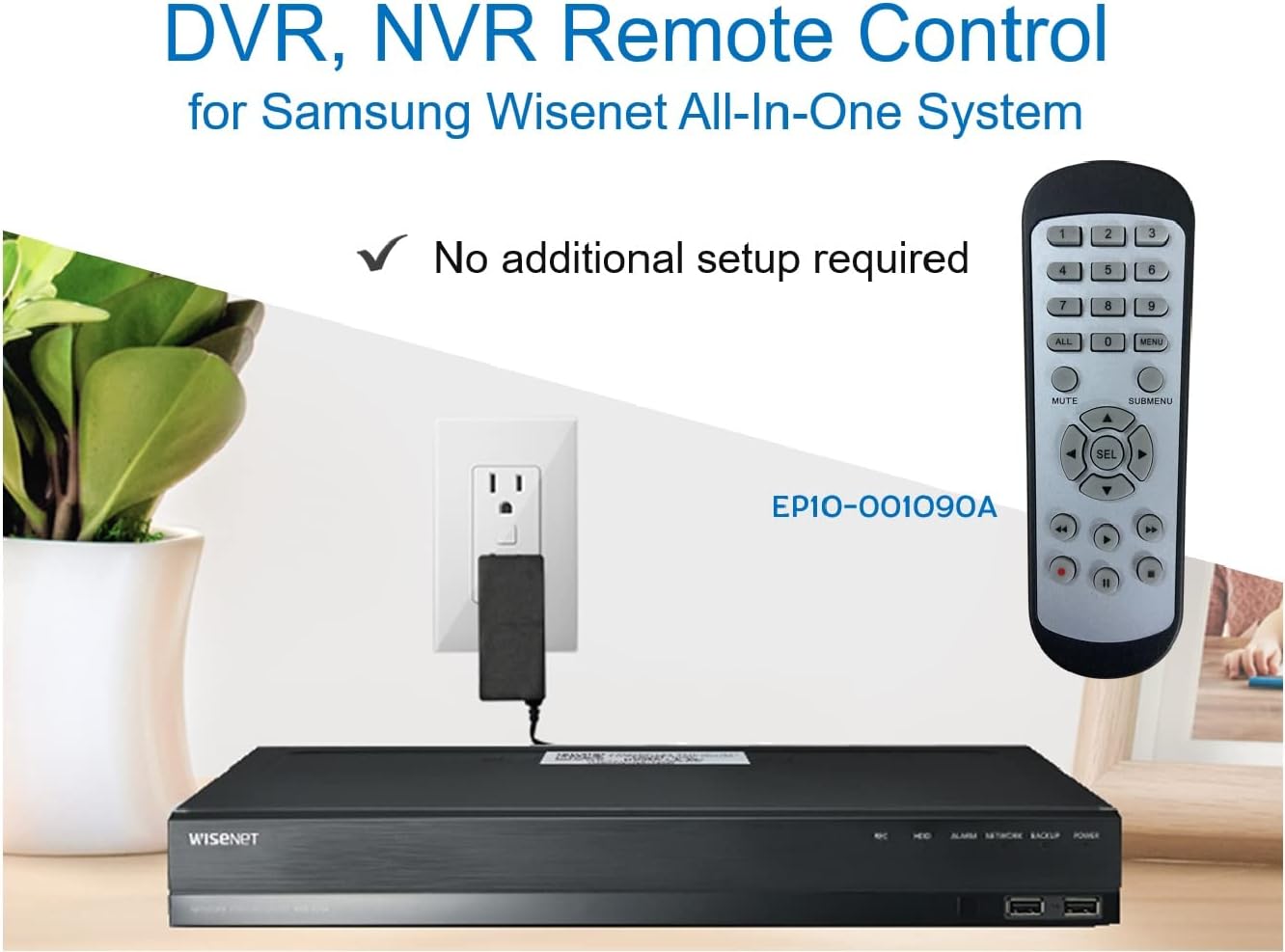
Image 3.2: The remote control shown alongside a Wisenet DVR, illustrating the 'no additional setup required' feature.
4. تعليمات التشغيل
Point the remote control directly at your Samsung Wisenet DVR or NVR. Press the desired buttons to navigate menus, control playback, switch camera views, and access other functions of your security system. The button layout is standard for Wisenet systems, allowing for intuitive operation.
- أزرار الأرقام (0-9): Used for direct camera selection or data entry.
- Directional Pad (Up, Down, Left, Right, SEL): للتنقل في القائمة والاختيار.
- كتم الصوت: يكتم إخراج الصوت.
- SUBMENU: Accesses sub-menus within the system interface.
- عناصر التحكم في التشغيل (التشغيل، الإيقاف المؤقت، التوقف، التقديم السريع، الإرجاع): Manages recorded footagالتشغيل الإلكتروني.
- REC (السجل): يبدأ التسجيل اليدوي.
5. التوافق
This remote control is compatible with various Samsung Wisenet All-In-One System Series. It is designed to function as a direct replacement for the original remote controls supplied with these systems.
5.1 Compatible System Series
The remote control is compatible with, but not limited to, the following Samsung Wisenet All-In-One System Series:
- SDH-E95127
- SDH-B94047
- SDH-C94087
- SDH-B73043
- SDH-C85080
- SDH-SF440
- SDH-B74043
- SDH-B74083
- SDH-B74041
- SDH-B74081
- SDH-C85100
- SDR-C85300
- SNK-B73047
- SDH-B74086
- SDH-C73043
- SDR-C73303
- SDH-C74043DF
- SDR-C74303N1T
- SDR-B74301

Image 5.1: The remote control displayed alongside a partial list of compatible Samsung Wisenet All-In-One System Series.

Image 5.2: An illustration showing the remote control's compatibility with a range of Samsung Wisenet security camera systems.
6. الصيانة
6.1 استبدال البطارية
When the remote control's performance diminishes or it stops responding, replace the AAA batteries. Always replace both batteries at the same time with new ones. Do not mix old and new batteries, or different types of batteries.
6.2 التنظيف
لتنظيف جهاز التحكم عن بعد، استخدم قطعة قماش ناعمة وجافة. لإزالة الأوساخ المستعصية، افركها برفق.ampen the cloth with water. Avoid using harsh chemicals, abrasive cleaners, or solvents, as these can damage the remote's surface or internal components.
6.3 التخزين
خزّن جهاز التحكم عن بُعد في مكان بارد وجاف بعيدًا عن أشعة الشمس المباشرة ودرجات الحرارة المرتفعة والمنخفضة. إذا لم يُستخدم جهاز التحكم لفترة طويلة، يُنصح بإزالة البطاريات لمنع تسربها.
7. استكشاف الأخطاء وإصلاحها
If you experience issues with your SOLTECH CCTV Remote Control, refer to the following common troubleshooting steps:
- جهاز التحكم عن بعد لا يستجيب:
- تأكد من إدخال البطاريات بشكل صحيح مع القطبية الصحيحة.
- استبدل البطاريات ببطاريات AAA جديدة.
- Ensure there is a clear line of sight between the remote control and the infrared receiver on your Wisenet DVR/NVR. Obstructions can block the signal.
- Verify that the remote control is pointed directly at the Wisenet system.
- وظيفة متقطعة:
- يشير هذا غالبًا إلى انخفاض طاقة البطارية. استبدل البطاريات.
- Ensure no strong light sources (like direct sunlight or bright fluorescent lights) are interfering with the infrared signal.
- Remote Does Not Control My System:
- Confirm that your security system is a Samsung Wisenet All-In-One System and is listed as compatible in Section 5.1. This remote is specifically designed for these systems and may not work with other brands or models.
- As this remote requires no additional setup, if it is not working with a confirmed compatible system after battery replacement, contact customer support.
8. المواصفات
| ميزة | التفاصيل |
|---|---|
| رقم الموديل | RCWN00001B (EP10-001090A) |
| أبعاد المنتج | 5 × 1.75 × 0.75 بوصة |
| وزن العنصر | 1.76 أونصات |
| البطاريات المطلوبة | بطاريتان AAA (غير متضمنة) |
| الشركة المصنعة | سولتك |
| لون | رمادي |
| أقصى عدد من الأجهزة المدعومة | 1 (Wisenet DVR/NVR) |
| الأجهزة المتوافقة | Samsung Wisenet Security Camera Systems (DVR/NVR) |

Image 8.1: The remote control with its physical dimensions (length, width, thickness) indicated.
9. الضمان والدعم
For information regarding product warranty, please refer to the documentation provided with your purchase or contact the seller directly. The seller for this product is SOLTECH America.
For further assistance or technical support, please reach out to the manufacturer or seller through their official contact channels.