

مقدمة
Welcome to the user manual for your ACAGET Wireless Earbuds. These earbuds are designed to provide a high-fidelity audio experience with advanced features for daily use, sports, and travel. This manual will guide you through setup, operation, maintenance, and troubleshooting to ensure optimal performance and enjoyment of your device.
محتويات الحزمة
يرجى التأكد من أن جميع العناصر المدرجة أدناه متضمنة في الحزمة الخاصة بك:
- 1x True Bluetooth Headphone (Wireless Earbuds)
- 1x صندوق شحن
- 1x USB-C شحن كابل
- 1x Earhooks (for secure fit)
- 1x Silicone Earbud Protective Case
- 1 × دليل المستخدم

Image: The package contents laid out, including the earbuds, charging case, USB-C cable, earhooks, and user manual.
يثبت
شحن سماعات الأذن والعلبة
The charging case has a 300mAh battery and can recharge the earbuds approximately 4 times, providing up to 25 hours of additional playtime. The earbuds themselves offer 4-5 hours of playtime on a single full charge.
To charge the case, connect the provided USB-C charging cable to the charging port on the case and a compatible power source. The indicator light on the case will illuminate to show charging status. A full charge for the case takes approximately 1.5 hours.
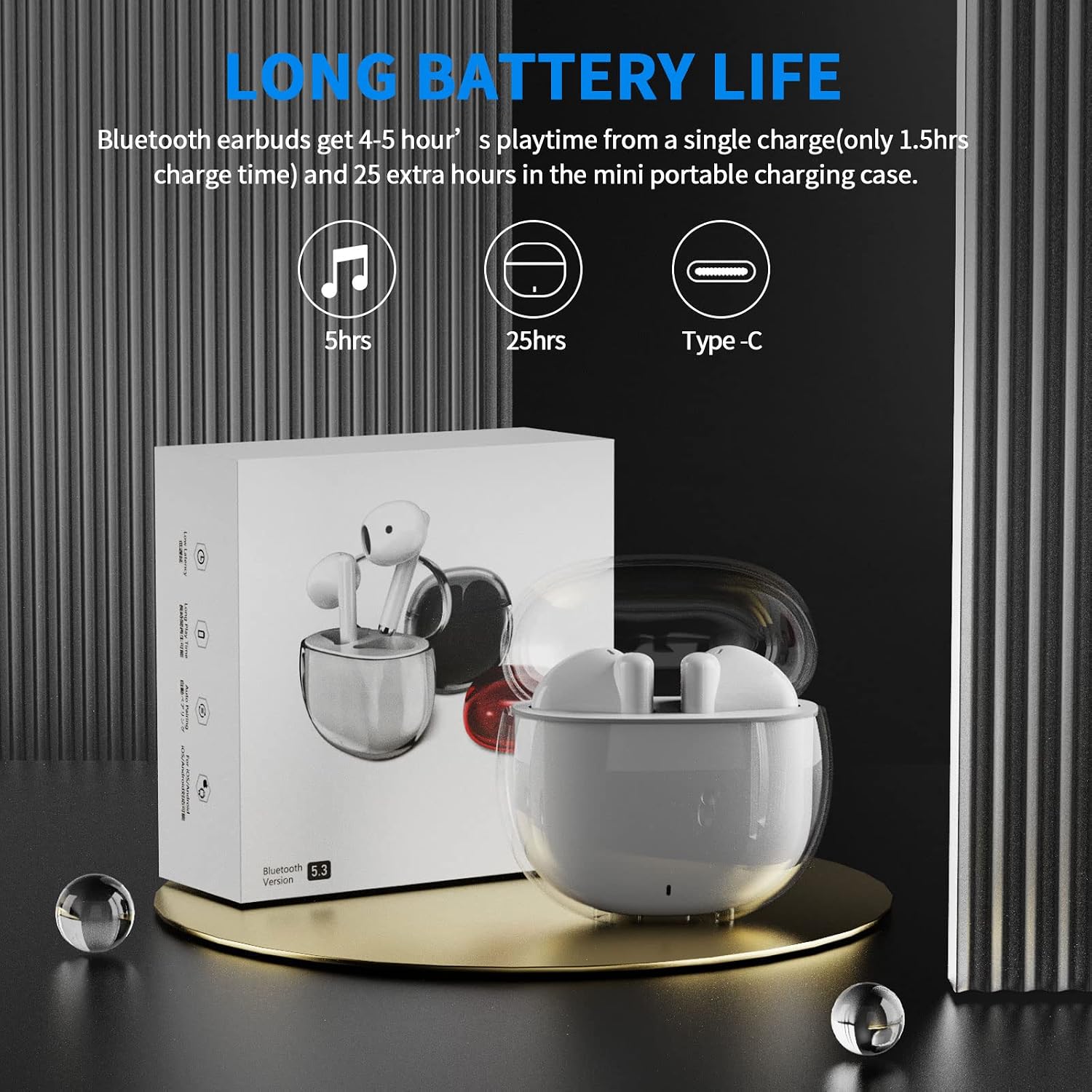
Image: A visual representation of the earbuds' battery life, showing 5 hours for earbuds and 25 hours total with the charging case, and the USB-C charging port.
الاقتران بجهازك
The earbuds feature one-step pairing for quick and easy connection to your devices. They utilize advanced Bluetooth 5.3 technology for a stable and fast connection.
- تأكد من تشغيل البلوتوث على جهازك.
- افتح علبة الشحن. سيتم تشغيل سماعات الأذن تلقائيًا ودخول وضع الاقتران.
- On your device (smartphone, tablet, laptop), go to the Bluetooth settings and select "ACA-i23" from the list of available devices to connect.
- بمجرد الاتصال، سوف تسمع نغمة تأكيد، وستكون سماعات الأذن جاهزة للاستخدام.

Image: A graphic illustrating the advanced Bluetooth 5.3 technology and the one-step pairing process with a smartphone, showing the "ACA-i23" device name.
Video: This official ACAGET video demonstrates the simple one-step pairing process and how to use the smart touch controls for music playback and call management.
تعليمات التشغيل
عناصر التحكم باللمس الذكية
The earbuds feature intuitive touch controls for managing your audio and calls without needing to access your connected device.
- تشغيل/إيقاف الموسيقى: انقر نقرًا مزدوجًا على سماعة الأذن اليمنى.
- المسار التالي: انقر ثلاث مرات على سماعة الأذن اليمنى.
- المسار السابق: اضغط ثلاث مرات على سماعة الأذن اليسرى.
- الرد/إنهاء المكالمة: انقر نقرًا مزدوجًا على إحدى سماعتي الأذن.
- رفض المكالمة: اضغط مع الاستمرار على أي من سماعات الأذن لمدة ثانيتين.
- إيقاظ المساعد الصوتي (سيري): انقر نقرًا مزدوجًا على سماعة الأذن اليسرى.

Image: A visual guide detailing the various touch control gestures for music playback, call management, and voice assistant activation on the earbuds.
Video: This official ACAGET video highlights the ergonomic design, Bluetooth 5.3 features, smart touch controls, long battery life, and the secure fit provided by the included over-ear earhooks.
صيانة
تنظيف
To maintain optimal performance and hygiene, regularly clean your earbuds and charging case. Use a soft, dry, lint-free cloth. Avoid using harsh chemicals, abrasive materials, or excessive moisture, as these can damage the device.
مقاومة الماء
The ACAGET Wireless Earbuds are rated IPX4 waterproof, meaning they are protected against splashing water from any direction. This makes them suitable for use during workouts, in light rain, or when sweating. ملحوظة: The earbuds are not designed for submersion in water and should not be used for swimming or bathing.
استكشاف الأخطاء وإصلاحها
المشاكل الشائعة والحلول
سماعات الأذن غير مقترنة:
- تأكد من وجود سماعتي الأذن في علبة الشحن وشحنهما بالكامل.
- Make sure Bluetooth is enabled on your device and "ACA-i23" is selected from the available devices.
- Try resetting the earbuds by placing them in the case, closing the lid, and reopening after a few seconds.
Only one earbud charging/working:
- Verify that both earbuds are properly seated in the charging case and making firm contact with the charging pins.
- Clean the charging contacts on both the earbuds and the case with a dry cotton swab to remove any debris.
- إذا استمرت المشكلة، فاتصل بدعم العملاء للحصول على مزيد من المساعدة.
مشاكل جودة الصوت:
- Ensure the earbuds are properly fitted in your ears for optimal sound delivery.
- Check the audio source and volume levels on your connected device.
- Move closer to your device to avoid interference or range issues, as the Bluetooth range is up to 15 meters.
تحديد
المواصفات الفنية
| ميزة | التفاصيل |
|---|---|
| اسم الموديل | سماعات أذن لاسلكية i23 |
| تكنولوجيا الاتصال | لاسلكي |
| تكنولوجيا الاتصالات اللاسلكية | بلوتوث |
| نسخة البلوتوث | 5.3 |
| مدى البلوتوث | 15 مترا |
| عمر البطارية (سماعات الأذن) | 5 ساعة |
| عمر بطارية حقيبة الحمل | 25 ساعة |
| سعة بطارية حقيبة الحمل | 300 مليamp ساعات |
| وقت الشحن | 1.5 ساعة |
| مستوى مقاومة الماء | مقاومة للماء بدرجة IPX4 |
| نوع التحكم | التحكم في وسائل الإعلام |
| طريقة التحكم | يلمس |
| نوع برنامج تشغيل الصوت | سائق ديناميكي |
| حجم برنامج تشغيل الصوت | 13 مليمتر |
| نطاق التردد | 20 هرتز - 20,000 هرتز |
| حساسية | 105 ديسيبل |
| مقاومة | 32 أوم |
| وزن العنصر | 3.84 أونصات |
| أبعاد المنتج | 5.9 × 4.72 × 1.18 بوصة |
| مادة | أكريلونيتريل بوتادين ستايرين (ABS) |
| الأجهزة المتوافقة | Compatible with various Bluetooth devices, including cellphones, iPad, laptops, and many Android and iOS smartphones. |
الضمان والدعم
معلومات الضمان
ACAGET provides a 90-day refund and 6-month replacement policy for any defect problems with your earbuds. This warranty covers manufacturing defects and ensures your satisfaction with the product.
دعم العملاء
For any issues, questions, or suggestions regarding your ACAGET Wireless Earbuds, please do not hesitate to contact us through the message system. Our support team is committed to responding immediately to assist you.
For a detailed user guide, you can also refer to the official PDF document: دليل المستخدم (PDF).


