
1. المقدمة
Welcome to the Nokia T10 Wi-Fi Tablet user manual. This guide provides essential information to help you set up, operate, maintain, and troubleshoot your new device. The Nokia T10 is an 8-inch HD Android 12 tablet designed for everyday use, offering a balance of performance and portability.
يرجى قراءة هذا الدليل بعناية لضمان الاستخدام السليم ولزيادة عمر جهازك اللوحي إلى أقصى حد.
2. ماذا يوجد في الصندوق
Upon unboxing your Nokia T10 tablet, please verify that all the following items are included:
- Nokia T10 Tablet Device
- كابل USB من النوع C
- شاحن
- دليل البدء السريع (QSG)
- كتيب السلامة
- User Guide Band
- Plastic Bag (packaging material)
If any items are missing or damaged, please contact your retailer or Nokia customer support immediately.
3. الإعداد
3.1 شحن الجهاز اللوحي
Before first use, fully charge your Nokia T10 tablet. Connect the provided Type-C USB cable to the tablet's charging port and the other end to the charger. Plug the charger into a power outlet. The battery indicator on the screen will show the charging status.
3.2 تشغيل/إيقاف التشغيل
- لتشغيل: اضغط باستمرار على زر الطاقة حتى يظهر شعار Nokia.
- لإيقاف التشغيل: Press and hold the Power button until the power options appear on the screen. Select "Power off" and confirm.
- لإعادة التشغيل: Press and hold the Power button until the power options appear. Select "Restart" and confirm.
3.3 الإعداد الأولي
When you power on your tablet for the first time, you will be guided through an initial setup process:
- اختيار اللغة: اختر لغتك المفضلة.
- اتصال واي فاي: Connect to a Wi-Fi network to access the internet. This is crucial for downloading updates and setting up your Google account.
- حساب جوجل: Sign in with your existing Google account or create a new one. This is necessary for accessing the Google Play Store, Gmail, and other Google services.
- التاريخ والوقت: قم بتعيين التاريخ والوقت الصحيحين، أو اسمح للشبكة بتعيينهما تلقائيًا.
- حماية: Set up a screen lock (PIN, pattern, password) and consider enabling AI Face Unlock for convenient access.
3.4 إدخال بطاقة MicroSD
The Nokia T10 supports expandable storage via a MicroSD card. Locate the SIM/SD card tray on the side of the tablet. Use the provided SIM ejector tool to open the tray. Carefully place the MicroSD card into the designated slot with the gold contacts facing down, then reinsert the tray firmly.
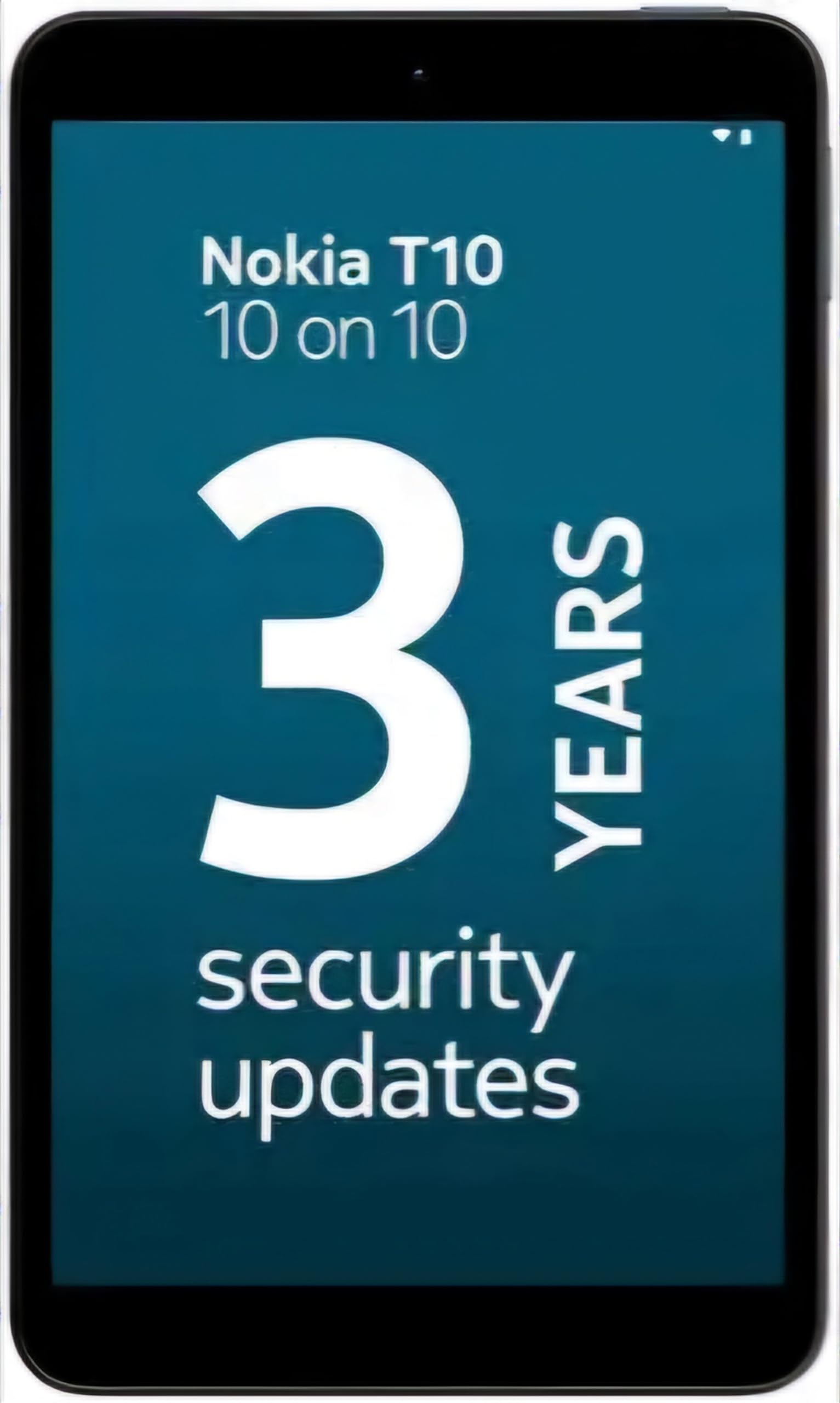
Image: Nokia T10 tablet, showcasing its sleek design and the rear camera module.
4. تعليمات التشغيل
4.1 العرض والتنقل
The Nokia T10 features an 8-inch HD display (1280x800 pixels). Navigate the interface using touch gestures:
- مقبض: حدد عنصرًا أو افتح تطبيقًا.
- انتقاد: قم بالتمرير عبر الشاشات أو القوائم أو المحتوى.
- التكبير والتصغير: تكبير أو تصغير الصور و web الصفحات.
- ضغطة طويلة: الوصول إلى القوائم السياقية أو نقل أيقونات التطبيق.
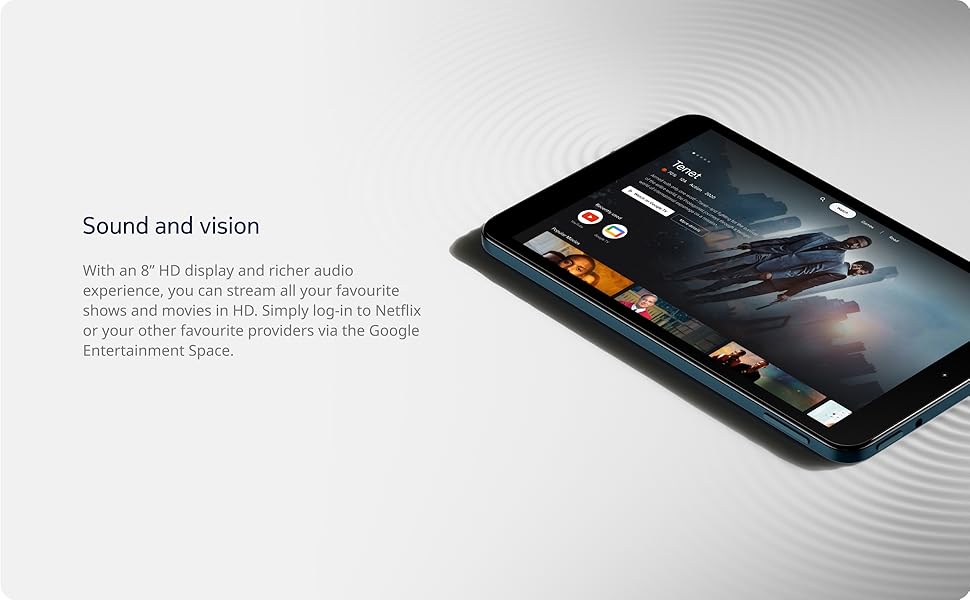
Image: The Nokia T10 tablet showcasing its 8-inch HD display with streaming video content.
4.2 وظائف الكاميرا
Your tablet is equipped with an 8MP rear camera with autofocus and flash, and a 2MP front camera.
- التقاط الصور: افتح تطبيق الكاميرا، وقم بتحديد إطار اللقطة، ثم اضغط على زر الغالق.
- تسجيل مقاطع الفيديو: Switch to video mode in the Camera app and tap the record button to start/stop. The tablet supports FHD 1080p video capture.
- الكاميرا الأمامية: Tap the camera switch icon to use the front camera for selfies or video calls.

Image: A Nokia T10 tablet displaying a video call, highlighting its front camera functionality.
4.3 إدارة البطارية
The Nokia T10 has a 5250 mAh battery designed for all-day use. To optimize battery life:
- تقليل سطوع الشاشة.
- قم بإيقاف تشغيل الواي فاي والبلوتوث عند عدم استخدامهما.
- إغلاق التطبيقات الخلفية.
- قم بتفعيل وضع توفير الطاقة في الإعدادات.
4.4 الاتصال
- واي فاي: Connect to wireless networks via Settings > Network & internet > Wi-Fi. The tablet supports 802.11a/b/g/n/ac standards.
- بلوتوث: Pair with Bluetooth devices (headphones, speakers) via Settings > Connected devices > Bluetooth. The tablet features Bluetooth 5.0.
- USB نوع-C: استخدم منفذ USB-C للشحن ونقل البيانات.
4.5 AI Face Unlock
For quick and secure access, set up AI Face Unlock:
- Go to Settings > Security > Face unlock.
- اتبع التعليمات التي تظهر على الشاشة لتسجيل وجهك.
- Ensure you are in a well-lit environment during setup and use.
4.6 Software and Updates
The Nokia T10 runs on Android 12. Nokia provides 2 years of OS updates and 3 years of monthly security updates to keep your device secure and up-to-date. You will receive notifications when updates are available. It is recommended to install updates over a Wi-Fi connection.
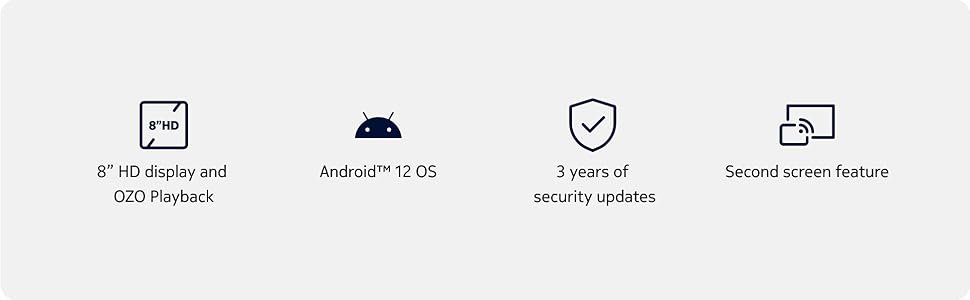
Image: Visual representation of Nokia T10 features including Android 12 OS and 3 years of security updates.
5. الصيانة
5.1 تنظيف جهازك اللوحي
- استخدم قطعة قماش ناعمة وخالية من الوبر لتنظيف الشاشة والجسم.
- تجنب استخدام المواد الكيميائية القاسية، أو المنظفات الكاشطة، أو البخاخات الهوائية.
- لا تعرض الجهاز اللوحي للرطوبة الزائدة.
5.2 تحديثات البرامج
تحقق من تحديثات البرامج بانتظام وثبّتها لضمان الأداء والأمان الأمثل. انتقل إلى الإعدادات > النظام > تحديث النظام.
5.3 إدارة التخزين
للحفاظ على الأداء، قم بإدارة مساحة تخزين جهازك اللوحي بشكل دوري:
- احذف التطبيقات غير الضرورية و files.
- تحرك على نطاق واسع files (photos, videos) to a MicroSD card or cloud storage.
- Clear app cache regularly via Settings > Apps > [App Name] > Storage & cache.
6. استكشاف الأخطاء وإصلاحها
If you encounter issues with your Nokia T10 tablet, try the following solutions:
| مشكلة | حل |
|---|---|
| الجهاز اللوحي لا يعمل | تأكد من شحن البطارية. وصّل الشاحن وانتظر بضع دقائق قبل إعادة تشغيل الجهاز. |
| مشاكل اتصال Wi-Fi | Restart your Wi-Fi router. Go to Settings > Network & internet > Wi-Fi, turn Wi-Fi off and then on again. Forget the network and reconnect. |
| الأداء البطيء | Close unused apps. Clear app caches. Restart the tablet. Check for available software updates. |
| تعطل التطبيقات أو تجميدها | Force stop the app (Settings > Apps > [App Name] > Force stop). Clear the app's cache and data. Reinstall the app. |
| تستنزف البطارية بسرعة | Reduce screen brightness. Disable unnecessary features like GPS, Bluetooth, and Wi-Fi when not in use. Check battery usage in Settings to identify power-hungry apps. |
If the problem persists after trying these steps, please contact Nokia customer support.
7. المواصفات
Below are the key technical specifications for the Nokia T10 Wi-Fi Tablet:
- اسم الموديل: Nokia T10 TA-1472 WIFI 3/32
- نظام التشغيل: أندرويد 12
- المعالج: Unisoc T606 (Octa-core, 1.6 GHz)
- معالج الرسومات: مالي-G57
- كبش: 3 جيجا بايت
- التخزين الداخلي: 32 جيجا بايت
- مساحة تخزين قابلة للتوسعة: Yes, via MicroSD card (up to 512GB, sold separately)
- عرض: 8-inch HD (1280 x 800 pixels) TFT, 16:10 aspect ratio
- الكاميرا الخلفية: 8 MP with AF and Flash
- الكاميرا الأمامية: 2 ميجا بكسل
- دقة التقاط الفيديو: FHD 1080p at 30 fps
- بطارية: 5250 مللي أمبير ليثيوم بوليمر
- الاتصال: Wi-Fi (802.11a/b/g/n/ac), Bluetooth 5.0, USB Type-C, 3.5mm Audio Jack
- ميزات الأمان: منظمة العفو الدولية الوجه إفتح
- صوتي: Stereo Speakers, OZO Playback
- الأبعاد (الطول × العرض × السماكة): 20.8L x 12.3W x 0.9Th Centimeters
- وزن: 375 جرام
- لون: أزرق
8. معلومات الضمان
The Nokia T10 tablet comes with a ضمان الشركة المصنعة لمدة سنة واحدة for the device and battery from the date of purchase. In-box accessories are covered by a ضمان الشركة المصنعة لمدة 6 أشهر from the date of purchase. Please retain your proof of purchase for warranty claims. For detailed terms and conditions, refer to the warranty card included in your product packaging or visit the official Nokia support webموقع.
9. الدعم
For further assistance, technical support, or to find service centers, please visit the official Nokia support website or contact their customer service. You can typically find support contact information on the Nokia website or in the safety booklet provided with your tablet.
الدعم عبر الإنترنت: دعم نوكيا Webموقع