
Nitho MLT-EXAG-K
NiTHO HEXAGON Wireless RGB Controller User Manual
Model: MLT-EXAG-K
1. المقدمة
The NiTHO HEXAGON Wireless RGB Controller is designed for an enhanced gaming experience across multiple platforms. This manual provides detailed instructions for setting up, operating, customizing, and maintaining your controller. Please read this manual thoroughly before use to ensure optimal performance and longevity of your device.

Figure 1: NiTHO HEXAGON Wireless RGB Controller showcasinج- تصميمه المريح.
2. ماذا يوجد في الصندوق
تأكد من وجود جميع المكونات في العبوة:
- NiTHO HEXAGON Wireless RGB Controller (Gamepad)
- كابل شحن USB
- دليل التعليمات
- Customizable Parts (D-pads, Thumbsticks, Triggers)
3. التوافق
The NiTHO HEXAGON Wireless RGB Controller offers broad compatibility:
- بلاي ستيشن 4 (PS4): Fully compatible.
- بلاي ستيشن 5 (PS5): Compatible only when playing PlayStation 4 games.
- الكمبيوتر الشخصي (ويندوز): Compatible via wireless connection.
- أجهزة أندرويد: Compatible via wireless connection.
- أجهزة iOS: Compatible via wireless connection.
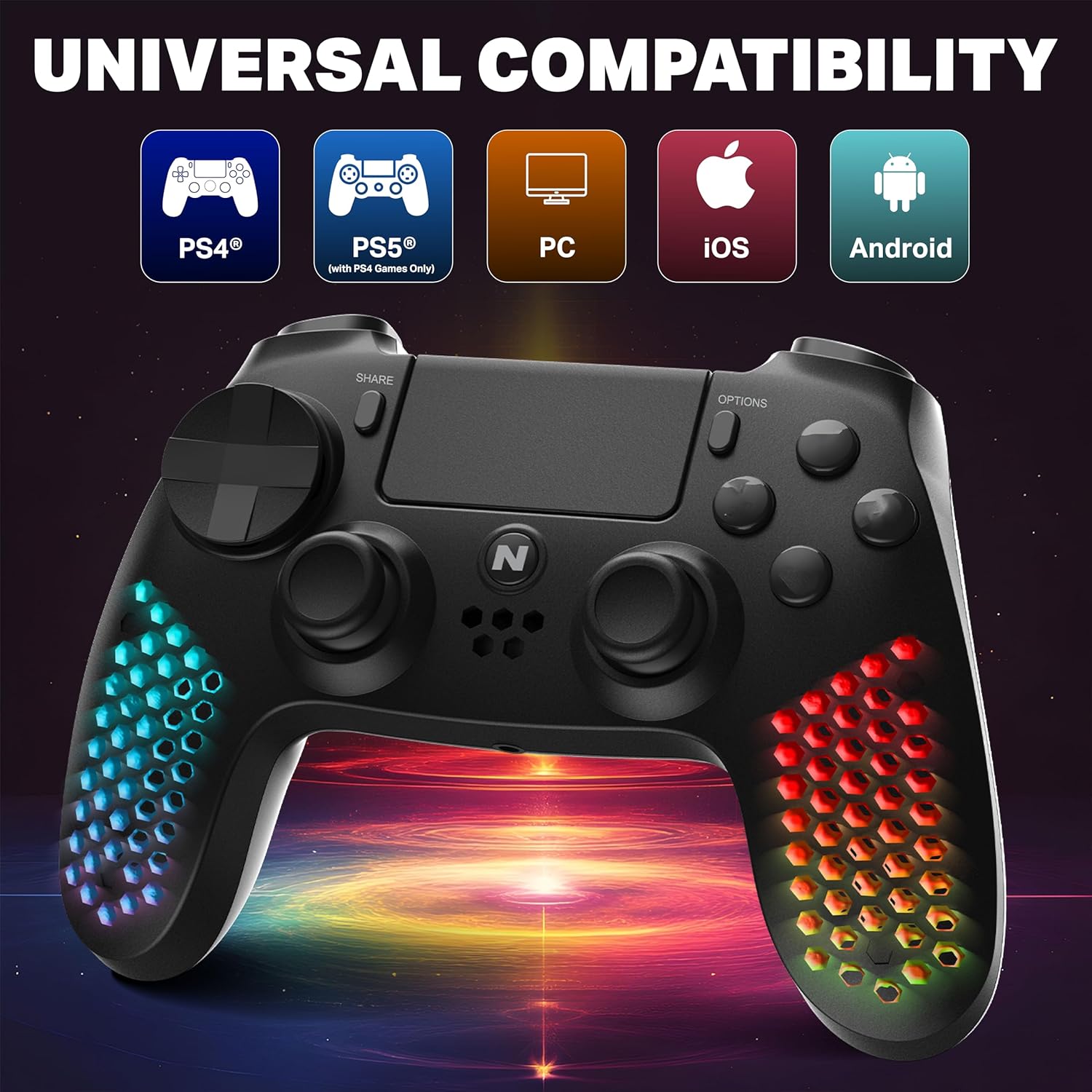
Figure 2: Visual representation of the controller's multi-platform compatibility.
4. الإعداد والاتصال
4.1 Initial Pairing (Wireless)
- تأكد من أن وحدة التحكم مشحونة بشكل كافٍ.
- For PS4/PS5 (PS4 games): Connect the controller to the console using the provided USB cable. Press the PS button on the controller. Once paired, you can disconnect the cable for wireless use.
- For PC/Android/iOS: Activate Bluetooth on your device. Put the controller into pairing mode (refer to device-specific instructions, usually holding a combination of buttons like PS + Share). Select "NiTHO HEXAGON Controller" from the available Bluetooth devices.
4.2 اتصال سلكي
Connect the controller directly to your console or PC using the USB charging cable. The controller will function as a wired device and charge simultaneously.
5. تشغيل وحدة التحكم
5.1 الضوابط الأساسية
The controller features standard gamepad buttons, analog sticks, and triggers. Refer to your game's instructions for specific button mappings.
5.2 وظائف لوحة اللمس
The integrated multi-touch and clickable touchpad functions as a navigation and input device in compatible PS4 games.

Figure 3: Demonstrating the use of the controller's multi-touch pad.
5.3 استشعار الحركة والاهتزاز
The built-in 6-axis motion sensor (accelerometer and gyroscope) detects the controller's movement, tilt, and rotation, providing immersive gameplay. The lightweight vibration system offers realistic feedback during gameplay.

Figure 4: Illustration of the controller's 6-axis motion sensing capability.

Figure 5: Controller in use, highlighting the vibration mode for realistic feedback.
5.4 ميزات الصوت
The controller includes a built-in speaker for in-game audio cues and a stereo headset jack for connecting headphones or a headset for private audio and voice chat.
6. التخصيص
The NiTHO HEXAGON controller offers customizable components to suit your gaming style:
- Detachable L2/R2 Trigger Sets: Swap out the triggers for different tactile feedback.
- Two Types of D-pads: Choose the D-pad that best fits your preference for directional input.
- Three Styles of Thumbsticks: Select from various thumbstick shapes for optimal grip and control.
To change a component, gently pull the existing part off and align the new part with the slot, then push it firmly into place until it clicks.

الشكل 6: انتهىview of the customizable parts for the controller, including analog sticks, triggers, and D-pad.
7. تأثيرات إضاءة RGB
The hexagonal grip features integrated RGB lighting with multiple modes and colors:
- 4 وضع للإضاءة: Rainbow, Carousel, Breathe, Fixed.
- 8 خيارات اللون: Cycle through various colors to match your preference.
Press the dedicated RGB button (location may vary, refer to controller diagram if available) to cycle through the lighting modes and colors.
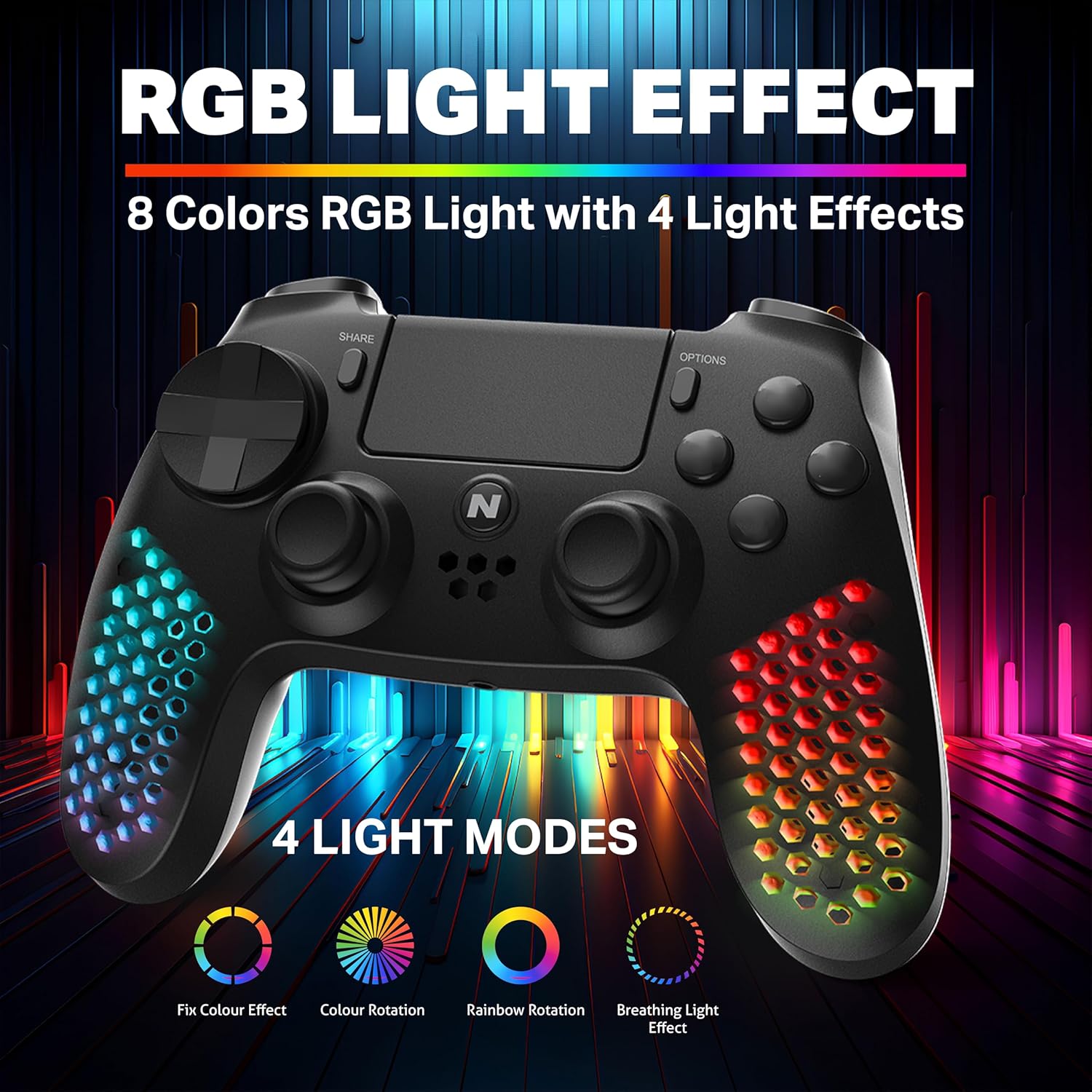
الشكل 7: وحدة التحكم الموضحةasing its RGB light effects with different modes and colors.
8. شحن وحدة التحكم
The controller is equipped with a high-capacity built-in rechargeable battery, providing up to 9 hours of playtime on a single charge.
8.1 إجراءات الشحن
- Connect the provided USB charging cable to the USB-C port on the controller.
- Plug the other end of the USB cable into your console, PC, or any standard USB charger.
- The front LED indicator on the controller will show the charging status. It will typically change color or pattern to indicate charging and full charge.

Figure 8: The controller connected for charging, highlighting its large battery capacity.
9. الصيانة
- حافظ على نظافة وحدة التحكم عن طريق مسحها بقطعة قماش ناعمة وجافة.
- تجنب تعريض وحدة التحكم لدرجات الحرارة العالية أو الرطوبة أو أشعة الشمس المباشرة.
- لا تحاول تفكيك وحدة التحكم، لأن ذلك قد يبطل الضمان.
- قم بتخزين وحدة التحكم في مكان آمن عند عدم استخدامها لمنع تلفها.
10. استكشاف الأخطاء وإصلاحها
| مشكلة | الحل المحتمل |
|---|---|
| لا يتم تشغيل وحدة التحكم. | Ensure the controller is fully charged. Connect it to a power source using the USB cable. |
| Controller does not pair wirelessly. | Ensure the controller is in pairing mode. Check your device's Bluetooth settings. Try re-pairing by connecting with a USB cable first. |
| تأخر في استجابة الإدخال أو أزرار غير مستجيبة. | Ensure the controller is fully charged. Move closer to the console/device to reduce interference. Try a wired connection to rule out wireless issues. |
| أضواء RGB لا تعمل. | Press the RGB button to cycle through modes. Ensure the controller is powered on. |
11. المواصفات
| ميزة | التفاصيل |
|---|---|
| رقم الموديل | MLT-EXAG-K |
| أبعاد المنتج (الطول × العرض × الارتفاع) | 17.5 × 7.5 × 12 سنتيمتر |
| وزن العنصر | 270 جرام |
| نوع البطارية | 1 بطارية C (متضمنة) |
| بلد المنشأ | الصين |
| الشركة المصنعة | MTM Industrial Ltd. |
| الاتصال | Wireless (Bluetooth), USB-C Wired |
| المميزات الخاصة | RGB LED Lights, Vibration, 6-Axis Motion Sensor, Touchpad, Detachable Triggers, Interchangeable D-Pad & Thumbsticks, Built-in Speaker, Stereo Headset Jack |
12. معلومات الضمان
The NiTHO HEXAGON Wireless RGB Controller is covered by a ضمان محدود لمدة سنة واحدة from the date of purchase. This warranty protects against defects in materials and workmanship.
الضمان لا يغطي الضرر الناتج عن:
- سوء الاستخدام
- الحوادث
- تعديلات غير مصرح بها
إثبات الشراء مطلوب لجميع المطالبات بالضمان.
13. الدعم
If you encounter any issues or have questions regarding your NiTHO HEXAGON Wireless RGB Controller, please contact our customer support team:
- بريد إلكتروني: support@nitho.com
We are committed to providing excellent customer service and will assist you in resolving any product-related concerns.
Ask a question about this manual
Ask about setup, troubleshooting, compatibility, parts, safety, or missing instructions. Manuals+ will review the question and use this page’s manual context to help answer it.